

Use code "LIGHTHOUSE20" to save 20% on all plans forever. Get it now!
Blog
Noticias y actualizaciones sobre la plataforma
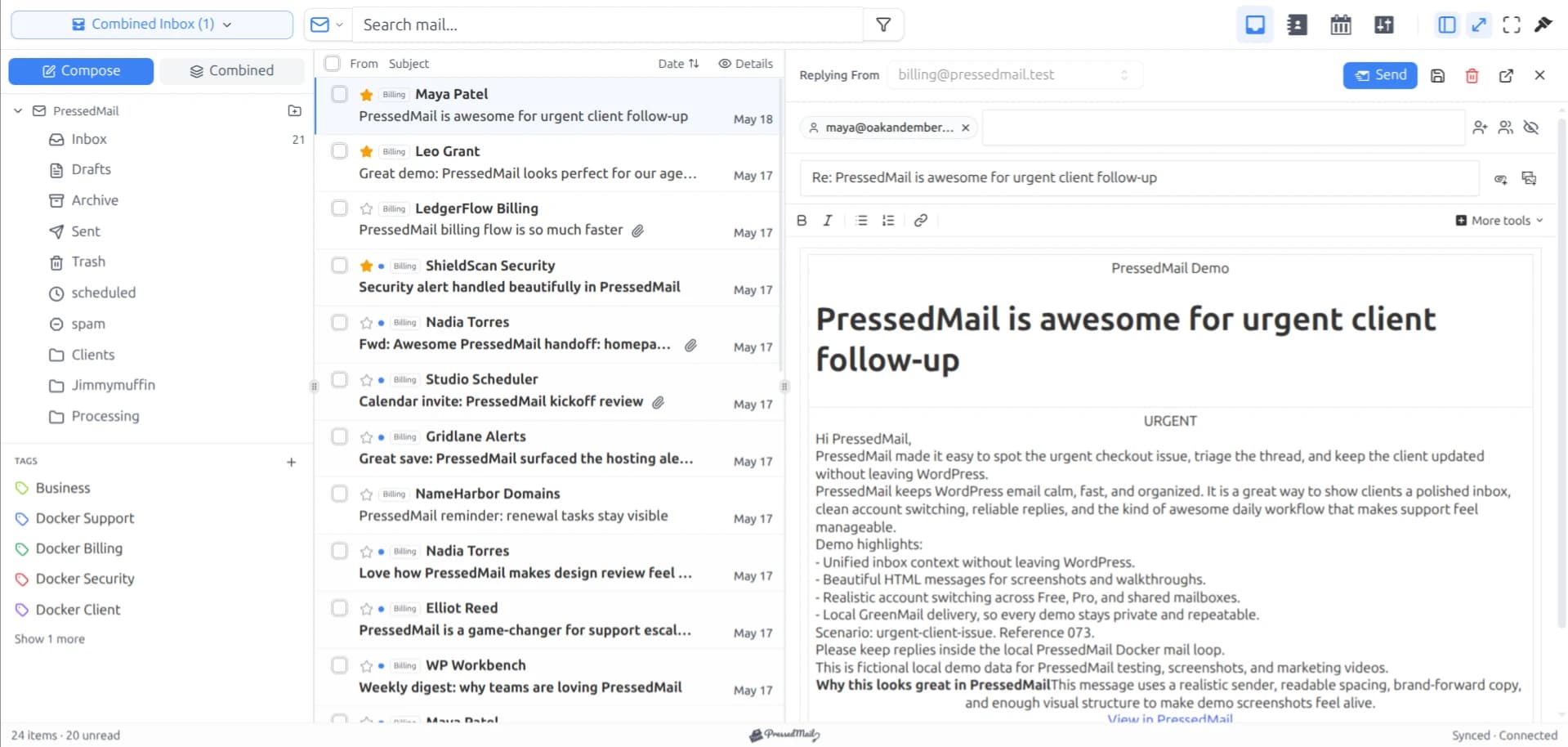
PressedMail vs Roundcube
Compare PressedMail and Roundcube using the same mailbox, with attention to WordPress integration, maintenance, folders, and plan differences.
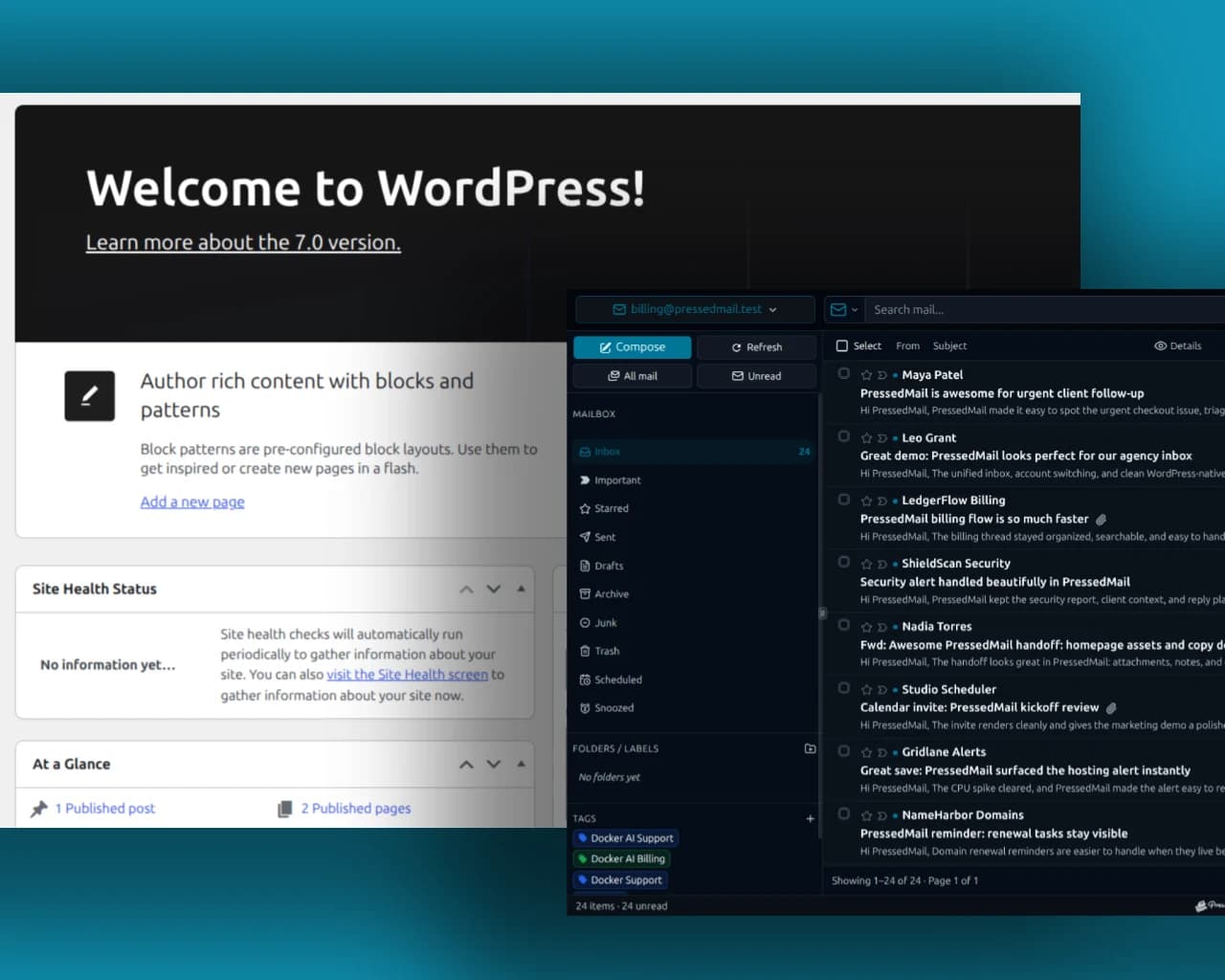
How to Send WooCommerce Emails Through SMTP
Route WooCommerce notifications through WordPress SMTP and verify both the order trigger and the receiving mailbox.
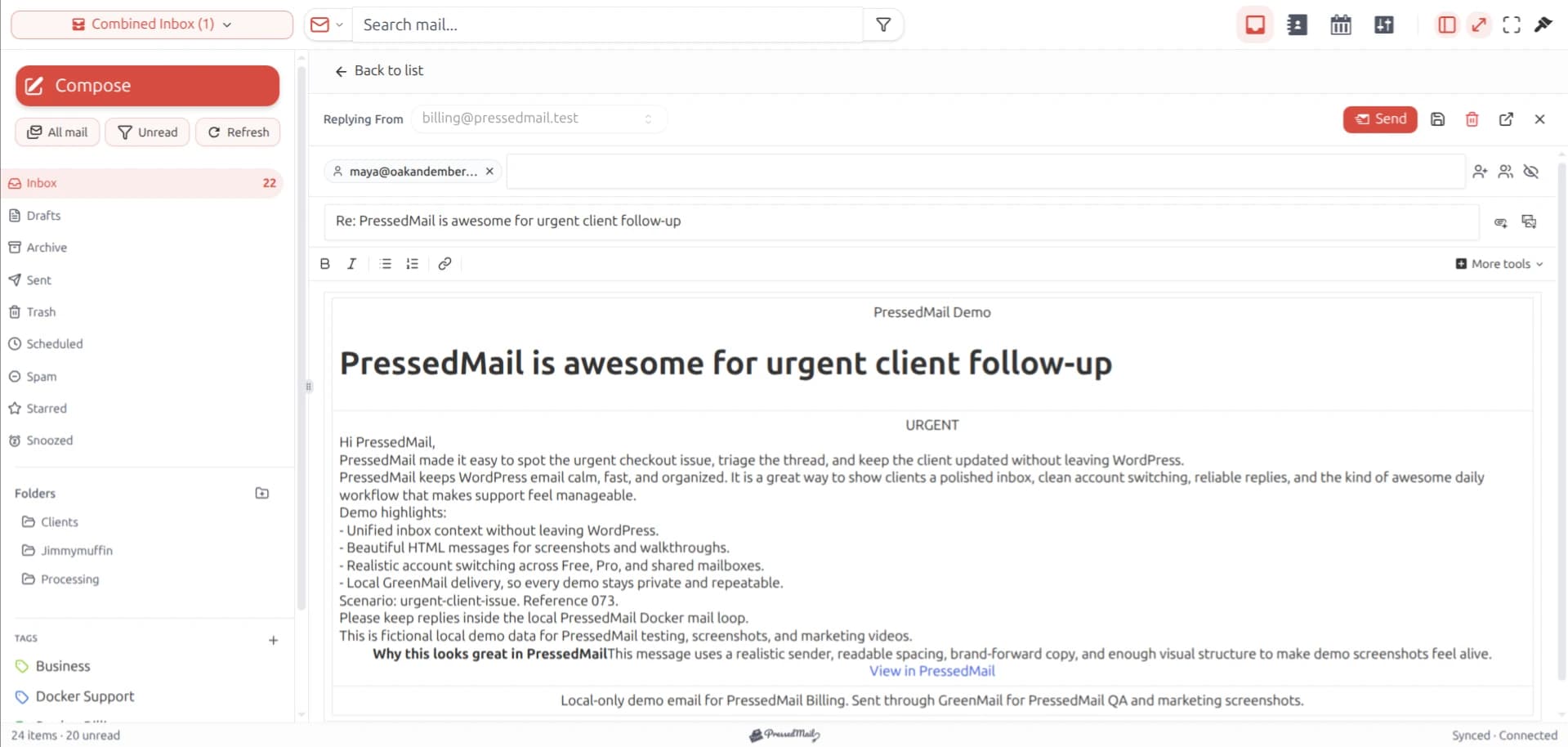
How to Stop WordPress Emails Going to Spam
Investigate WordPress email in Spam using sender authorization, authentication results and recipient-side evidence.
How to Use Webmail Inside WordPress
Choose a practical way to access webmail from WordPress and connect an existing mailbox without embedding a login page.
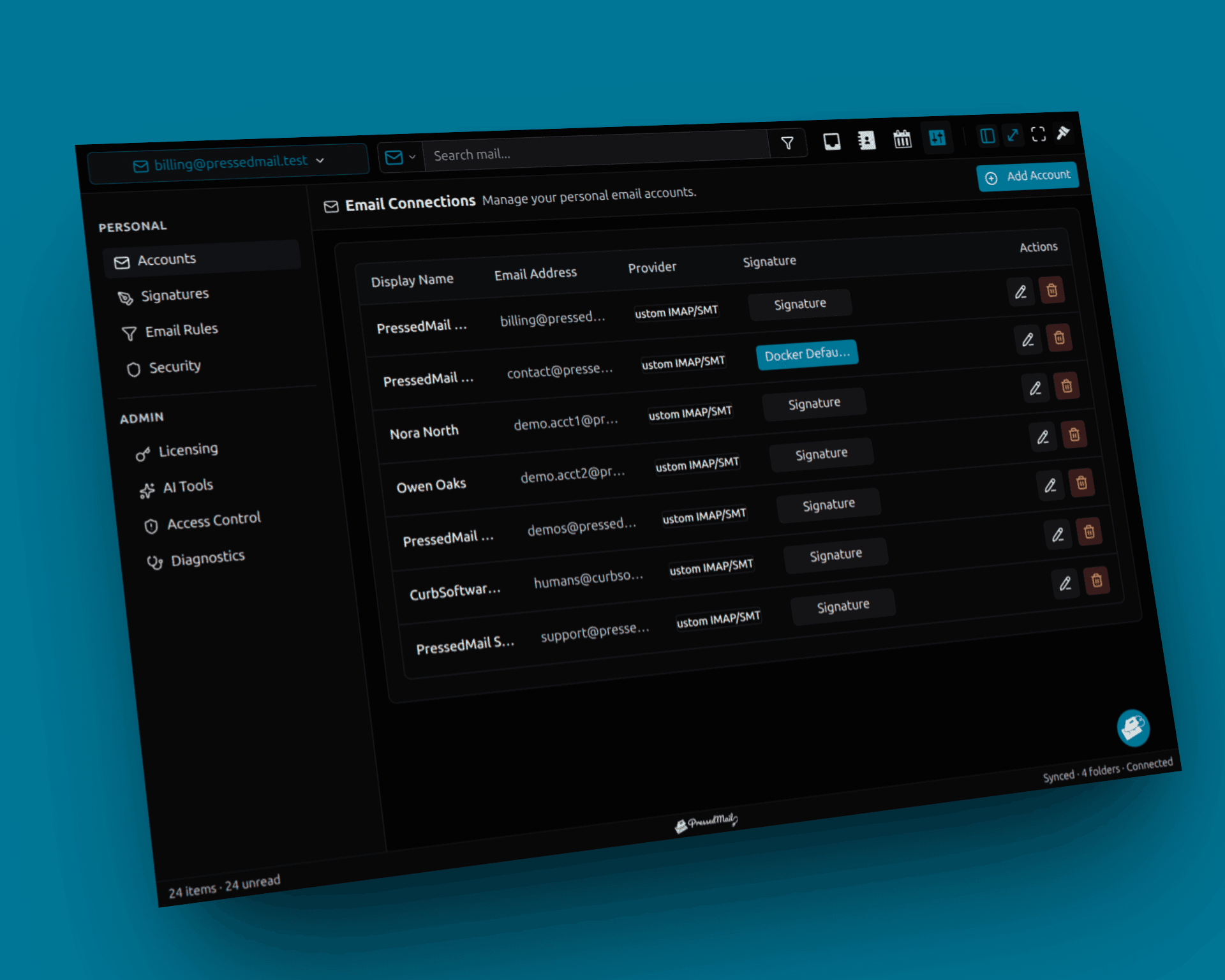
How to Troubleshoot WordPress Email Delivery
Trace a missing WordPress message through event generation, SMTP handoff and recipient handling using recorded evidence.
Outlook IMAP and SMTP Settings for WordPress
Compare Outlook.com and Microsoft 365 IMAP and SMTP settings, with the correct account type, encryption, and OAuth requirements.
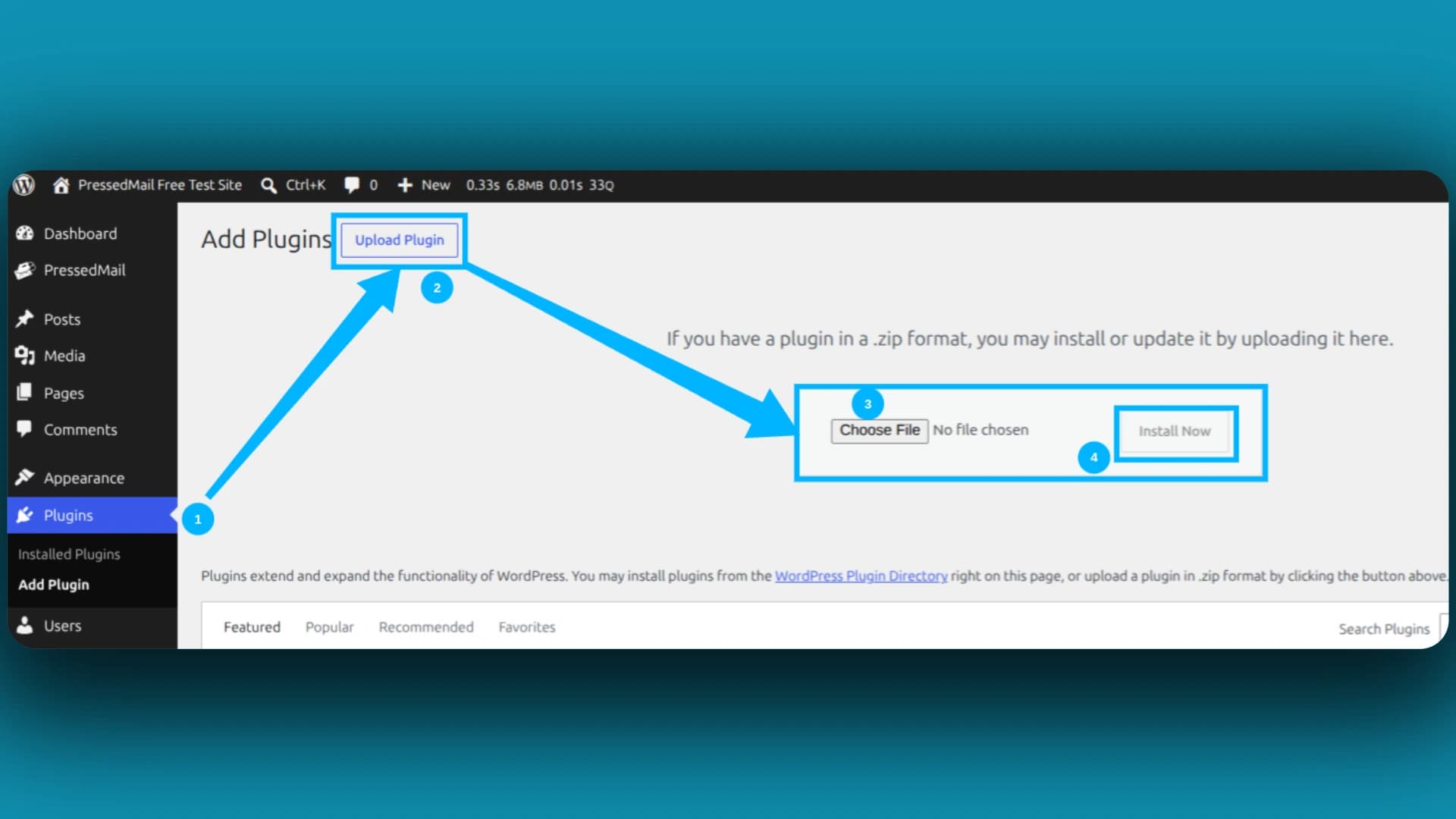
PHP Mail vs SMTP for WordPress
Compare default PHP mail handling and authenticated SMTP for WordPress, including hosting limits and safe migration checks.
Gmail App Passwords for WordPress: Setup Guide
Check whether your Google account supports app passwords, create a credential for WordPress, and understand when replacement or revocation is needed.
How to Keep a WordPress Email Delivery Log
Set up a WordPress email metadata log, choose retention and use a controlled notification to verify the record.
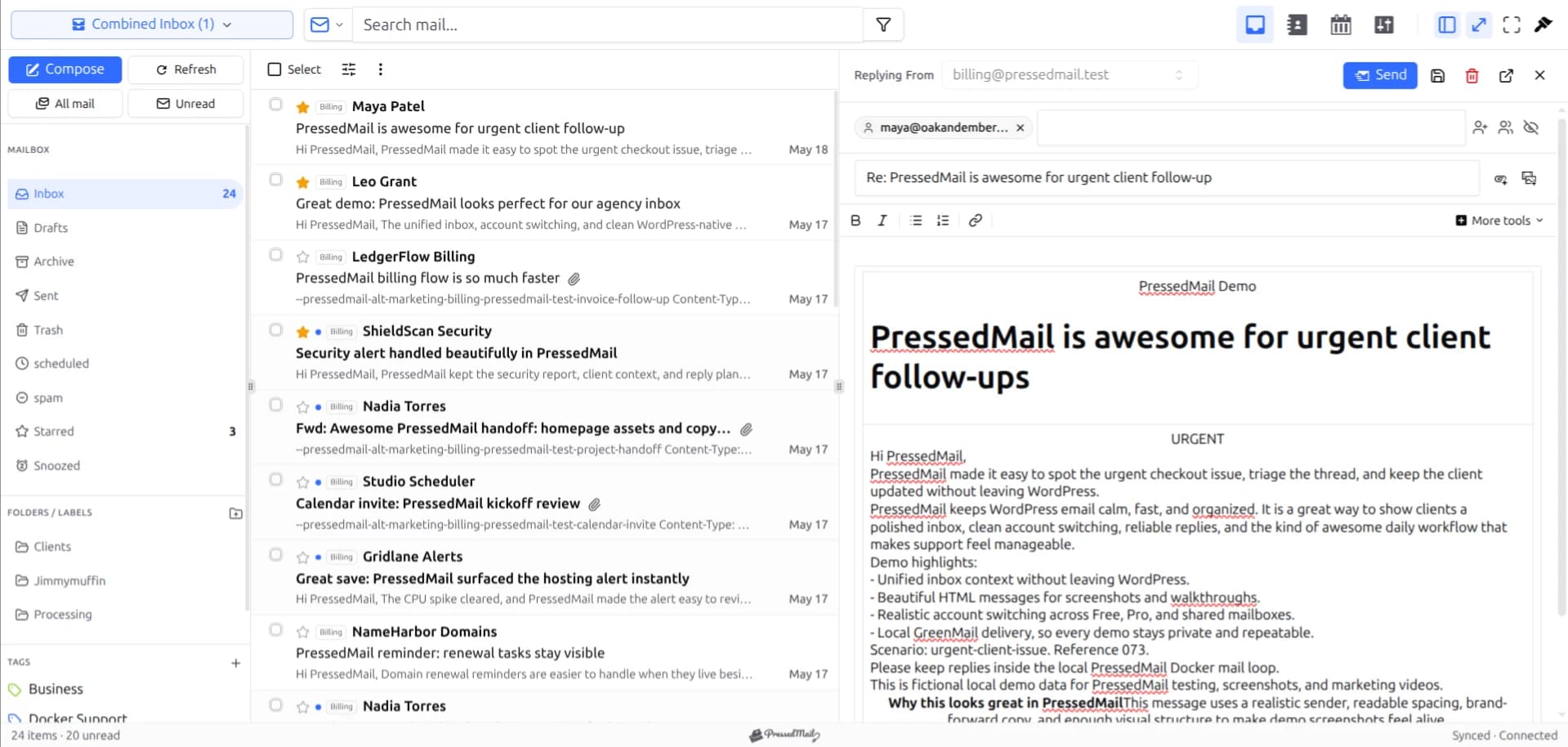
Do You Still Need an SMTP Plugin If You Use PressedMail?
Decide whether PressedMail can replace your current SMTP plugin, then plan a controlled routing change with tests and a clear rollback.
IMAP vs SMTP: What WordPress Site Owners Need to Know
Understand how IMAP reads mailbox messages and SMTP sends email, including WordPress system notifications.
Microsoft 365 Email Inside WordPress
Assess Microsoft 365 mailbox access from WordPress, including tenant consent, protocol policy, WordPress ownership, and supported connection requirements.
Newsletter
Manténgase al día con PressedMail.
Obtenga actualizaciones de productos, anuncios de nuevas funciones, sugerencias para el flujo de trabajo por correo electrónico y orientación sobre la bandeja de entrada de WordPress.
Sin spam. Solo actualizaciones de PressedMail y consejos útiles para el correo electrónico de WordPress.
I save hours & it’s easy to use
I have a lot of email accounts and it’s annoying to manage them through different providers. I installed PressedMail, added my accounts, and automated the cleanup of over 3000 emails. PressedMail has saved me hours of work.
 Robert H. AlexanderFundador - CurbSoftware Tech Innovations
Lo que dicen los clientes después de llevar su correo a WordPress.
I save hours & it’s easy to use
I have a lot of email accounts and it’s annoying to manage them through different providers. I installed PressedMail, added my accounts, and automated the cleanup of over 3000 emails. PressedMail has saved me hours of work.
Helps get more clients
As a freelancer I need to manage several clients’ accounts. I installed PressedMail on WordPress on localhost and use it as my main email client. I manage everything for clients from PressedMail. And several clients use PressedMail now after I have set their WordPress instances up.
 Gene Piki
Email Swiss Army Knife
We use PressedMail as a value added service for clients and potential clients as a feature of our agency’s offering helping put us ahead of competition. We love the white-labelling feature, automation, and security controls. It also replaces several of the other plugins we used to use and it’s like a small CRM.
 Cyrus M. (InCurb Digital)
Fast inbox organization with phishing detection
PressedMail helps us organize our inboxes fast. We especially like the phishing detection feature.
 John & Andrea
One source of truth for every client
As a VA, I use PressedMail to keep each client’s inbox separate while managing everything from one app. It gives me a single source of truth without mixing client work together.
Teaching and client work stay organized
I balance teaching with social media marketing clients. PressedMail helps me keep both sides of my work organized in one place.
 J.A. Payo
¿Usas PressedMail en tu trabajo?
Get started
Bring your working inbox into WordPress.
Compare Premium and Ultimate features, then choose a paid plan for the number of WordPress sites you manage.