

Troubleshoot a missing WordPress email by finding the last stage you can confirm, then investigating the next one. Keep the same test case while you do it.
The stages are application generation, WordPress sending, server acceptance and recipient handling. A problem can occur at any of them. Replacing credentials or plugins without locating the stage can leave the cause untouched.
If you only need the first few checks, start with quick WordPress email triage. This guide is for a failure that needs a fuller evidence trail.
Define the failure precisely
Write down which notification is missing, what should trigger it, who should receive it and when you expected it.
“Email is broken” is too broad. “The administrator receives the test-order message, but the customer test address does not” gives you a useful comparison.
Record the configured route and recent relevant changes. A change near the failure is a lead to investigate, not proof that it caused the problem.
Use controlled data for reproduction. Avoid altering real orders or repeatedly issuing password resets for another person. Keep one unique test subject or other safe identifier so later evidence can be matched to the right attempt.
Draw the evidence boundary
Different systems observe different parts of the path:
| Stage | Useful observer | Question |
|---|---|---|
| Application event | Form, store or account workflow | Did the expected trigger occur? |
| Notification generation | Originating plugin | Was this email enabled and attempted? |
| WordPress transport | Active mail route and logger | What result did the send report? |
| Sending service | SMTP provider or host | What did the server accept or reject? |
| Recipient handling | Receiving mailbox or administrator | Where did the message end up? |
Do not expect one log to answer every question.
WordPress provides outcome hooks, including wp_mail_failed and wp_mail_succeeded. Those concern the observed send operation. They do not make WordPress a complete trace of the recipient's mail system.
Confirm generation before transport
Check the originating application's settings and event.
A form can accept a submission while its email action is disabled. A store can hold an order in a state that does not trigger the expected message. An extension can choose an independent sending API.
Verify the intended recipient and sender too. Compare the failing notification with one that works, keeping their differences visible.
If no notification was attempted, investigate the application stage. Changing an SMTP password cannot create an absent event.
The WooCommerce guide and contact-form guide provide the relevant application checks.
Identify the actual sending owner
List the active SMTP plugin, hosting integration or provider API used by the message. Do not assume that the most recently installed plugin owns the route.
PressedMail's site-wide SMTP server is separate from its inbox accounts. A working mailbox reply therefore does not prove that a WordPress notification uses the same configuration.
For the common WordPress path, use one intended route owner. Multiple components can change the sender or transport and make the observed behavior difficult to interpret.
If you need to configure the route, follow WordPress SMTP setup. If a plugin uses an independent API, inspect that integration's settings and evidence instead.
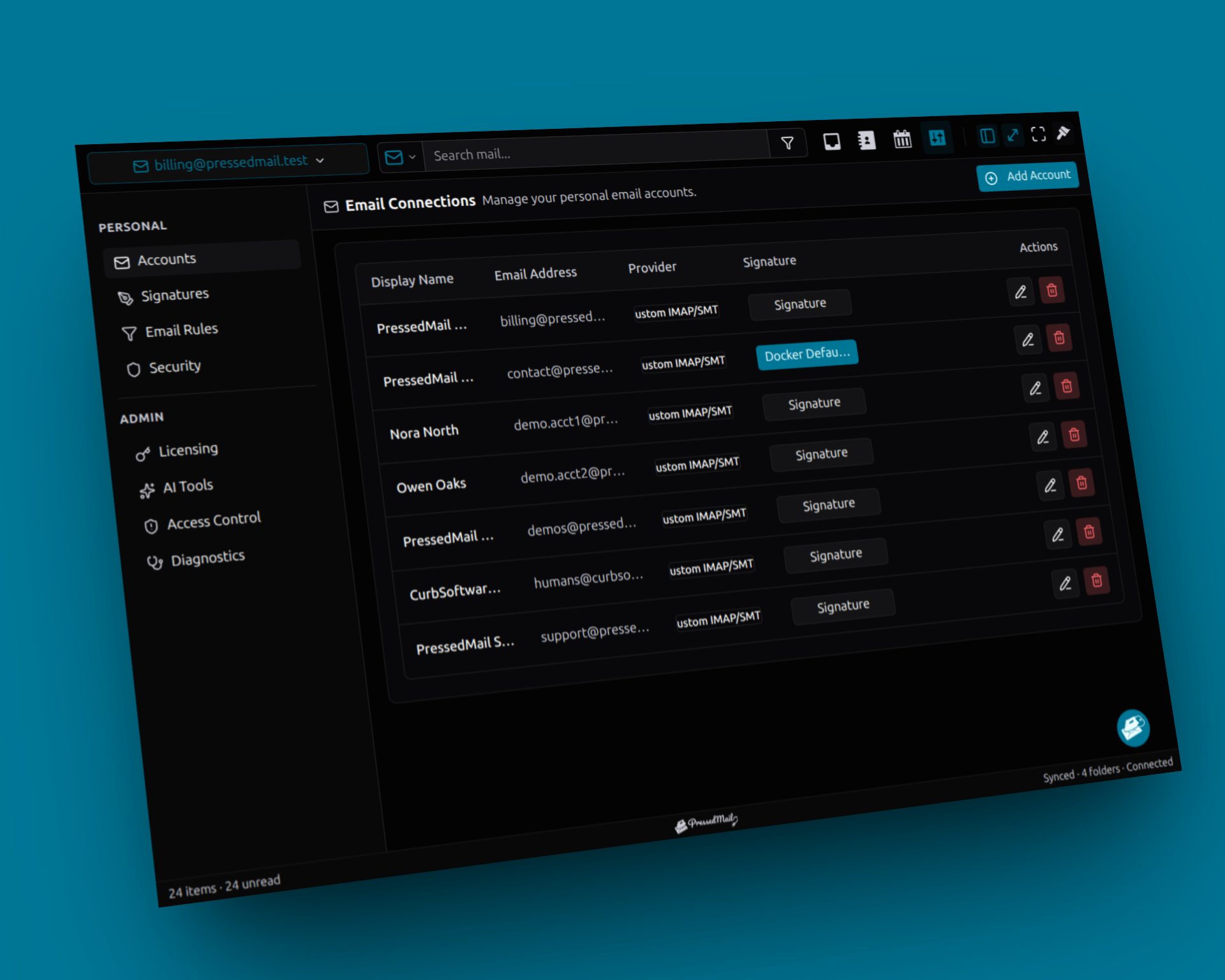
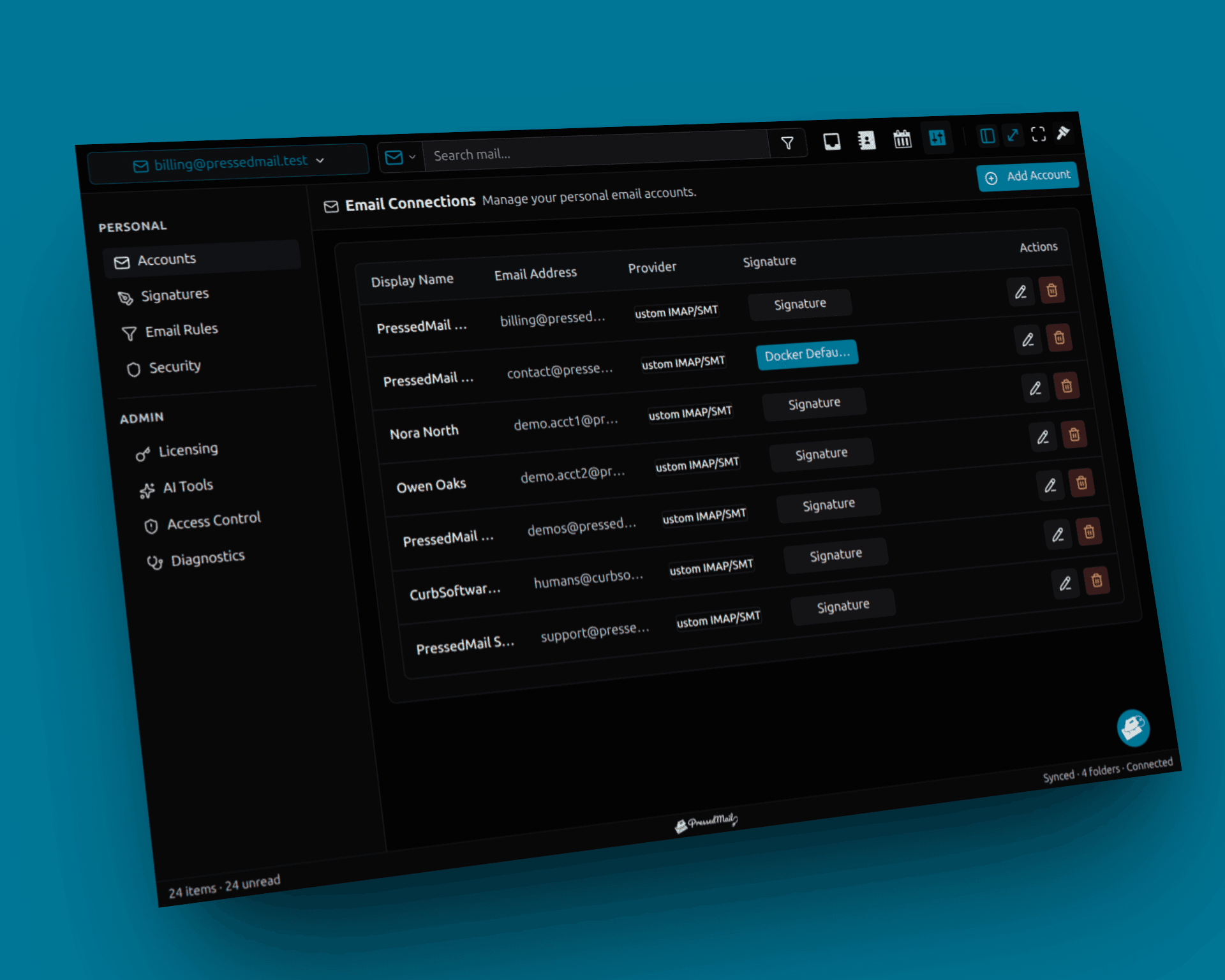
Screenshot composite of fictional mailbox connections. The administrator SMTP server is a separate configuration; this account view does not identify the site-mail transport.
Classify the first transport failure
Use the actual error and investigate the corresponding layer.
A resolution or connection error points toward the hostname, destination port or network access from the WordPress host. A TLS error calls for checking the documented server name and secure connection mode.
An authentication rejection concerns the account, credential method or provider policy. A sender rejection can occur after authentication and concern the address the message presents.
Do not copy a generic list of ports into the form until one works. Use the provider's documented combination and preserve encryption. A laptop test does not establish outbound access from the web host.
Change one relevant setting and repeat the same controlled test. Record both the old and new outcome.
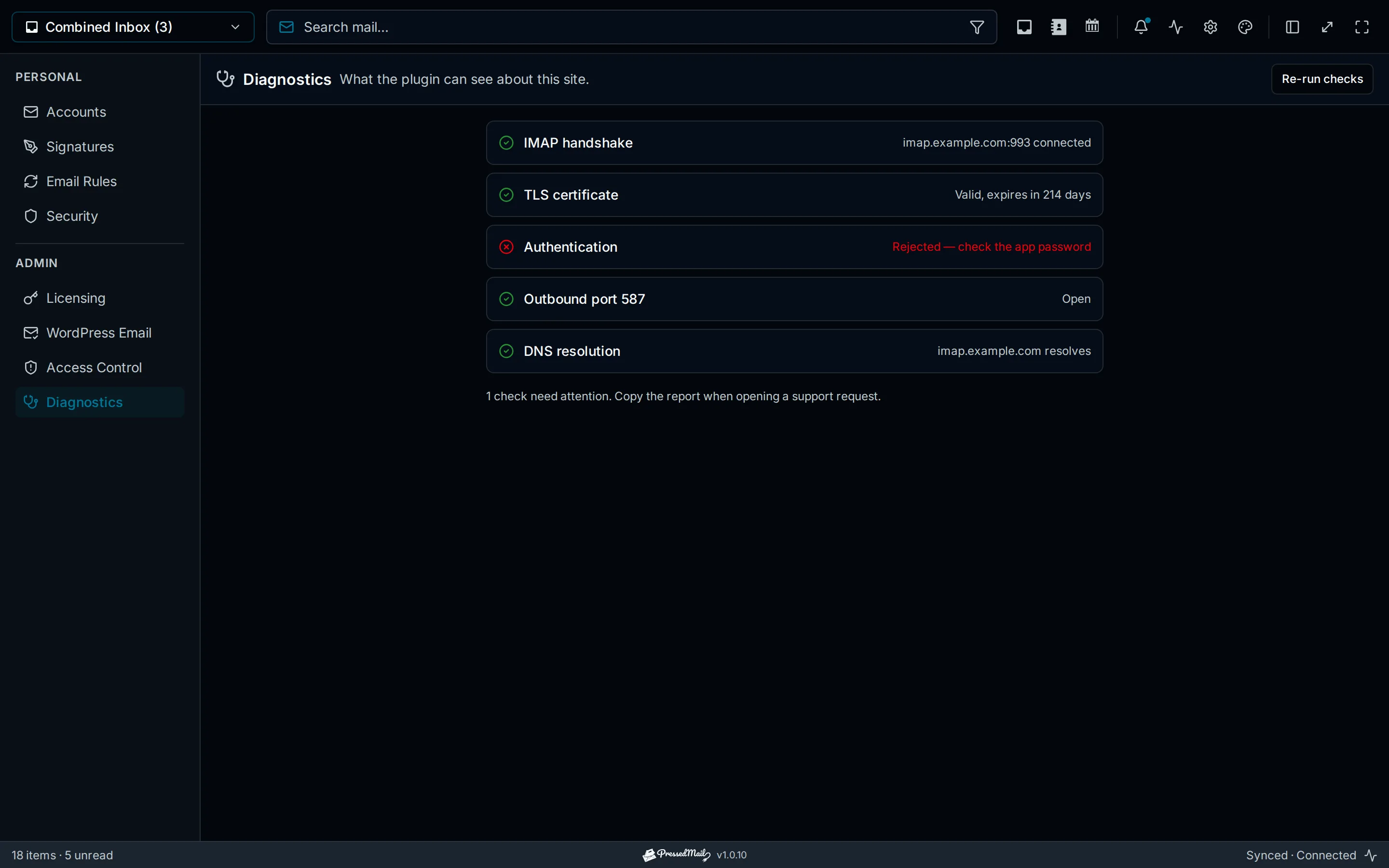
Illustrated authentication-failure diagnostics. This is an explanatory example, not a captured result from the investigation.
The SMTP testing procedure keeps the connection check, generic send and actual notification separate.
Follow a successful send downstream
If the route reports success, inspect the receiving mailbox rather than repeatedly changing working credentials.
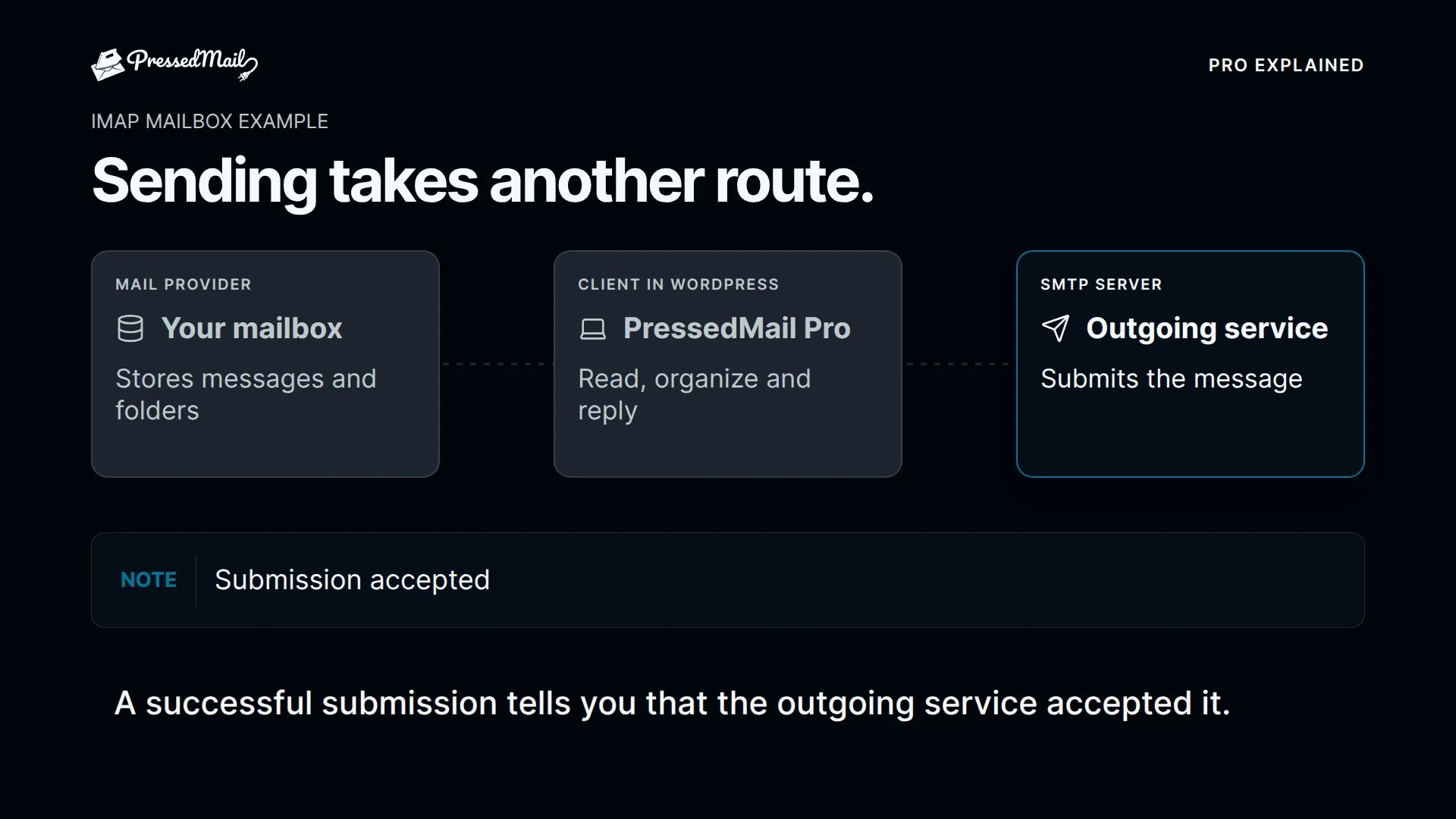
Check Inbox, Spam, other folders and available quarantine. Look for a bounce at the sender. Compare the exact time and message so a previous test does not become false confirmation.
For managed mailboxes, an administrator may have provider tracing beyond the user's visible interface. Supply the relevant time window and addresses through the appropriate support channel.
A message found in Spam has reached the recipient mailbox in that folder. Investigate spam placement, including sender identity and authentication evidence, rather than treating it as an IMAP connection failure.
A person not reading a delivered message is a further separate outcome. Avoid reporting an open or read event when the evidence only shows mailbox presence.
Compare the real message with the generic test
A generic test can succeed while the actual notification fails. Examine what changed between them.
The real message may use another From address, a different recipient, an attachment or an application-specific sending API. It may also never have been generated.
Check sender overrides. In PressedMail, Force From can change the effective sender; without that override, an explicit plugin-provided sender may remain. The provider must permit the actual identity used.
Plain-text success is a useful baseline. Add the real message's format and attachments only after identifying which part differs.
Checking whether WordPress email was sent explains how to describe the result without collapsing several stages into “delivered.”
Preserve the evidence you need
PressedMail's WordPress log stores metadata, including a limited recipient summary, subject, connection and result. It does not retain message bodies, raw headers or attachments.
Record the relevant entry before clearing history or changing retention. Off stops new logging, and the retention cleanup also clears existing records when logging is off.
The logging guide covers the current controls. Do not publish a whole log table when one sanitized row is sufficient.
When collecting a provider error, remove secrets and unrelated personal information. Raw callback URLs, authorization codes and password-reset links do not belong in ordinary support screenshots.
Escalate to the operator of the next stage
A useful support request states the last confirmed event and the missing next event.
Give the operator the message purpose, controlled test time, relevant route, sanitized error and the change already tested. Include identifiers only when they exist and the recipient is authorized to inspect them.
Ask hosting support about failed outbound connectivity. Ask the sending provider about account or submission rejection. Ask the receiving administrator about quarantine or trace evidence. Ask the application developer about an absent trigger.
This keeps escalation concrete. You do not need to ask every operator to inspect every part of the system simultaneously.
Stop when the intended notification is verified
Repeat the same test after the fix. Confirm the application event, observed route result and recipient outcome.
Restore temporary test settings and stop any repeat-send script or hook. Keep a short record of the configuration and notification types verified.
If another system still holds the unresolved stage, document that limit. PressedMail Free can supply one SMTP route and metadata evidence, but it does not control every downstream mail decision.
Frequently asked questions
What should I collect before contacting support?
The message purpose, expected trigger, time, recipient, route and sanitized error. State the last stage you confirmed.
Is an inbox synchronization problem the same as failed delivery?
No. If provider webmail has the message but a client does not display it, investigate mailbox access or synchronization separately.
Why change one setting at a time?
It preserves the relationship between the suspected cause and the new result. Several simultaneous changes obscure that evidence.
What does server acceptance prove?
It establishes that the observed server accepted the submission at that stage. Recipient handling and Inbox placement remain separate.
Should I keep resending until the message appears?
Repeat when a relevant change or identified uncertainty justifies another test. Uncontrolled retries add duplicates and make correlation harder.
Manage your email inside WordPress
PressedMail Free adds an email client directly to your WordPress dashboard. Connect a compatible IMAP/SMTP mailbox, read and send mail, organize messages, and configure WordPress SMTP.




