

A Google app password is a separate credential for an application that cannot use Google's sign-in flow. It is the supported credential for eligible Gmail accounts in PressedMail. Google sign-in is not available in this connection flow.
Check eligibility before creating anything. Google requires two-step verification for app passwords, and some accounts do not offer the option. Google's app-password help lists restrictions including Advanced Protection, some managed accounts, and security-key-only configurations.
If your account does not offer an app password, the current PressedMail Gmail connection is unavailable for that account. Repeated password resets will not fix that mismatch.
Decide which connection you are configuring
There are two common WordPress uses for Gmail. An email client reads messages through IMAP and sends replies through SMTP. A WordPress SMTP configuration sends site-generated messages such as form notifications.
Both involve authentication, but they are separate configurations in PressedMail. The inbox account does not automatically become the WordPress SMTP server. Use the Gmail IMAP connection guide for a readable mailbox and the Gmail SMTP guide for outgoing site mail.
For work or school mail, read the Google Workspace access guide first. The organization's allowed method takes precedence over a generic tutorial.
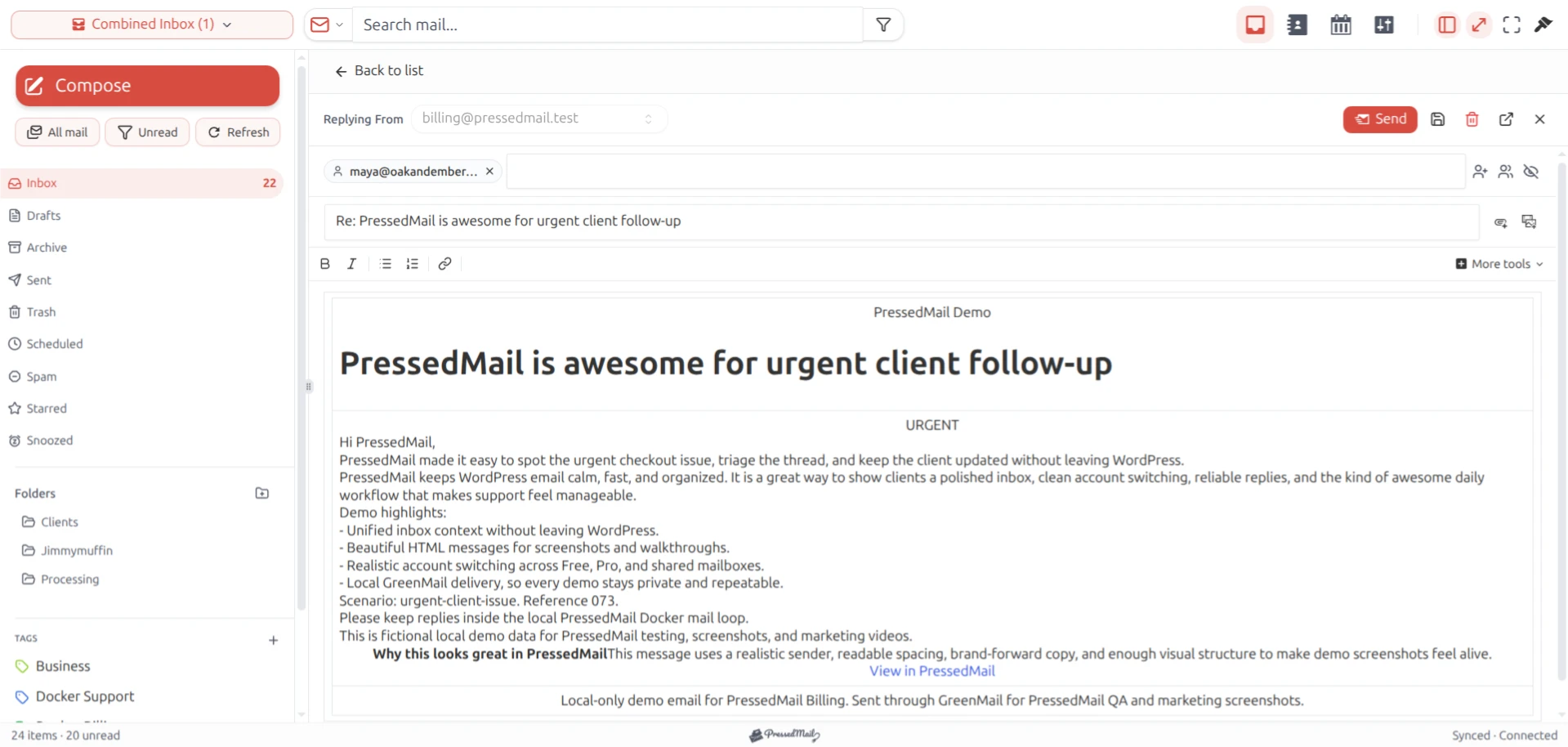
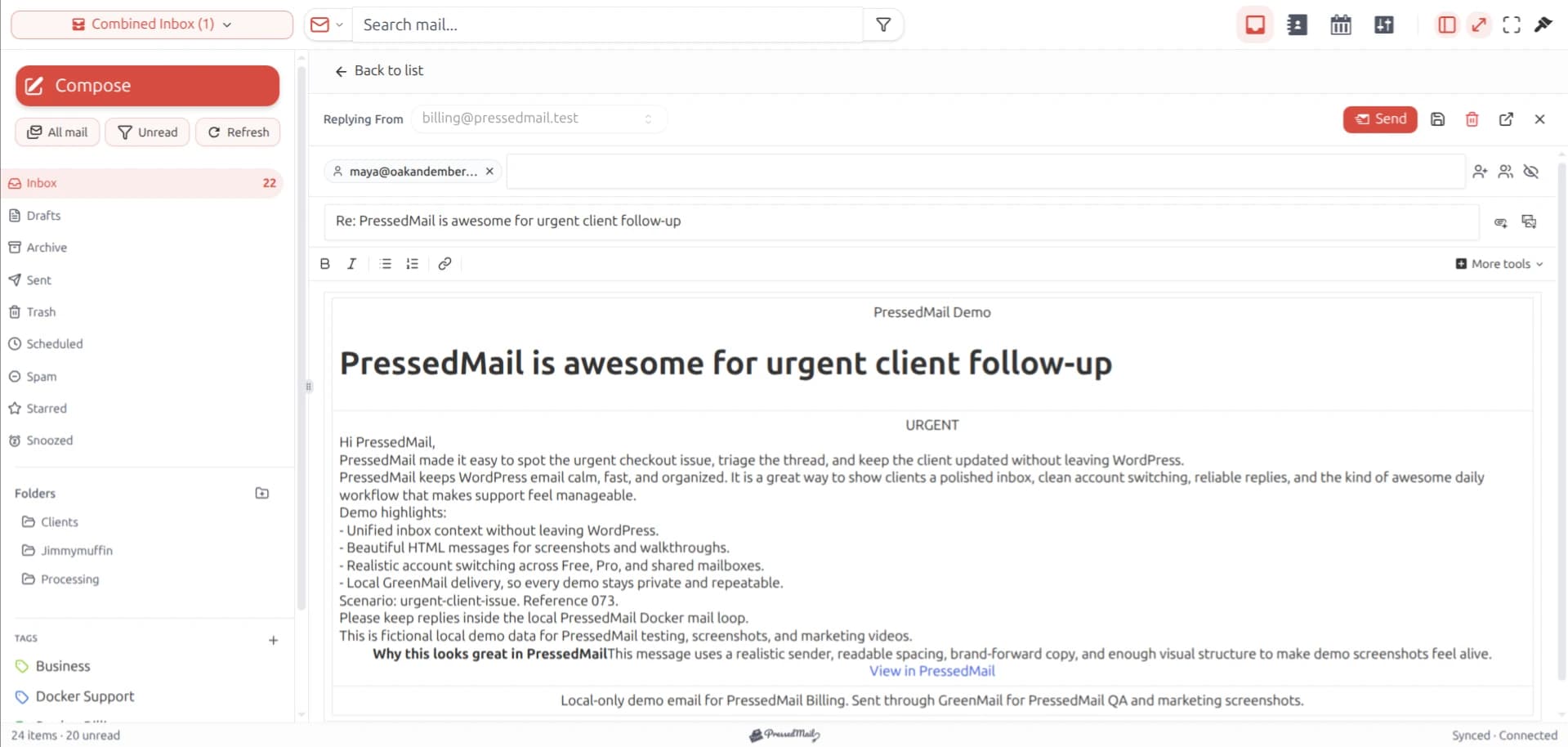
PressedMail screenshot with fictional email. PressedG is a layout name, not proof that this mailbox is connected to Google.
Create the credential
1. Check the signed-in Google account
Open your Google Account in a browser and confirm the email address. If several accounts are signed in, switch to the mailbox you want WordPress to use.
A credential created under one Google account will not authenticate another. This can look like a mysterious password problem when the browser quietly chooses a different account.
2. Check two-step verification and availability
Review the account's security settings. Then open Google's App passwords page.
If the option is absent, stop at the eligibility check. For a managed account, ask the administrator whether app passwords are allowed. Do not disable account protections or change organization policy to follow a tutorial.
Google recommends its own sign-in flow where the application supports it. The current Gmail client-access guidance also describes app passwords for eligible situations. The client and account must support the same route.
3. Give the app password a useful name
Create a name that identifies the site and purpose, such as “WordPress support inbox.” Avoid a vague name like “Mail” when several applications use the account.
The name is for your records. It does not restrict the credential to a particular website or make it harmless if exposed.
Copy the generated value into the intended application's password field. Never put it in an article, screenshot, support ticket, issue, or email. If you accidentally expose it, revoke that credential and create another.
4. Enter it in the right PressedMail form
For a Gmail inbox, open Settings, Email Connections, Add Account, and Gmail. Enter the full mailbox address and the app password in Account Credentials.
Use the Gmail IMAP reference if you need to check incoming settings. The PressedMail Gmail documentation covers the preset and account form.
For WordPress system mail, configure the separate SMTP server under WordPress Email. Do not paste the app password into your WordPress user password field.
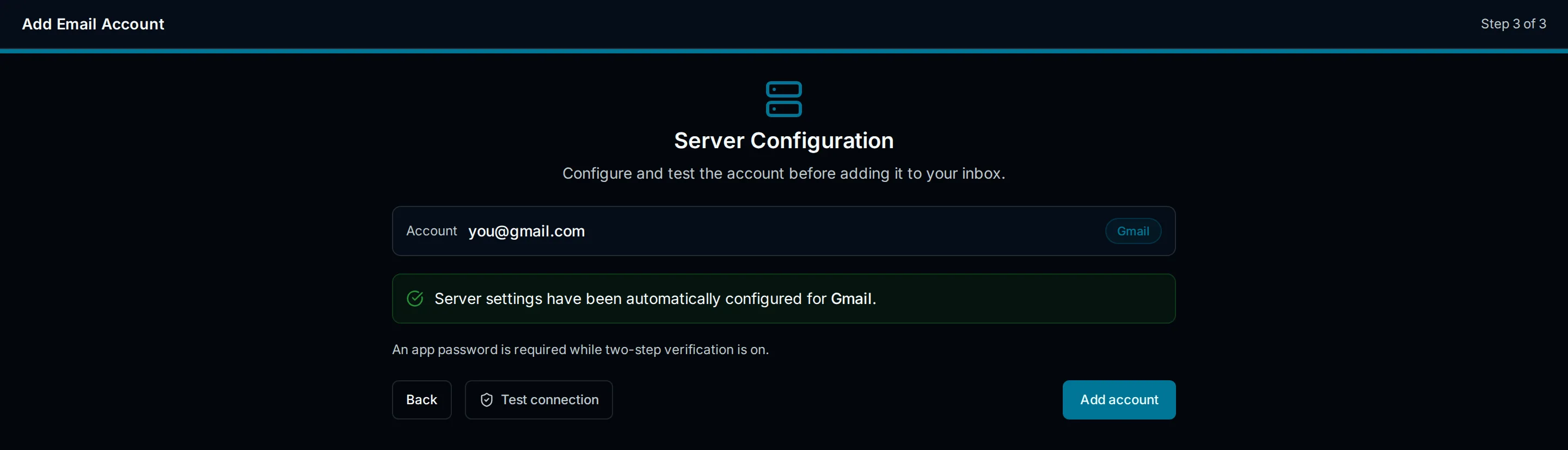
Interface illustration of the Gmail setup step. No Google app password is displayed.
5. Test the intended job
Run the relevant connection test. Then verify one controlled message.
For an inbox, check both receipt and a reply. For site mail, trigger a test through the WordPress sending path and check the recipient. A connection test and actual receipt are useful but different observations.
If the test fails, copy the sanitized error and note whether it came from IMAP or SMTP. Avoid generating a collection of replacement credentials before you know which part failed.
If App passwords is missing
The missing option can reflect the account's security configuration or organization rules. It is not evidence that WordPress is broken.
First confirm the correct Google account. Then check the prerequisites in Google's help page. For a managed account, send the administrator the requirement: a third-party IMAP/SMTP client using an app password. That is more useful than asking for an unspecified “email fix.”
If the permitted route is OAuth only, choose a client that supports Google's sign-in flow. Keep Gmail available while deciding; there is no need to migrate the mailbox or weaken its protection.
Replacement and removal
Changing the main Google Account password revokes existing app passwords. If a connection stops after that change, replace its dedicated credential and update the corresponding WordPress configuration. You can also revoke an individual app password when a site or application no longer needs access. Google documents both behaviors.
Remove access in two places when retiring a site connection: remove the unused connection in WordPress and revoke its Google credential. Revoking future access does not erase messages already present in a client's local storage or backups.
A WordPress installation with mailbox access deserves the same care as another business application holding credentials. Limit access to the relevant user, keep the installation maintained, and review email display and WordPress access precautions.
FAQ
Is an app password the same as an OAuth token?
No. An app password is a credential supplied to a compatible application. OAuth uses an authorization flow and tokens with the permissions granted through that flow. The difference affects how access is granted and removed.
Can I retrieve the same app password later?
Google shows the generated value once. If you no longer have it, create a replacement and remove the unused credential from the account.
Does enabling two-step verification guarantee the option appears?
No. Other account restrictions may still prevent app-password creation. Check the account's eligibility rather than assuming the option must appear.
Should I use one credential for every WordPress site?
A dedicated credential per site makes the connection easier to identify and revoke without disturbing another site. Keep an inventory of what each credential is for.
Does PressedMail Free remove Google's restrictions?
No. Free provides the WordPress client for a compatible mailbox. Google continues to control which authentication methods that mailbox permits.
Manage your email inside WordPress
PressedMail Free adds an email client directly to your WordPress dashboard. Connect a compatible IMAP/SMTP mailbox, read and send mail, organize messages, and configure WordPress SMTP.




