

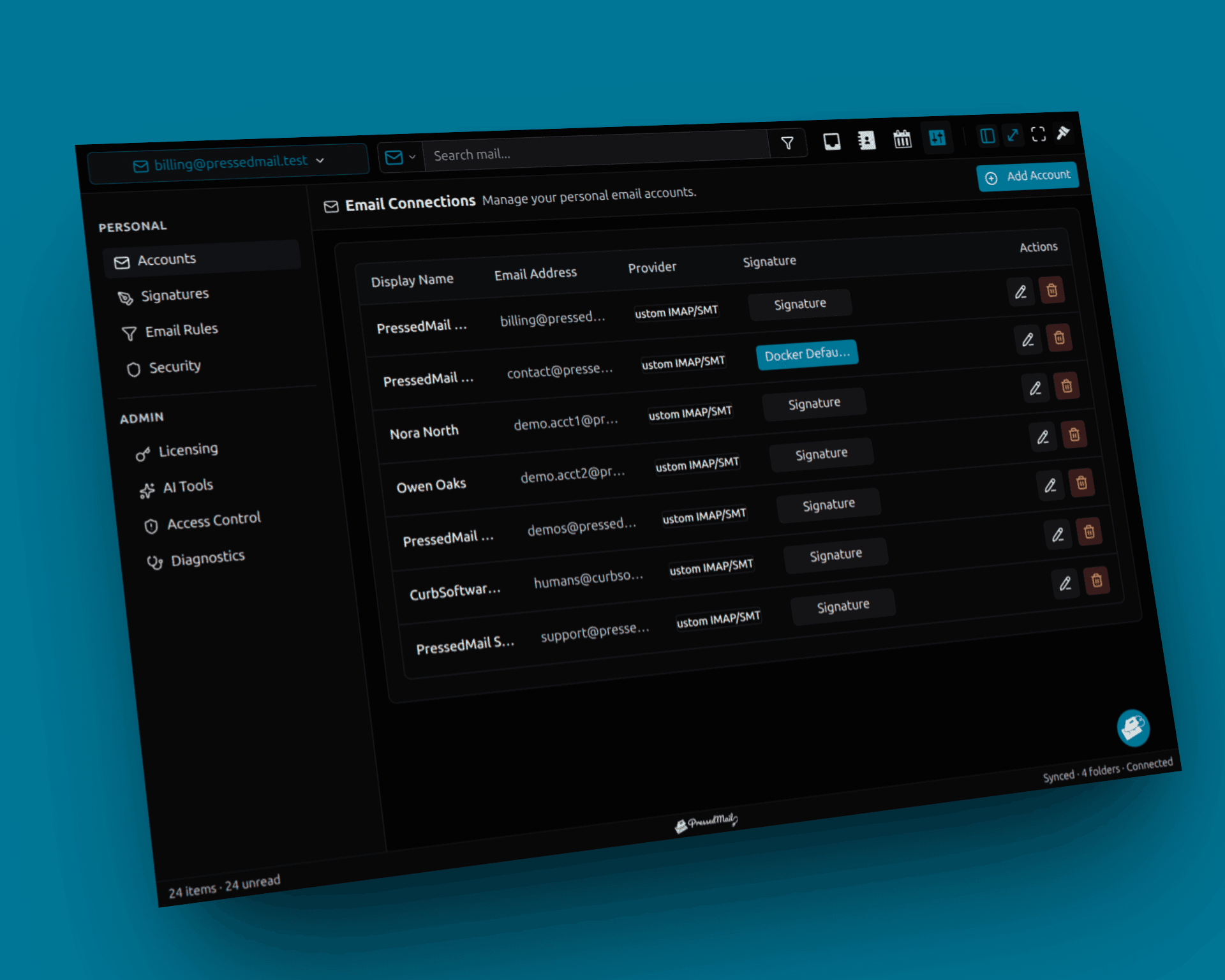
IMAP lets an email client work with messages stored in a mailbox. SMTP submits or transfers outgoing mail. A WordPress inbox can need both, while a WordPress notification can use SMTP without creating an inbox at all.
That explains two otherwise confusing situations: you can receive messages but fail to reply, and your website can send password resets while having no screen for reading email.
The protocols describe different parts of the job. IMAP's specification covers server-side mailbox access; SMTP's specification covers mail transfer.
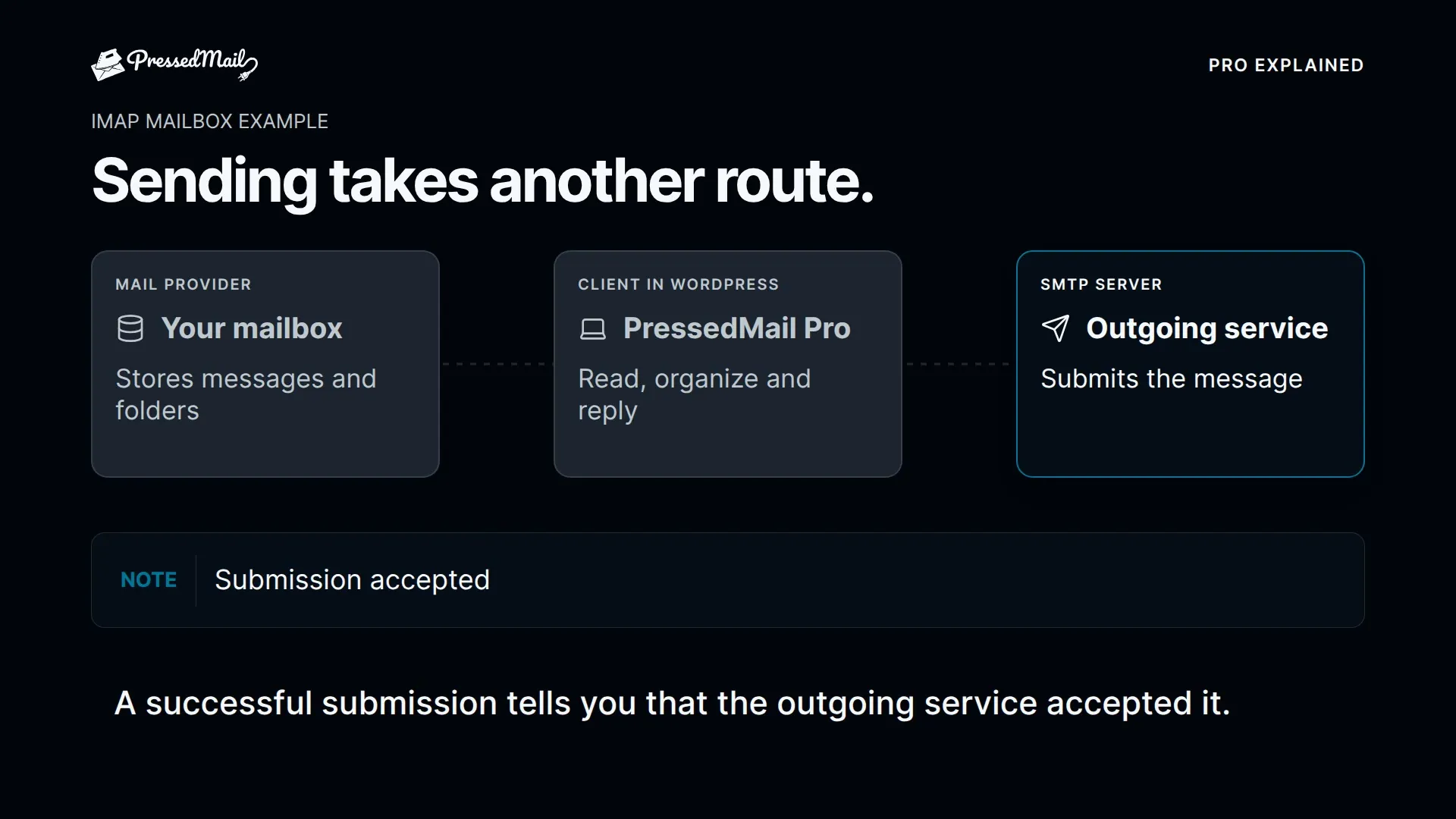
Follow one incoming message
Suppose a customer sends a message to your business address. The provider hosting that mailbox receives and stores it.
An IMAP client connects to the provider and exposes the mailbox's messages and folders. PressedMail runs that client interface inside WordPress, so the connection originates from your WordPress server.
The provider still hosts the address. The plugin does not become the destination mail server for your domain merely because it displays Inbox.
IMAP also concerns mailbox state. Reading or moving a message can affect what another client sees. Learn unfamiliar actions with test messages instead of treating the WordPress view as a disposable copy.
For the actual setup fields, use connecting an IMAP account to WordPress.
Follow the reply
When you reply, the client needs an outgoing route. SMTP submits the message to a server that accepts mail under its configured authentication and sender rules.
The SMTP hostname may differ from the IMAP hostname. Its port, security mode and authentication permissions may differ too.
A valid IMAP password or successful incoming connection does not prove that outgoing submission is allowed. The provider can accept mailbox access and reject the sender address, SMTP authentication or submission attempt.
That is why a complete setup includes a message sent to another address you control, followed by checking receipt. A successful connection alone observes only part of the path.
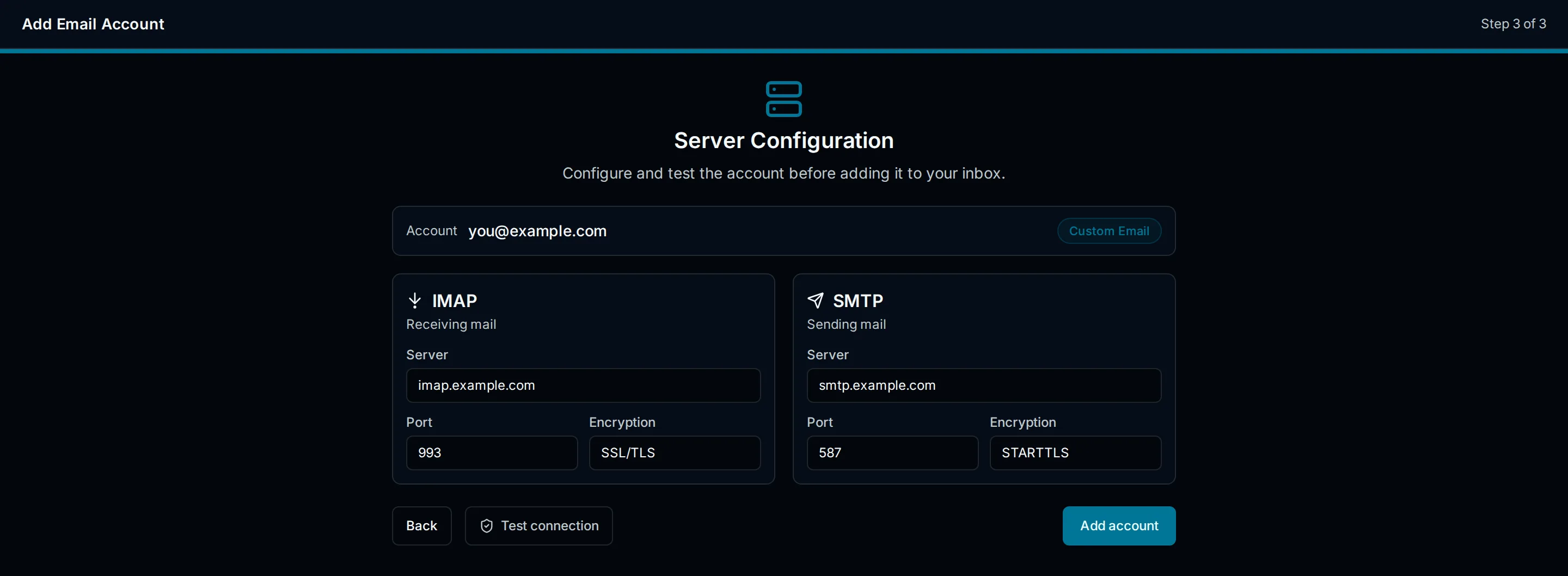
Illustration of separate incoming and outgoing connection fields. The values shown explain the form and are not a verified configuration for your provider.
Follow a WordPress notification
A password reset starts in WordPress rather than in the mailbox composer. The application generates the message and calls its configured sending path.
Many plugins use WordPress's wp_mail function. An SMTP plugin or PressedMail's site-wide SMTP configuration can change how that path submits the message.
This operation does not require an IMAP inbox merely to transport the notification. A sending service can accept the outgoing email while offering no mailbox for reading replies.
WordPress wp_mail explained covers the application layer. Sending WordPress email through SMTP covers the configuration.
PressedMail's mailbox connections and its site-wide SMTP server are separate settings. Adding an inbox account does not automatically route every WordPress notification through it.
Match the symptom to the connection
| What you observe | What to check next |
|---|---|
| Webmail has new messages but WordPress does not | Folder selection, synchronization and incoming access |
| WordPress opens messages but cannot reply | Outgoing SMTP settings and sender permissions |
| The mailbox reply works but a form notification fails | Form configuration and the site-wide sending route |
| The sender reports success but the recipient cannot find mail | Recipient folders, bounce information and delivery evidence |
This table narrows the investigation. It does not replace the actual error or prove a root cause.
Changing both IMAP and SMTP settings after every failure removes useful evidence. Keep the working side unchanged while checking the side implicated by the observation.
The SMTP testing guide shows how to record connection and recipient results separately.
Understand the fields without guessing values
A hostname identifies the service endpoint. A port identifies where that service accepts the connection. A security mode tells the client how to establish encryption. Authentication identifies the account or authorized application.
Those values belong together. Use the combination documented by the provider. A commonly used port is not a reason to override a different secure configuration supplied for your account.
Generated app passwords and OAuth are authentication methods, not substitutes for IMAP or SMTP themselves. A provider can offer a protocol while restricting which authentication methods an application may use.
If a managed account blocks access, the mailbox administrator needs to review the supported connection. Turning protections off to make a test pass changes the account's security arrangement and may still leave the original compatibility problem unresolved.
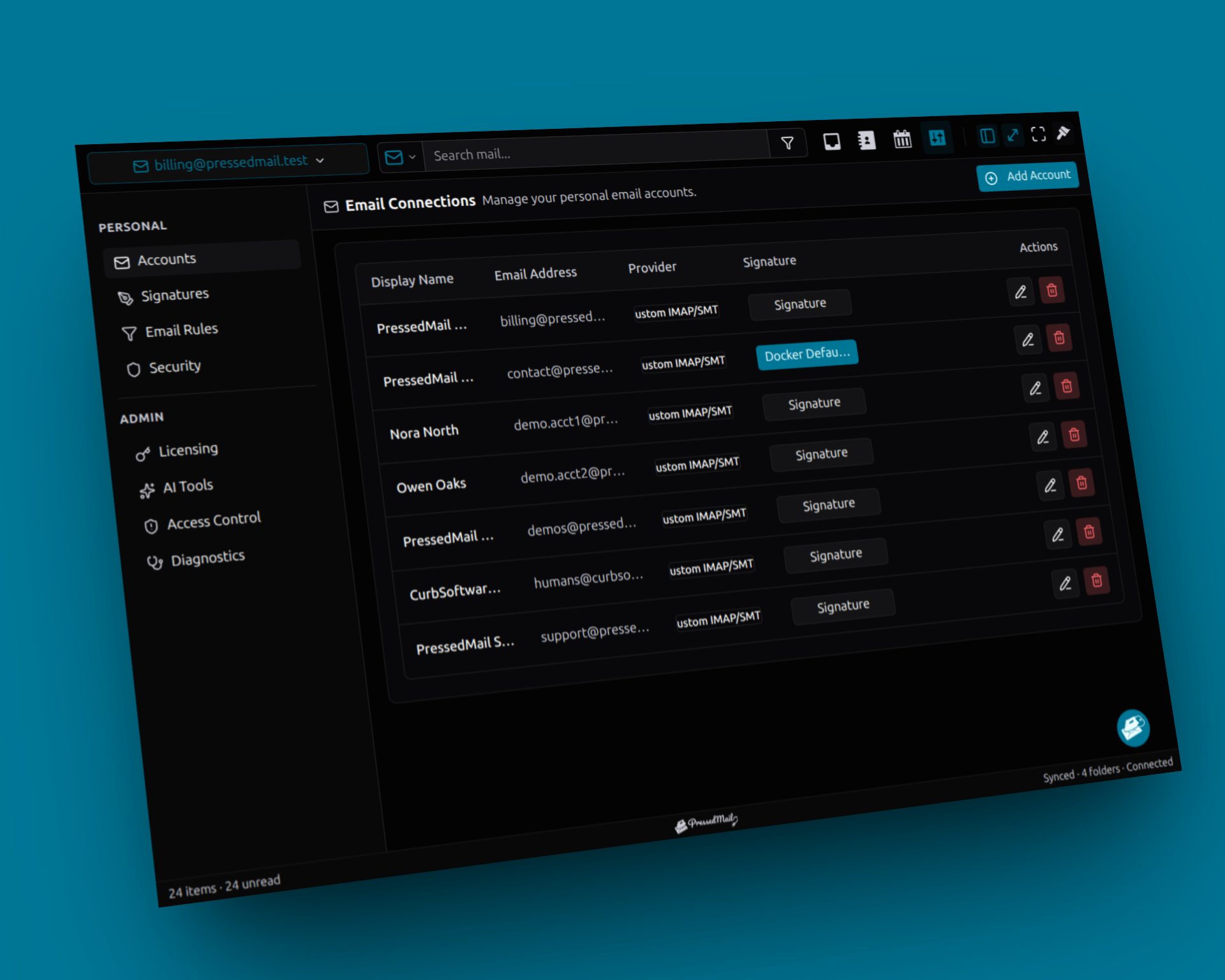
Screenshot composite of PressedMail Email Connections with fictional accounts. Free has one mailbox; this image illustrates account management rather than SMTP transport evidence.
Separate acceptance from delivery
An SMTP server accepting a message is one observed event. A recipient system accepting it, placing it in Inbox and a person reading it are additional events.
A sender may therefore report success while the message is in Spam. A local send log may also lack visibility into a later rejection.
Use status language that names the observed stage. “The configured server accepted this test” is more precise than claiming the recipient read it.
This distinction applies whether you choose PHP mail or SMTP. Changing the submission route does not give WordPress control over the receiving provider's filtering decisions.
Choose the interface for the job
If you need an inbox and replies within wp-admin, an email client such as PressedMail provides that interface. Free covers a single mailbox and basic composing.
If your only task is sending website notifications, a dedicated SMTP or supported API route may be sufficient. Some applications use provider APIs instead of these protocols, so always check the actual configured path.
The SMTP plugin versus full client comparison helps you choose without confusing the two categories.
Frequently asked questions
Can IMAP send an email?
It is the mailbox-access protocol in this arrangement. Outgoing messages use a supported submission route such as SMTP.
Can SMTP show me my inbox?
SMTP does not provide the mailbox-reading interface. A plugin that only configures outgoing transport does not automatically let you open existing messages.
Must incoming and outgoing servers match?
No. Copy each service's settings from the provider.
Why does the mailbox work while WordPress notifications fail?
The mailbox composer and the website's system-mail path can have separate configuration. Check the route used by the notification.
Does using both protocols duplicate the mailbox?
No. They serve different operations. IMAP accesses provider-held mail, while SMTP handles outgoing submission or transfer.
Manage your email inside WordPress
PressedMail Free adds an email client directly to your WordPress dashboard. Connect a compatible IMAP/SMTP mailbox, read and send mail, organize messages, and configure WordPress SMTP.




