

Keep Roundcube if it already gives you the mailbox workflow you need. Consider PressedMail when you want to read and answer that mail inside WordPress, or when its separate WordPress SMTP configuration fits your website's sending requirements.
Both choices still need a mail service. Changing the client does not create a mailbox, move its hosting, or guarantee better delivery.
This comparison focuses on the work each arrangement supports and the responsibilities it creates. It does not assign performance scores or claim results from a side-by-side installation test.
The main difference is where the client runs
Roundcube is a standalone browser-based IMAP client. It can be supplied by your hosting company or operated as a separate application. PressedMail runs in WordPress and connects to compatible mailboxes.
Roundcube's official feature list includes reading and composing HTML mail, folder management, sender identities, contacts, and search. Its installed features can also depend on extensions and hosting configuration. Refer to the Roundcube project description for its own scope.
PressedMail Free includes one mailbox, basic composing, folders, and manual tags. Multiple accounts, the combined inbox, contacts, calendar, and extra layouts belong to paid capabilities.
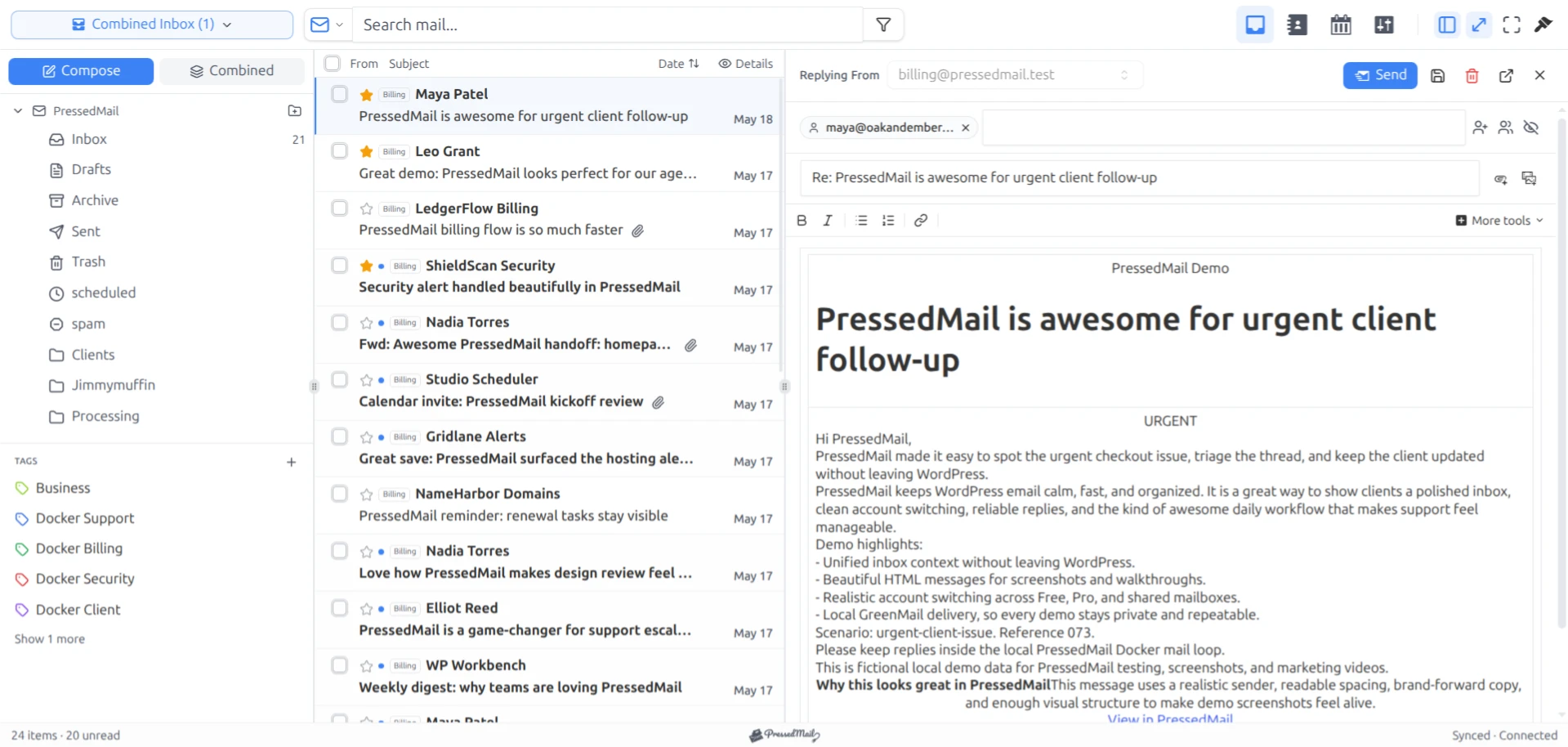
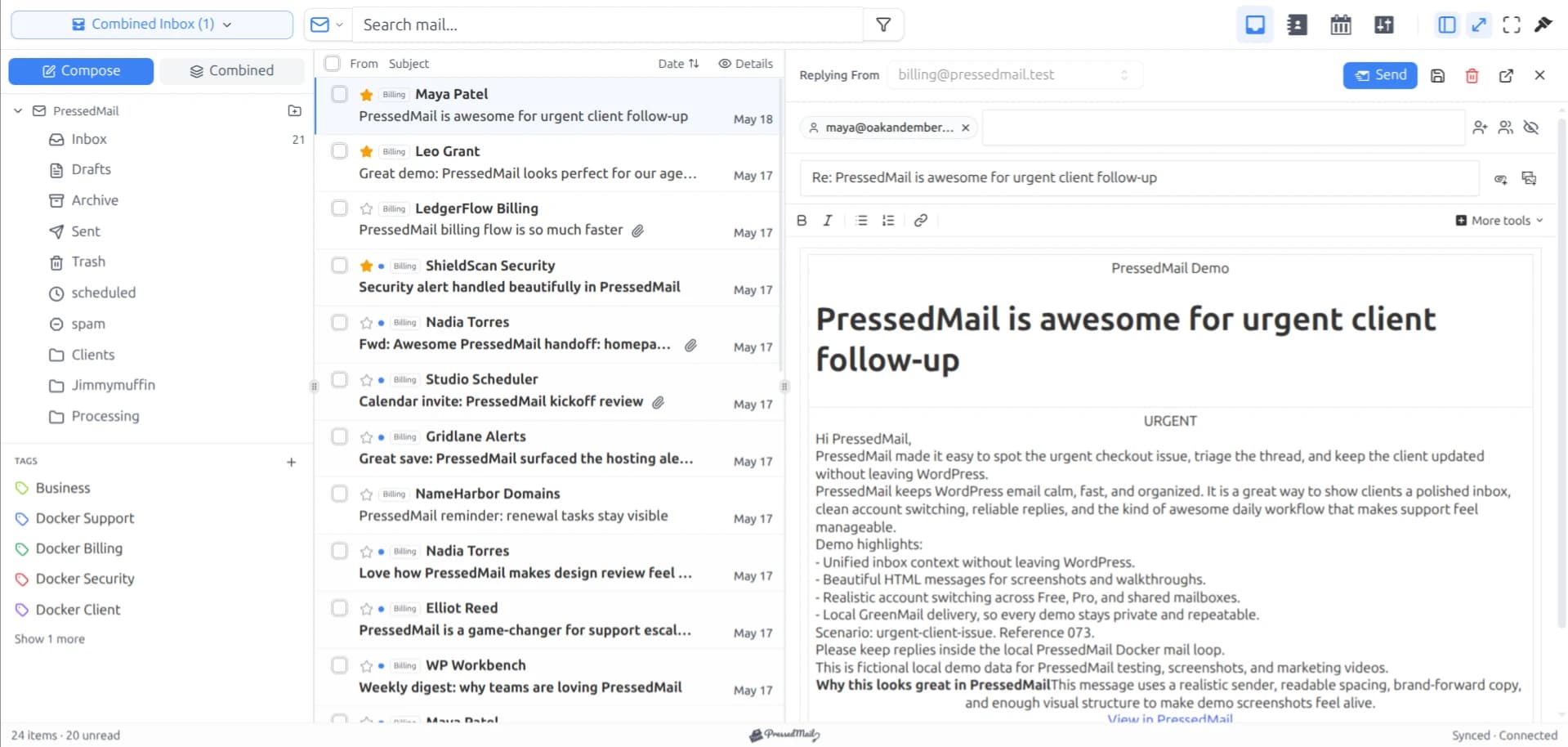
Screenshot of PressedMail with fictional mail in the paid PressedOut layout. It is a product view, not a Roundcube test capture.
Compare the deployment you actually have
A host-managed Roundcube account can involve little application maintenance for the mailbox user. The host chooses and maintains the installation. Running Roundcube yourself is a different responsibility.
PressedMail becomes part of your WordPress environment. The person responsible for the site also needs to account for the plugin, its access, and its updates. You still need a working provider login and a recovery path outside that interface.
| Requirement | What to inspect in Roundcube | What to inspect in PressedMail |
|---|---|---|
| Reading and replies | Provider connection and installed interface | Compatible mailbox connection and edition |
| Folder filing | Current provider folder mapping | The same account's folder mapping |
| Local organization | Features in the installed build | Provider folders versus PressedMail tags |
| Additional accounts | Host configuration and extensions | Paid account capabilities |
| Site-generated email | Separate WordPress sending setup | Separate WordPress SMTP configuration |
| Maintenance | Hosting operator or your administrator | WordPress site operator |
A provider's branded Roundcube installation should not be assumed to contain every optional extension. Roundcube identifies multiple accounts and calendar among third-party additions on its feature page.
Reading the same mailbox does not require a migration
If the provider permits the connection, you can evaluate PressedMail with the mailbox you already open in Roundcube. Keep Roundcube available while doing so.
Collect the provider's IMAP and SMTP details, then connect the account using the supported authentication method. You do not need to redirect incoming mail to WordPress to add another interface.
For hosting accounts, connecting cPanel email explains where to find the provider's settings. A webmail address is not necessarily the IMAP server name.
Start with a harmless message from another account you control. Open it, check the sender, reply, and verify the reply at the receiving account. This lets you assess the basic workflow before depending on it for customer mail.
If you need the wider category explanation first, WordPress email clients versus webmail separates the interface from the mailbox service.
Check folder behavior before doing bulk work
Move one test message to an ordinary provider folder and inspect the result through both interfaces after synchronization. The point is to confirm the account and folder mapping you will use.
Do not use permanent deletion as an evaluation step. A change to the provider mailbox can affect both clients, so a second interface is not a disposable copy of your email.
PressedMail's local tags are different from provider folders. Tags can group messages within its workspace, but you should not expect an identical tag to appear in Roundcube. The PressedMail folder documentation describes the distinction.
Search needs the same care. A query copied from one client can behave differently in another. Compare whether you can find a known message using supported fields, then examine differences in scope rather than treating a single empty result as a quality score.
Look at replies, identities, and context
A useful comparison checks the sender identity the recipient sees. If the mailbox has aliases or multiple permitted identities, verify the actual provider authorization and the controls exposed by each installation.
For PressedMail Free, keep the example within its basic composer and one signature. Do not compare a paid composer screenshot against an assumed minimal Roundcube configuration and present that as a Free comparison.
The context of the work can matter more than the width of the reading pane. A site owner updating a page may value answering the related message inside WordPress. Someone who spends the day in email may prefer opening a dedicated webmail interface without entering the site.
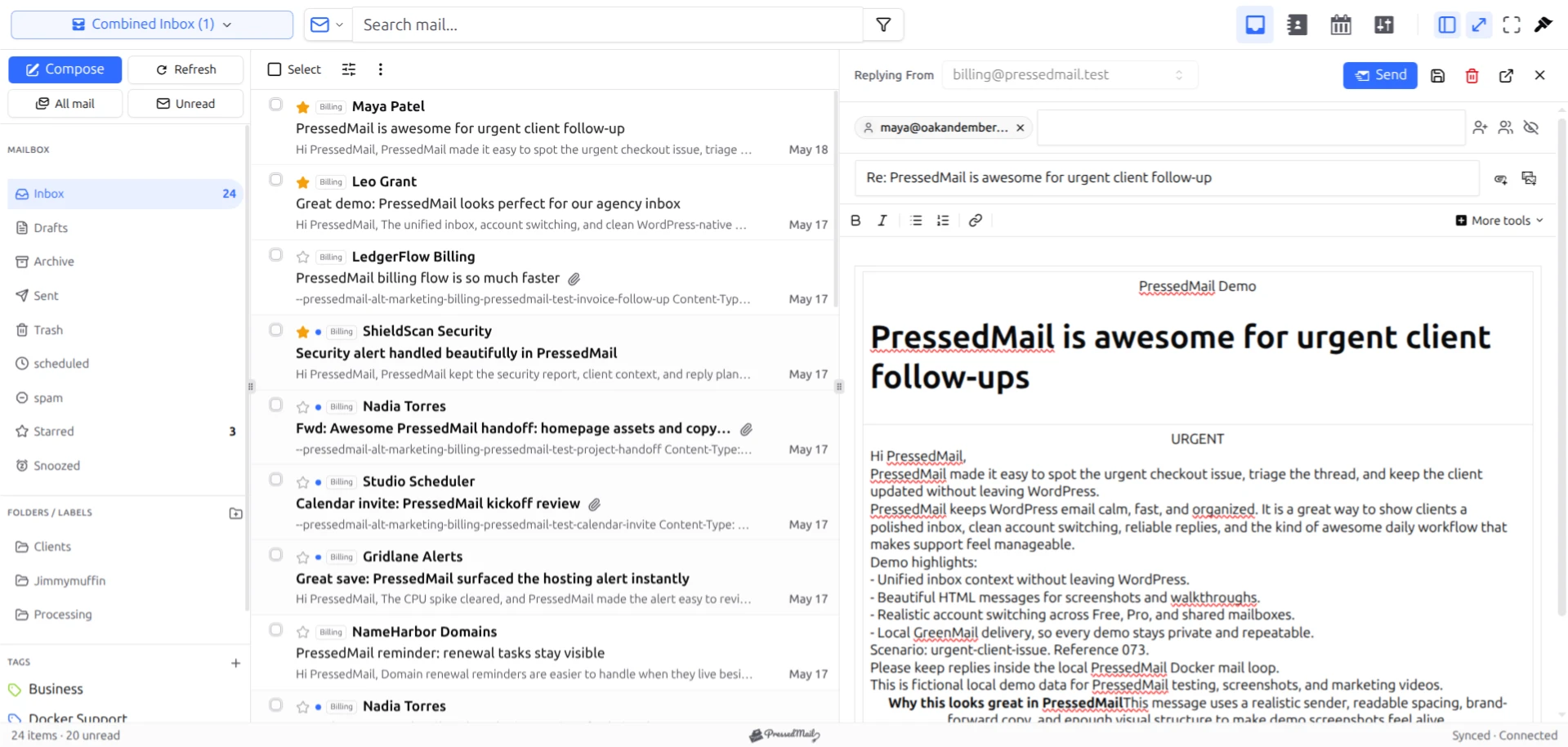
Screenshot with fictional mail in the PressedM layout. It shows an alternative PressedMail presentation, not evidence of comparative speed or usability.
You can keep both interfaces for those situations. Just remember that filing and other synchronized mailbox actions can appear in either one.
WordPress SMTP is a separate comparison
An inbox client lets a person read and answer mail. WordPress notifications start elsewhere. PressedMail includes system-mail SMTP configuration, but connecting the inbox does not automatically set it up.
Free has one WordPress SMTP server connection. Pro adds multiple server connections and sender routing. Configure this separately from the mailbox's incoming and composer settings.
If the website already has a working SMTP or API plugin, inspect its role before changing it. The SMTP-plugin architecture guide explains the different sending paths.
For the actual retain-or-replace decision, use the SMTP replacement checklist. A successful inbox reply is not sufficient evidence that password resets, forms, and order notifications use the intended route.
Choose against the requirement you have
Stay with Roundcube when the host's existing interface meets your needs and you prefer to keep email separate from WordPress. There is no need to replace a working client merely because another one is available.
Try PressedMail when the useful change is having a compatible mailbox in the WordPress workspace. Free lets you evaluate the single-account workflow before deciding whether paid account or productivity features matter.
If you need shared conversation assignment, response commitments, or a support queue, evaluate a tool designed for that requirement. Neither a feature name nor a local tag proves that the needed coordination exists.
For access options within WordPress, the webmail guide explains the alternatives without assuming you must abandon the provider's interface.
Common questions
Can Roundcube and PressedMail use the same mailbox?
They can when the provider supports the required connections and authentication. Watch the provider's account limits and remember that both interfaces can act on shared mailbox state.
Do I need to uninstall Roundcube?
No. Keeping provider webmail available gives you another way to access and inspect the mailbox.
Does either interface replace the mail server?
No. A mail service supplies the mailbox behind the client. Hosting that service is a separate responsibility.
Are all Roundcube extensions installed by my host?
No. Check the actual hosting installation. Features listed as optional additions are not proof that your account has them.
Will PressedMail improve delivery compared with Roundcube?
Changing the interface alone does not establish better delivery. Provider configuration, sender authorization, and the receiving system still affect the outcome.
Manage your email inside WordPress
PressedMail Free adds an email client directly to your WordPress dashboard. Connect a compatible IMAP/SMTP mailbox, read and send mail, organize messages, and configure WordPress SMTP.




