

Outlook.com and Microsoft 365 do not use the same outgoing SMTP hostname. That distinction is easy to miss because both use Microsoft sign-in and both commonly appear under an “Outlook” label in email clients.
For a personal Outlook.com mailbox, Microsoft documents outlook.office365.com for IMAP and smtp-mail.outlook.com for SMTP. For Microsoft 365 Exchange Online client submission, the documented SMTP hostname is smtp.office365.com. Use OAuth-capable access and the settings for the actual account type.
If you want the connection sequence rather than a field reference, use the Outlook.com setup guide. For a work account, begin with Microsoft 365 tenant readiness.
Settings by account type
| Field | Personal Outlook.com | Microsoft 365 Exchange Online |
|---|---|---|
| IMAP server | outlook.office365.com | outlook.office365.com |
| IMAP port | 993 | 993 |
| IMAP encryption | SSL/TLS | SSL/TLS |
| SMTP server | smtp-mail.outlook.com | smtp.office365.com |
| SMTP port | 587 | 587 |
| SMTP encryption | STARTTLS | STARTTLS |
| Authentication | OAuth2 / Modern Auth | OAuth, subject to tenant and protocol policy |
Microsoft's Outlook.com server settings specify the consumer values and Modern Auth requirement. Its Exchange Online application email guidance documents smtp.office365.com for client submission. Microsoft also documents OAuth access to Exchange Online IMAP and SMTP.
Do not use a server setting as a substitute for account eligibility. IMAP access, application consent, and SMTP policy can each prevent a connection that otherwise contains the right hostnames.
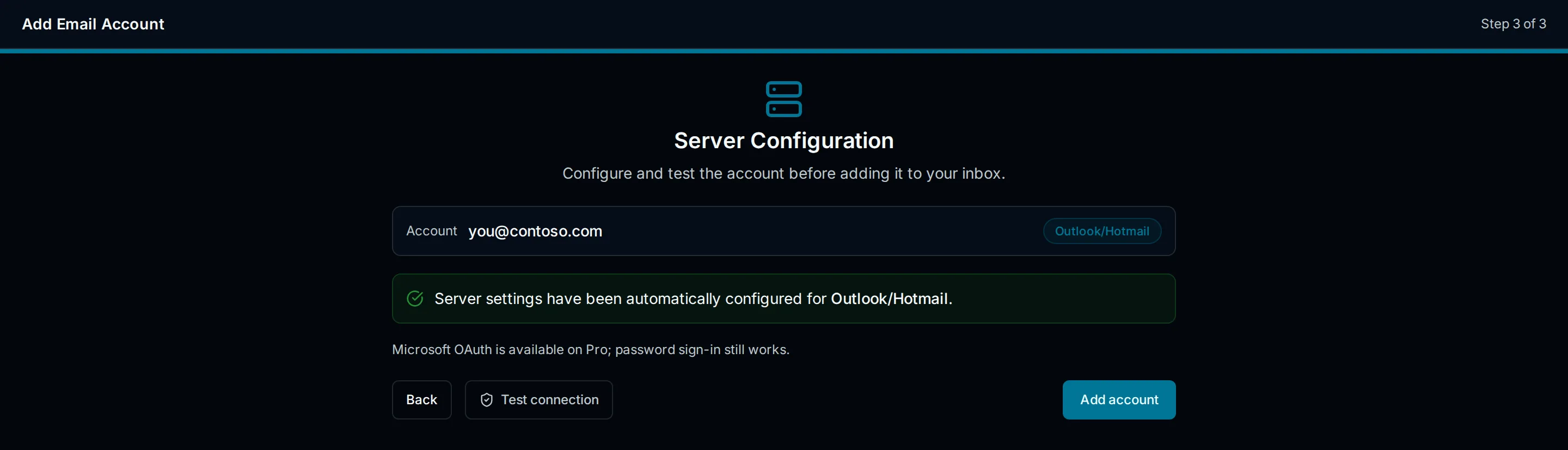
Drawn setup illustration, not a live account test. Confirm the account family and actual server values separately.
What to enter in PressedMail
PressedMail's Microsoft connection uses OAuth. Start from the Microsoft account option and complete the provider's authorization flow for the intended mailbox. Check which account is selected if your browser already has both work and personal Microsoft sessions.
The current PressedMail Outlook preset contains the consumer SMTP hostname, smtp-mail.outlook.com. That matches Microsoft's Outlook.com reference. It does not match the Exchange Online submission hostname in the table above.
For Microsoft 365, confirm that your installed PressedMail version can use smtp.office365.com with the supported Microsoft OAuth connection. This guide does not claim the current preset is a tested business-mailbox configuration. If the required combination is unavailable, use an approved Microsoft client and seek a supported connection path before relying on WordPress for that mailbox.
A Custom IMAP form with a password field does not solve an OAuth compatibility issue. Our Microsoft authentication guide explains why an app password is not a general workaround.
Check personal Outlook.com IMAP access
Microsoft says POP and IMAP access can be disabled for Outlook.com and describes the control under Settings, Mail, Forwarding and IMAP. For a personal account, review the IMAP setting in Outlook on the web before troubleshooting the WordPress side. Outlook.com IMAP access instructions.
That consumer setting is not a Microsoft 365 administrator procedure. A business tenant may apply different controls, and the mailbox owner may not have permission to change them.
After any approved change, test receiving and sending independently. Opening the inbox exercises IMAP. Sending a reply exercises SMTP. If only one fails, retain the exact non-sensitive error message and investigate that connection rather than changing both sets of values at once.
Port and encryption must match
Port 993 starts an encrypted IMAP connection. Port 587 with STARTTLS begins an SMTP session and upgrades it to TLS before protected authentication and submission. Choose the encryption mode that belongs to the port.
Do not turn encryption off to clear a connection error. A certificate warning may indicate the wrong hostname, a server problem, or interception. It is a reason to investigate, not an instruction to accept an unverified connection.
A timeout is also different from an authentication rejection. Timeouts can involve the WordPress host's outbound network policy or DNS resolution. An authentication rejection means the conversation reached a different stage. The IMAP versus SMTP explanation helps separate the two protocols while diagnosing them.
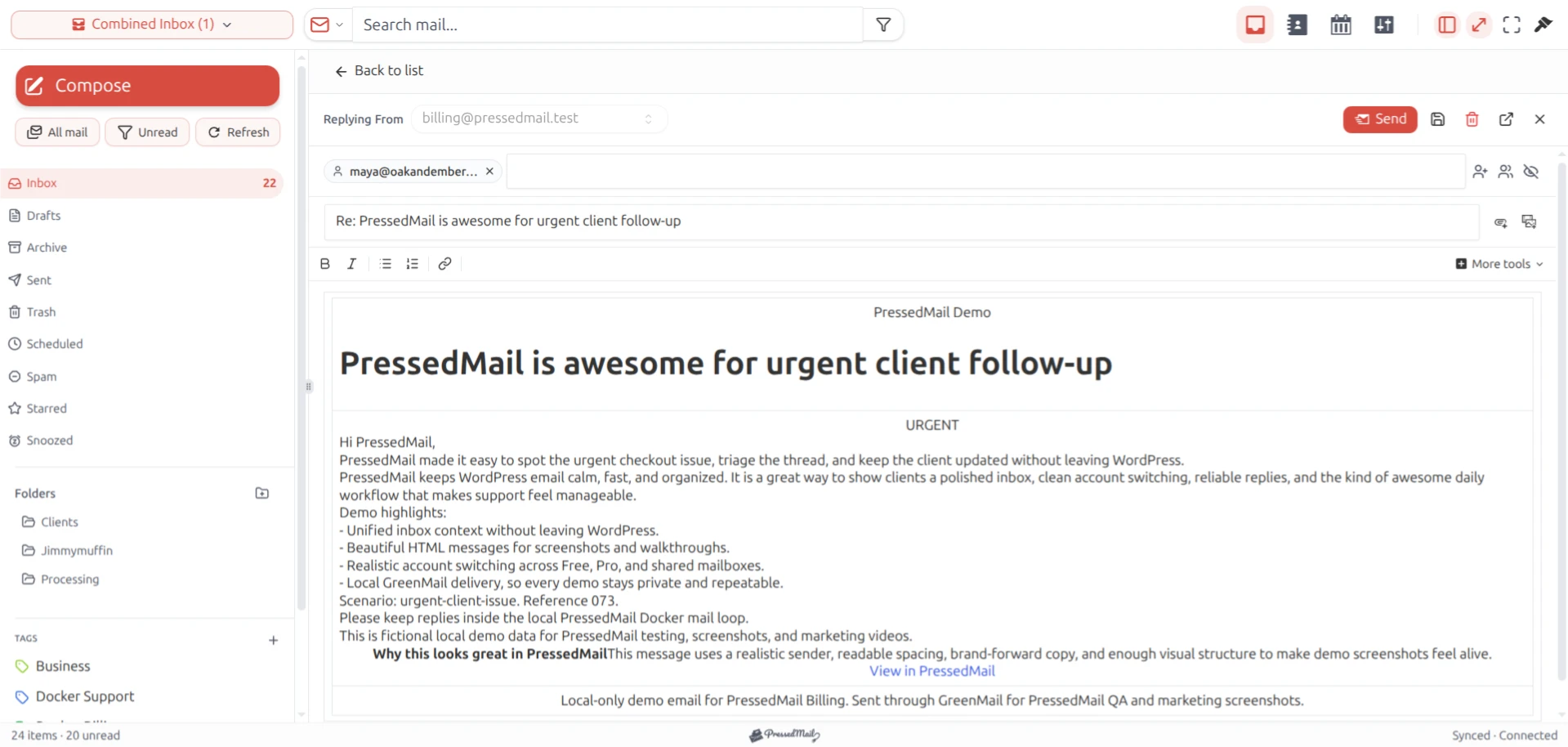
PressedMail screenshot showing the reply workspace. The layout name and sample message do not identify the connected mail provider.
WordPress SMTP is a separate task
These settings describe mailbox protocols. They do not mean that a connected Microsoft inbox automatically sends every WordPress-generated message.
PressedMail stores WordPress SMTP server configuration separately from inbox connections. The Microsoft OAuth connection for the inbox should not be assumed to carry over to that server configuration. If you need password resets or form notifications to use Microsoft 365, confirm that the chosen WordPress mail transport supports your organization's approved authentication method and account requirements.
See sending WordPress email through SMTP for the site-mail route, then testing SMTP in WordPress to verify an actual message. A successful WordPress send call is not proof that a recipient received it.
Common mistakes
Using smtp-mail.outlook.com for every Microsoft address is one mistake. Treating any custom-domain address as Microsoft 365 is another: the domain's mailbox may be hosted somewhere else.
Changing an alias into the login identity can also fail. Use the identity required by the authorized account, and treat a different From address as a separate sending-permission question.
Finally, do not paste an account password into a field simply because the server names look familiar. The provider's authentication requirement is part of the configuration, not an optional extra.
FAQ
Is smtp.office365.com the right SMTP server for Outlook.com?
It is the documented Exchange Online client-submission server. Microsoft's personal Outlook.com reference gives smtp-mail.outlook.com. Identify the account family and follow its documentation.
Why can I read messages but not send them?
The incoming connection can work while outgoing submission fails. Check the SMTP hostname, STARTTLS setting, authorization, and any applicable SMTP AUTH policy. Do not discard a working IMAP configuration without evidence.
Can I use port 465 instead?
The Microsoft references above specify port 587 with STARTTLS for these submission settings. Follow those values rather than importing a configuration from a different provider.
Does successful OAuth prove the mailbox is ready?
No. It proves only the part of authorization that completed. Verify inbox access and an outgoing message separately, including delivery to a mailbox you can inspect.
Manage your email inside WordPress
PressedMail Free adds an email client directly to your WordPress dashboard. Connect a compatible IMAP/SMTP mailbox, read and send mail, organize messages, and configure WordPress SMTP.




