

Code "AGENCY80" saves $80 on Lifetime and "POWERUP10" saves 10% on yearly plans. Power up WP!
Lernen
Neuigkeiten und Updates zur Plattform
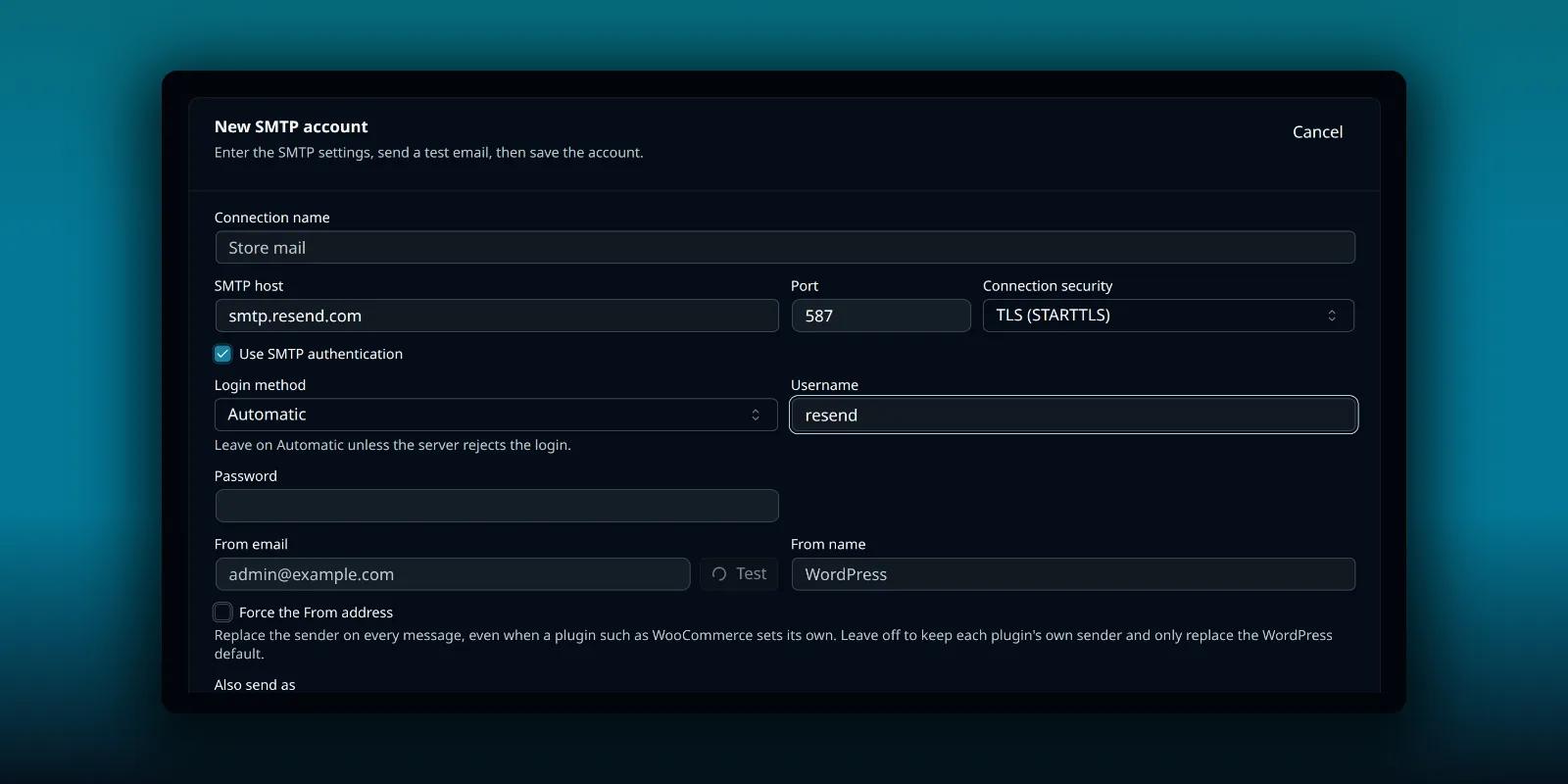
How to Send WordPress Email Through Resend
Connect Resend to PressedMail over SMTP: the resend username, your API key as the password and a verified domain.
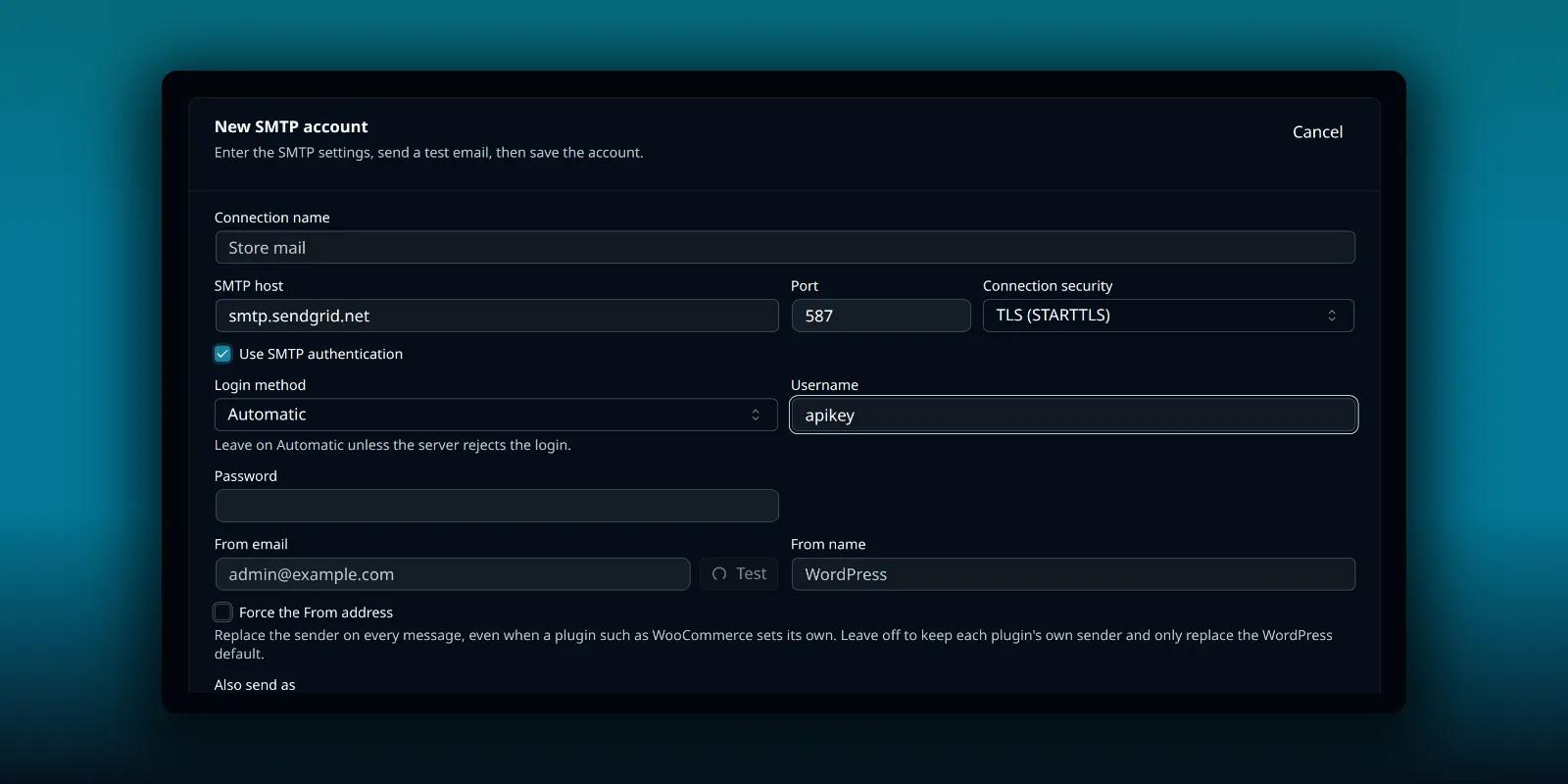
How to Send WordPress Email Through SendGrid
Connect SendGrid to PressedMail over SMTP: the apikey username, an API key with Mail permission and a verified sender.
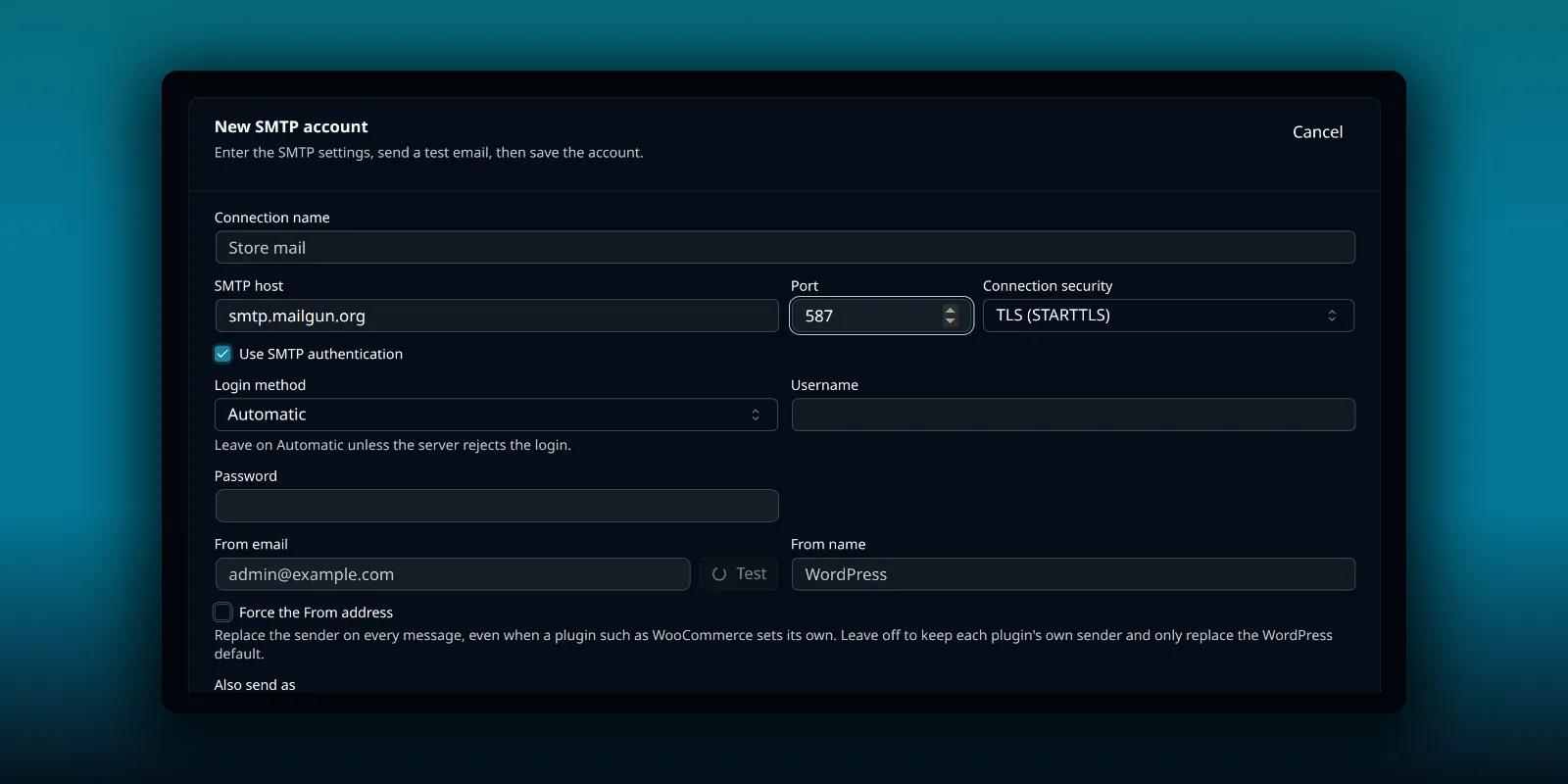
How to Send WordPress Email Through Mailgun
Connect Mailgun to PressedMail over SMTP: per-domain credentials, the right port and a sender that matches the domain.
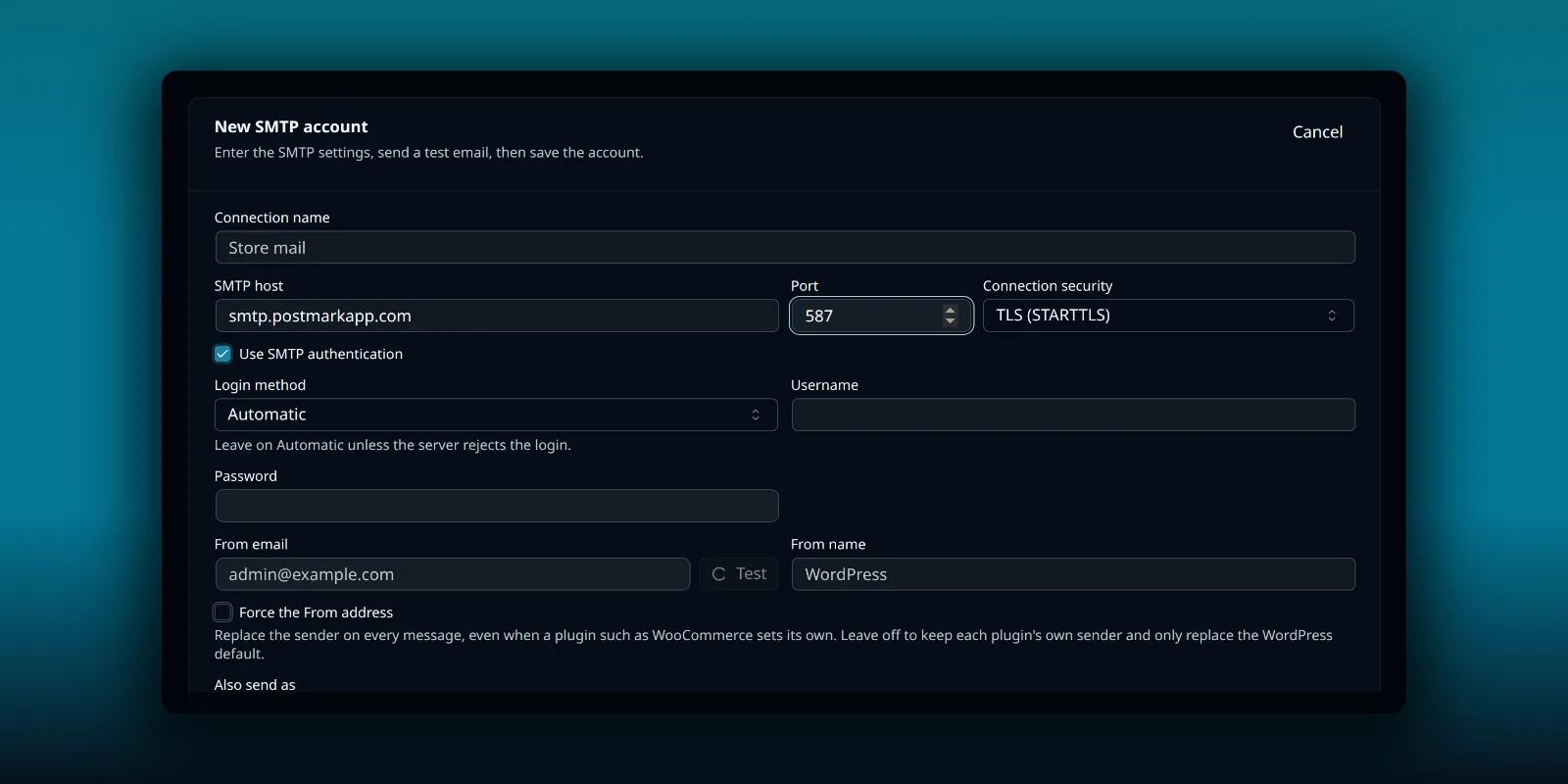
How to Send WordPress Email Through Postmark
Connect Postmark to PressedMail over SMTP: the server API token or an SMTP token, the transactional host and confirmed senders.
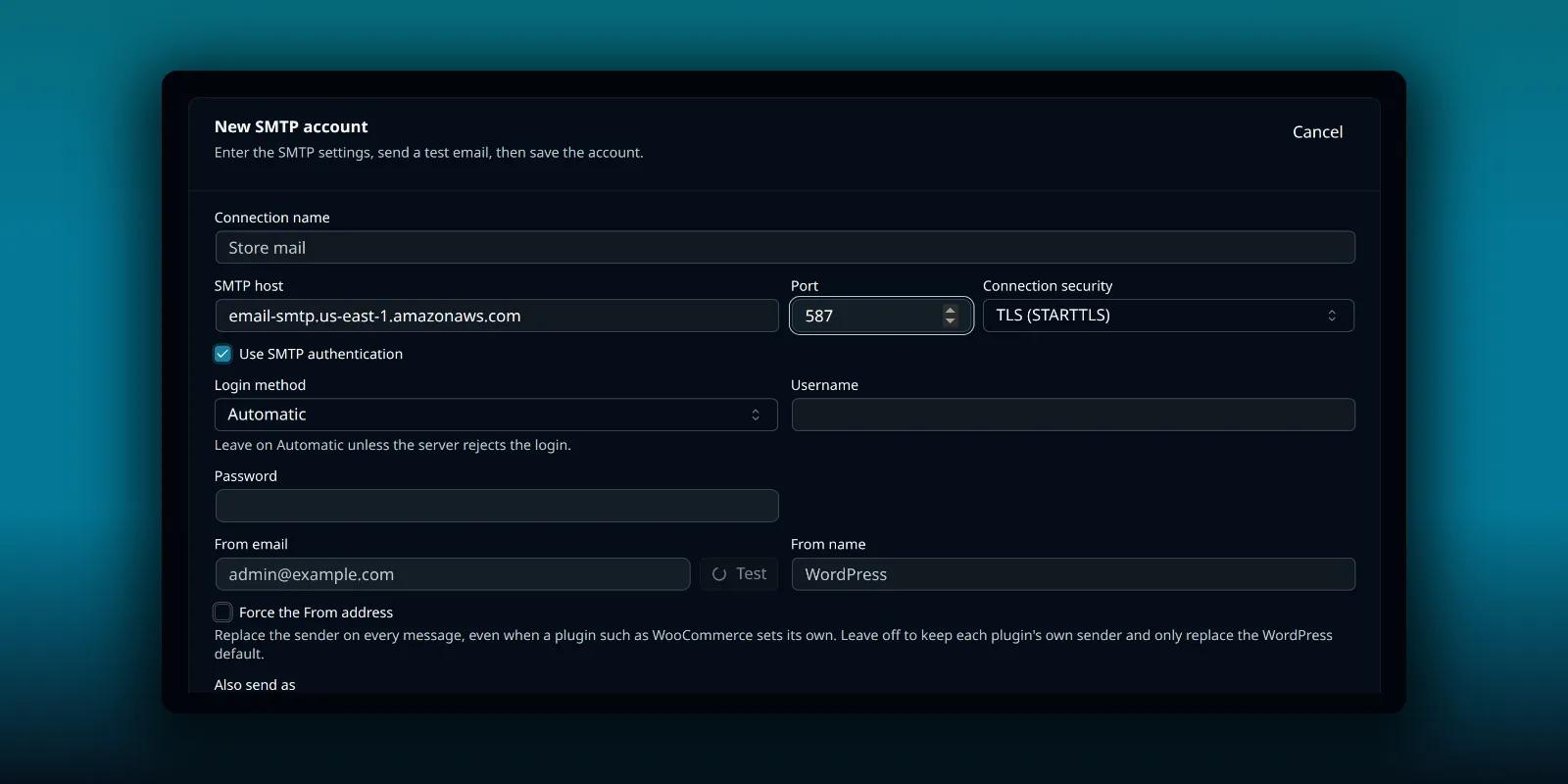
How to Send WordPress Email Through Amazon SES
Connect Amazon SES to PressedMail over SMTP: the Region endpoint, the separate SMTP credentials, verified identities and the sandbox.
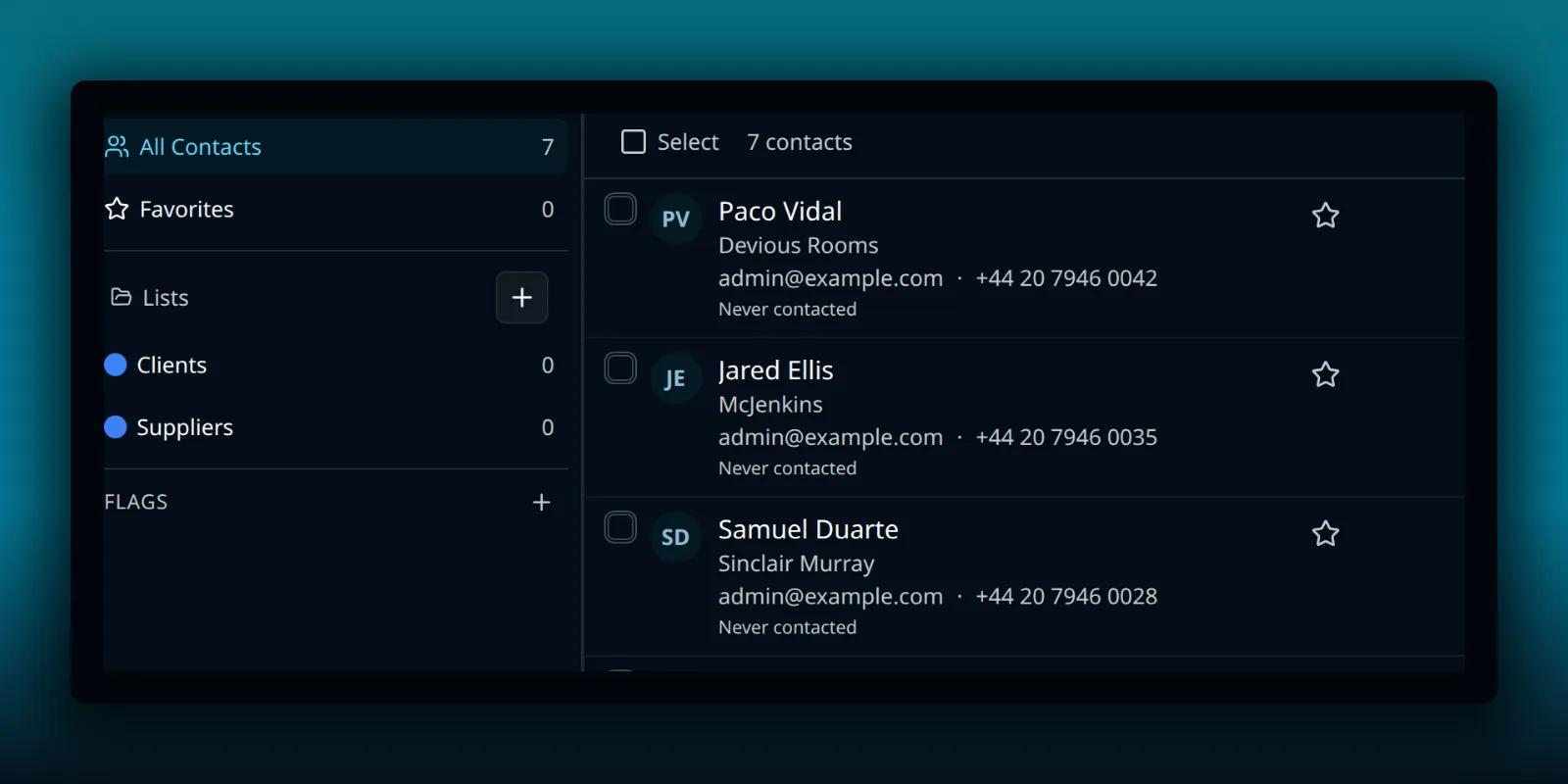
PressedMail vs Thunderbird
Compare PressedMail with Thunderbird on the same mailbox: where each runs, where they overlap, how to use both and when to pick one.
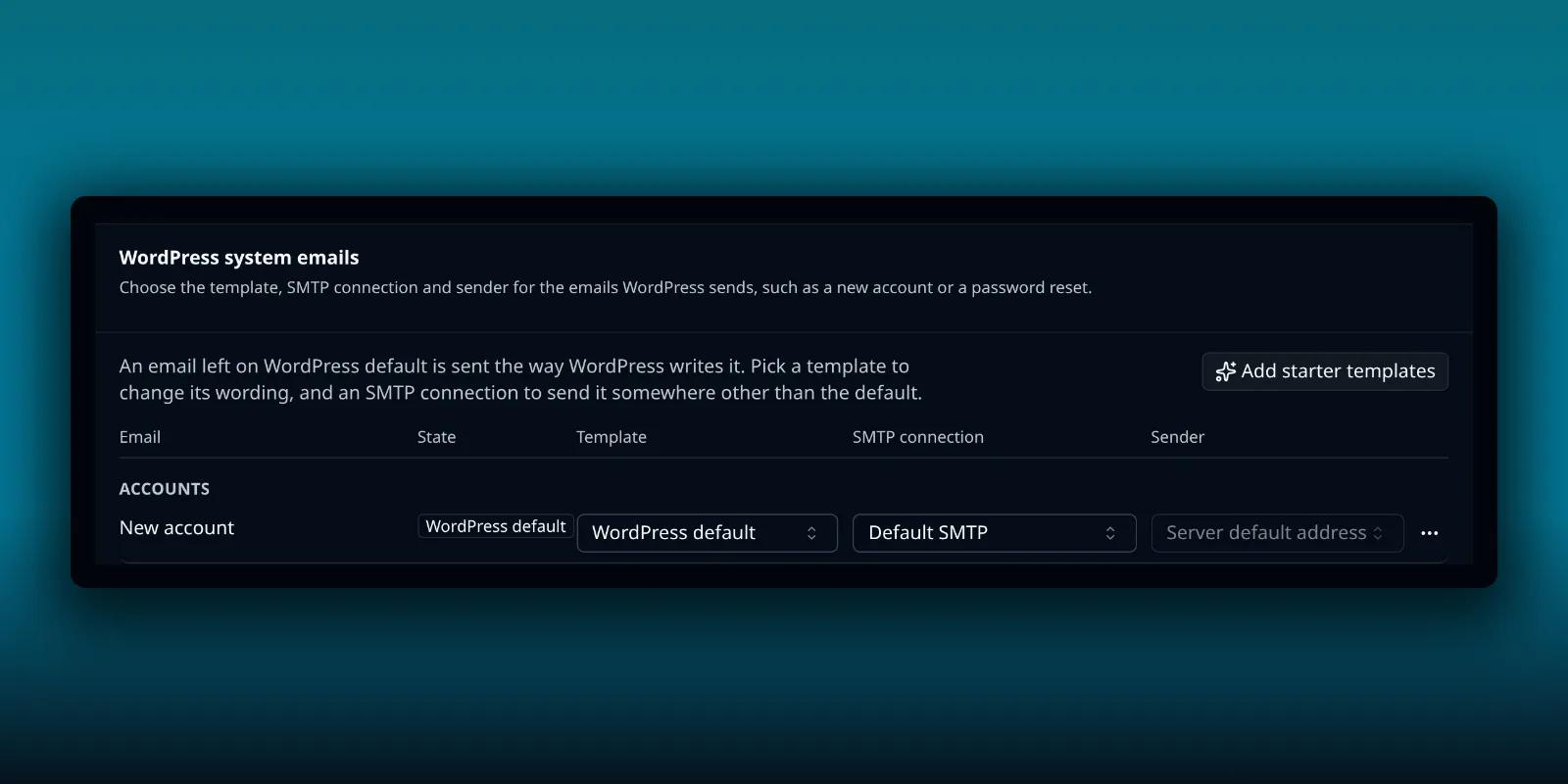
How to Route WooCommerce Emails With the PressedMail Woo Bridge
Install the free Woo Bridge companion and give each WooCommerce email its own PressedMail template, SMTP account and sender.
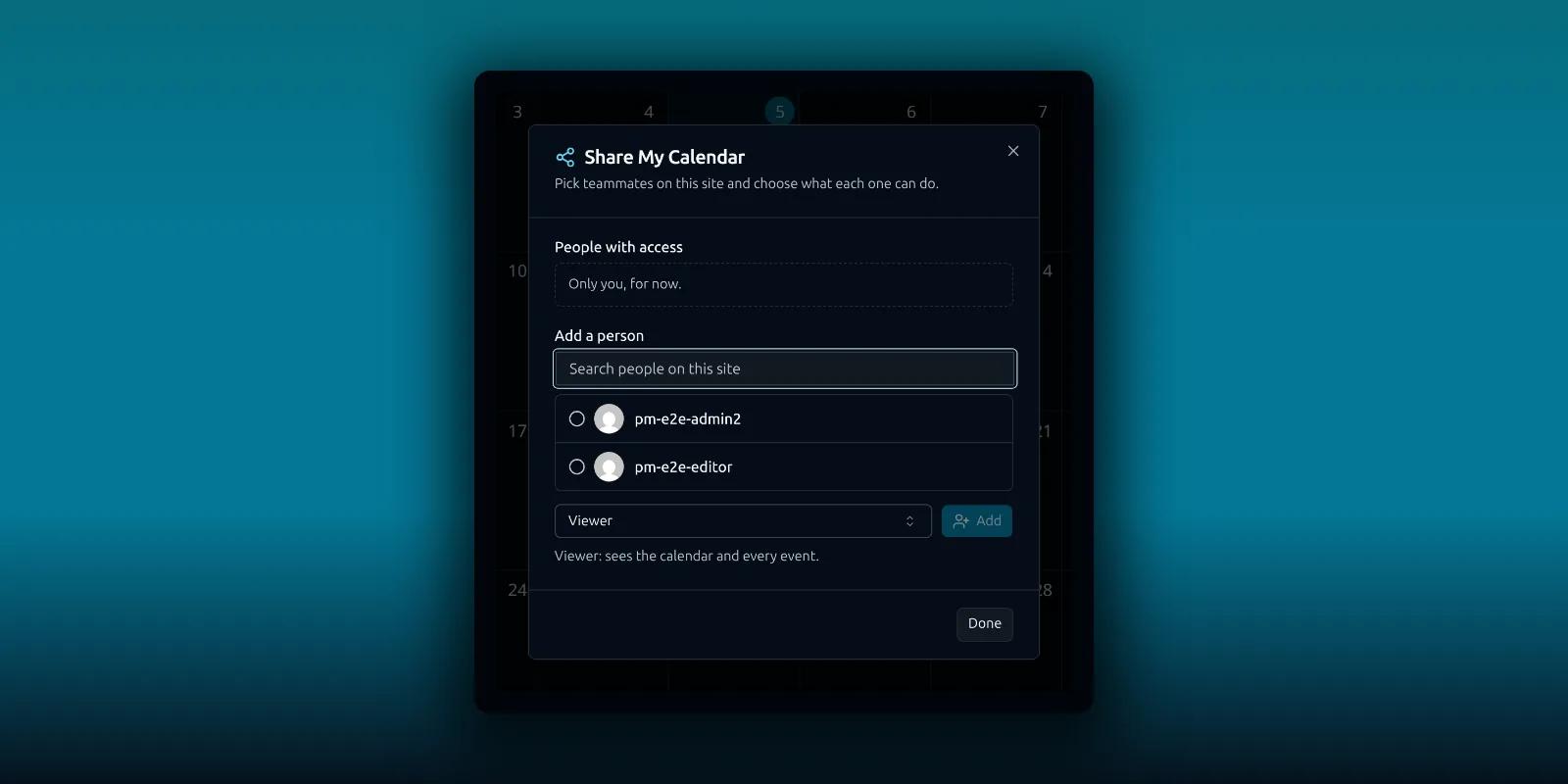
How to Share a Calendar or Contact List in PressedMail
Share a calendar or a contact list with teammates on Ultimate, choose Viewer or Editor, and see what stays private.
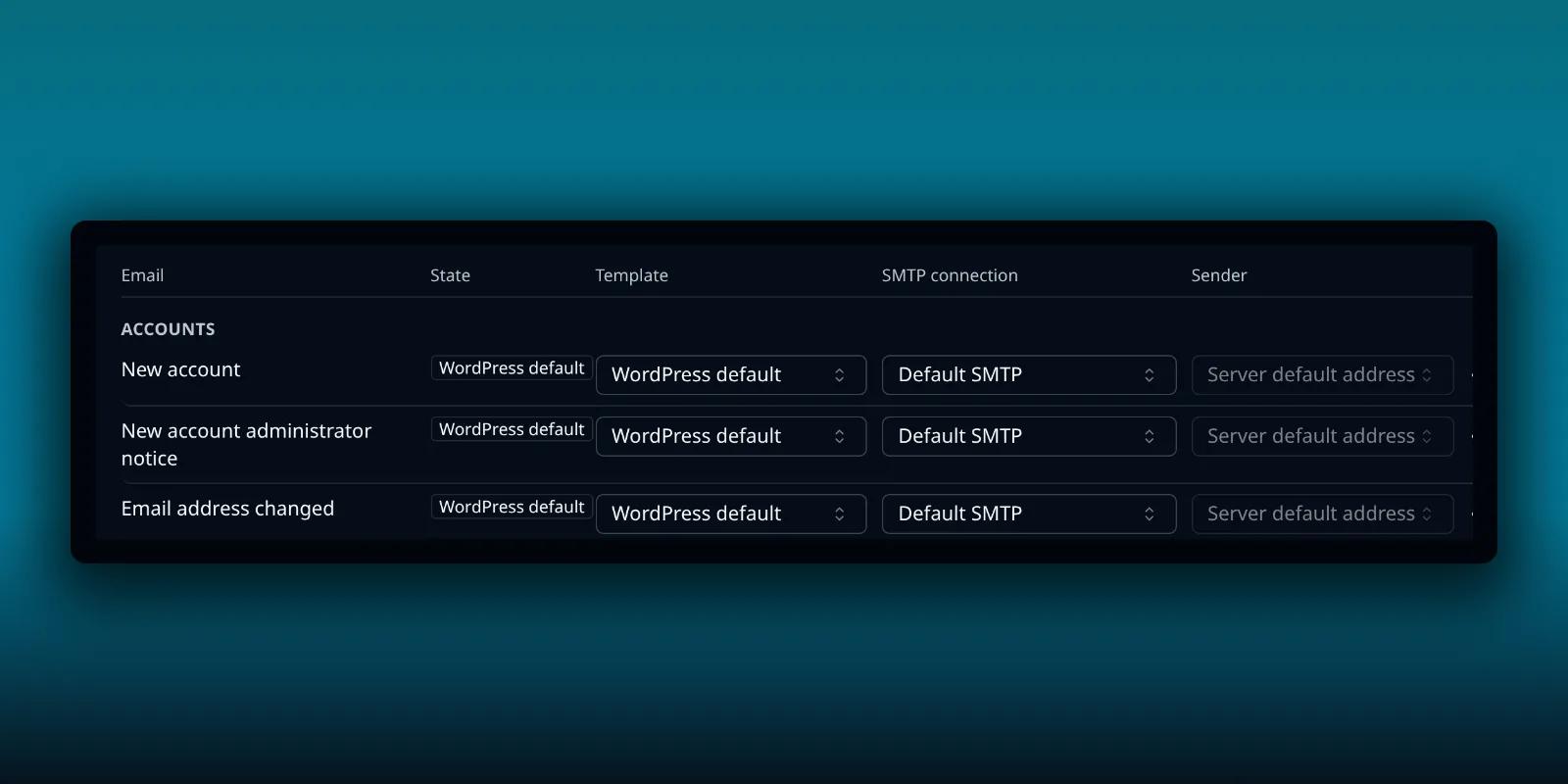
How PressedMail Picks the SMTP Server for WordPress Email
How a paid PressedMail build chooses which SMTP server sends each WordPress email: per-email choices, sender claims, the default connection and Force From.
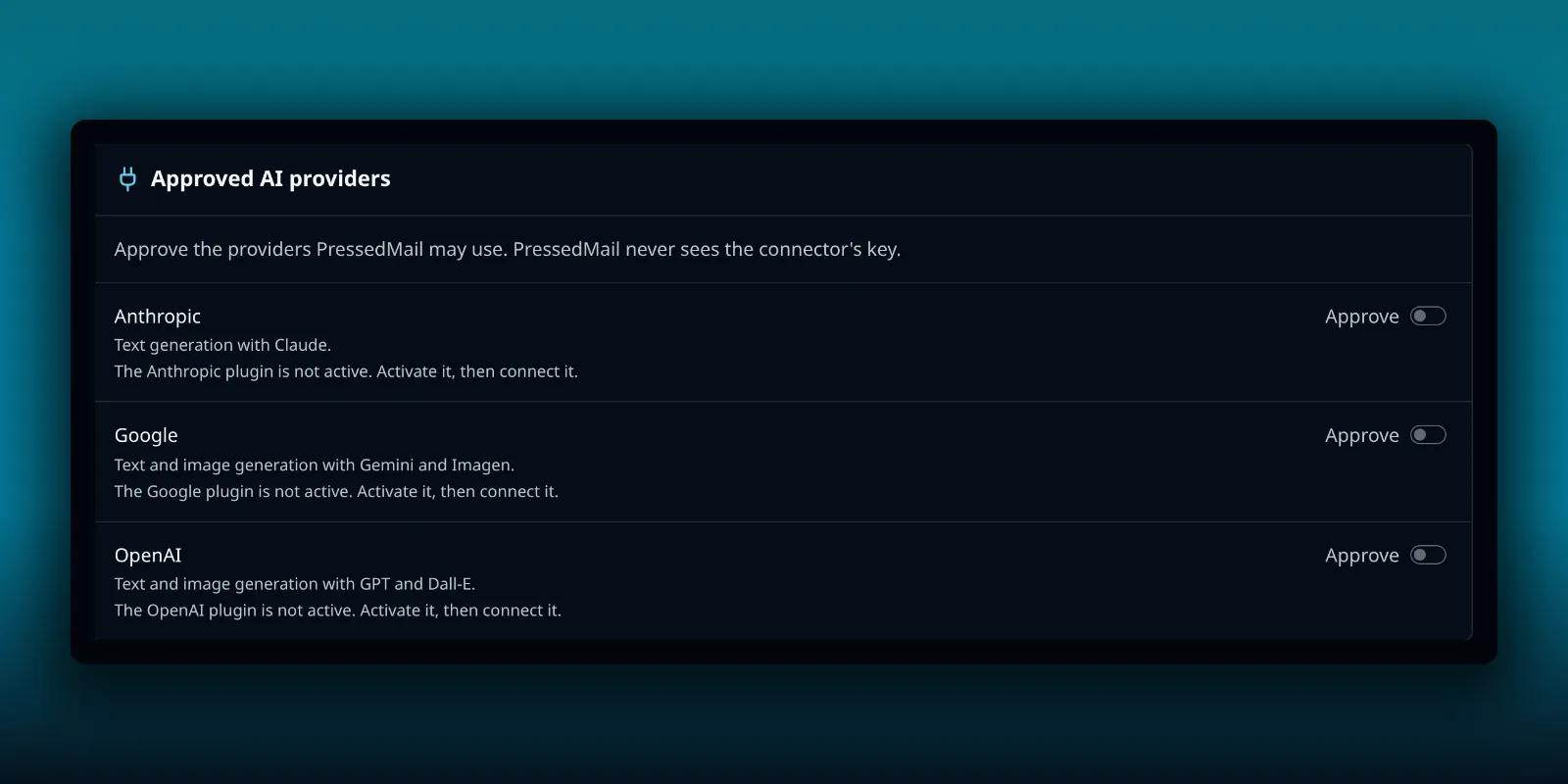
How PressedMail Uses WordPress AI Connectors
On WordPress 7.0 and later, connect your AI provider in WordPress, approve it in PressedMail and pick a model per tool, without pasting a key.
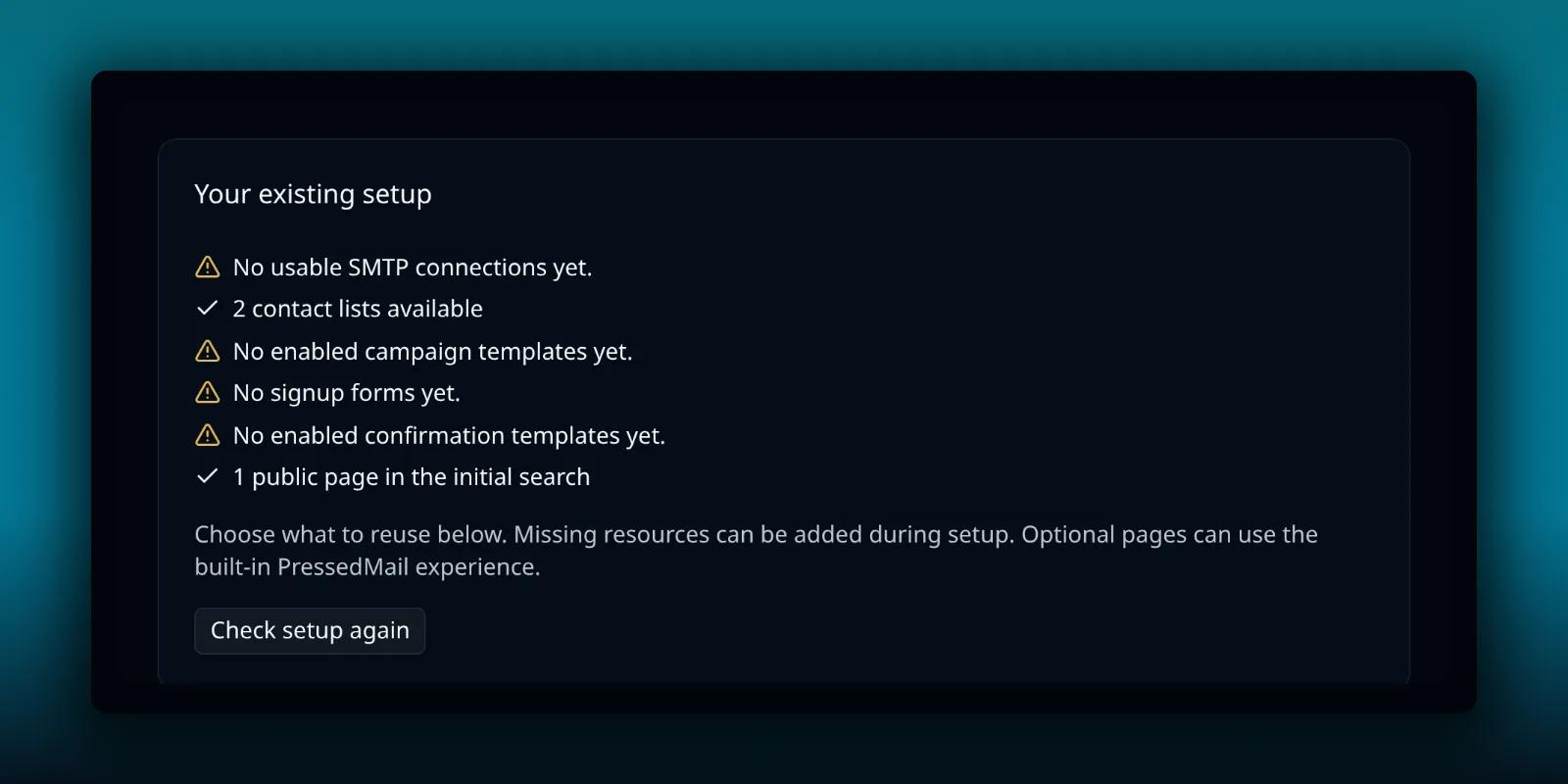
How to Set Up Your First PressedMail Campaign
Walk through Campaign setup in PressedMail Ultimate: the readiness check, the five steps, the unsubscribe rule, tracking, sending speed and the final review.
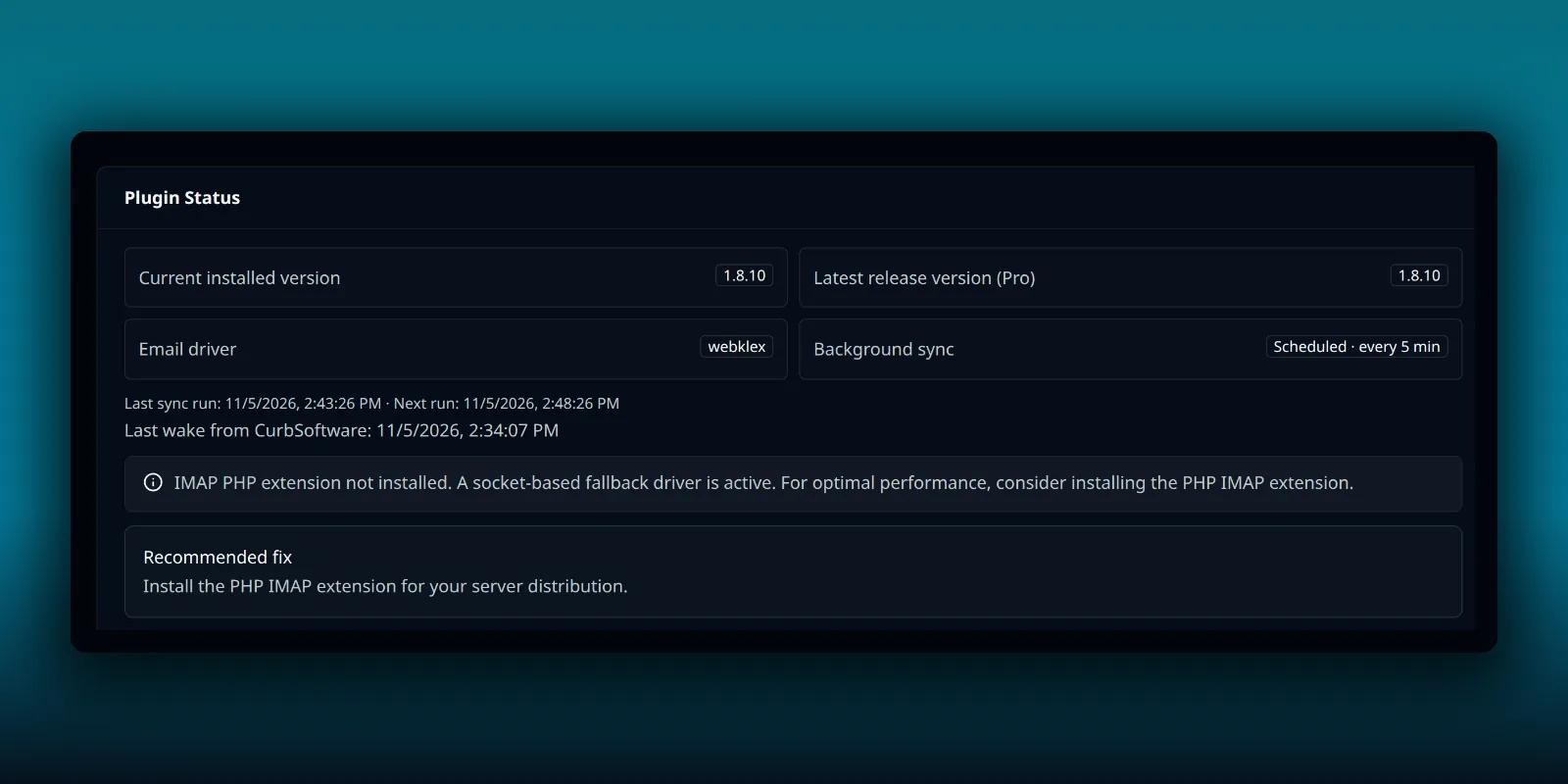
How to Run PressedMail Background Jobs From Real Cron
When WP-Cron is switched off or your site is too quiet to trigger it, run PressedMail's due jobs from a system cron line with one WP-CLI command.
Bleiben Sie mit PressedMail auf dem Laufenden.
Erhalten Sie Produktaktualisierungen, Ankündigungen neuer Funktionen, Tipps zum E-Mail-Workflow und Anleitungen zum WordPress-Posteingang.
Kein Spam. Nur PressedMail-Updates und nützliche WordPress-E-Mail-Tipps.
Was Kunden sagen, seit sie ihre E-Mails in WordPress erledigen.
Nutzen Sie PressedMail in Ihrer eigenen Arbeit? Testimonial senden
I save hours & it’s easy to use
I have a lot of email accounts, and it’s annoying to manage them through different providers. I needed something better than what was out there, so I built it. I spent the better part of two years making PressedMail the plugin I wanted to use every day, and now I get to share it with everyone else. I added my accounts, automated the cleanup of over 3000 emails, and it’s saved me hours of work.
 Robert H. AlexanderGründer - CurbSoftwareEntwickler von PressedMail
Email Swiss Army Knife
We use PressedMail as a value added service for clients and potential clients as a feature of our agency’s offering helping put us ahead of competition. We love the white-labelling feature, automation, and security controls. It also replaces several of the other plugins we used to use and it’s like a small CRM.
 Gene Piki
Holen Sie den Posteingang, mit dem Sie arbeiten, nach WordPress.
Vergleichen Sie die Funktionen von Premium und Ultimate und wählen Sie dann einen kostenpflichtigen Plan passend zur Zahl der WordPress-Websites, die Sie betreuen.