

Use code "LIGHTHOUSE20" to save 20% on all plans forever. Get it now!
Blog
Practical guides and PressedMail updates
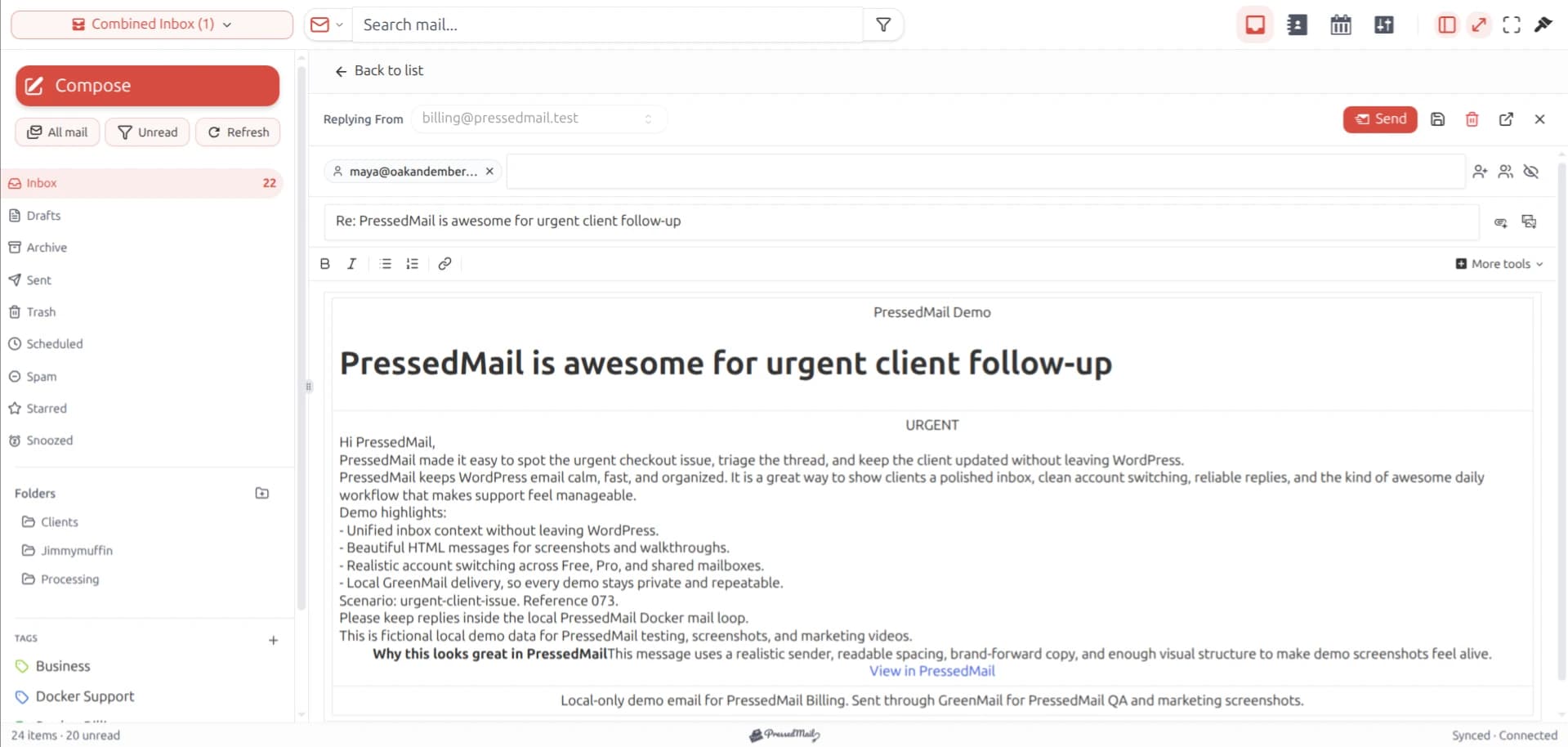
How to Send and Receive Email From the WordPress Dashboard
Test receiving, composing and replying from WordPress with one connected IMAP and SMTP mailbox.
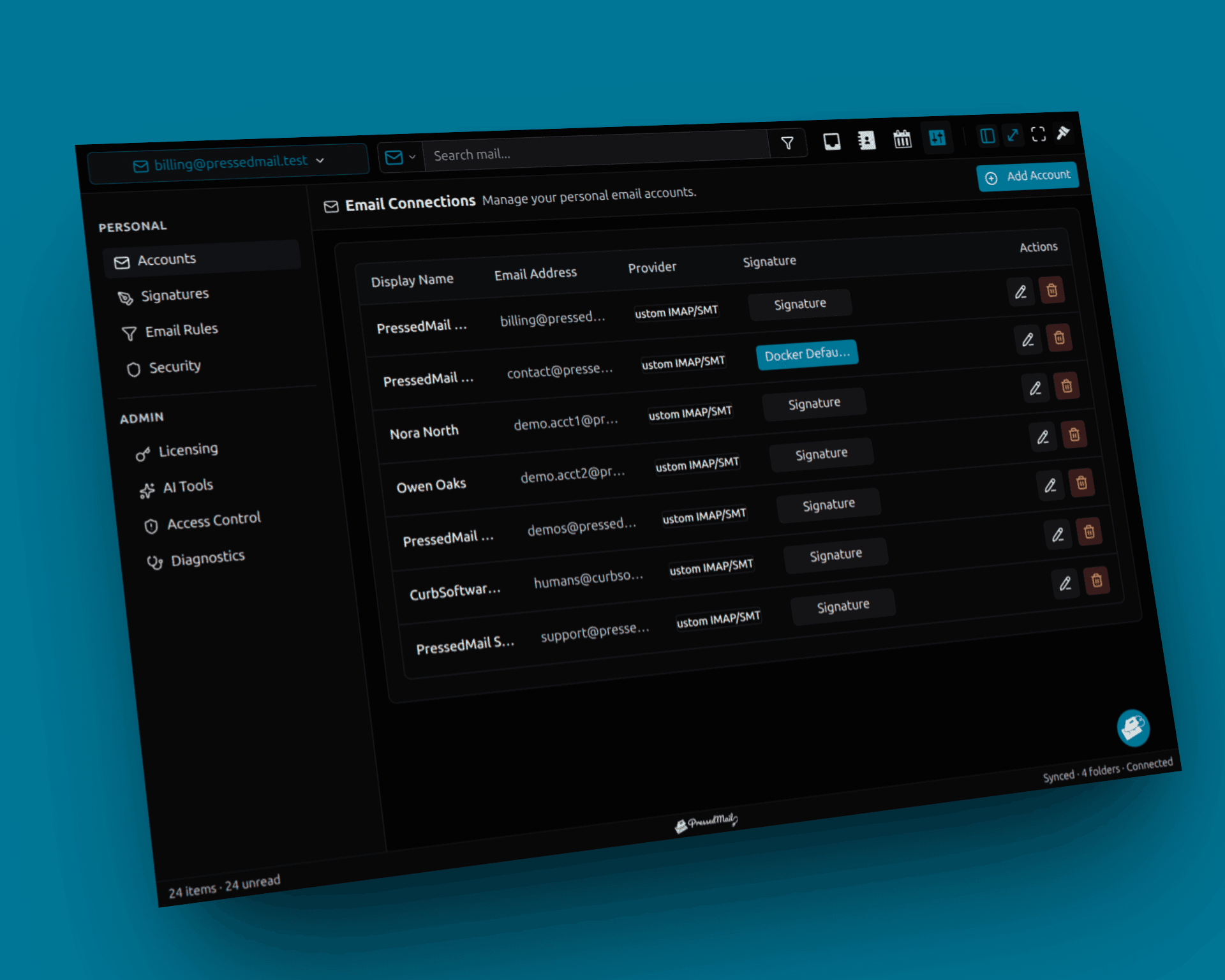
How to Send WordPress Email Through SMTP
Route WordPress wp_mail messages through a connected SMTP account and verify a real notification reaches a test recipient.
How to Test SMTP in WordPress
Test WordPress SMTP with a controlled recipient, separate connection checks from receipt and record useful failure evidence.
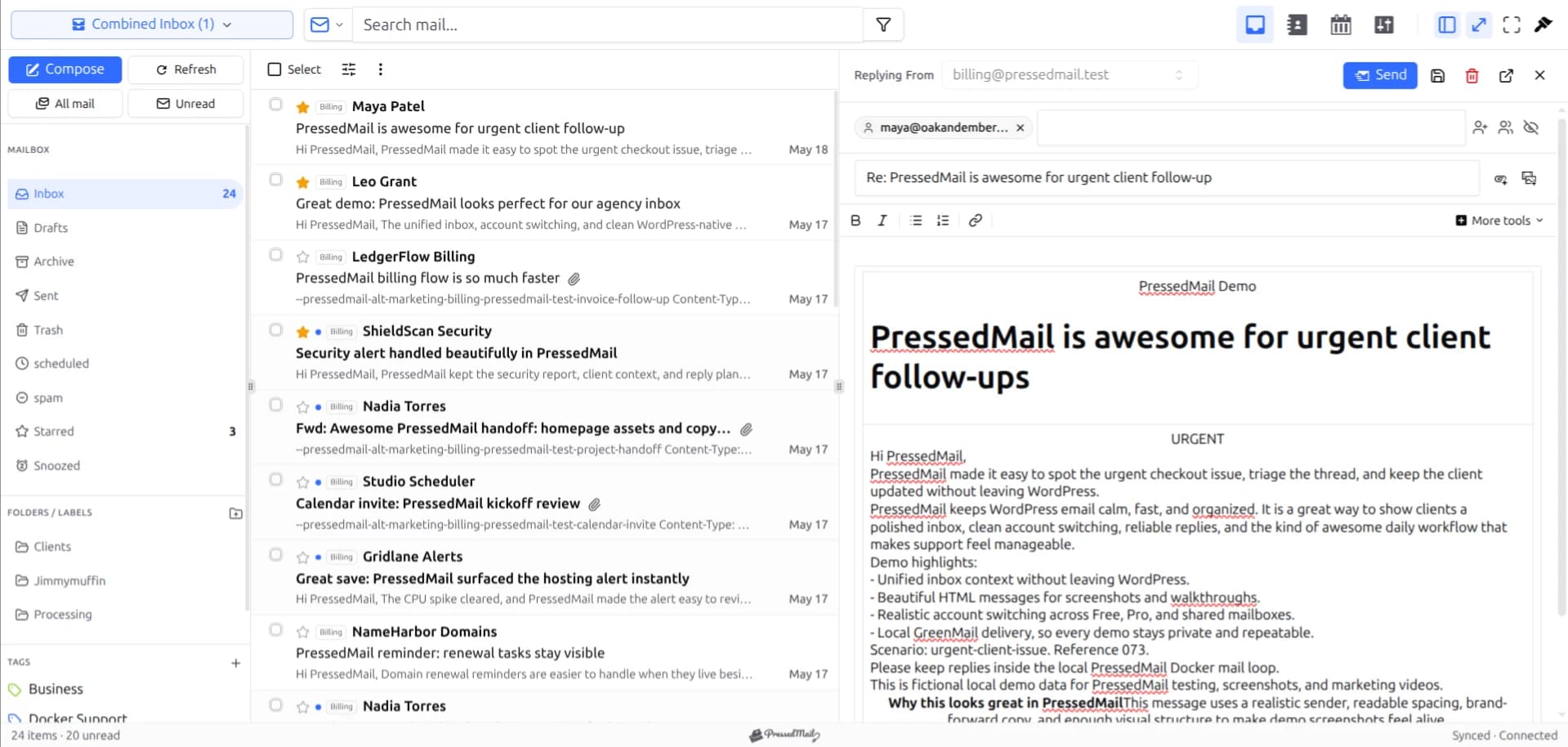
How to Use a Hosting Email Account Inside WordPress
Open a hosting email account inside WordPress by finding its mailbox settings, checking secure access, and keeping its existing webmail available.
How to Use a Microsoft 365 Mailbox in WordPress
Deploy an approved Microsoft 365 mailbox connection in WordPress, verify incoming and outgoing mail, and document ownership and access removal.
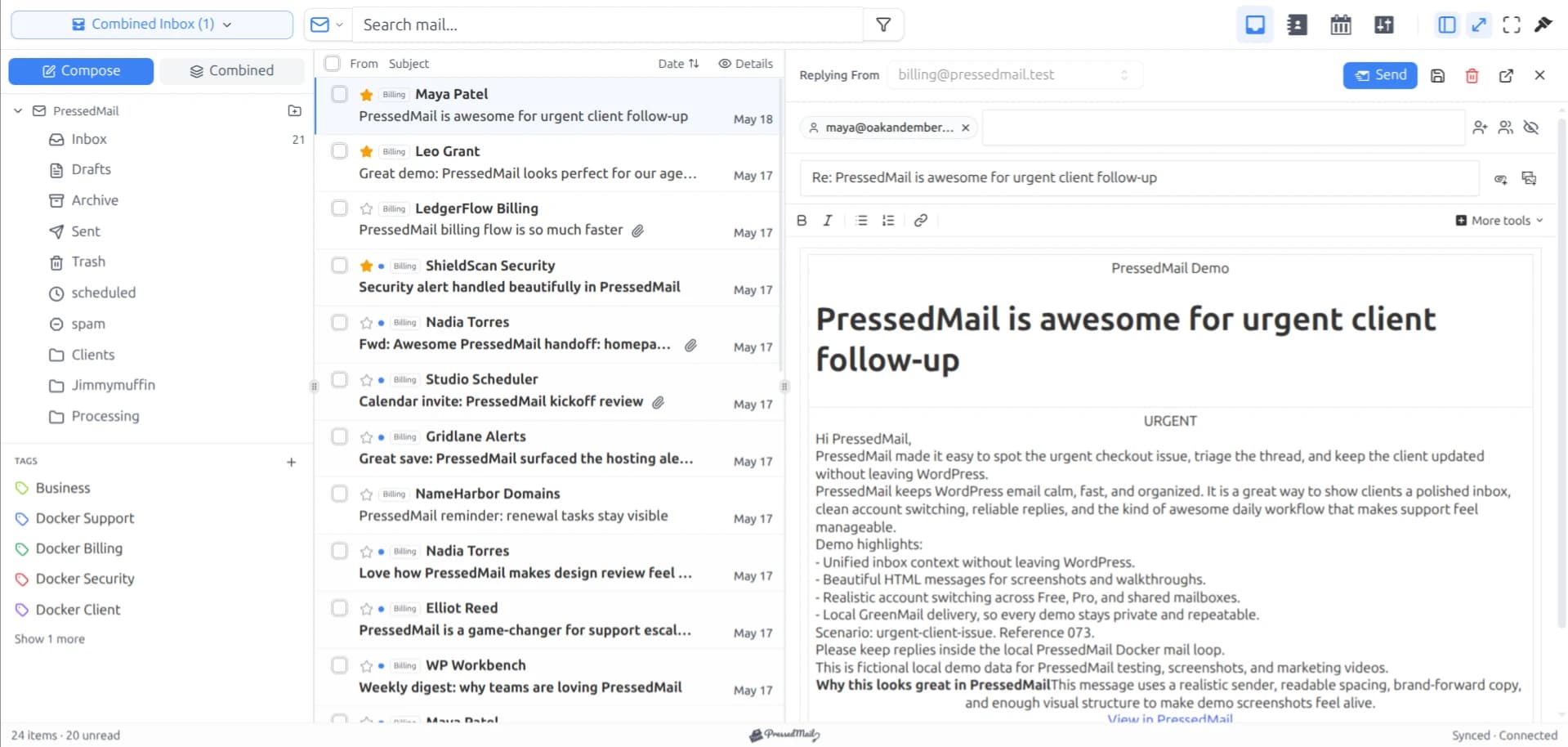
How WordPress Agencies Can Manage Client Mailboxes
Plan agency mailbox access in WordPress with client consent, separate site boundaries, tested sender identities, and a documented handoff.
SMTP Plugin vs Full WordPress Email Client
Understand the different jobs of an SMTP plugin and an email client, and where PressedMail combines WordPress email routing with a mailbox interface.
Using WordPress as a Small Business Email Workspace
Decide whether WordPress is a practical email workspace for a small business, with mailbox setup, site email routing, access checks, and fallback access.
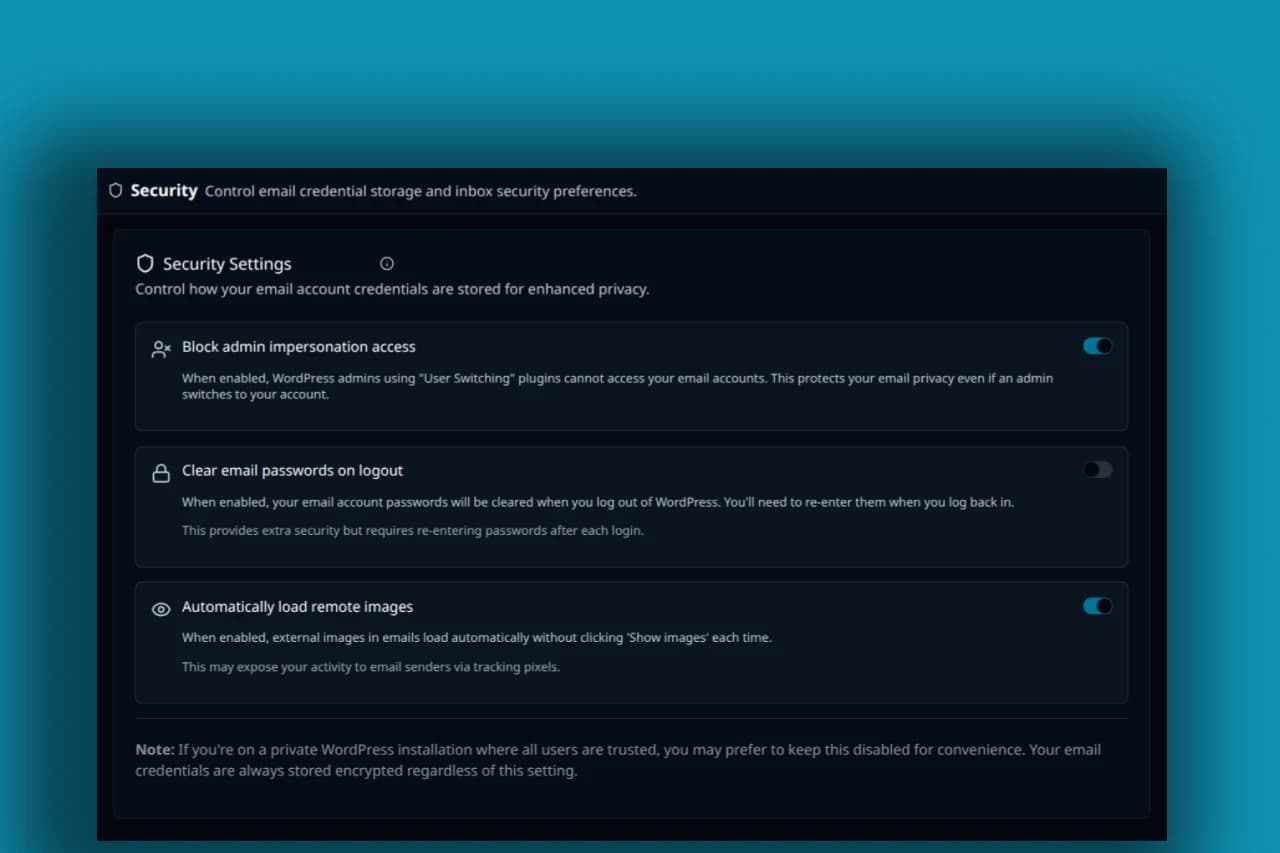
Why Email Clients Block Remote Images
Learn why email clients restrict remote images, what an image request can reveal, and how to choose a remote-image setting in PressedMail.
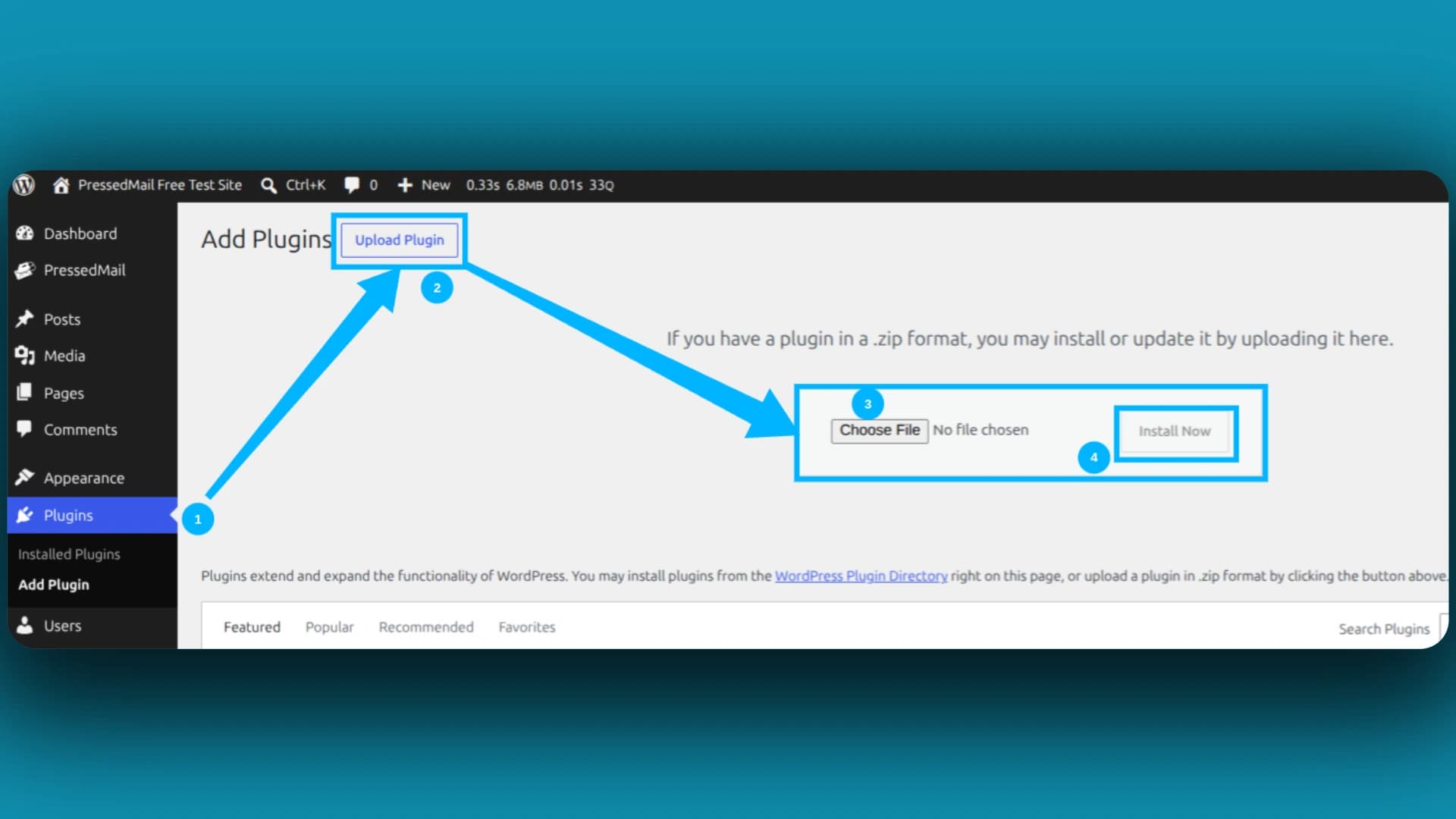
Why Is WordPress Not Sending Email?
Find whether a missing WordPress email failed at generation, transport or recipient filtering before changing SMTP settings.
WordPress Email Client vs Webmail
Compare a WordPress email client with provider webmail by mailbox access, setup responsibility, website integration, and day-to-day use.
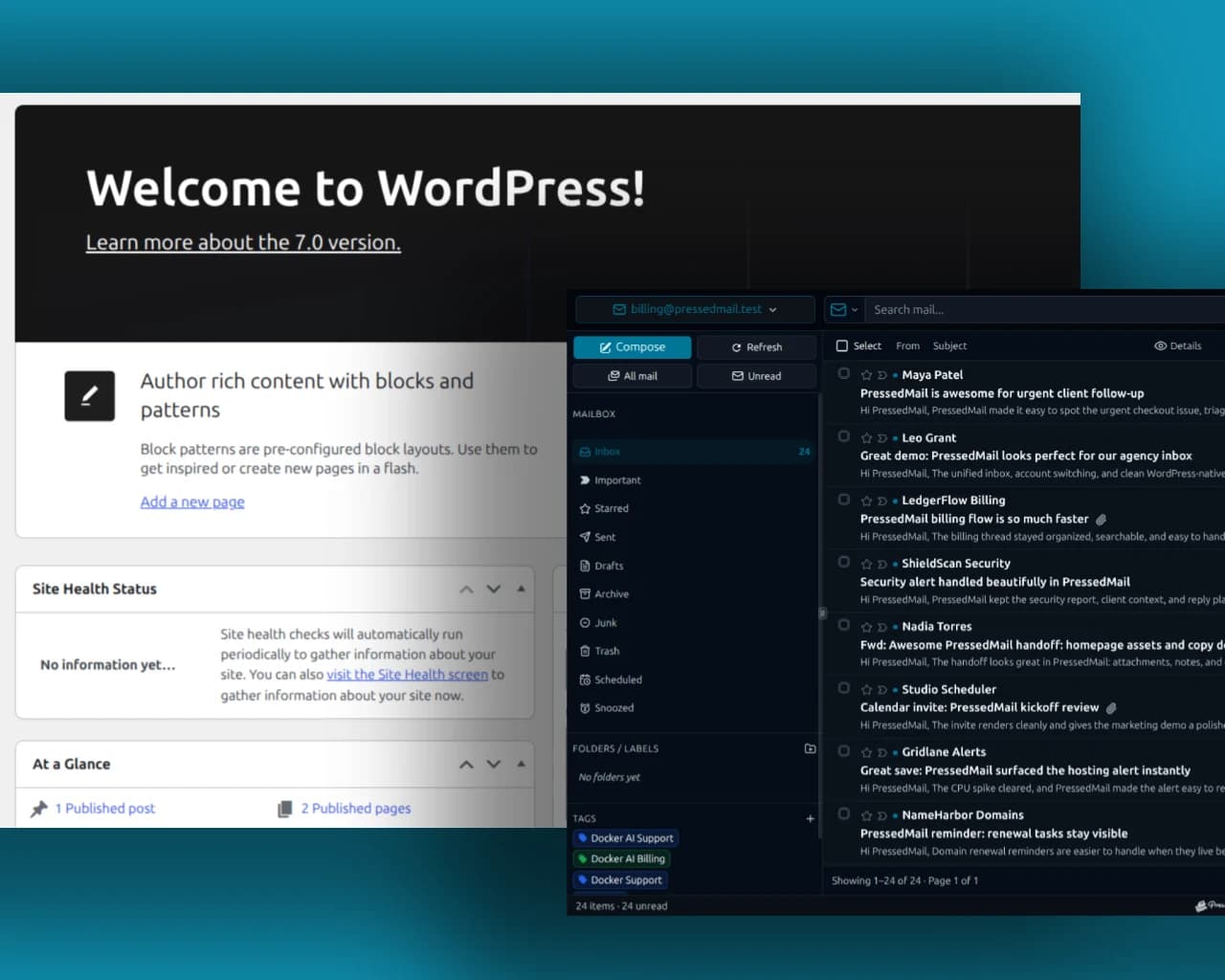
WordPress wp_mail() Explained
Understand what WordPress wp_mail does, how plugins change its transport and why its return value does not confirm receipt.
Newsletter
Get useful PressedMail updates.
New releases, setup guidance, and practical ways to handle email in WordPress.
Occasional PressedMail email. Unsubscribe whenever you like.
I save hours & it’s easy to use
I have a lot of email accounts and it’s annoying to manage them through different providers. I installed PressedMail, added my accounts, and automated the cleanup of over 3000 emails. PressedMail has saved me hours of work.
 Robert H. AlexanderFounder - CurbSoftware Tech Innovations
What customers say after bringing email into WordPress.
I save hours & it’s easy to use
I have a lot of email accounts and it’s annoying to manage them through different providers. I installed PressedMail, added my accounts, and automated the cleanup of over 3000 emails. PressedMail has saved me hours of work.
Helps get more clients
As a freelancer I need to manage several clients’ accounts. I installed PressedMail on WordPress on localhost and use it as my main email client. I manage everything for clients from PressedMail. And several clients use PressedMail now after I have set their WordPress instances up.
 Gene Piki
Email Swiss Army Knife
We use PressedMail as a value added service for clients and potential clients as a feature of our agency’s offering helping put us ahead of competition. We love the white-labelling feature, automation, and security controls. It also replaces several of the other plugins we used to use and it’s like a small CRM.
 Cyrus M. (InCurb Digital)
Fast inbox organization with phishing detection
PressedMail helps us organize our inboxes fast. We especially like the phishing detection feature.
 John & Andrea
One source of truth for every client
As a VA, I use PressedMail to keep each client’s inbox separate while managing everything from one app. It gives me a single source of truth without mixing client work together.
Teaching and client work stay organized
I balance teaching with social media marketing clients. PressedMail helps me keep both sides of my work organized in one place.
 J.A. Payo
Using PressedMail in your own work?
Get started
Bring your working inbox into WordPress.
Compare Premium and Ultimate features, then choose a paid plan for the number of WordPress sites you manage.