

wp_mail is WordPress's function for sending an email from application code. A plugin can call it when a form is submitted, an order changes state or another event requires a notification.
The function gives the caller a common interface. The configured mail path determines how the message is submitted. That is why an SMTP plugin can change sending behavior without requiring every form or store plugin to rewrite its notification code.
A successful result is limited to the observed sending operation. The WordPress function reference explicitly distinguishes that result from recipient receipt.
Understand the call before changing transport
A basic call supplies a recipient, a subject and a message. Optional arguments can provide headers and attachments.
The caller decides when the notification should exist and what it should say. The mail route handles its submission. If the application never calls the route because the notification is disabled or an event did not occur, SMTP settings cannot repair that missing trigger.
This separation is useful when debugging. WordPress email triage starts with generation, then follows transport and recipient evidence.
The function itself is also different from an inbox client. Calling it does not retrieve existing messages or create a mailbox interface.
A minimal controlled example
The following PHP belongs in an authorized testing context where WordPress is already loaded. Replace the example recipient with an address you control before running it.
$recipient = 'recipient@example.com';

if ( ! is_email( $recipient ) ) {
    throw new InvalidArgumentException( 'Use a valid test recipient.' );
}

$sent = wp_mail(
    $recipient,
    'WordPress mail check',
    'A plain-text test from the configured WordPress mail route.'
);
This example submits a real message when executed. Run it once through an appropriate developer or administrator test workflow. Do not attach it to every page load or expose an unauthenticated public send endpoint.
Inspect the boolean result, then check the receiving mailbox. A true result is not a read receipt. Keep the test subject distinct from real notifications so you can correlate the attempt with a record.
For a UI-driven test instead of PHP, use the configured sender's test-email control described in SMTP testing.
Keep external input outside the trusted part
Real notification code often receives user-supplied values. Validate the recipient and any fields used to build the message according to the application's requirements.
Do not concatenate raw form input into mail headers. A form email field belongs in a controlled, validated mapping. The contact-form SMTP guide explains the difference between an authorized From address and a visitor's Reply-To address.
An email function call is not permission to send to arbitrary destinations. A public form still needs its own validation, access decisions and abuse controls. Those belong to the form or application that triggers the message.
Likewise, do not put SMTP credentials into the example call. The site's configured route should own its transport settings.
How an SMTP plugin changes the path
WordPress initializes PHPMailer and exposes the phpmailer_init hook. A routing plugin can configure that instance for the chosen transport.
PressedMail uses this path for its WordPress SMTP server. It also handles the effective sender through WordPress's sender filters. Free provides one outgoing server; Pro adds multiple servers and sender-based routing.
The caller can continue using wp_mail while that configured route changes. The mailbox connection used for reading email remains a separate configuration.
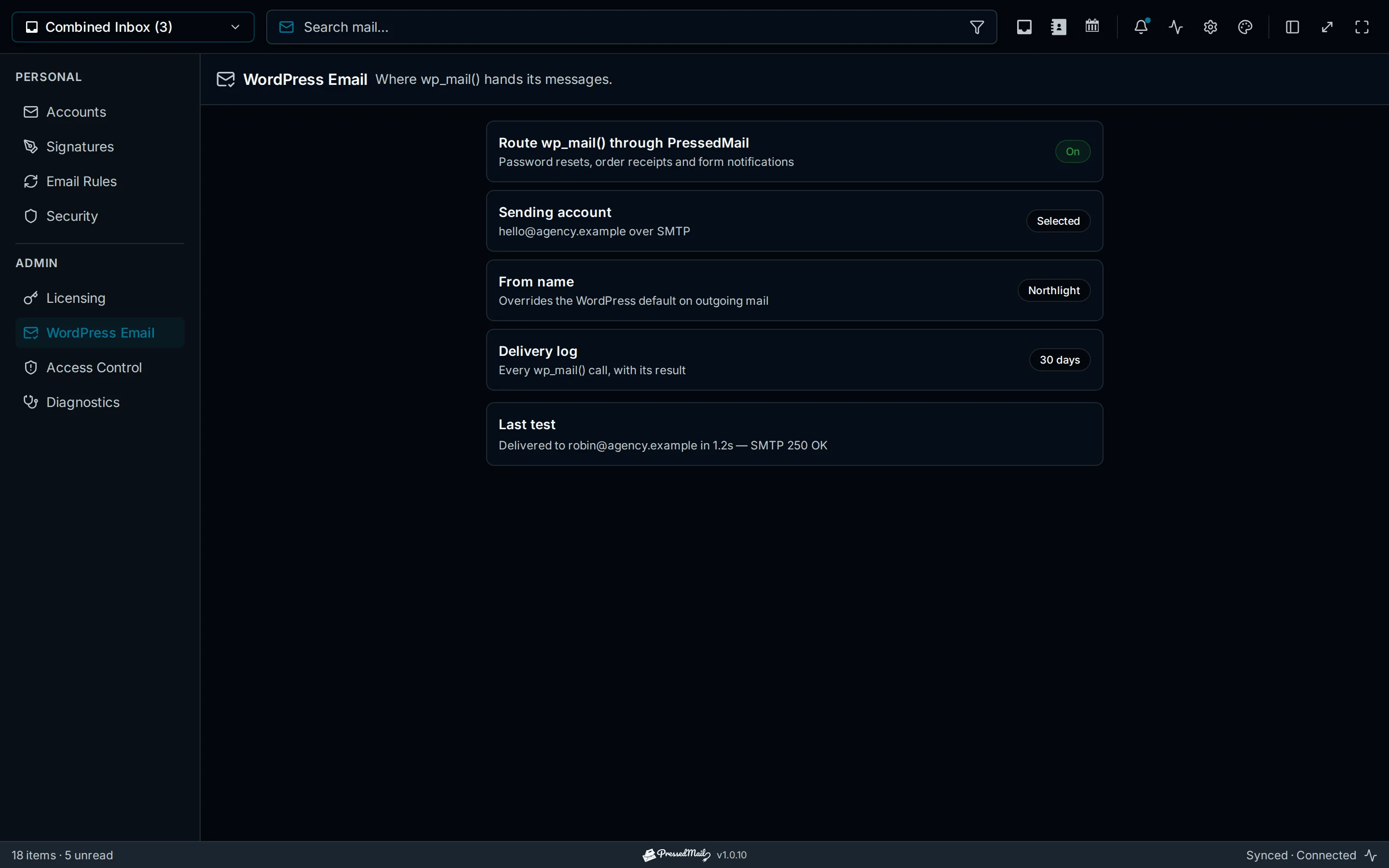
Illustration of WordPress email routing. It explains the configuration concept; it is not a trace of the example code running.
Configure one owner for this route. Several plugins changing the same mailer or sender can create outcomes that are difficult to reason about, especially when a form supplies an explicit From address.
Sending WordPress email through SMTP covers the administrator setup. PHP mail versus SMTP compares submission arrangements without changing the application-level purpose of the call.
Read failures without exposing message contents
WordPress exposes a wp_mail_failed hook when it catches the relevant PHPMailer exception. The error object can include message data.
That makes dumping the whole object into a public page or an unrestricted log a poor debugging habit. A password-reset message can contain an active credential, and other notifications may include personal information.
Record only the information needed to identify the failure. Prefer the established metadata log when it supplies the required error and correlation details.
PressedMail's WordPress log retains limited recipient information, subject, sender, connection and outcome metadata. It excludes message bodies, raw headers and attachments. The logging guide explains retention and the limits of that record.
Plain text, HTML and attachments
Keep an initial test plain text. That avoids confusing transport with formatting.
HTML messages need an appropriate content type. If application code changes a global content-type filter, scope and remove that change correctly so later unrelated messages are not affected. Follow the current WordPress reference for the version you support rather than copying an old global snippet into a theme.
Attachments also add their own failure possibilities, including unavailable files and provider size restrictions. Start with a small controlled file only after plain messages work.
A successful plain-text test does not prove that every template or attachment behaves correctly. Test the actual message format the application will send.
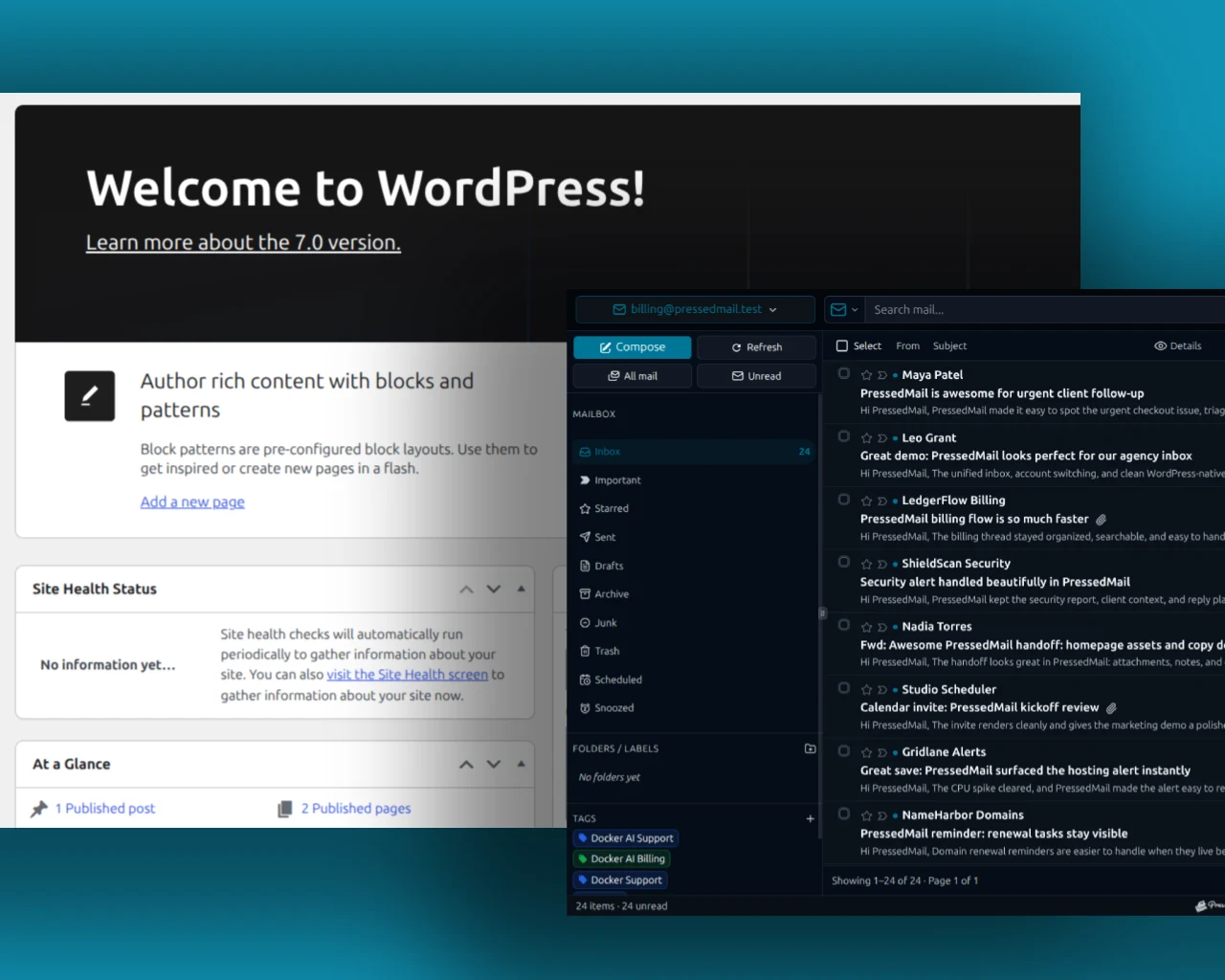
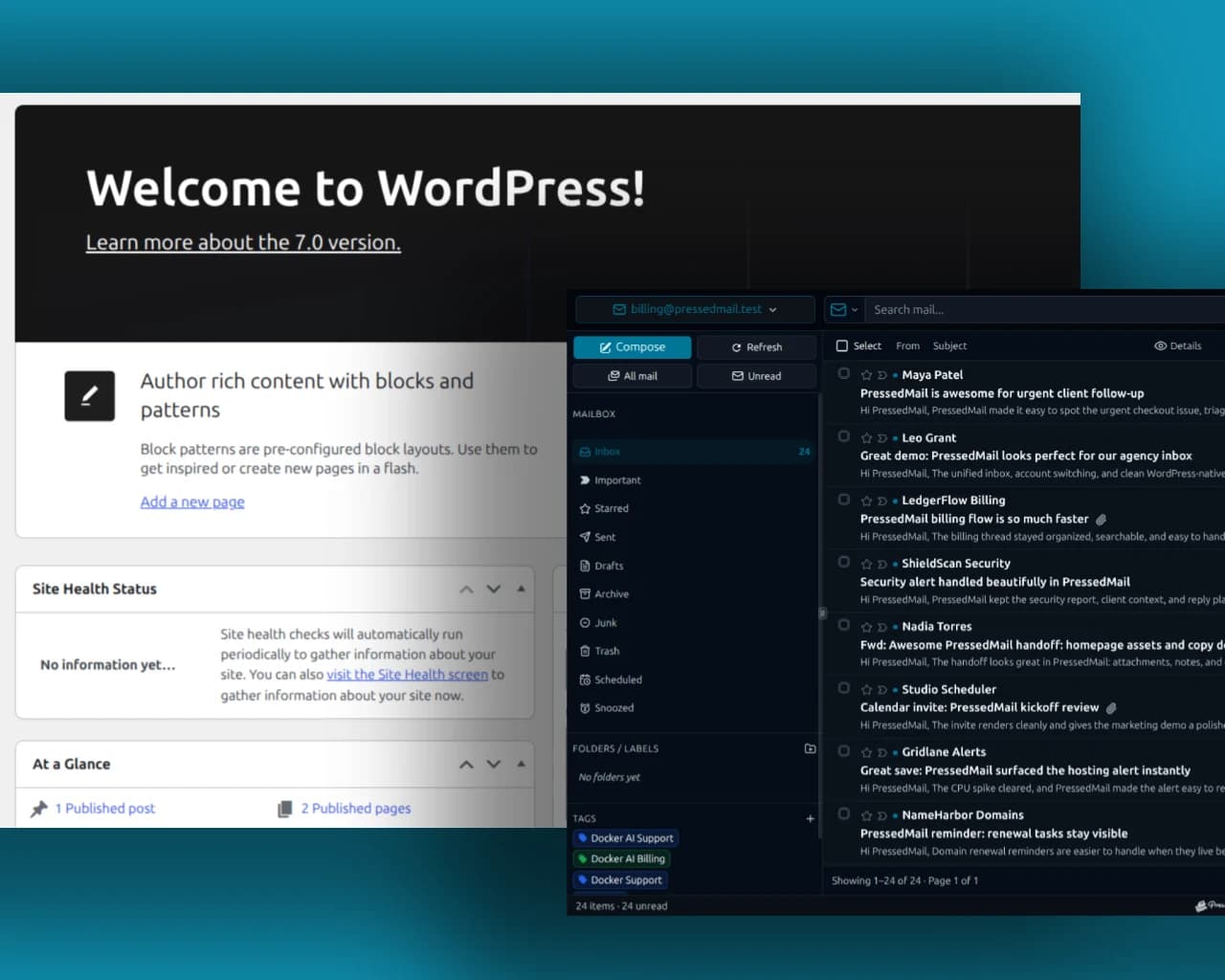
Composite of WordPress administration and PressedMail. It shows the surrounding interface, not the execution result of a PHP example.
Some integrations bypass wp_mail
A plugin may call a sending provider's API directly or use its own mail client. In that case, the site's WordPress SMTP settings may not control its message.
Before changing configuration, identify the actual sending path. A working wp_mail test and a failing API notification can coexist because they use different credentials, code and providers.
The same applies to evidence: a WordPress logger may not see an independent API event. Checking whether mail was sent explains how to avoid claiming more than the available record proves.
Frequently asked questions
Is wp_mail the same as PHP mail?
It is WordPress's application-level mail function. The underlying configured transport may use the default mail path or be changed by a plugin.
Does true mean the recipient received the message?
No. Check the recipient or provider evidence separately.
Must each plugin contain SMTP credentials?
No. Applications using the common WordPress route can rely on its configured transport. Keep credentials in the route's supported configuration.
Why does my form fail when the PHP example works?
The form may have different headers, recipients, trigger conditions or an independent sending integration. Test and inspect its actual path.
Should I edit WordPress core to change sending?
No. Use the supported configuration and extension hooks. Core edits are not needed for an ordinary SMTP setup.
Manage your email inside WordPress
PressedMail Free adds an email client directly to your WordPress dashboard. Connect a compatible IMAP/SMTP mailbox, read and send mail, organize messages, and configure WordPress SMTP.




