

When WordPress email goes missing, first find whether the notification was generated, whether the configured sender accepted it and whether the recipient system received it. Installing another SMTP plugin before checking those stages can leave the original problem untouched.
A disabled form notification, a rejected SMTP password and a message filed in Spam need different fixes. Start with one controlled message and follow the evidence.
WordPress exposes mail outcomes through its sending path, but a successful local result is not proof of receipt. The wp_mail reference states that limitation explicitly.
Reproduce one safe example
Choose a notification you can trigger without altering someone else's data. Use a test form submission, a test account's password reset or an approved test-order flow.
Send it to an address you control. Record the time, intended recipient and message purpose. If possible, use a subject that distinguishes this attempt from earlier tests.
Avoid repeatedly clicking resend. Several similar attempts make it harder to match a log entry with the message found later. They may also create several valid reset messages or duplicate notifications.
If the missing message belongs to a real customer, investigate existing evidence first. Use controlled data to reproduce the behavior rather than changing the customer's order or account for a test.
Check whether the application generated mail
Look at the plugin or feature responsible for the notification.
For a form, verify that its email notification is enabled and addressed correctly. For a store, check that the expected event occurred and the relevant email type is active. For a reset, verify the test account and destination.
A successful form submission may mean the submission was accepted. It does not establish every subsequent mail outcome. Similarly, a created order may not have reached the state that triggers the expected notification.
The dedicated WooCommerce SMTP guide and contact-form SMTP guide cover these application-specific checks.
If the application never tried to send, changing SMTP credentials cannot cause the missing event to exist. Resolve the trigger or notification configuration first.
Find the corresponding sending result
Check the logger for the route the message uses. PressedMail's WordPress mail log shows metadata and available sent or failed outcomes for the events it records.
A missing row needs interpretation. Logging may have been off, retention may have removed older entries, or the plugin may send through an independent API. An empty table alone does not prove that no message was generated.
Look for the time and recipient together, not merely a familiar subject. Checking whether WordPress email was sent explains the limits of each piece of evidence.
If you need future evidence and do not yet have a log, configure logging before reproducing another controlled example.
If the send failed, classify the error
Read the actual error rather than translating every failure into “wrong password.”
| Error category | First useful check |
|---|---|
| Cannot connect or resolve the server | Hostname, port and outbound access from the WordPress host |
| TLS or certificate failure | Provider hostname and documented encryption mode |
| Authentication rejected | Username, credential type and account policy |
| Sender rejected | Allowed From identity and provider sender rules |
| Recipient rejected | Destination address and the server's stated reason |
The exact wording depends on the server. Preserve enough of it for support while removing secrets and personal information.
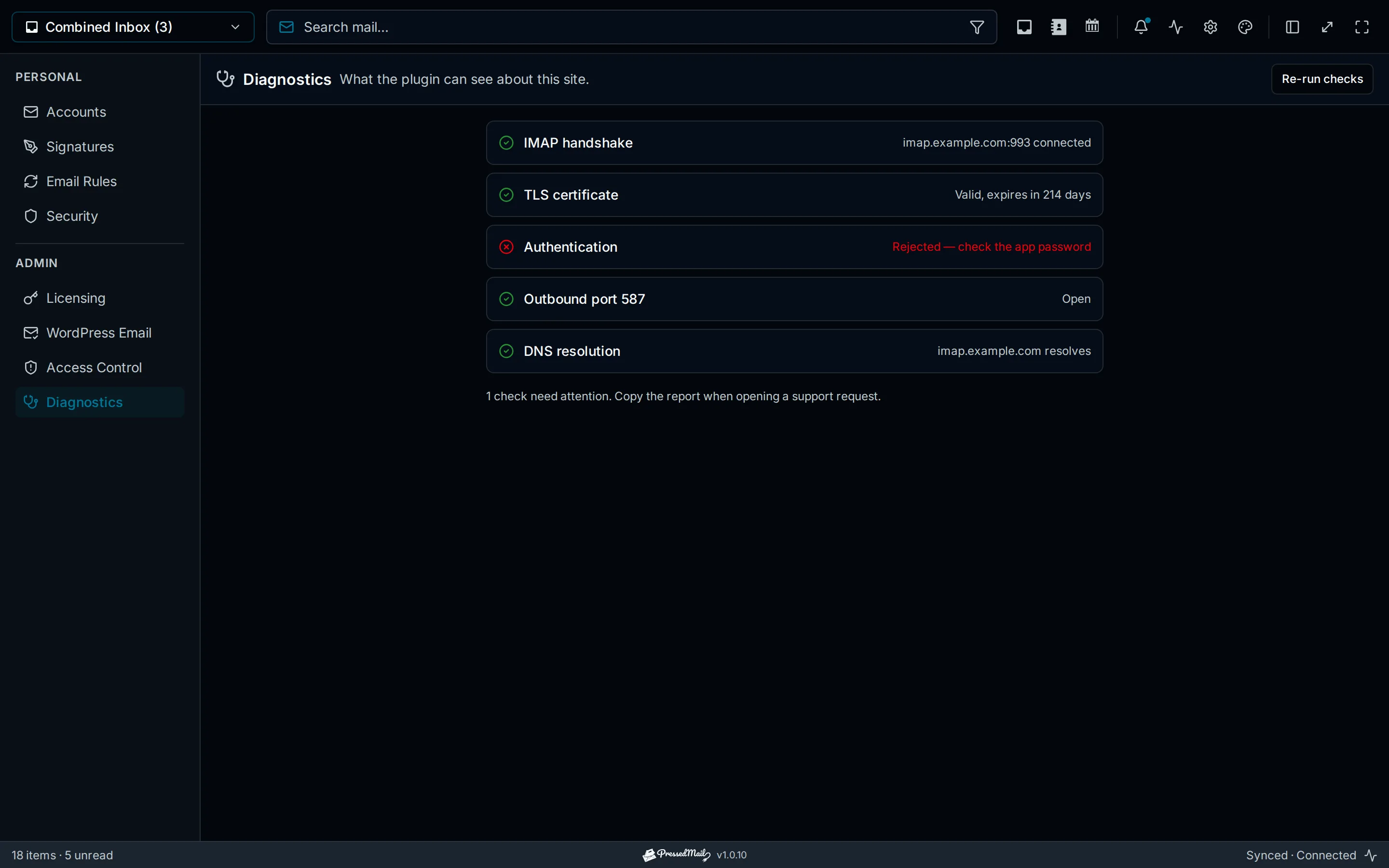
Illustrated connection diagnostics showing an authentication failure. This is an explanatory example, not evidence from your site's incident.
Change one setting that the evidence implicates, then repeat the same test. If you change the host, password, sender and plugin simultaneously, a later success will not tell you which change mattered.
A message sent from your laptop does not prove that the WordPress host can reach the server. Use the WordPress SMTP test for the path you are investigating.
If sending succeeded, check the receiving side
Open the recipient mailbox and inspect Inbox, Spam and any relevant quarantine. Check for a bounce at the sending account.
A message found in Spam demonstrates a different problem from an SMTP authentication failure. Follow WordPress emails going to Spam rather than repeatedly replacing valid credentials.
For an organizational mailbox, an administrator may have access to provider tracing or quarantine that you cannot see. Supply the time window, sender, recipient and sanitized error or message identifier when available.
Do not tell a customer that a local “sent” result proves they received or read the message. Name the stage you observed.
Know which route you changed
PressedMail has an inbox connection and a separate administrator configuration for WordPress SMTP. A working mailbox reply does not establish that password resets use the same settings.
In Free, WordPress Email supports one outgoing SMTP server. Configure its host, security, authentication and sender, then enable the route and test it. Existing inbox credentials are not automatically selected for site mail.
If you install PressedMail while investigating, document the previous sending setup and use one owner for the WordPress route. Avoid running competing SMTP configurations without knowing which one handles the notification.
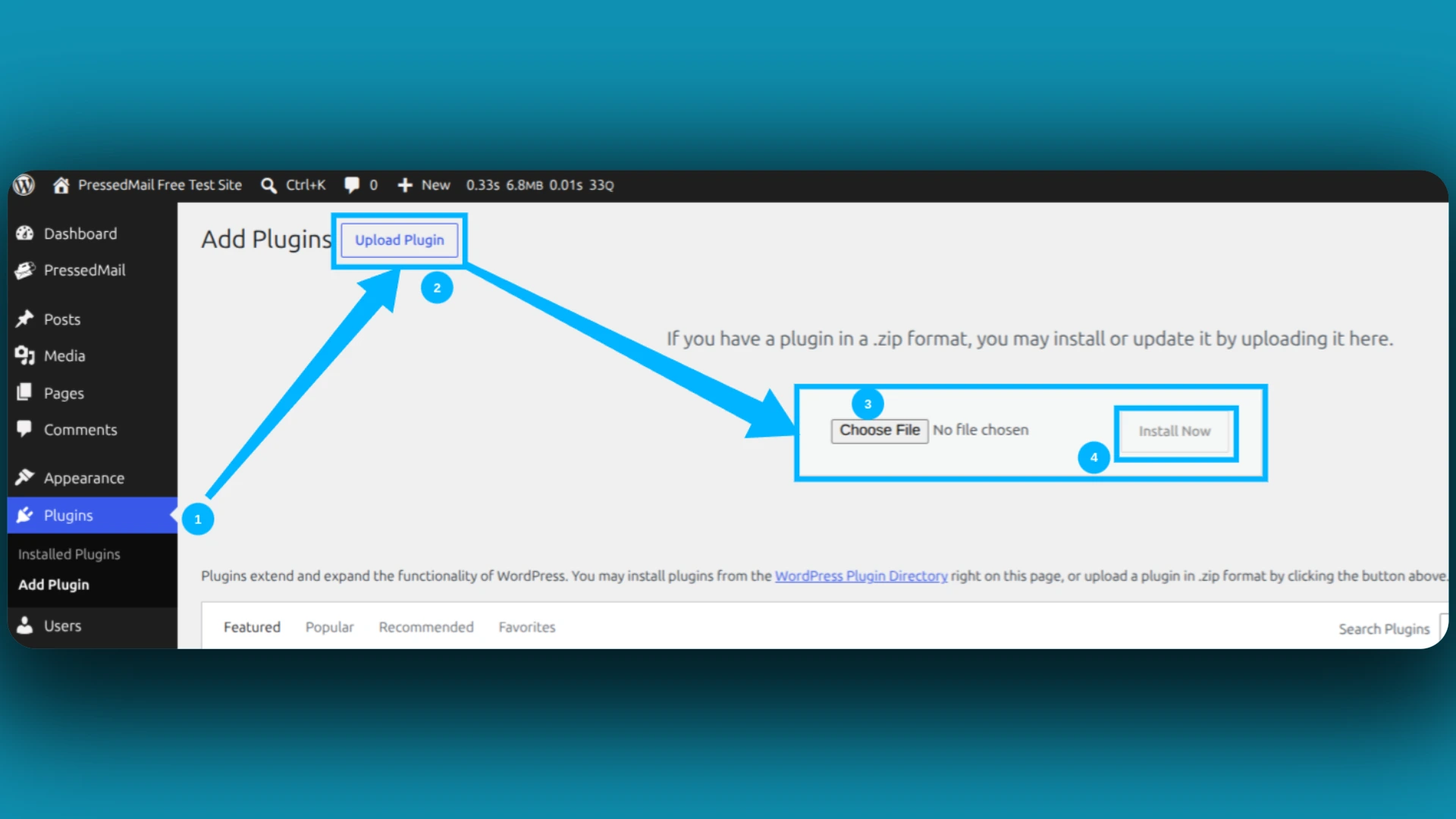
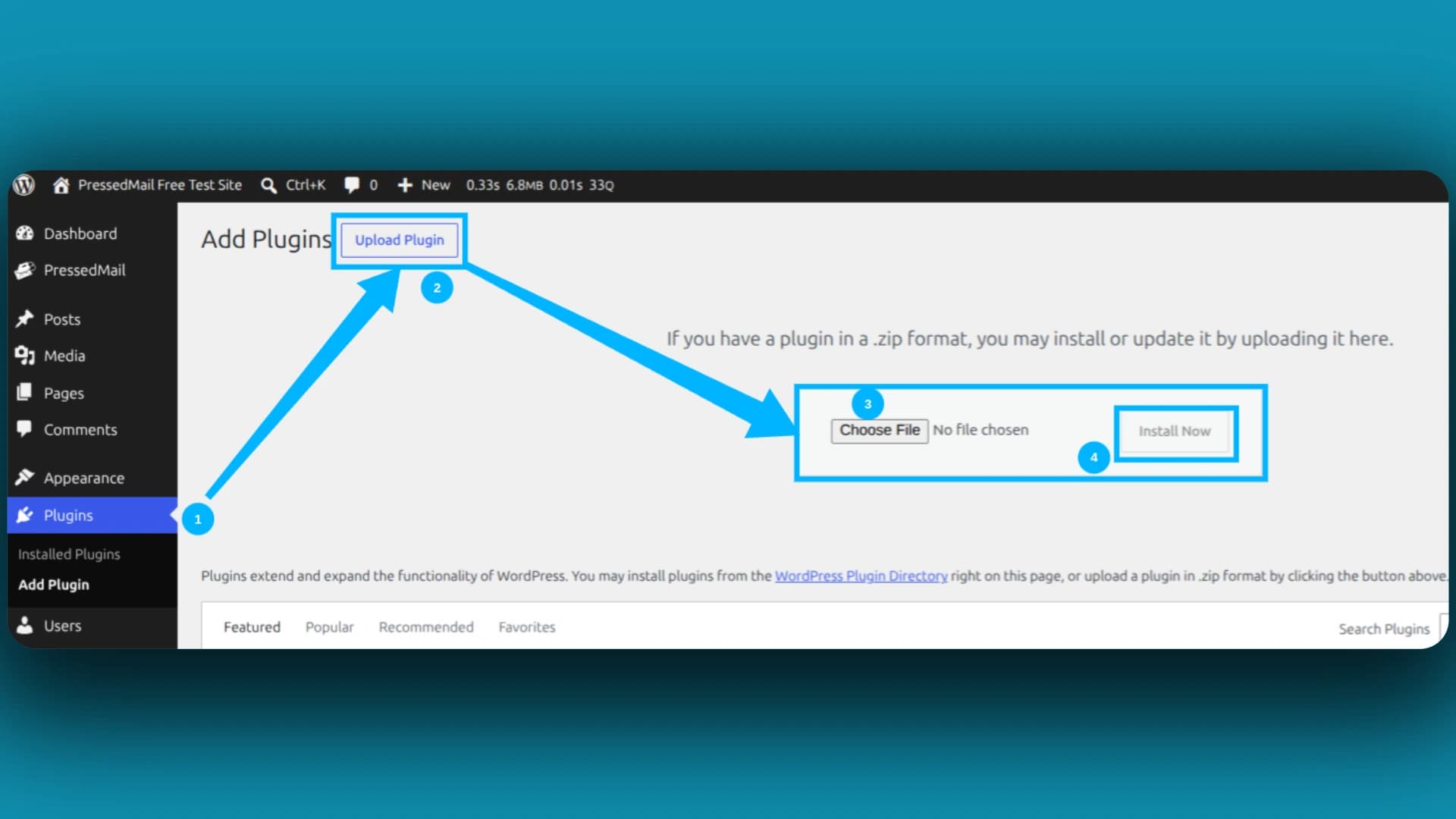
Screenshot of WordPress's Upload Plugin screen. It illustrates ZIP installation when adding a plugin; it does not show a repair or successful send.
The SMTP setup guide covers that configuration. A sender that uses its own external API may remain outside it.
Escalate the unresolved stage
When basic checks leave the failure unresolved, collect a short record:
- The notification and expected trigger.
- The test time and recipient.
- The configured route.
- The last confirmed stage.
- The sanitized error and the one change already tested.
Send that to the operator responsible for the next stage. Host support can investigate blocked connectivity; the provider can examine account or server rejection; the application developer can inspect an absent trigger.
The full delivery troubleshooting guide expands this process when the failure spans several systems.
Frequently asked questions
Why do some WordPress emails arrive while others do not?
Different notifications can have different triggers, recipients, senders or sending integrations. Compare the failing message with a working one before assuming the whole route is broken.
What does an empty email log prove?
Only that no matching record is available there. Check logging coverage, retention, timing and whether the message uses that route.
Can a generic test work while a form email fails?
Yes. The form may supply different headers or recipients, or fail before attempting mail. Test the actual form after the generic send.
Should I disable every plugin first?
Start with reversible checks tied to evidence. Broad conflict testing belongs in an appropriate test environment after you have identified the relevant path, especially for a live store.
Manage your email inside WordPress
PressedMail Free adds an email client directly to your WordPress dashboard. Connect a compatible IMAP/SMTP mailbox, read and send mail, organize messages, and configure WordPress SMTP.




