

An agency can install PressedMail on a client's WordPress site so authorized people can read and answer a compatible mailbox there. Before connecting it, agree on whose mailbox it is, who may read it, and who will maintain the connection.
Website administration does not automatically mean permission to read client email. A mailbox can contain invoices, employee correspondence, password resets, and unrelated customer information. Define access around the client's actual request.
PressedMail also does not turn independent client websites into one agency inbox. Treat each WordPress installation and its users as a separate setup. Multiple connected mailboxes on a paid plan are a product capability, not a substitute for client boundaries.
Decide where the mailbox belongs
The straightforward arrangement is a client's mailbox connected to that client's WordPress installation. The client retains its provider account and recovery path. The agency installs or supports the interface under the agreed scope.
Another situation is an agency using its own business mailbox to communicate with clients. That is the agency's correspondence and fits the freelancer workflow, even if several agency staff are involved.
Combining unrelated client mailboxes on an agency-owned site changes who has access and who stores the data. Do not make that change merely because the account screen accepts another connection. Agree on the arrangement first and verify the permissions it relies on.
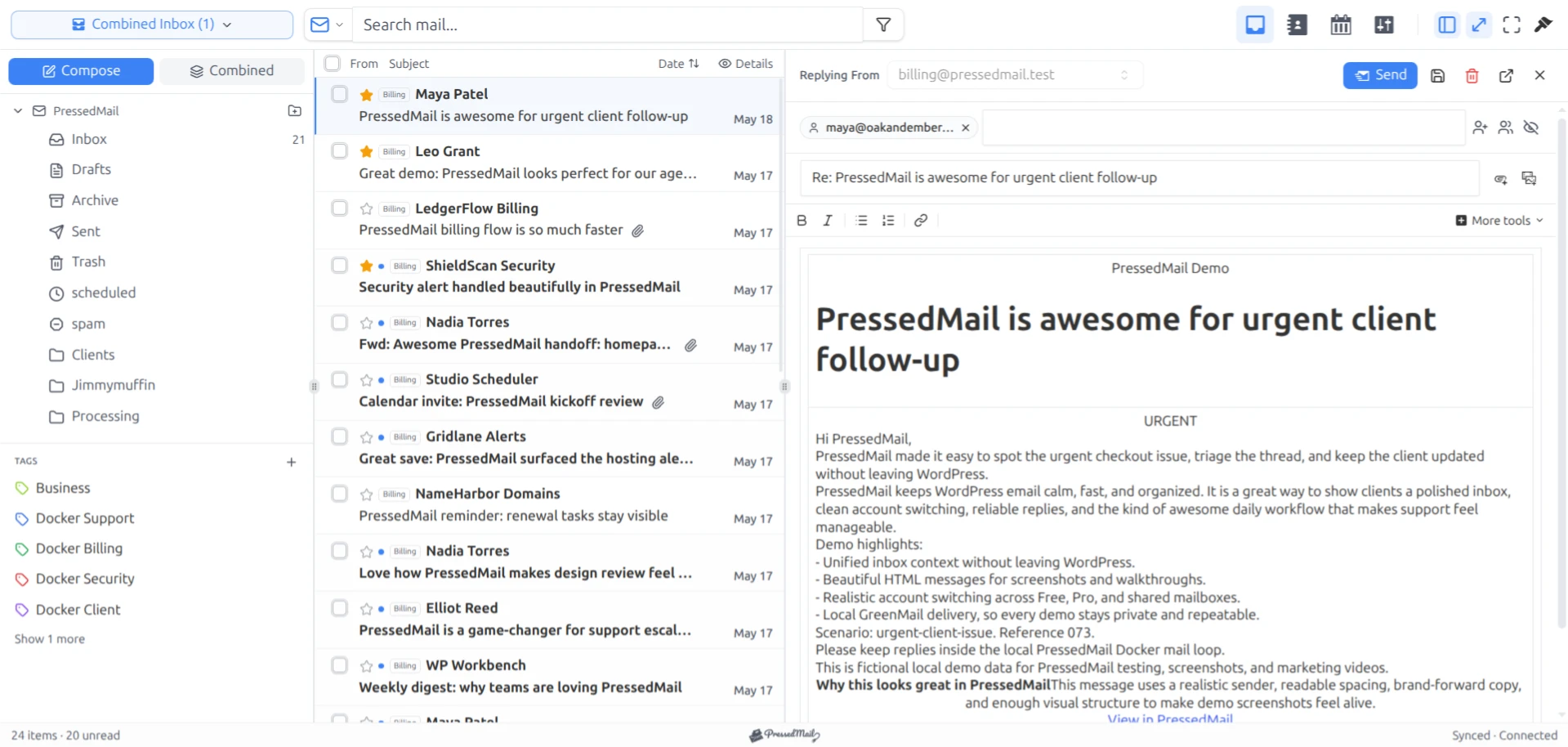
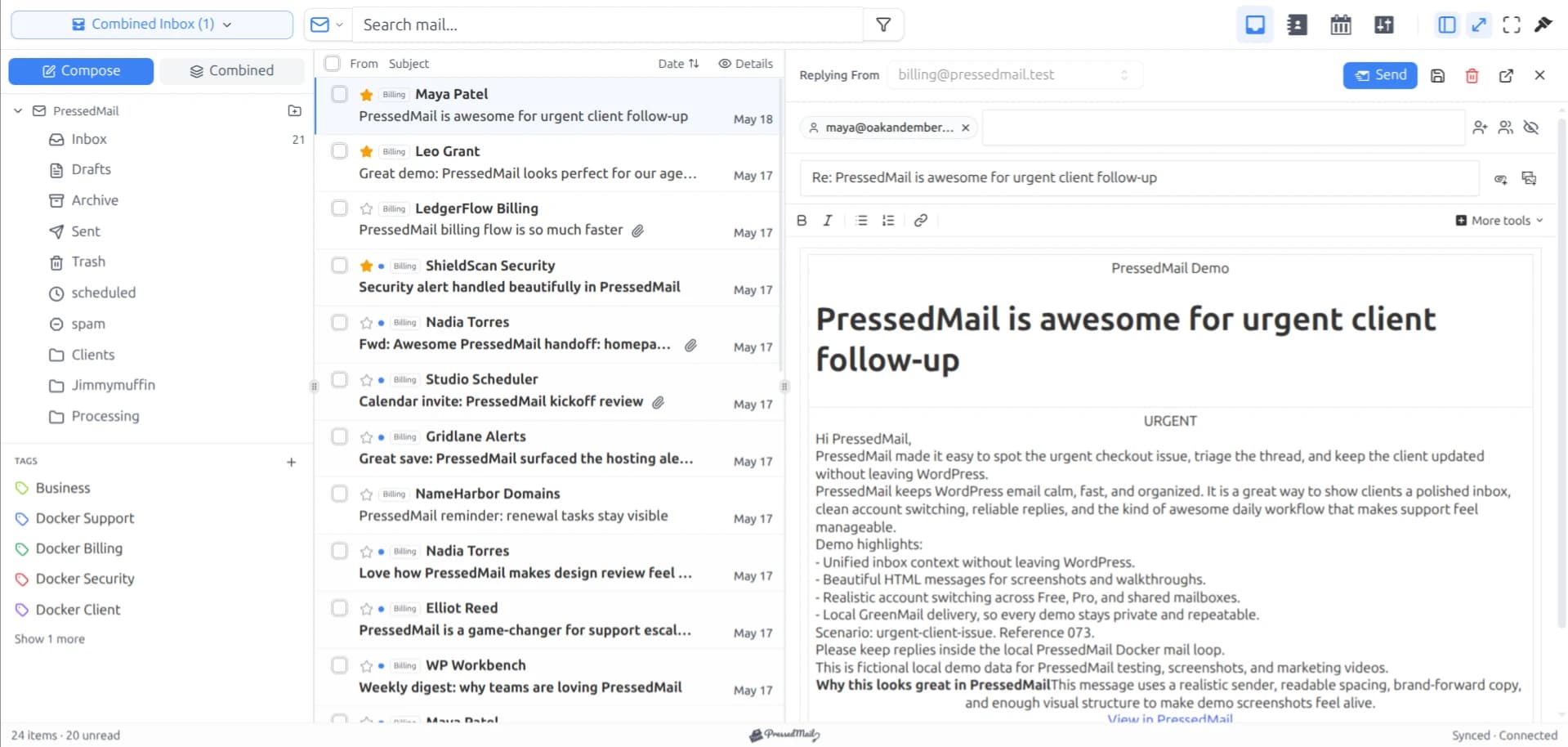
Screenshot of fictional messages in the paid PressedOut layout. It shows mailbox organization, not isolation between agency clients.
Record ownership before entering credentials
A useful connection record names the client, WordPress site, mailbox provider, mailbox address, business owner, permitted operators, and support contact. It should also identify the person who can approve a change to the provider's authentication policy.
Keep secrets out of this general record. Use the client's approved credential-sharing process and minimize the people who receive reusable mailbox credentials. An agency project ticket is a poor place to paste a password that remains valid after the project ends.
Check the mailbox address with the client. A contact address printed on a website may be an alias or a forwarding destination rather than a mailbox with IMAP access. The custom-domain account guide explains the distinction.
For managed providers, account access may also depend on administrator policy. Do not weaken that policy to make a connection wizard succeed. Ask the responsible administrator to evaluate the supported access method.
Set up one client and one mailbox first
PressedMail Free supports one mailbox. Start there when the client's requirement is one business address inside its own site. Paid plans add multiple accounts and other capabilities, but a larger account allowance is not proof that the access arrangement is correct.
Install the plugin on the agreed WordPress site and connect an owned or explicitly authorized mailbox. Use harmless test messages while checking the setup. Avoid a screenshot that exposes the client's real inbox merely to prove that mail appeared.
Verify incoming and outgoing behavior separately. Send a message from an address the tester controls, wait for synchronization, and reply. Check the reply at the receiving address and confirm that the From identity belongs to the client rather than to the agency.
If the provider rejects the connection, collect the relevant error and account context without exposing the secret. A working provider login and a working IMAP or SMTP connection are separate observations.
Verify who can reach the mailbox
WordPress users, mailbox credentials, and provider permissions are different controls. A user who cannot open a particular WordPress screen might still have provider access through credentials they received elsewhere.
Inspect the current administrative settings and test the roles the client intends to use. Check with an allowed user and a user who should not have access. Include direct navigation, because hiding a menu item alone does not establish an authorization boundary.
Do not give a client access to an agency's broader mail workspace and rely on a tag to separate their messages. A folder called “Client A” is an organizational label. It does not create a separate tenant or a private client portal.
Maintain the site around this access. Trusted plugins, updates, appropriate account permissions, and recovery planning affect the environment in which mail is read. WordPress's hardening documentation covers those responsibilities.
The article on securing email display addresses a different boundary: how externally supplied message content is rendered once an authorized user opens it.
Keep site sending separate from inbox access
A client may want both mailbox access and reliable WordPress notifications. PressedMail includes a WordPress SMTP route, but it has its own SMTP server configuration. The inbox connection does not automatically become the site's system-mail route.
Inventory existing SMTP and email API integrations before changing anything. A form, a store, and a membership plugin may not all send through the same mechanism. Agree on which component will own wp_mail and who will respond when a notification fails.
Free supports a single WordPress SMTP server. Pro includes additional server connections and sender routing. Neither plan distinction creates an automatic fallback service, and a successful SMTP submission does not establish recipient inbox placement.
For a client operating the setup themselves, the small-business email workspace guide is a useful handoff companion. It covers the ongoing responsibilities without assuming the agency will remain the operator.
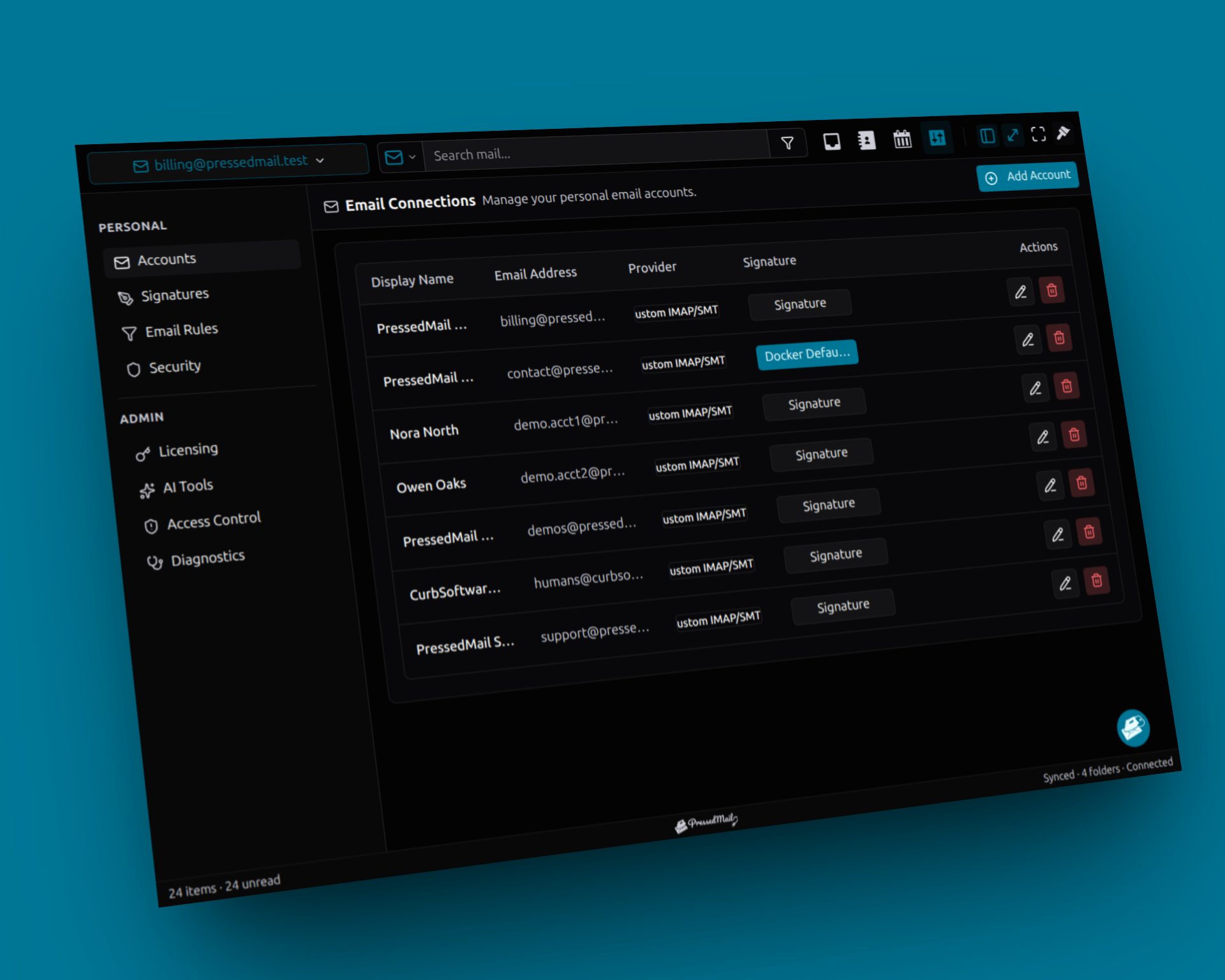
Screenshot composite of multiple mailbox connections, a paid-plan example. It does not show a cross-site agency dashboard or prove client access isolation.
Handoff should include a recovery route
Give the client the provider's webmail address, connection ownership details, approved WordPress users, and the contact responsible for updates. Make sure the person accepting the handoff can use the fallback login through the client's own recovery arrangements.
Explain how to recognize an incoming connection problem and an outgoing one. The client should know that a normal-looking inbox can contain old mirrored messages while synchronization is failing.
Document any rules you created, including their conditions and destination folders. A later operator should not have to guess why messages disappear from the inbox. If several mail categories need different treatment, use the multiple-workflow guide to describe the arrangement.
At the end of the engagement, remove agency access through the agreed WordPress and provider processes. Review app passwords, delegated access, and shared credentials as applicable. Removing a WordPress account alone does not revoke a separate provider credential.
Also agree on what happens to local copies, exported files, and backups. Disconnecting a mailbox should not be described as erasing every copy held by every system.
When an agency should choose another tool
Provider webmail is often enough when the client's request is occasional inbox access. A dedicated helpdesk is better suited to explicit requirements for conversation assignment, response commitments, or several people coordinating replies.
PressedMail can place email beside site work, but do not sell the client an assignment system or a management console for all their WordPress installations. Describe the actual setup, the edition being used, and the people responsible for it.
Common questions
Can one PressedMail installation manage every client's WordPress site?
PressedMail's multiple-mailbox capability does not provide a dashboard controlling independent WordPress installations. Plan and support each site's access arrangement explicitly.
Does a client tag restrict who can read messages?
No. Tags organize messages. They should not be used as a permission boundary.
Who should own the mailbox connection?
The client should retain control of its provider account and recovery process. Agency access should reflect the agreed support role and be removable at handoff.
Can an agency keep using PressedMail for its own client correspondence?
Yes, with its own authorized mailbox setup. Keep that business correspondence distinct from access to mailboxes owned by individual clients.
What should happen when an agency operator leaves?
Review their WordPress access and every provider access method they possessed. Update the support record so the remaining operators know who now owns the connection.
Manage your email inside WordPress
PressedMail Free adds an email client directly to your WordPress dashboard. Connect a compatible IMAP/SMTP mailbox, read and send mail, organize messages, and configure WordPress SMTP.




