
Inbox and Email Overview
Understand the current inbox, folder, compose, search, scheduling, and follow-up docs.
PressedMail puts a full email client inside the WordPress admin. Connected accounts sync over IMAP, messages are mirrored into your own WordPress database, and everything in this section (reading, composing, searching, scheduling) happens without leaving the dashboard.
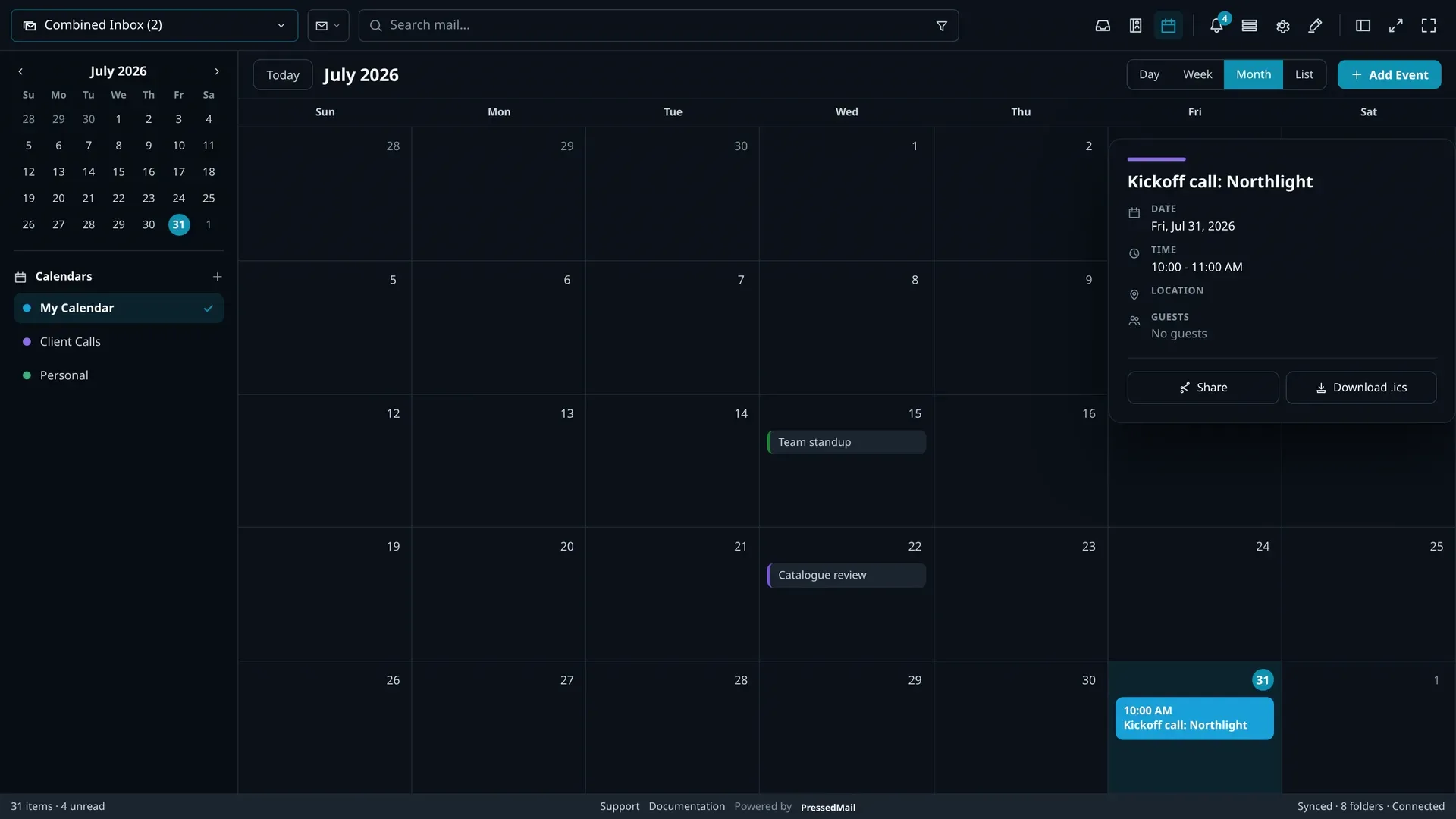
What the inbox gives you
- A combined inbox that merges every connected account into one list, or any single mailbox on its own.
- Threaded conversations grouped from Message-ID, In-Reply-To, and References headers. Never from matching subject lines.
- The provider's own folder tree, nested as it is on the server and safe across renames and moves.
- Attachments reviewed inline, beside the message they arrived on.
- Tags that work across accounts, alongside the provider folders.
Free and paid
The Free build connects one mailbox and includes folders, tags, inline attachments, and limited rules. Paid plans add the combined inbox, threading, unified search, advanced rules, snooze, scheduled send, and undo send. Search state is temporary and does not become a persistent saved view.
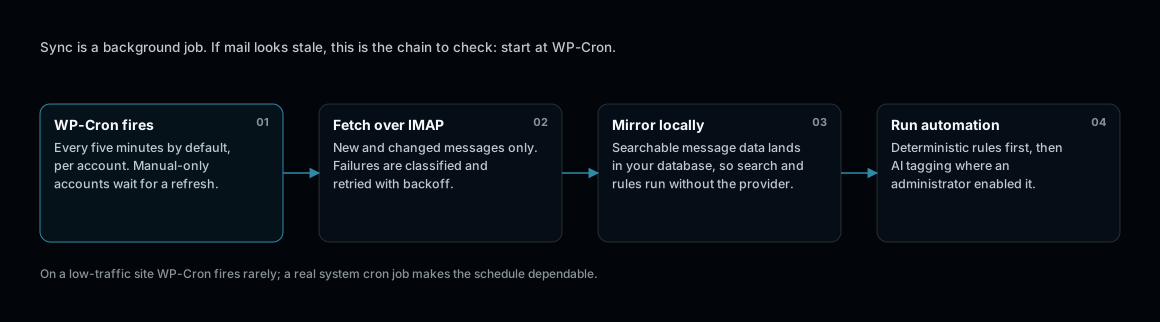
One scheduled cycle, four steps. Nothing here needs a browser to be open.
How Mail Moves
Mail travels between your server and your provider over IMAP and SMTP. PressedMail mirrors searchable message metadata into WordPress tables on your own host. Search covers headers, preview text, snippets, and message IDs, not the full body.
Choose a guide
- Unified Inbox and Folders: the combined list, folder tree, and per-account filtering.
- Composing, Replies, and Forwarding: writing mail, including scheduled send and undo send.
- Search, Filters, and Tags: finding mail across every account.
- Snooze, Send Later, and Follow Ups: scheduling workflows.
- Attachments and Downloads: files on messages.
- Blocks, Snippets, and Signatures: reusable content and sign-offs.
- Email Workflows: rules that file, mark, and clean up automatically.