

Compose, reply, and attach files
Write, reply, forward, and review attachments before sending a message.
Compose, reply, reply-all, forwarding, and attachments are available in every edition. Check the sending account and recipients before sending, especially when replying to a group.
Write and send
- Select Compose, or open a message and choose Reply, Reply All, or Forward.
- Confirm the From account. Replies use the conversation's account.
- Enter the recipients and check Cc and Bcc. Paid contact features can supply address-book suggestions and add a whole contact list. List members receive the email privately as Bcc recipients, and a message that includes a list can have at most 100 recipients.
- Write the body. The toolbar covers bold, italic, underline, headings, quotes, lists, and links. In the default Markdown format, type / on an empty line to insert a heading, list, table, or divider.
- Add attachments and wait for their uploads to finish.
- Review the complete message, then send.
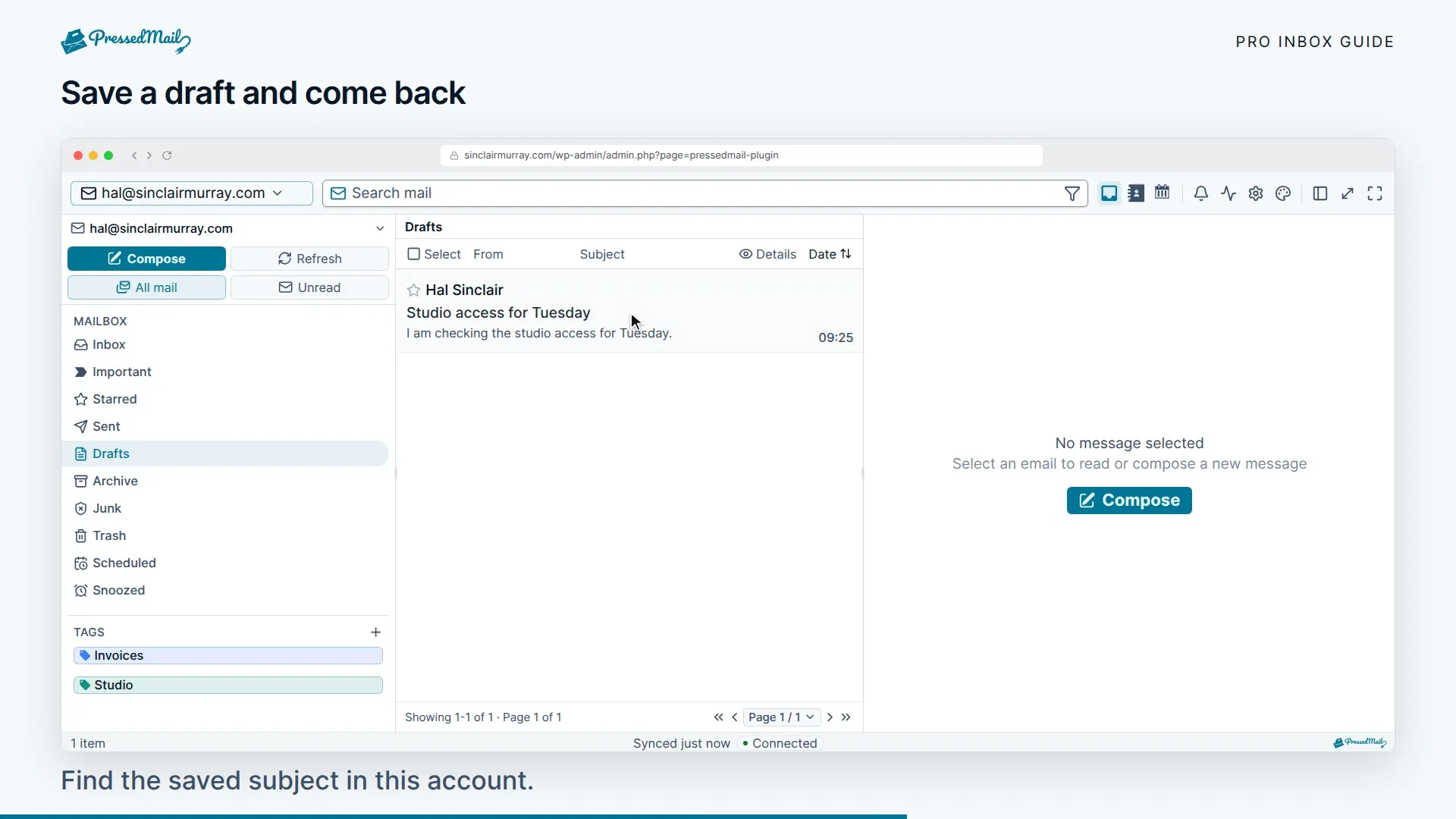
Choose Save draft to keep a draft. Save drafts automatically, under Settings > Preferences > Mail handling, is off until you turn it on. When it is on, the composer saves your draft about 10 seconds after you stop typing, and when you close it. A draft with a file attached is saved when you leave the tab or close the composer.
If an upload fails, resolve it or remove the file before sending. Do not assume a file was attached because you selected it in the file picker.
Attachments received and forwarded
The open message lists its attachments with names and sizes. Download any of them to your device. Images and PDFs can also be previewed first, as described below. Images placed inside the message body show with the message. In Pro, a calendar invitation (.ics) has an Add to calendar button that shows a preview. Forwarding can include the original files; review the attachment list and remove anything the new recipient should not receive.
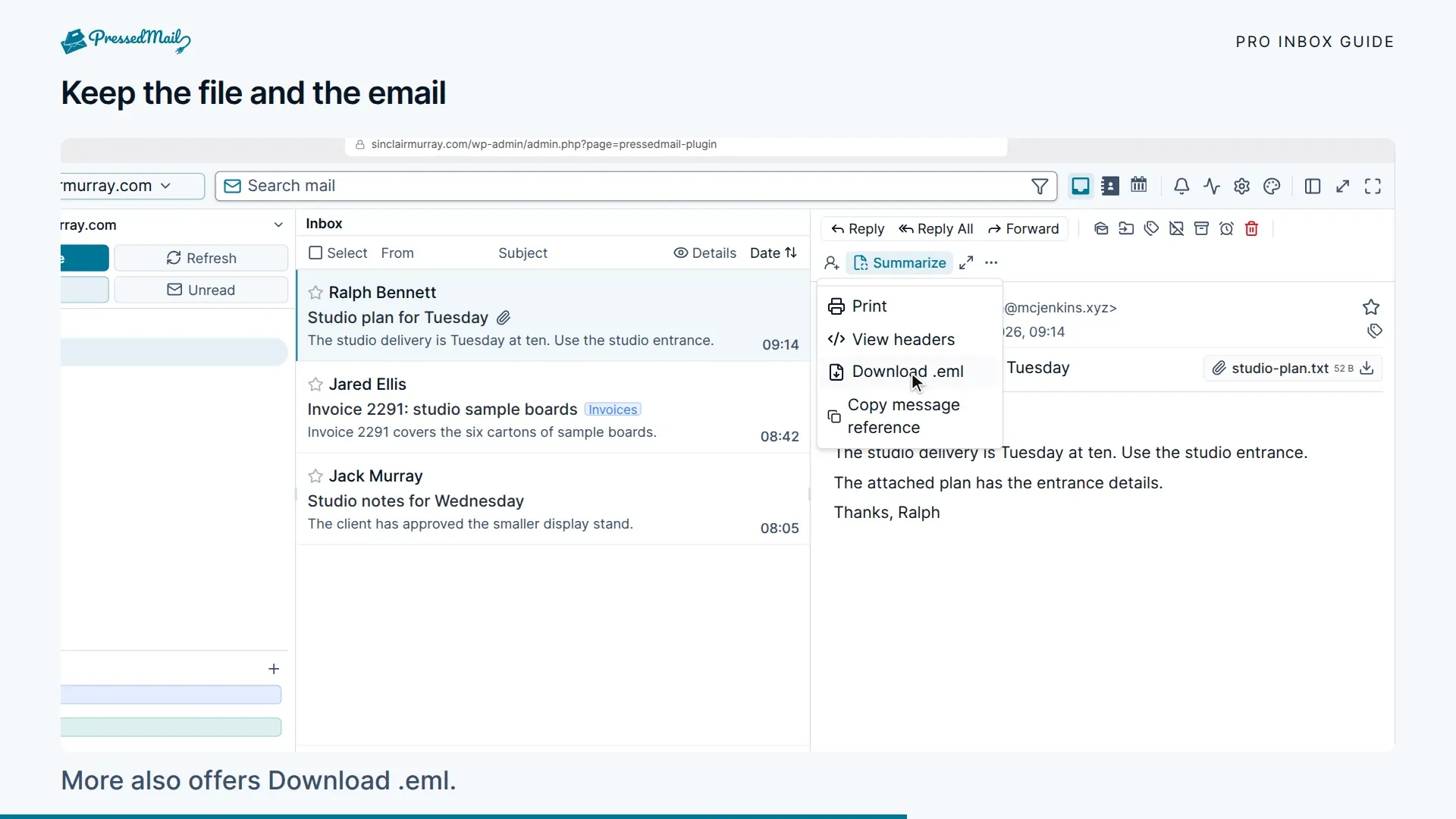
An attachment can still be harmful even when a message looks familiar. Confirm unexpected files with the sender through a known channel before opening them. The phishing report is not an antivirus guarantee.
Provider message-size limits include encoding overhead. WordPress upload limits may also stop a file before it reaches SMTP. For a large file, use an appropriately permissioned sharing link instead.
Use Search, filters, and tags to find messages with has:attachment.
Preview an image or PDF
Every edition can preview images and PDFs. Choose the eye icon beside an attachment, or select its name, and the file opens in a popup.
The Preview button appears for files whose name or declared type says PNG, JPEG, GIF, WebP, or PDF. Pictures the sender placed inside the message body show with the message and have no Preview button. Neither does any other part the sender marked as inline.
When you open a preview, PressedMail checks the real contents and refuses anything that is not one of those formats, whatever the file is called. SVG, HTML, Office files, and every other format stay download-only. A file with no usable name or type can still be downloaded.
In the popup:
- When the message has more than one image or PDF, Previous attachment and Next attachment step through them. A count such as 2 of 5 shows where you are.
- Images have Zoom out, Zoom in, Fit to window, and Actual size. Drag a zoomed image to move it.
- PDFs have Previous page, Next page, a box to type a page number into, Zoom out, Zoom in, and Fit width.
- Download saves the file. Close preview, or the Escape key, closes the popup.
A PDF is drawn as pictures of its pages in a sandboxed viewer. Scripts, forms, and links in the PDF do nothing, and you cannot select its text. A screen reader cannot read the pages either, so download the file if you need that.
A preview covers files up to 15 MiB, images up to 50 megapixels, and the first 200 pages of a PDF. Download the file for anything beyond that.
When a preview cannot open, the popup says why and offers Download where that helps. The usual reasons:
- The file is too large, or it is not a supported type.
- The PDF is password-protected or damaged.
- The message changed on the mail server. Reload the mailbox and try again.
- Your administrator turned off downloads. Previews follow the Allow downloads switch, under File Attachments in Settings > Access Control, so with it off the Preview buttons are disabled along with Download.
If the PDF viewer cannot start or cannot draw the file, the popup also offers Open in new tab. That hands the file to your browser's own PDF viewer.
Signatures and sending options
Signatures add your saved sign-off. Review which one is selected when you change sending identities.
Paid builds can also start from a saved email template, with personal fields that fill in for each recipient. To send every subscribed member of a contact list their own copy, start the new email from a template and change Individual recipients to Full contact list.
Paid builds add scheduled sending and undo send. Undo send delays the handoff for a short cancellation window; it cannot recall a message after delivery to the provider. Scheduled messages can be managed before they leave. See Snooze, scheduled sending, and follow-ups.
The composer uses the mailbox's SMTP configuration. Changing WordPress SMTP setup affects WordPress notifications, not this sending account.
If sending fails
Keep the error and the draft. Check the account's SMTP settings, permitted From address, attachment size, and provider limits. Before retrying after an ambiguous timeout, check Sent and the recipient account so you do not send the same message twice.
Use Inbox sync and sending for the next checks.