

Email rules
Create and run supported email rules without mistaking a mutating run for a preview.
Email rules match message fields and apply actions such as moving or marking messages. Most rule actions run locally and don't call an AI provider. On Pro, rules can also run auto-tagging and the AI checks, which use your own provider or PressedMail AI credits. Rules are available in Free and paid editions. Free rules run on manual or on-arrival triggers. Scheduled rules and AI actions are Pro features.
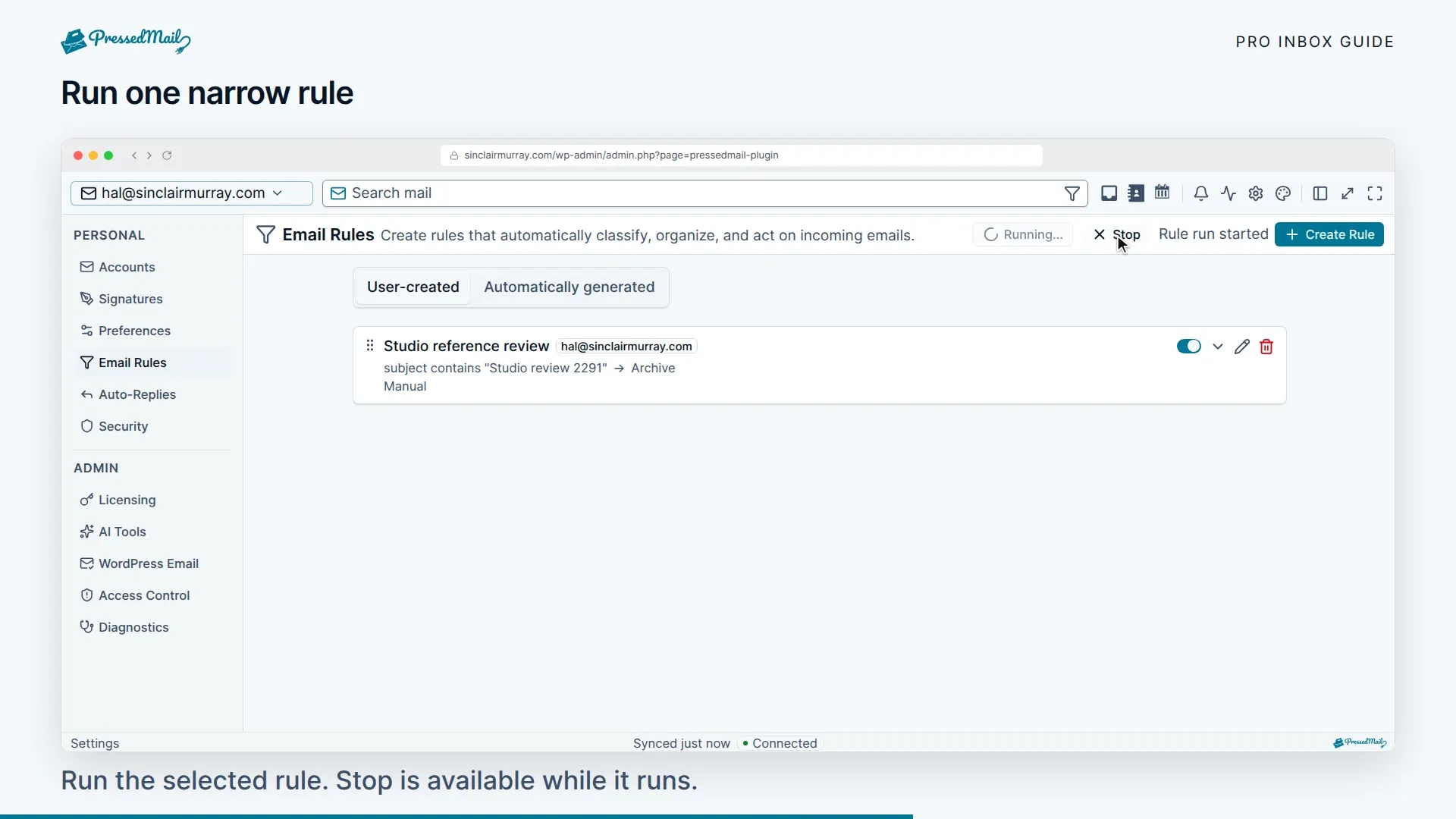
Start with a narrow rule and a reversible action. Run rules now changes real messages; it is not a read-only preview.
Create a rule
- Open Settings > Email Rules and add a rule.
- Give it a name that describes the action, such as “Mark supplier receipts read.”
- Select the account scope and conditions.
- Choose whether all conditions must match (AND) or any condition may match (OR).
- Add the action and choose the trigger.
- Save the rule, then check its effect on a mailbox you control before enabling broad automation.
New ordinary rules default to Manual. Select When mail arrives or On a schedule if you want automatic runs. Schedule choices are 15 minutes, 30 minutes, 1 hour, 6 hours, or 1 day. When mail arrives checks only messages that just came in. On a schedule checks the whole inbox at each interval. Scheduled rules are a Pro feature.
Conditions and actions that run
The mirror-based runner supports sender, To, Cc, Bcc, subject, attachment presence, date, body and size conditions. It supports regular-expression matching where offered, AND/OR logic, priority order, and stop processing after a match.
Its actions include moving to a folder, trashing, archiving, deleting, marking read, starring, marking important, always marking as spam, and never marking as spam.
Apply label, forward and skip inbox are in the editor, but they do not run automatically. Don't depend on them. Use manual tags or the separately configured AI auto-tagging tools instead.
Free and Pro run the same basic actions. Pro adds the AI actions and conditions below, along with scheduled rules. Upgrading does not make an unsupported action run.
Pro rule actions and conditions
On Pro, rules can also:
- run auto-tagging, or the spam, phishing or security check
- snooze a message for 1 hour, 3 hours, 1 day, 3 days or 1 week
Conditions can match an AI tag, a phishing or spam score or band, and bulk mail. A rule can start when a message has been classified or security-checked. So one rule can tag a message, and a second rule can file it by that tag.
Rules that trigger AI work are capped at 200 per owner per hour. Manual runs don't count against that cap. AI actions spend credits the same way the AI tools do. See PressedMail AI.
Run an existing rule
Run rules now synchronizes first and processes the inbox scope. It does not sweep every provider folder.
Try it in the rule editor checks the newest 200 messages and shows up to five matches. Use it to check a rule before you run it.
A delete or move action can affect provider mail. Test with a narrow sender and a non-destructive action before using those actions. Disabling a rule stops future runs but does not undo changes already made.
Background runs and rule order
Arrival and scheduled rules depend on mailbox synchronization and WP-Cron. They can run while nobody is signed in, but will be delayed when cron or the provider is unavailable.
Rules run in priority order. Stop processing prevents later rules from acting after a match. Check that order if two rules disagree about where a message belongs.
Rules that trigger other rules are limited to three hops every 15 minutes.
If a rule does nothing, first check its trigger and supported fields. Then use AI, rules, and security controls to check background processing.