

Search, filters, and tags
Search mirrored message fields, narrow inbox results, and organize messages with tags.
Search finds messages already mirrored into WordPress. It matches subject, sender, recipient fields, preview text, snippets, and message IDs. It does not search the complete message body or attachment contents.
Find a message
- Type a distinctive term into Search mail in the workspace header.
- Open the inbox results, then narrow them with the filter control.
- If needed, choose an account or folder and clear unrelated filters.
- Open a result to read the full message from that mailbox.
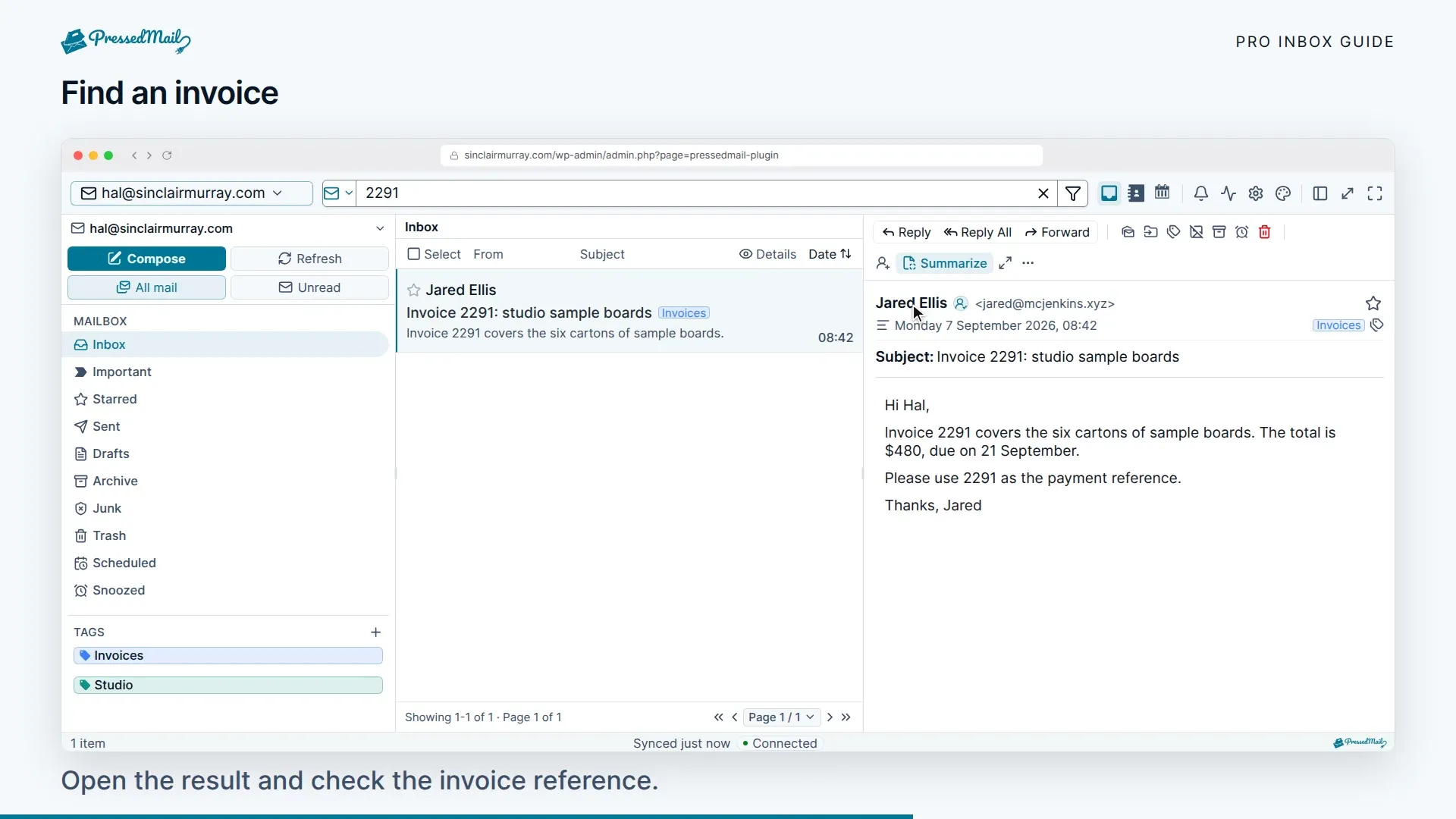
You can combine text with supported operators:
| Query | Narrows the inbox results to |
|---|---|
invoice from:alex | The term invoice and a sender matching alex |
has:attachment | Messages with attachment metadata |
is:unread | Unread messages |
subject:invoice | A matching subject |
to:alex | A matching recipient |
The parser also accepts read/starred state, folder, and before/after date filters. Use the visible filter controls when you want to confirm which values are active.
Suggestions and results differ
The suggestion dropdown uses a literal text search over sender, subject, preview, snippet, and message ID. The inbox result list parses supported operators into structured filters and also searches recipient data.
A query such as from:alex can therefore produce useful inbox results even when the suggestion dropdown is empty. Submit the search before deciding it found nothing.
Free includes mail search and filters. The combined inbox is a paid feature. The accounts available to search are always the current user’s connected accounts.
Organize results with tags
Apply a tag from the message controls, then use the tag filter to find those messages again. Tags are PressedMail’s own organization layer, separate from the provider’s folders.
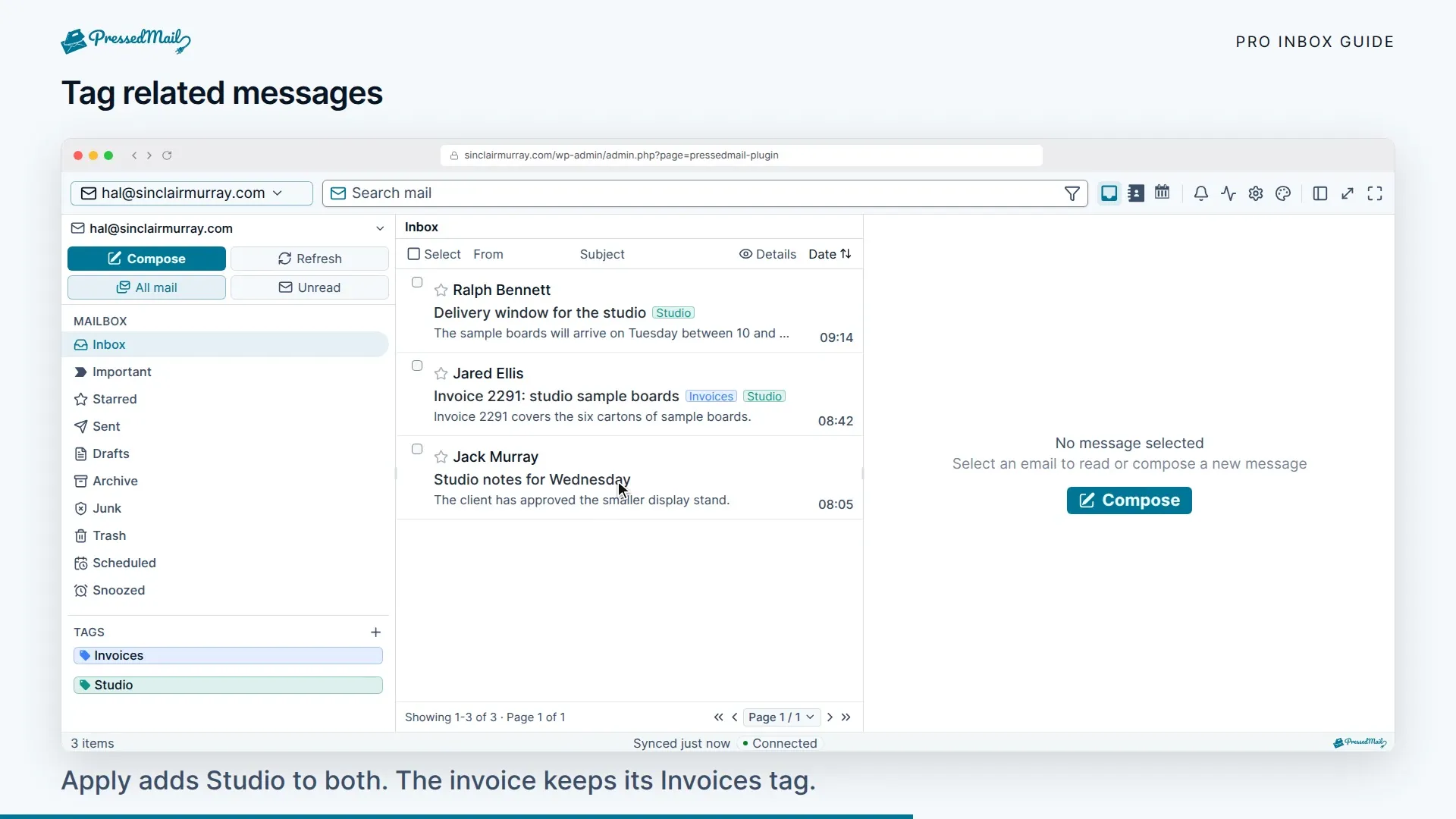
The deterministic rule runner can tag mail with the Add tag action, and it does not execute Apply label. Paid AI auto-tagging is a different system that needs an administrator to turn it on and either a provider configuration or PressedMail AI.
Search and filter state is temporary. It does not create a saved-search folder and is cleared by a reload.
If a message is missing
Check that the account is connected and synchronized under Settings > Accounts. Try a subject or sender that is visible in the message list. A term found only deep in the body will not match the local index.
Clear the account, folder, and read-state filters, then refresh. If recent mail is still absent, compare with provider webmail and use Inbox sync and sending.