

To check whether one WordPress email was sent, find its recorded sending outcome and identify what that outcome means. Then check the receiving side if you need to establish delivery.
A mail log, a message in Sent and a recipient confirming arrival are different observations. None should be silently substituted for another.
WordPress's wp_mail_succeeded hook documentation warns that successful processing does not mean the recipient received the email. That is the limit behind many green “sent” indicators.
Start with one identifiable message
Write down the expected time, destination and purpose. Use a unique subject for a controlled test where possible.
A site may send several similar notifications in a minute. Matching only the subject can connect the wrong log row to the wrong attempt. Recipient and time help narrow the result.
If you are checking an older message, first establish whether a log existed at the time and whether its retention includes that date. Logging cannot reconstruct events it never recorded.
For a missing notification with no clear starting point, use quick WordPress email triage.
Read the WordPress result
Open the log for the route used by the message. PressedMail's WordPress mail table displays When, To, Subject, Server and Result.
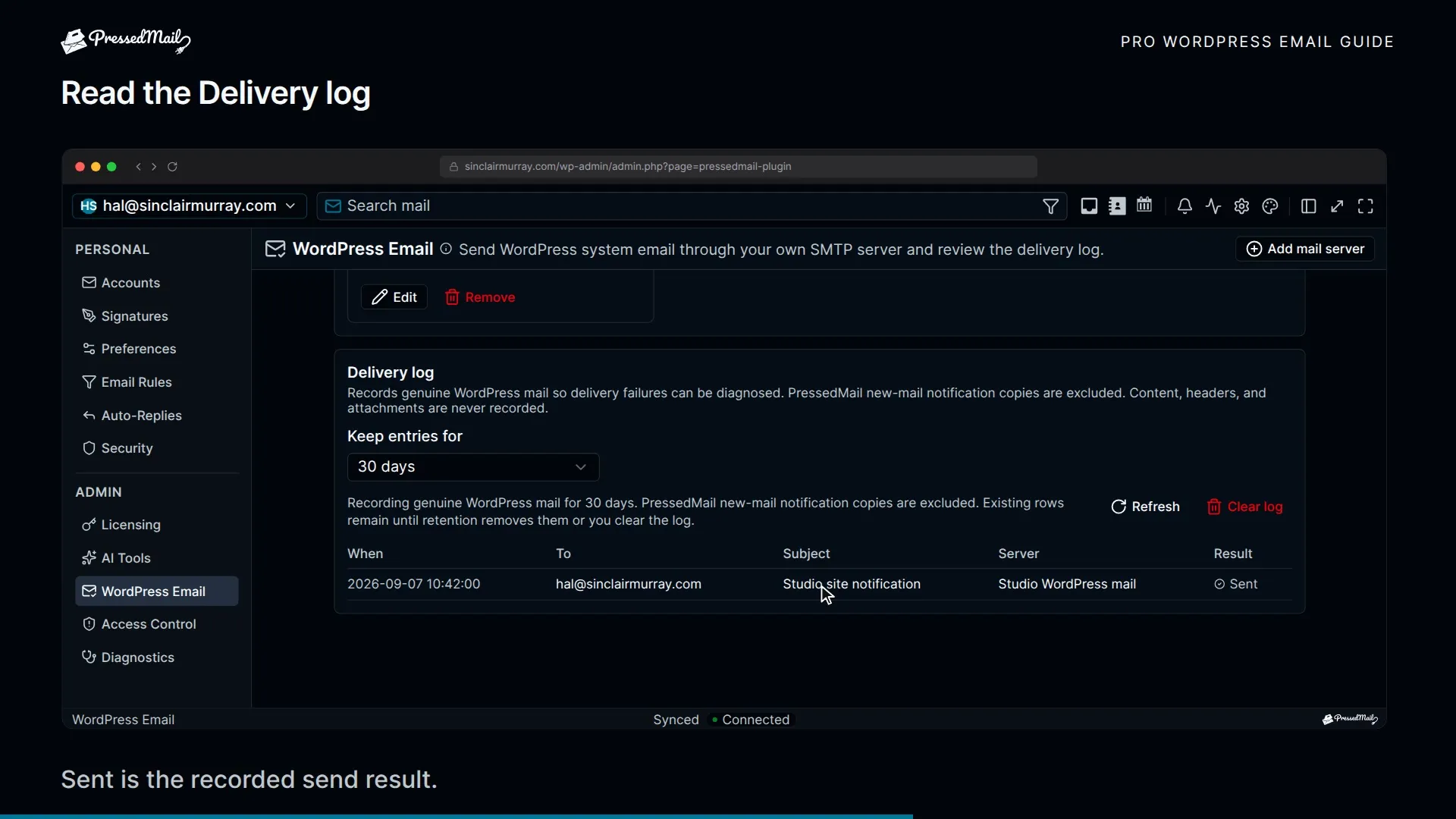
The record includes a limited recipient summary and count, rather than a complete archive of all recipients. It also records the subject, effective sender, connection information, outcome and available error details. Message bodies, raw headers and attachments are not stored in this log.
Find the matching entry and read the result. A failed result calls for the associated error. A sent result says something about the observed mail operation, not the recipient's choice of folder.
The logging guide explains retention and coverage. Do not assume that the inbox message list is the same thing as the WordPress mail log.
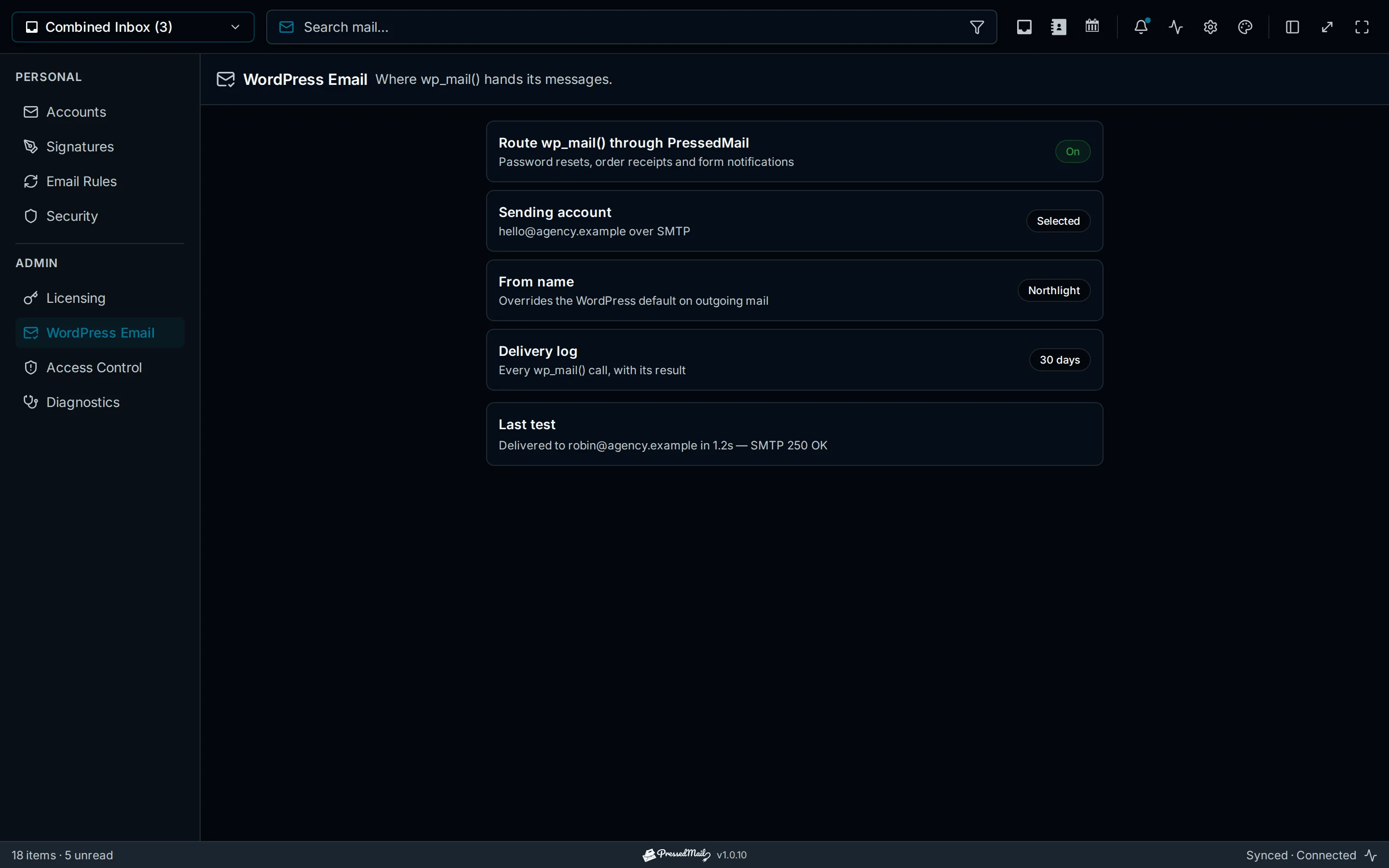
Illustration of WordPress email settings and example results. The values are illustrative and do not establish the outcome of a real message.
Separate the evidence stages
Use precise descriptions when reporting the result:
| Evidence | Supported conclusion | Still unknown |
|---|---|---|
| The application recorded its trigger | The expected application event occurred | Whether mail transport was attempted |
| A WordPress failure result exists | The observed send failed | Whether another separate attempt succeeded |
| The configured route reported success | That send operation completed successfully | Final recipient handling |
| The message appears in a recipient folder | That mailbox contains the message | Whether a person read it |
| The recipient confirms reading it | That recipient reports reading it | Other recipients' outcomes |
A provider trace may fill gaps between the sending system and the recipient mailbox. Its status definitions belong to that provider, so read them before reporting “delivered.”
This is especially useful when a site operator and mailbox administrator are looking at different systems. Both can report accurate observations without having the same evidence.
Do not depend on the Sent folder alone
A mailbox client's outgoing message and a WordPress-generated notification can use different paths. The site-wide SMTP server is configured separately from PressedMail's inbox accounts.
Whether an SMTP-submitted notification appears as a Sent copy depends on the sending arrangement and provider behavior. Absence from Sent does not by itself prove that no SMTP submission happened.
Conversely, an item in Sent is not proof that a downstream system placed it in Inbox. During a controlled test, inspect the receiving mailbox too.
The WordPress SMTP setup and mailbox conversation guide describe these two workflows separately.
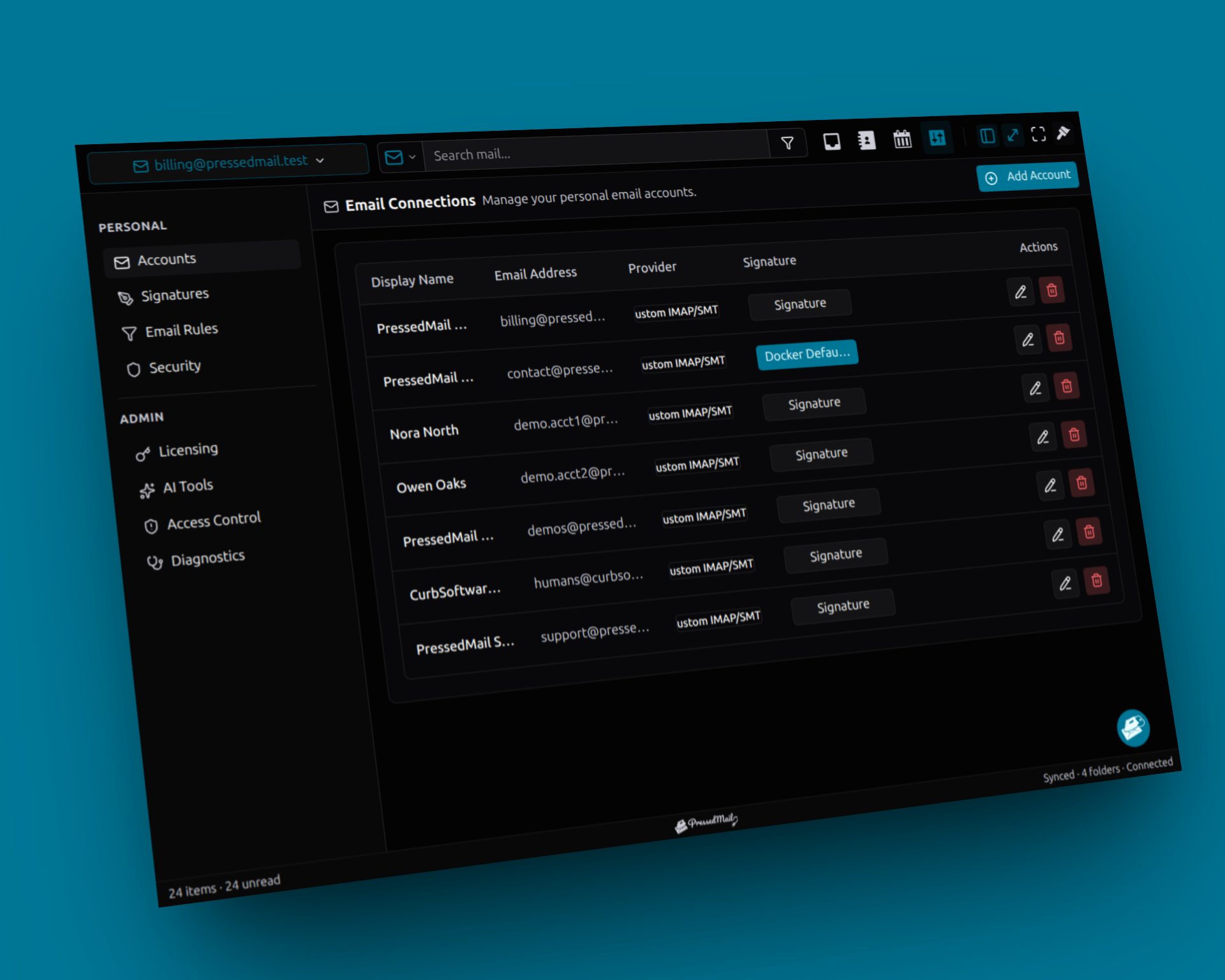
Screenshot composite of fictional mailbox accounts. Inbox connections are separate from the site-wide WordPress SMTP server and its sending records.
Verify receipt with a controlled test
If the original evidence is incomplete, reproduce the relevant notification safely.
Use an account and recipient you control. Trigger one message, note the time, inspect the mail result and then check the receiving mailbox. Look in Spam or quarantine if Inbox is empty.
A generic test is useful for establishing the route, but the real notification may use different headers or conditions. Repeat with the actual form, reset or approved test-order flow once the generic message arrives.
The SMTP testing guide provides a small test matrix. Do not resend a real customer's notification repeatedly merely to generate more evidence.
Handle missing records carefully
Several explanations can produce no matching log entry.
Logging may be disabled. Older rows may have been removed by retention or an administrator. The originating plugin may have skipped the notification, or it may use an independent provider API outside the WordPress route.
PressedMail also excludes its own copies of incoming-mail notifications from this log. That exclusion prevents those copies from being mistaken for ordinary site-mail evidence.
Check these possibilities before concluding that WordPress never called the mail function. Developers investigating the application path can use the wp_mail explanation.
Prepare a useful support finding
Report the strongest supported result and the remaining gap.
For example, a controlled test may show that the configured server accepted the request while the recipient mailbox lacks the message. That supports checking downstream delivery and filtering. It does not support changing a working IMAP password.
Share the time, relevant addresses where appropriate, route and sanitized error. Do not include full message bodies, reset links or credentials when a short excerpt is enough.
If a sent result is followed by a missing message, use delivery troubleshooting. If the message is found in Spam, use the spam-placement guide.
Frequently asked questions
Does wp_mail returning true prove delivery?
No. It reports successful processing through the configured path. Recipient evidence is separate.
Should every notification appear in Sent?
Do not assume that. Website SMTP submission and a mailbox client's Sent-copy behavior can differ.
Can I check an email sent before logging was enabled?
Only if another source retained evidence, such as the application, host or provider. A newly enabled log cannot recreate an earlier record.
Does the log contain the full message?
PressedMail's WordPress log stores metadata, not bodies, raw headers or attachments. The subject and limited recipient information can still be sensitive.
What if one recipient got the email and another did not?
Investigate each recipient outcome. One confirmed delivery does not establish the result for every destination.
Manage your email inside WordPress
PressedMail Free adds an email client directly to your WordPress dashboard. Connect a compatible IMAP/SMTP mailbox, read and send mail, organize messages, and configure WordPress SMTP.




