

Client mail is easier to manage when every message has a place and the next action is clear. For a solo freelancer, that can be one business mailbox, a few project folders, and manual tags for unfinished work. PressedMail Free provides that setup inside WordPress.
You do not need a separate mailbox for every project. Start by connecting your own business address, then organize the correspondence you are entitled to read. Connecting a client's private mailbox is a different decision that needs the client's permission and a clear reason.
Keep the business address separate from the website address
Your website domain and your mailbox can use different hosts. A WordPress hosting login may not be the login for your mail provider, even when both services were bought together. Use the actual mailbox settings rather than guessing a server name from the website address.
The custom-domain connection guide explains what information to collect. Once connected, test both receiving a message and sending a reply. A correct incoming setup does not prove the outgoing SMTP connection works.
For the examples below, imagine a fictional project called Cedar. Three messages arrive: a design brief, a request to change a page, and a question about an invoice. They all reach the same freelancer's business mailbox. The aim is to keep those messages useful without turning the inbox into a second project-management application.
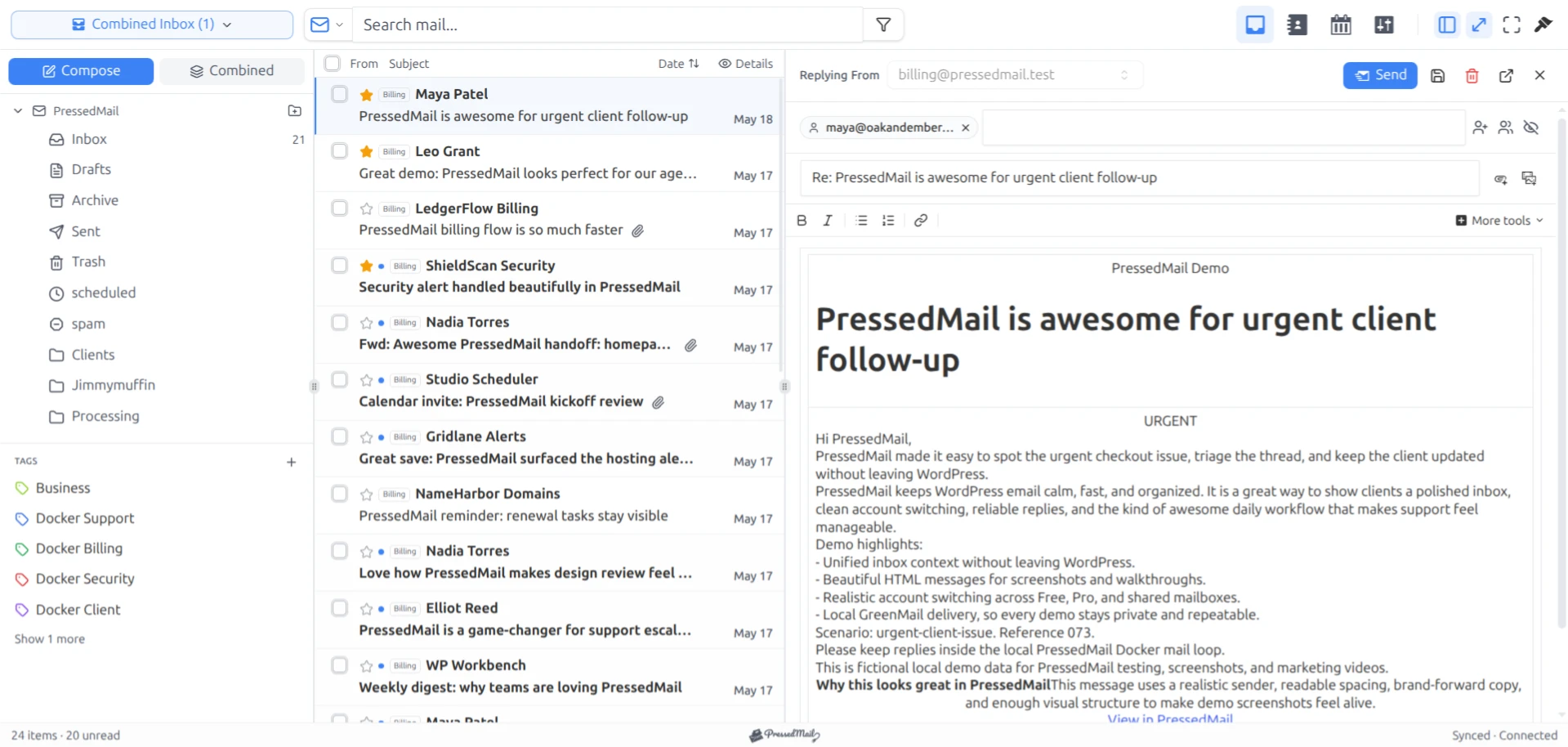
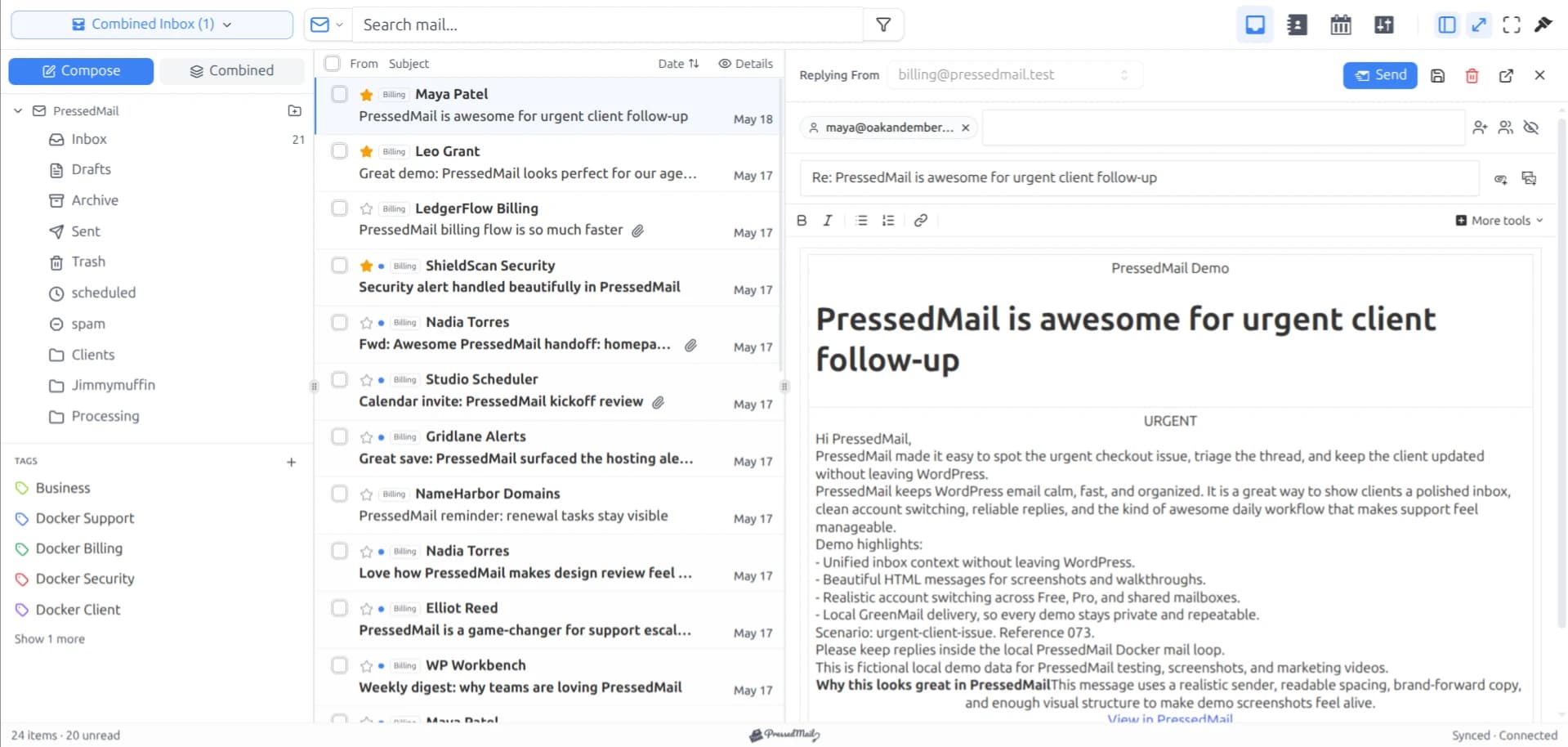
Screenshot with fictional messages in the paid PressedOut layout. The Free edition also includes folder browsing and manual tags.
Give folders and tags different jobs
Create a project folder where correspondence will remain useful after you have answered it. Keep the name short enough to recognize in the folder pane. If you use project codes elsewhere, the same code helps distinguish two projects for the same client.
Tags can describe a state across folders. “Needs reply” can apply to a Cedar message and a message from another project without placing both in the same provider folder. “Reference” can identify material you want to find again without implying that someone must act on it.
PressedMail tags are local to the product's organization layer. Provider folders belong to the mailbox. A client name in either one does not restrict who can read the message. The folder and tag documentation explains the underlying distinction.
Start with fewer categories than you think you need. If two tags always get applied together, they may be doing the same job. If a folder contains both active requests and completed correspondence, decide how you will distinguish those states before relying on the folder as a work list.
For the click sequence and a safe test of provider folder changes, follow organizing email with tags and folders.
Work one request through to completion
Open the fictional Cedar revision request and read the full message. Check the sender's address, any copied recipients, and which version of the work they are discussing. A reply to an old conversation can contain a new request.
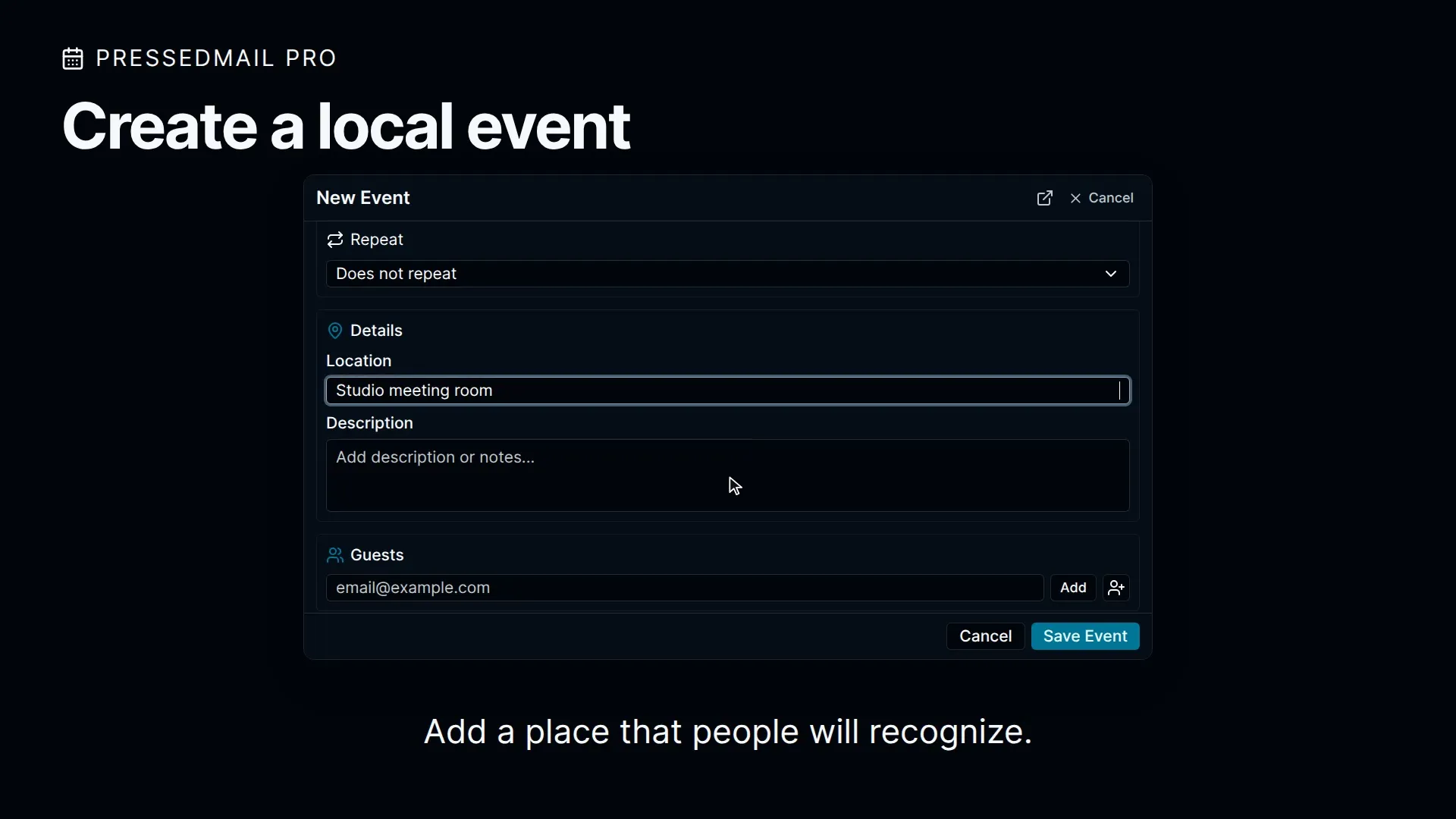
If you can complete the change now, do the work and reply with the result. If you need clarification, ask a specific question and leave the message in a state that reminds you to follow up. Merely marking it read makes it easier to overlook.
Before sending, check the From identity. Correspondence from your own business should use an address your provider authorizes. A client's domain in the project name does not authorize you to send as that client.
Attach the relevant file only after opening it and checking the contents. A proposal for another customer or a document with internal notes is still the wrong attachment even if the file name looks familiar. Keep the email focused on the decision the client needs to make.
Free's basic composer and one signature are sufficient for this exchange. Contacts, calendar, advanced composer features, and multiple mailboxes are paid capabilities. Treat them as additions when the work calls for them.
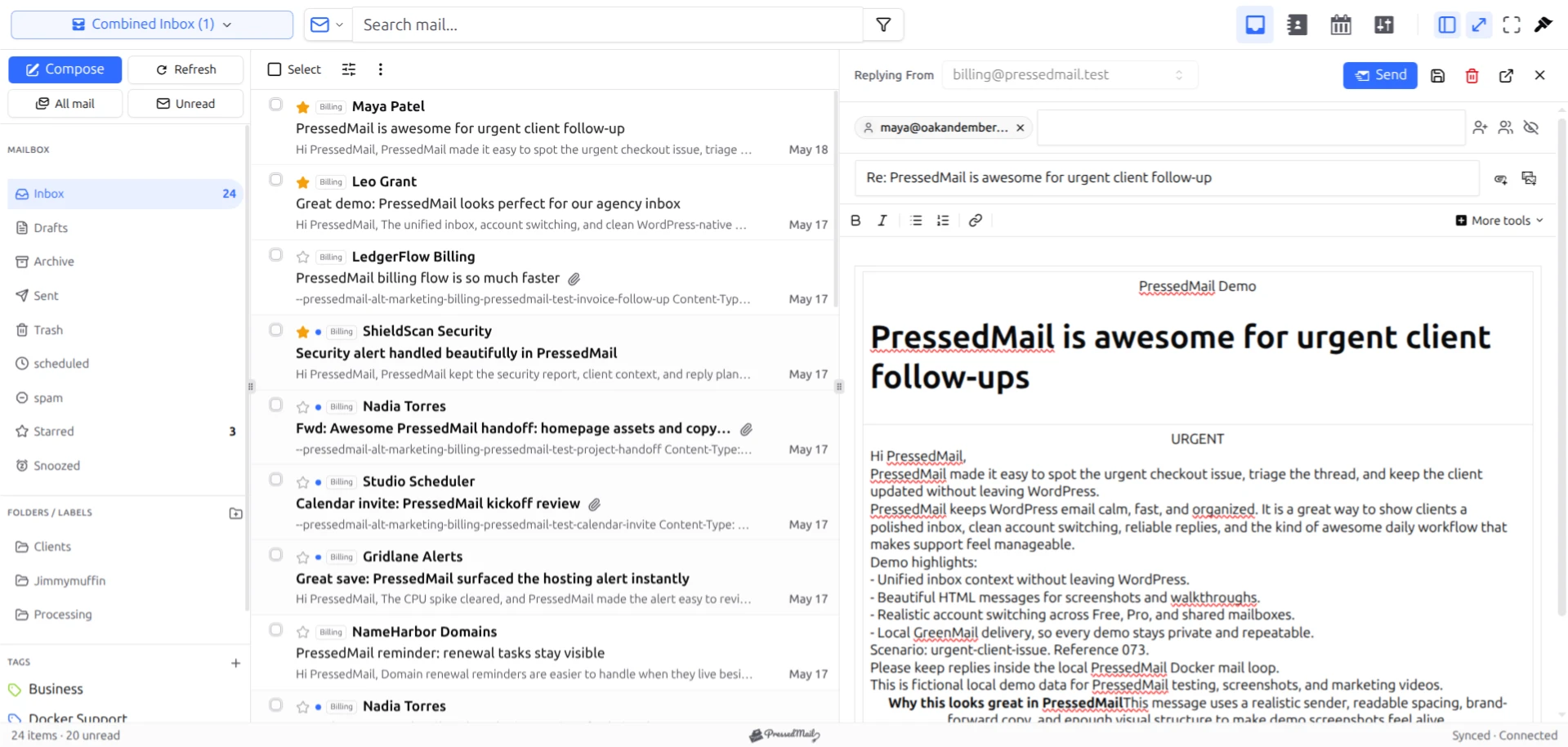
Screenshot of the PressedM layout with fictional correspondence. The message shown is a product demonstration, not the Cedar project example.
Check the outgoing result and update the work state
For a new connection, reply to an address you control and verify receipt there. Inspect the Sent folder as a separate check. If sending reports an error, investigate the outgoing connection before repeating the message several times.
After you have answered a real client, update the message's folder or tag to match what remains. A request waiting for the client's approval has a different next action from a completed request that you are retaining for reference.
Use your invoicing system as the source of truth for invoices and payment status. An email saying that an invoice was sent does not establish that it was paid. Likewise, a folder called “Approved” should not replace the actual approval record your business needs.
A repeatable daily email routine in WordPress can keep this process short. You should be able to explain your unfinished-mail view to yourself after a week away without decoding a complicated tag system.
Add a rule only after the manual process makes sense
Recurring supplier receipts can be good candidates for filing rules. A narrow sender condition plus a subject condition is easier to inspect than a broad rule matching every message with the word “invoice.”
Open Settings and Email Rules, define a supported condition, and use the preview before enabling it. Read the matched messages. If the rule captures a client question along with receipts, narrow the condition before allowing automatic moves.
The current rule engine has limits worth knowing. Free supports basic conditions and AND matching, but the automatic matcher does not evaluate body conditions. Its add-label action does not execute automatically. Use manual tags where you need predictable tagging and consult the rule behavior documentation before building more.
If enquiries, billing, and supplier mail need different processes, the guide to multiple business email workflows shows how to separate those jobs without assuming each needs another mailbox.
Keep client access and your own access distinct
Do not invite a client into your business WordPress account so they can “see their folder.” Folders and tags organize mail; they are not a client portal. If you are installing PressedMail on a client's own site, use the separate agency mailbox planning guide.
Protect the WordPress account that can reach your mailbox and keep the site maintained. Updates, trusted plugins, and individual account responsibility belong to the same operating routine as mail access. WordPress's hardening guidance covers the site's broader protection.
At project closeout, file the correspondence according to your business's record policy and remove access that is no longer needed. Disconnecting a client does not mean every provider copy, download, or backup disappears.
When a different tool fits better
Provider webmail is a reasonable choice if you spend little time in WordPress. A desktop client may fit work that depends on offline access. A helpdesk or project system becomes useful when the requirement is assigning work, tracking response commitments, or coordinating several people.
Site-generated email is another separate job. A contact form notification can arrive in your mailbox, but the website still needs a working sending path. SMTP plugins and full email clients solve different parts of that arrangement.
Common questions
Can one Free mailbox cover several client projects?
Yes. Projects do not each require a mailbox. You can organize correspondence in one connected account with folders and manual tags.
Will project tags appear in Gmail or provider webmail?
Do not expect that. PressedMail tags are local organization data. Use provider folders when you need a filing location shared through the mailbox connection.
Can my client see other projects if I give them a folder?
A folder is not an access boundary. Do not use a folder as a substitute for a client portal or a properly separated account.
Does PressedMail track project payments or assign messages to teammates?
The workflow here covers reading, replying, and organizing email. Use the systems that own invoicing and team assignment for those responsibilities.
Manage your email inside WordPress
PressedMail Free adds an email client directly to your WordPress dashboard. Connect a compatible IMAP/SMTP mailbox, read and send mail, organize messages, and configure WordPress SMTP.




