

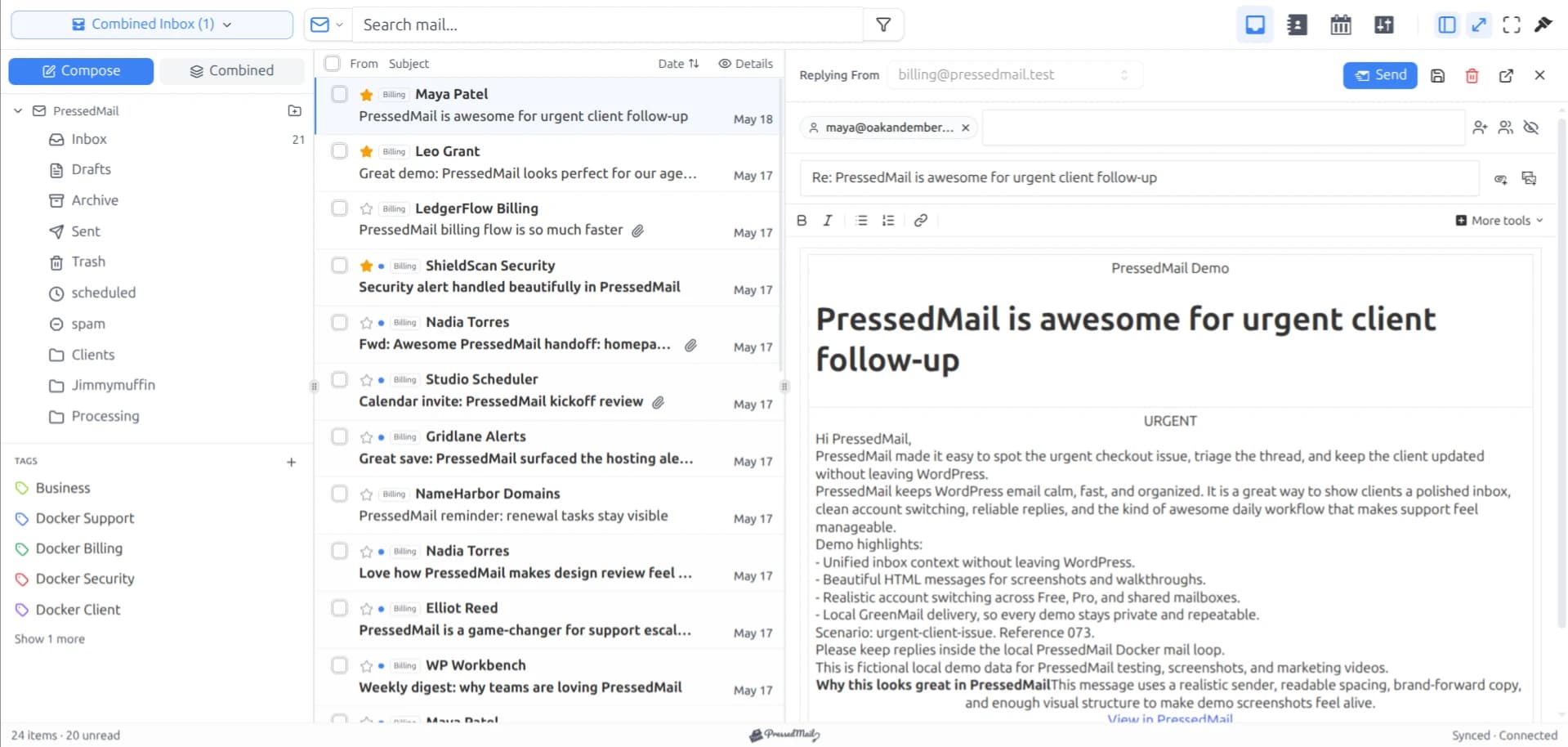
Several email workflows can share one mailbox. A sales enquiry needs an answer, a supplier receipt needs filing, and a website notification needs a check. Those are different jobs even when they arrive at the same address.
PressedMail lets you organize that work inside WordPress with provider folders, manual tags, and supported rules. Start with the action each message needs. Add another mailbox only when the business has a reason for a separate account.
The example below uses fictional messages and fits a single-mailbox starting setup. PressedMail Free supports one mailbox. Paid plans add multiple accounts and the combined inbox, but adding accounts does not create message assignment or a shared support queue.
Map the incoming messages to actions
Write down the recurring categories before creating folders. Keep each description specific enough to tell you what happens next.
| Incoming message | Next action | Possible organization |
|---|---|---|
| A new service enquiry | Read and reply | Manual “Needs reply” tag |
| A supplier receipt | Check and retain | Supplier folder |
| A website error notification | Inspect the reported problem | Manual “Needs review” tag |
| A completed client exchange | Keep for reference | Project folder |
A category can change during the conversation. An enquiry becomes an active project, and a receipt can become a billing dispute. Leave room for that change rather than assuming the sender determines the message's entire lifecycle.
If your immediate need is a personal inbox habit, begin with the daily email routine. This article focuses on coordinating several kinds of work.
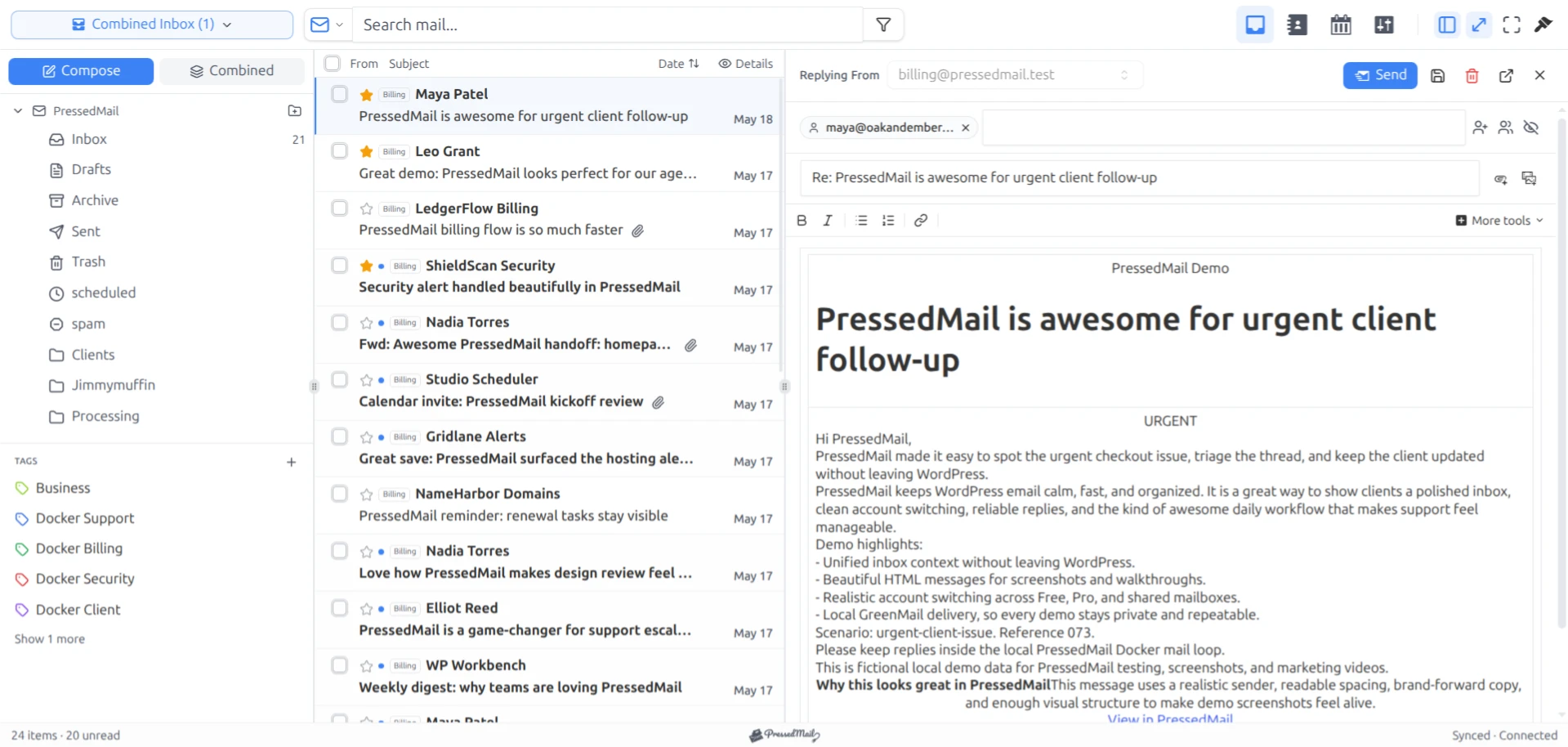
Screenshot with fictional mail in the paid PressedOut layout. The organizational examples below also use folders and manual tags available in Free.
Keep accounts, folders, and tags distinct
The provider account is the mailbox you connect. Its folder tree contains locations such as Inbox, Sent, and ordinary project folders. PressedMail tags add a local grouping that can describe the work attached to a message.
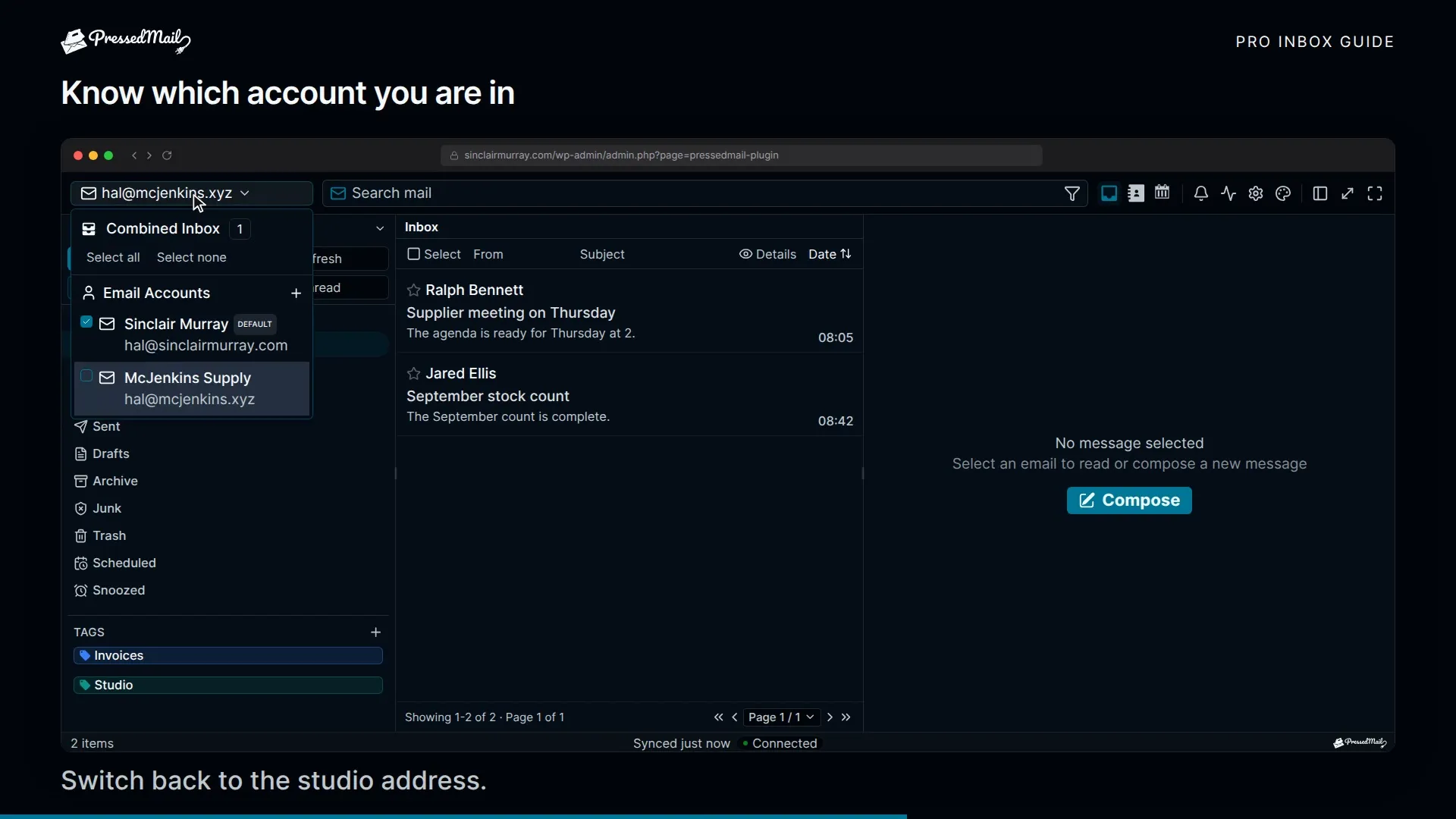
A tag is useful for an action that crosses folder boundaries. A provider folder is useful when you want the filing location reflected through the mailbox connection. The folder and tag guide explains how to test both.
Do not create another connected account merely to represent “sales” if the provider delivers sales mail into the mailbox you already use. An alias, a forwarding address, and a separate mailbox are different arrangements. Check the provider configuration first.
Likewise, an account or tag named for a customer is not proof of access isolation. Agency work needs an explicit client mailbox access arrangement.
Run each workflow manually first
For the enquiry, read the full message and check the sender. Decide whether you can answer, need information, or need to perform work before replying. Apply a manual action tag that makes the unfinished state visible.
For the receipt, confirm what it records before filing it. A receipt and a request to correct an invoice can come from the same supplier. Moving both automatically because they share a sender may hide a message needing attention.
For the website notification, inspect the event it describes. A successful update message, a failed form submission, and a security alert do not deserve the same response merely because WordPress sent them.
Once you complete the action, change the message's state or location accordingly. The organization should describe current work, not accumulate a permanent tag for every condition the message once passed through.
For a project-oriented example, see freelancer client email. Its project and action distinctions also work within a small business mailbox.
Automate filing with a narrow rule
A stable supplier receipt is a reasonable first candidate. Choose a supported sender condition and a subject condition, then use a move-to-folder action. Preview the rule against harmless or understood messages before enabling it.
Check the matches individually. If the preview includes a billing question, narrow the condition. Avoid using automatic deletion while learning the matcher, because an ordinary folder move is easier to reverse.
Current rule behavior has several practical limits. Free supports basic conditions and AND logic. The automatic matcher does not evaluate body or size conditions, and it does not execute add-label or forward actions. Paid plans add advanced fields and controls, but a visible action should still be checked against the runtime behavior.
For this example, keep action tagging manual and use a supported rule only for predictable filing. You can disable a rule and move a misplaced message back when the result does not fit.
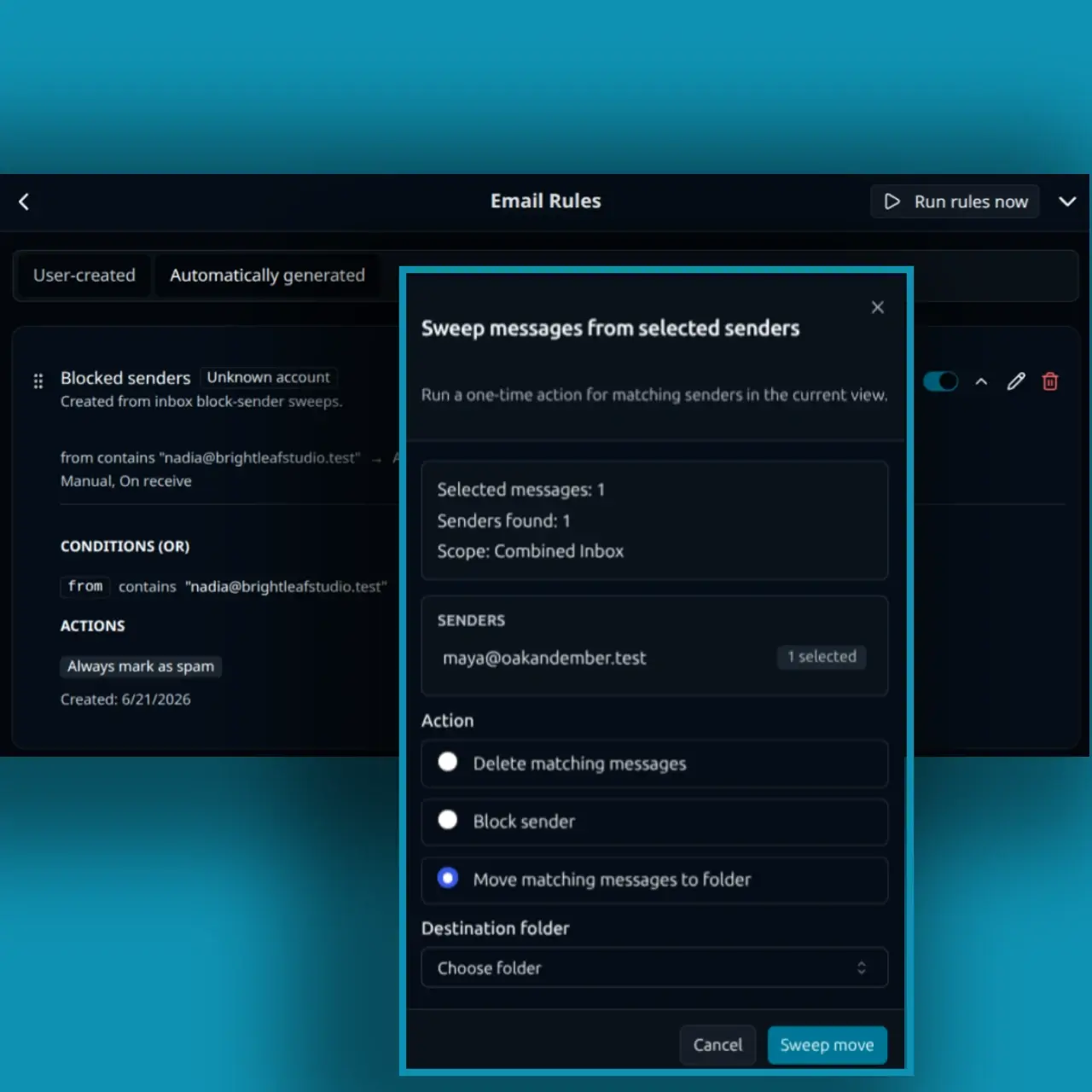
Screenshot composite showing a move-to-folder configuration. It illustrates the selected action, not proof that a particular rule has run.
After enabling a rule, inspect the next eligible message. Check the actual destination and the provider folder. If it stayed in the inbox, investigate the condition, account scope, and synchronization state before adding another overlapping rule.
Treat website sending as another configuration
The notification arriving in your inbox and the website's ability to send it are separate parts of the process. WordPress commonly generates notifications through wp_mail. Some plugins use a separate provider API.
PressedMail's WordPress SMTP configuration is separate from its inbox connections. Free supplies one system-mail SMTP server, while Pro adds multiple connections and sender routing. Adding a business mailbox to the inbox does not configure that route automatically.
Inventory existing SMTP or API integrations before changing system email. Choose one owner for the WordPress mail route and test the website's relevant triggers. The SMTP plugin and email client comparison explains those responsibilities.
Check both the send outcome and the receiving mailbox. A metadata log can show what the sending path reported, but it does not establish inbox placement or that a person read the notification.
Add a second mailbox when identity or ownership requires it
A separate account can make sense when the provider needs a different authorized sender or the business deliberately separates mailbox ownership. Paid PressedMail plans can display multiple connected accounts.
Keep the account identity visible when replying. A combined list helps reading, but it does not make two accounts interchangeable. Provider folders and send credentials still belong to the relevant connection.
A second mailbox also creates more administration: provider access, renewal responsibility, connection health, and recovery. Record those details instead of treating the account list as a complete operating plan.
The small-business workspace guide covers those responsibilities. If several people need assigned conversations or response commitments, evaluate a helpdesk rather than expecting a combined inbox to provide those controls.
Review where messages become invisible
Rules, folders, and filters can each remove a message from the current view without deleting it. When something seems missing, clear filters and inspect the expected folder before concluding it was lost.
Keep an occasional review of filing rules in the routine. A supplier can change its sending address or subject format. A previously useful condition can stop matching, or a broader business process can make its old destination inappropriate.
Provider-side rules are another option when you need filing to happen independently of PressedMail. Understand which system acts on the message first before duplicating the same rule in both places.
Common questions
Do several workflows require several mailboxes?
No. Different message categories can share one account and use folders, manual tags, and supported rules. Add a mailbox when the account arrangement itself needs to change.
Can a rule assign a message to a teammate?
The workflow described here uses filing and local organization. It does not provide a shared inbox assignment system or enforce response ownership.
Will my tags appear in every other client?
PressedMail tags are its own organization layer. Provider folder changes are a different kind of state shared through the mailbox connection.
Can one installation manage all client WordPress sites?
Multiple mailbox connections do not create a cross-site management dashboard. Plan client access and each installation separately.
Can Free handle the example?
Yes, with one compatible mailbox, manual tags, folders, and supported basic rules. Multi-account views and advanced automation are paid additions.
Manage your email inside WordPress
PressedMail Free adds an email client directly to your WordPress dashboard. Connect a compatible IMAP/SMTP mailbox, read and send mail, organize messages, and configure WordPress SMTP.




