
Licenses, Sites, and Updates Troubleshooting
Licenses, sites, and updates troubleshooting for PressedMail.
Licensing validates against the production service at curb.software in every build. There is no offline or development licence plane. Most failures here are connectivity, seat exhaustion, or a mismatched account email.
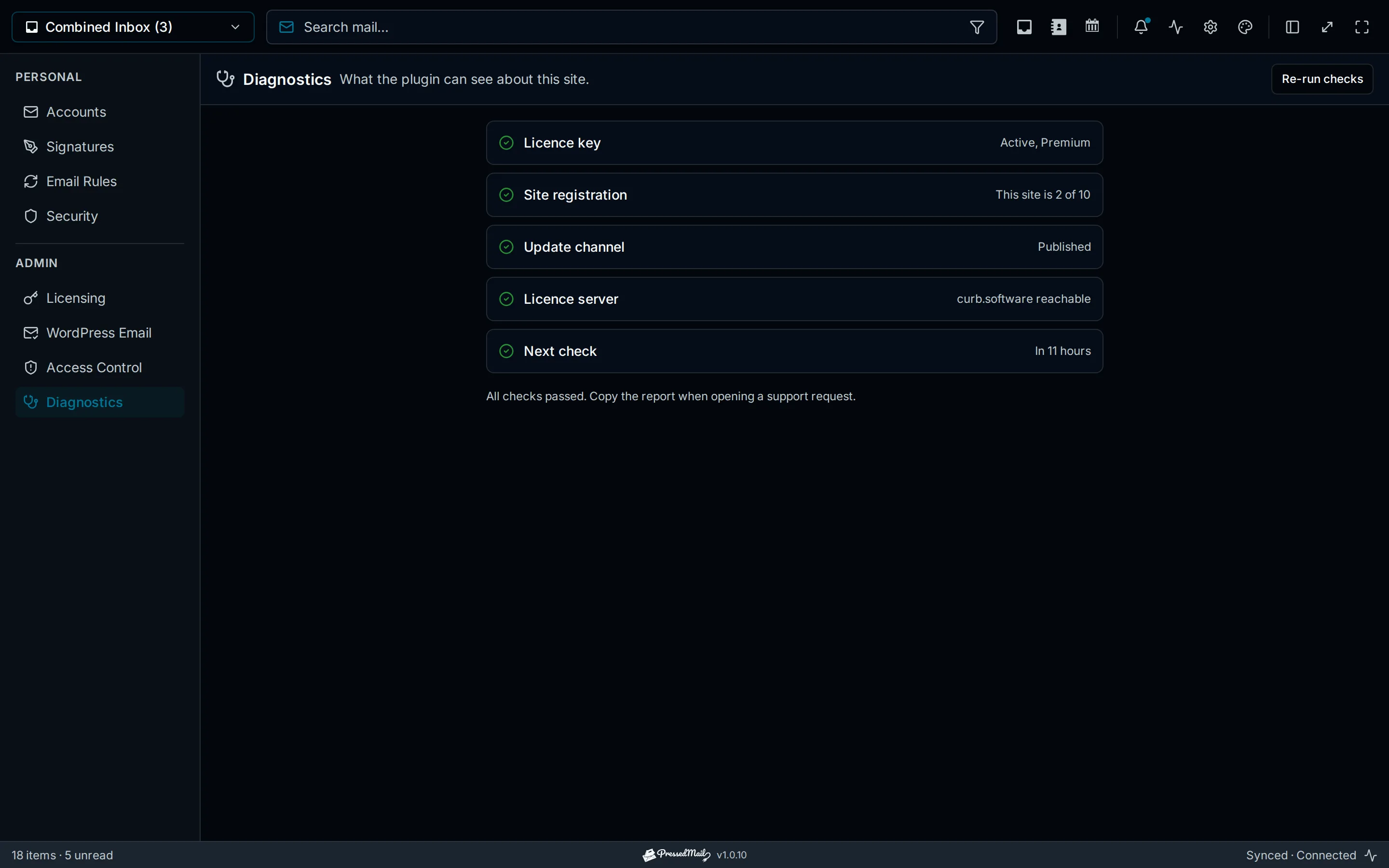
The key will not activate
- Reachability: the site must reach curb.software over outbound HTTPS. Diagnostics checks exactly this; firewalls and egress-filtered hosts are the usual cause.
- Seats: the plan covers a fixed number of sites. Home → Sites shows what is used; deactivate a retired site to free its seat. Release is immediate.
- The key itself: copy it from Home → Your Plan rather than an old email; a refunded or expired plan's key no longer validates.
The site shows licensed but updates do not appear
- Update checks are separate calls to the same service; confirm reachability first.
- The plan must be current. An expired annual plan keeps the plugin working but stops new versions.
- WordPress caches update checks; Dashboard → Updates → Check Again forces one.
Site moved, cloned, or renamed
- A migrated or re-domained site counts as a new activation. Deactivate the old entry in Home → Sites, then activate the new one.
- Staging clones inherit the licence state; deactivate on staging if it should not hold a seat.
Account Confusion
Entitlements key to the checkout email. If Your Plan looks empty, check the Stripe receipt for which address paid. See Checkout to Account Flow.