

Inbox sync and sending
Check stale mail, failed sends, delayed background work, and apparent duplicates.
Check whether the problem affects receiving, composer sending, or WordPress notifications. The inbox uses its own IMAP/SMTP connection; WordPress notifications use the separate site-wide mailer.
Recent mail is missing
- Confirm the message exists in provider webmail.
- Clear inbox search and filters, and select the correct account and folder.
- Refresh and let the sync complete.
- Review Settings > Email Connections for that account's health and sync settings.
- Check Diagnostics for background-processing errors.
Search sees mirrored fields, not every word in the message body. A message can be present but absent from a full-body query. See Search, filters, and tags.
Background work is delayed
WP-Cron needs to run for scheduled processing. Low traffic, disabled cron, server errors, or a failed mail connection can delay it.
Ask the host to inspect the site's cron configuration and recent errors. Do not assume cron is the cause solely because several actions are late. Confirm the connection still works too.
A mailbox lock allows authorized background work to continue. Plugin deactivation does not.
Composer sending fails
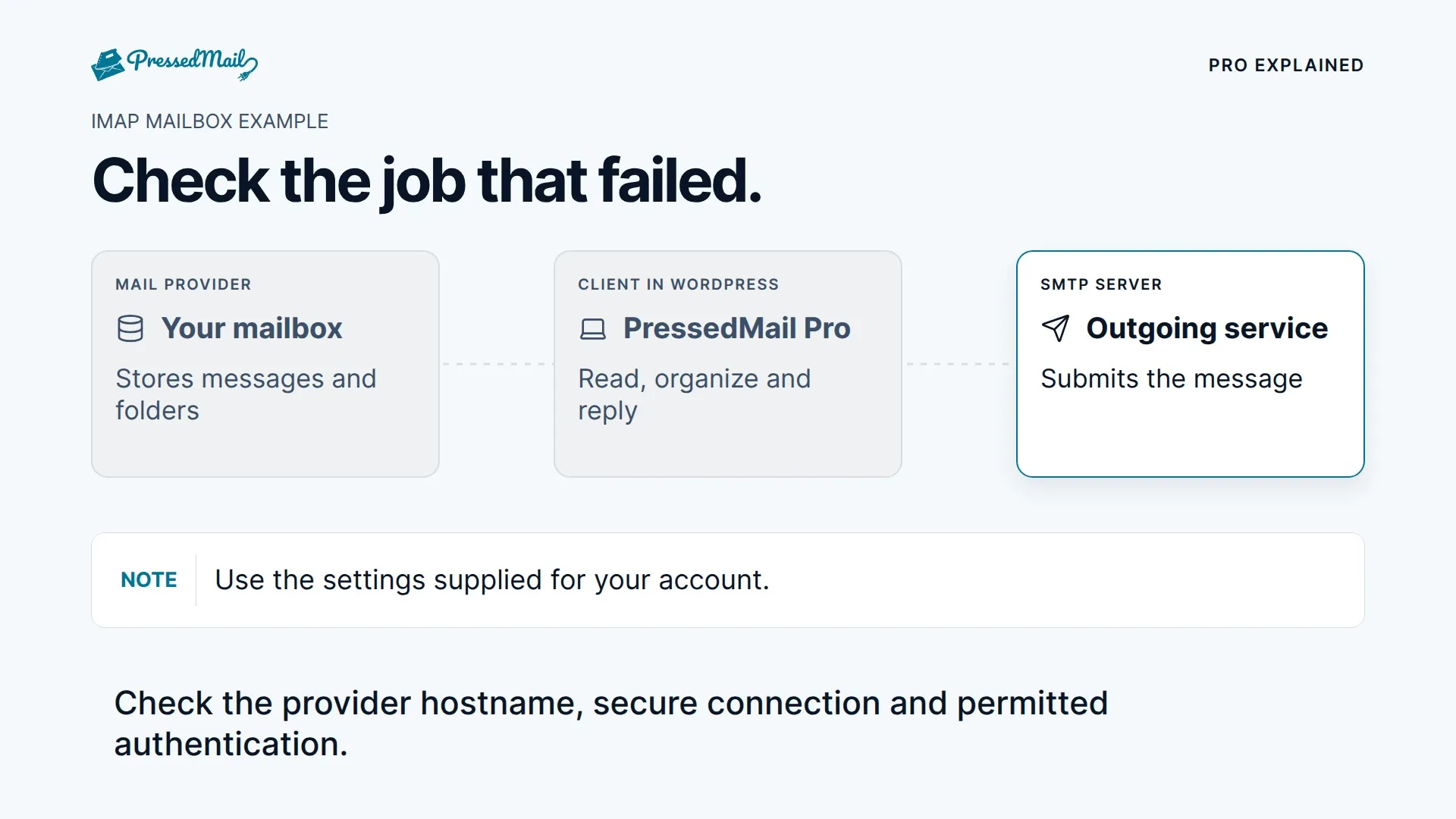
Check the mailbox's SMTP host, port, security, credentials, and allowed From address. Review attachment size and provider sending limits. Receiving over IMAP can continue while SMTP is blocked.
Keep the draft and error. After an ambiguous timeout, check the provider's Sent folder and the recipient before retrying. A retry can create a duplicate if the server accepted the first send but the response was lost.
If the affected message is a password reset, store email, or form notification, use WordPress SMTP setup and WordPress email logs instead.
A scheduled message is still queued
Check its scheduled time, account, and status, then inspect cron and SMTP health. A selected time does not guarantee exact delivery. Check for an already-sent copy before changing or retrying the queue item.
See Snooze, scheduled sending, and follow-ups for the supported workflows.
Messages or folders look duplicated
Gmail labels and All Mail can expose the same message in several folders. Check the provider's view and special-folder mapping before removing anything.
Review whether the same mailbox was connected twice, but do not delete a connection just to see what happens. Removal deletes its local mirror. Collect the account and folder details for support if the cause is unclear.