

Inbox and folders
Read one mailbox or the paid combined inbox, and work with provider folders.
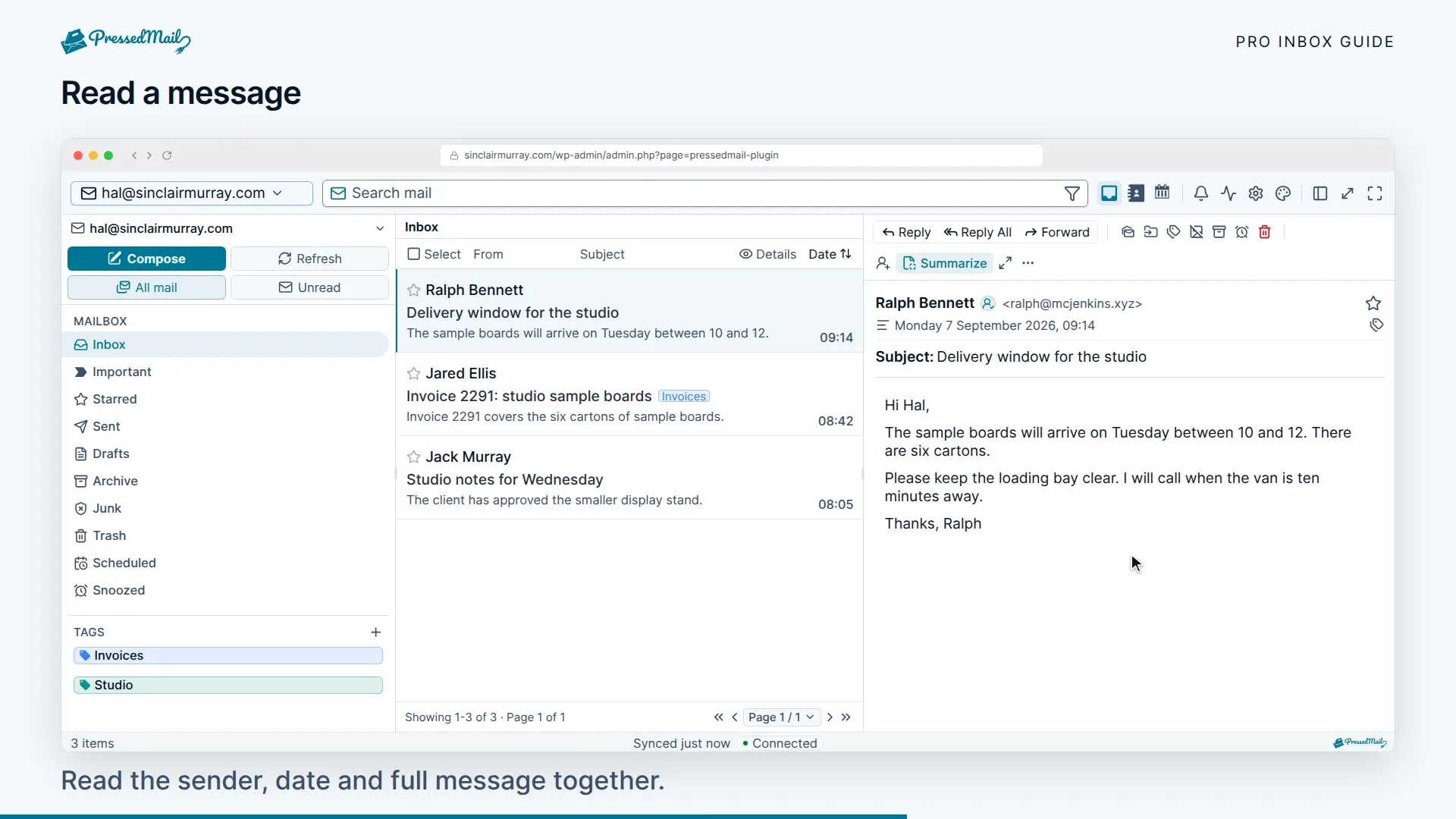
Start in Inbox for the account you connected. Open a message to read it, use Reply or Forward from the message controls, and use the folder pane to browse the provider's mail.
Paid plans add the combined inbox for several connected accounts. Each message keeps its original account and sending identity.
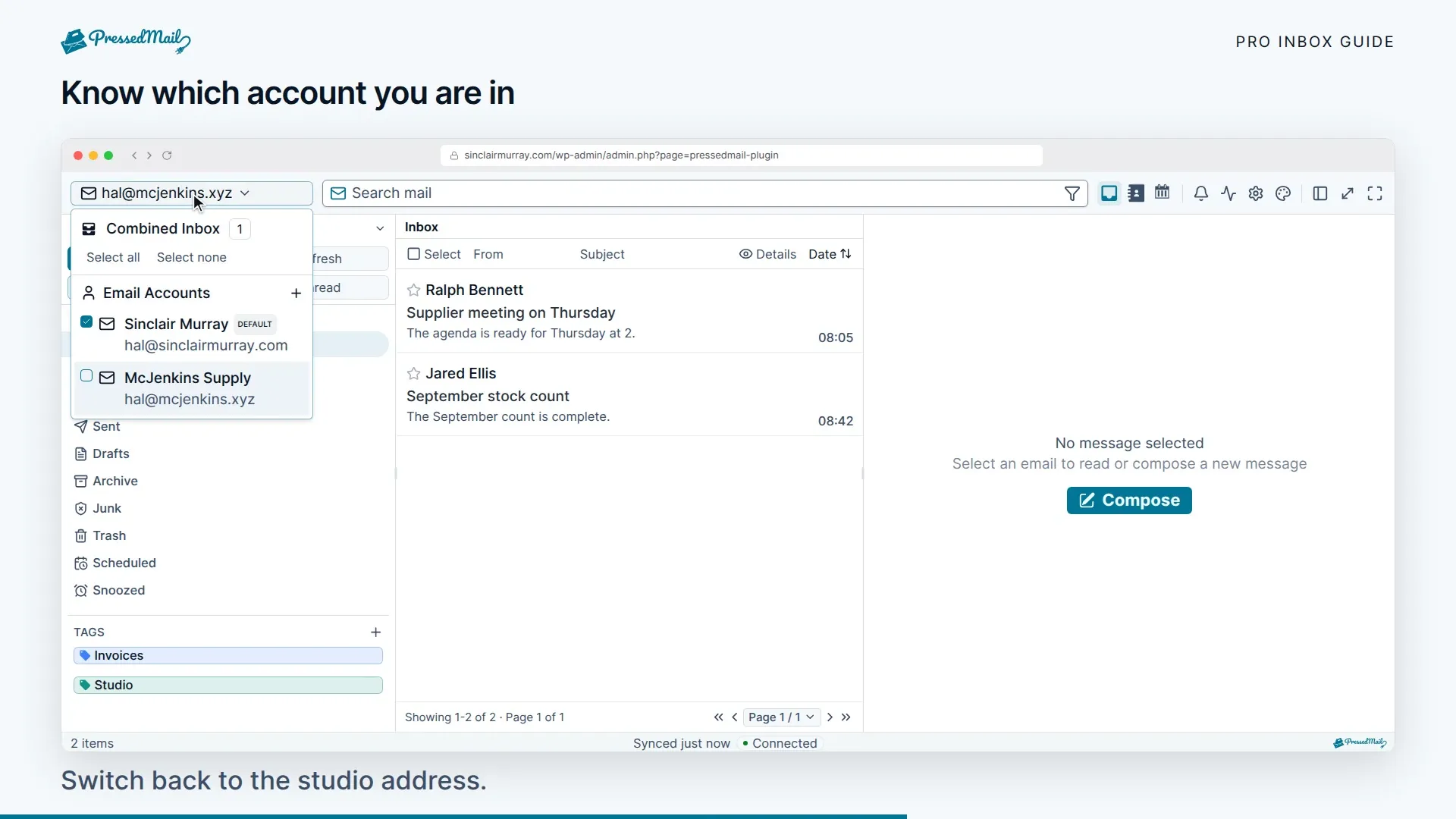
Choose an account or the combined inbox
Use the account selector to switch accounts. On paid sites, Combined Inbox brings their messages into one list. Narrow to one account when checking a connection problem or looking for a provider-specific folder.
Mailboxes other people share with you show up here too, with a Shared badge and the owner's name. Sharing a mailbox needs Ultimate or Lifetime, see Sharing with your team.
Threaded conversations on paid builds use message identifiers and reply headers. A matching subject alone does not join unrelated messages into a conversation.
Work with folders
The folder pane reflects the provider's IMAP folders. Sent, Drafts, Archive, Junk, and Trash map to the corresponding provider folders. Names can differ between providers.
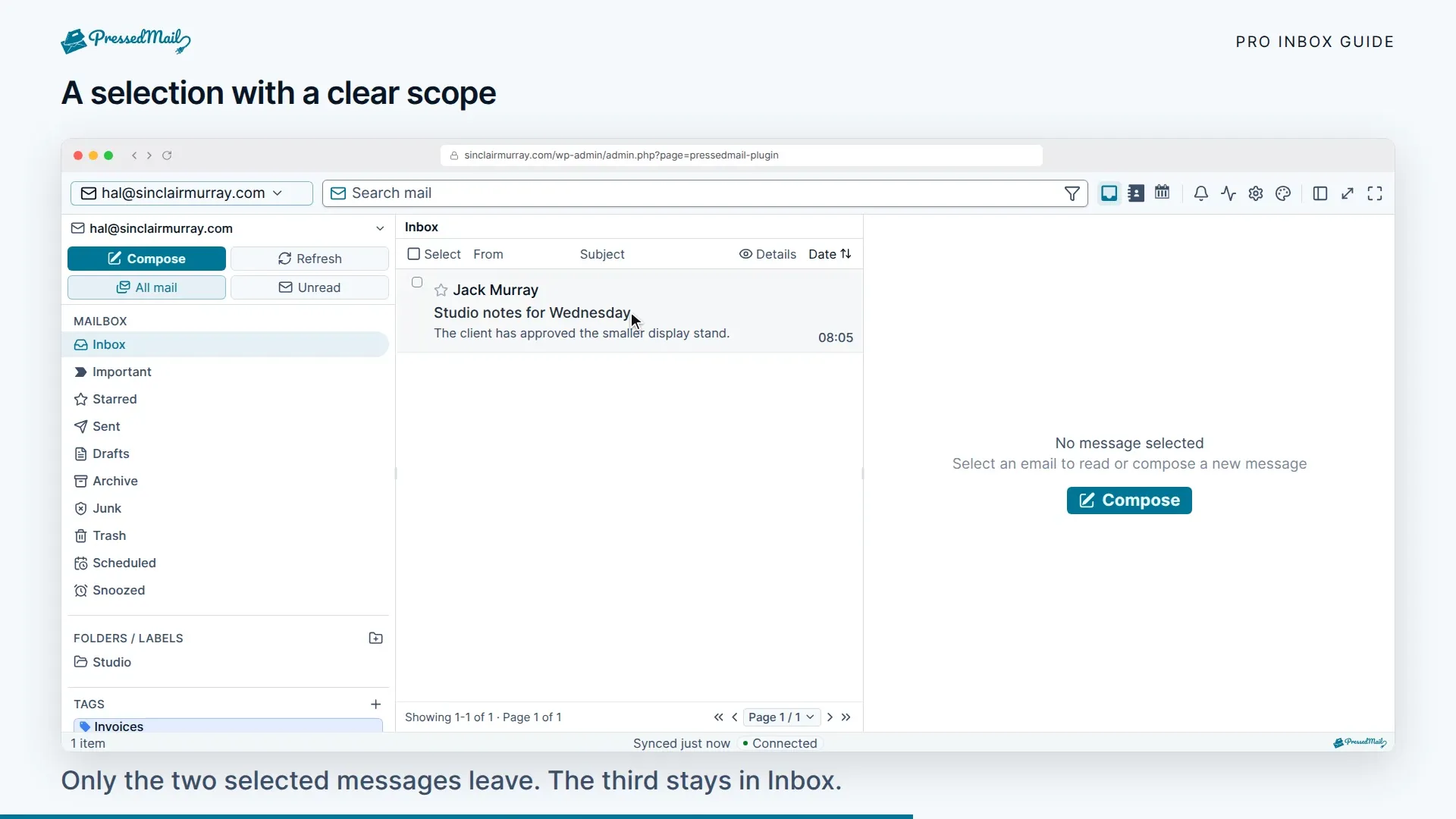
Moving, archiving, or deleting a message can change it at the provider and in other connected clients. Check the account and destination before a bulk action. A local view is not a backup of mail you delete remotely.
Gmail exposes labels as folders, so the same message can appear in Inbox, All Mail, and a custom label. Confirm the provider's view before treating these as duplicates.
Scheduled and Snoozed are workspace views for paid scheduling features. They are not evidence that every provider has folders with those names.
Use tags without changing folders
Tags are a local PressedMail layer. Apply one to a message and filter by it later. Tags can organize mail across your own accounts without adding a provider folder.
See Search, filters, and tags for finding tagged messages, and Email rules for supported automatic filing actions.
When the list looks stale
Select Refresh and allow synchronization to finish. If a folder is missing, check that it exists and is exposed through IMAP at the provider. Review the connection under Settings > Email Connections.
Do not remove an account as the first troubleshooting step: removing it also removes its local mirror. Use Inbox sync and sending to distinguish a connection failure from a delayed refresh.