

SMTP and WordPress email
Configure the separate SMTP server used for WordPress notifications and test routing.
WordPress notifications and messages written in the PressedMail composer use separate sending configurations.
Password resets, store receipts and other notifications normally call WordPress's wp_mail(). Settings > WordPress Email can route those calls through PressedMail SMTP. It stores its own server settings and credentials. Composer messages use the sending account selected in the composer; changing WordPress Email settings does not change that account.
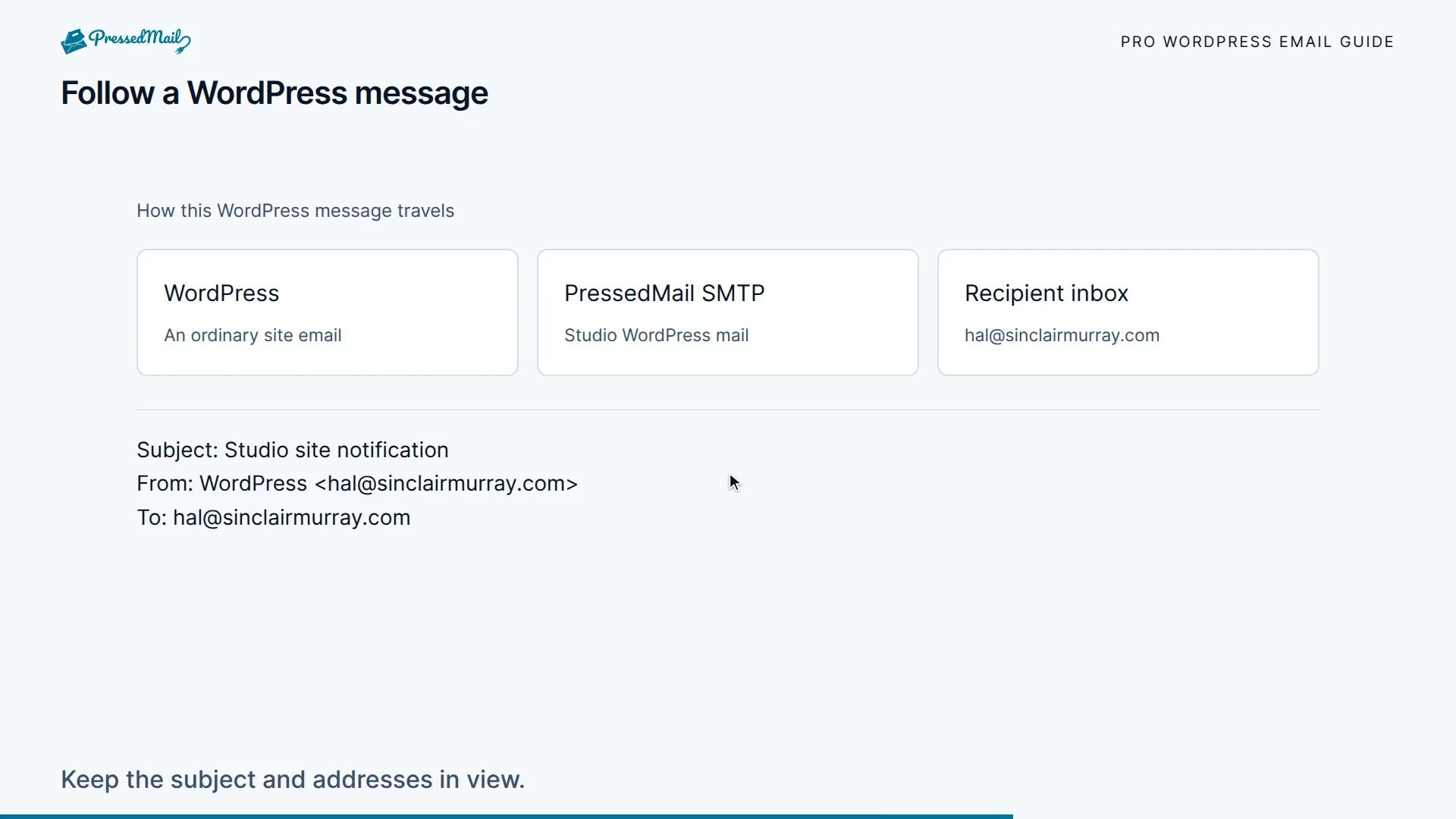
Add or update a server
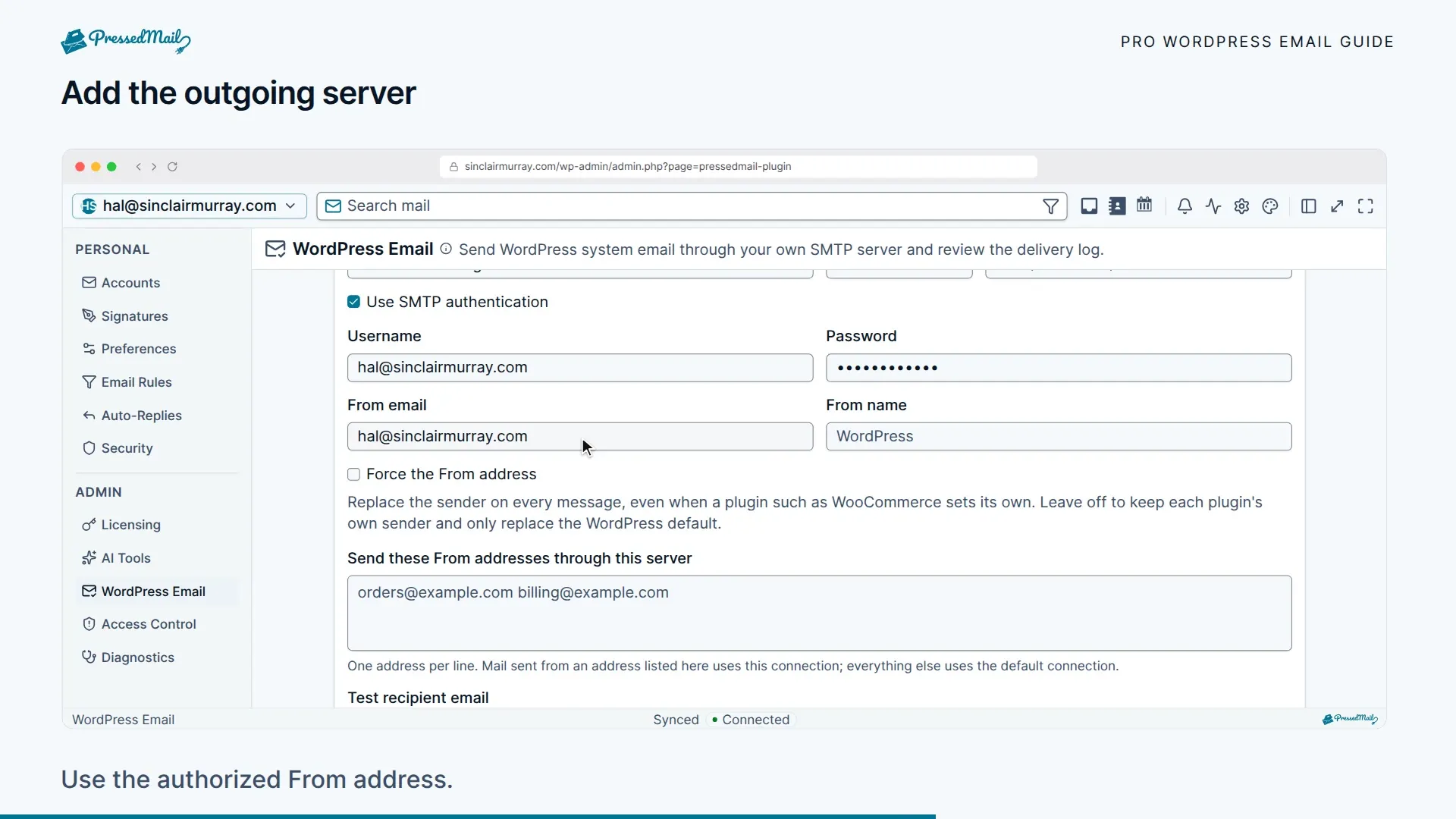
Open PressedMail > Settings > WordPress Email and add or edit an outgoing mail server. Enter the host, port and security mode supplied by your provider, then enable authentication when required. Set a sender address the provider authorizes and the sender name you want recipients to see.
Use the provider's matching port and security mode, such as 587 with STARTTLS or 465 with SSL/TLS. Keep certificate verification enabled.
Provider settings
These are the values each provider documents for SMTP. Check the provider's page if a test fails.
| Provider | Server and port | Username and password |
|---|---|---|
| Amazon SES | email-smtp.us-east-1.amazonaws.com, port 587, STARTTLS. Use the endpoint for your own Region. | The SMTP username and password for that Region, created from the SES console. The password is not your AWS secret access key. Verify the sender address or domain in SES first. |
| Postmark | smtp.postmarkapp.com, port 587 or 2525, STARTTLS | Your Server API token, as both the username and the password. |
| Mailgun | smtp.mailgun.org, port 587, STARTTLS. Domains in Mailgun's EU region use smtp.eu.mailgun.org. | The SMTP credentials of your sending domain, created in the Mailgun control panel. |
| SendGrid | smtp.sendgrid.net, port 587, STARTTLS | The username apikey, and an API key as the password. |
Test, then save
Enter an address you control as the test recipient and send a test. Save becomes available after the current connection settings pass the test. Changing those settings requires another successful test before saving.
A saved password is not returned to the browser. When editing an existing server, leave its password unchanged or choose Change password to enter a replacement. A replacement also needs a successful test. Browser password-manager suggestions should not replace an SMTP secret silently.
Select the saved, enabled server for WordPress email and save the routing settings. The default WordPress mailer remains a separate choice.
Confirm the result
Check the recipient's inbox and spam folder, then inspect WordPress email logs. A successful SMTP response means the server accepted the message; it does not guarantee inbox delivery.
A connection test proves that connection can send its test message. When you are ready to verify a store, form or password reset, trigger a controlled notification through that feature and inspect the result too.
Free and paid routing
Free keeps one selected outgoing server. Paid builds support multiple servers and sender-address matching through Send these From addresses through this server. An eligible matching address selects that connection; other messages use the selected default.
There is no automatic fallback through another configured server. Fix the failed connection or choose a working default deliberately. For composer sending, review the mailbox connection instead.
Other mail plugins
Only messages using WordPress's mail hooks can use this routing. Plugins with their own external email API may bypass it, and two WordPress SMTP plugins can conflict. Record your current configuration before changing routing. For failures, keep the error text and use Inbox sync and sending.