

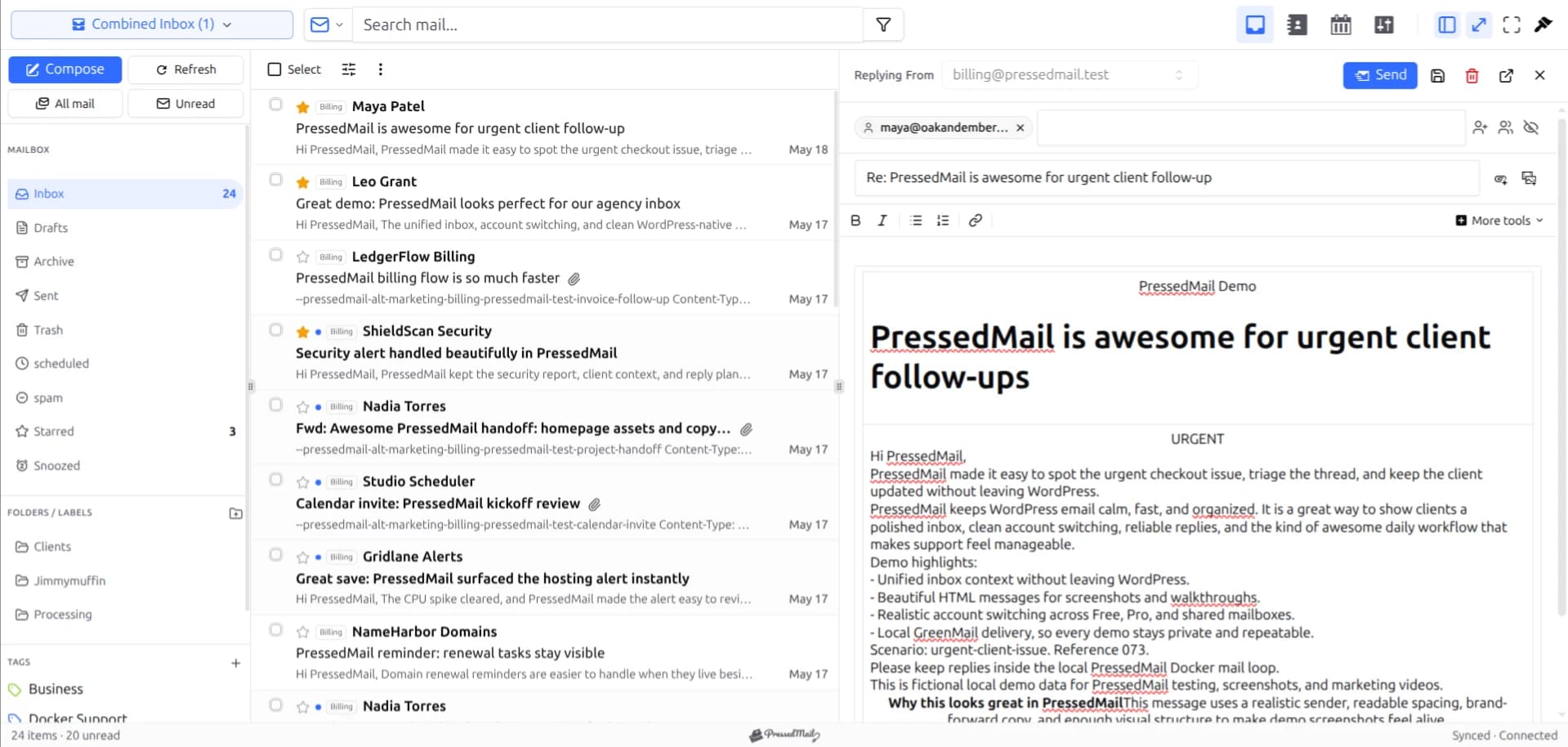
You can read an eligible Gmail mailbox inside WordPress with PressedMail, but check the authentication requirement first. PressedMail currently uses a Google app password for Gmail. Google sign-in is not available in that connection flow.
That means the mailbox must be allowed to create and use an app password. If the account does not permit that method, keep using Gmail or another approved client. A working Gmail login by itself does not establish compatibility with this connection path.
This page covers access and everyday use. The detailed server walkthrough is in connecting Gmail through IMAP, and the credential steps are in the Gmail app-password guide.
Check which Google account you have
A personal Gmail account and an organization-managed Google Workspace account can face different restrictions.
Personal Gmail no longer has an Enable IMAP or Disable IMAP toggle. Google removed that choice starting in January 2025, leaving IMAP access on. If an older tutorial sends you looking for that switch, you are not missing a step. See Google's current email-client guidance.
Workspace administrators can apply their own access policies. An account at a custom domain may be managed by an organization even though its interface looks like Gmail. If you do not control those policies, ask the administrator whether the required app-password connection is permitted.
Do not turn off two-step verification. Google requires it for app passwords. The option can still be unavailable for certain account configurations or organizational policies; Google's app-password documentation describes the restrictions.
Understand the supported sign-in path
Google recommends Sign in with Google where a client supports it. PressedMail's current public Gmail route instead uses an eligible app password.
Create that credential through your Google account's security controls and use it only in the authorized connection form. Do not paste your ordinary Google password into repeated connection attempts when the supported method requires an app password.
If you cannot create one, this setup has reached an account-compatibility limit. Removing organizational protections is not part of the tutorial. The alternative is Gmail's own interface or another client that supports an authentication route your administrator approves.
For a managed account, Google Workspace email in WordPress covers the policy questions before setup.
Add Gmail in PressedMail
Install and activate PressedMail Free, then open its Email Connections settings. Choose Add Account and select Gmail.
Enter the full mailbox address, its display name and the eligible app password. The preset supplies Google's common incoming and outgoing values. Review them against the Gmail IMAP settings reference if you need to understand a field.
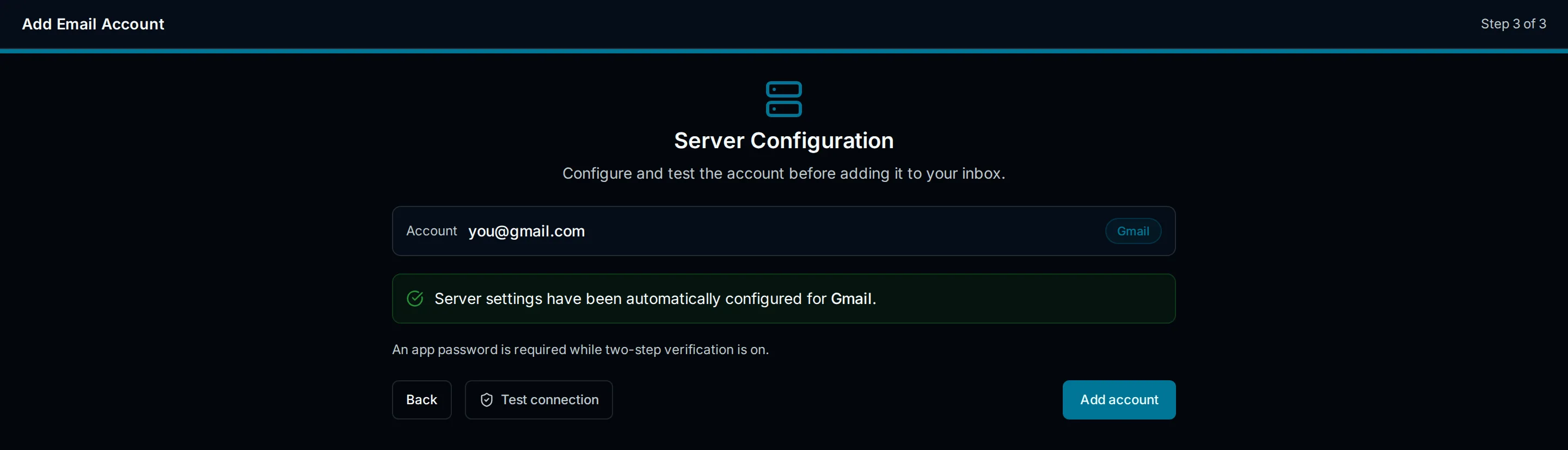
Illustration of Gmail server configuration. It explains the preset fields and does not depict an OAuth login or a completed connection test.
Run the connection tests and save the account after the checks pass. Incoming access and outgoing submission are separate; a working inbox does not make a failed send check irrelevant.
Allow the first synchronization to finish. Open a message you can already find in Gmail and compare its subject, sender and date. If it is absent from Inbox, check which Gmail view contains it.
Free supports this one-mailbox path. You do not need paid contacts, calendar or advanced composing features to read the message.
Expect labels to appear as folders
Gmail labels are not identical to traditional folders. A message can have several labels, and a client accessing Gmail through IMAP can expose those labels as different folder views.
As a result, a message may appear in Inbox and another labeled view without having been delivered twice. Compare the message itself before treating several appearances as duplicated delivery.
Sent, Drafts, Spam and other special views also need to be understood in the provider's context. Test unfamiliar moves or deletions on harmless mail first. A change through a connected client can affect what Gmail shows.
The IMAP versus SMTP explanation helps separate mailbox synchronization from sending. That distinction is useful when a message is visible in Gmail but not yet visible in WordPress.
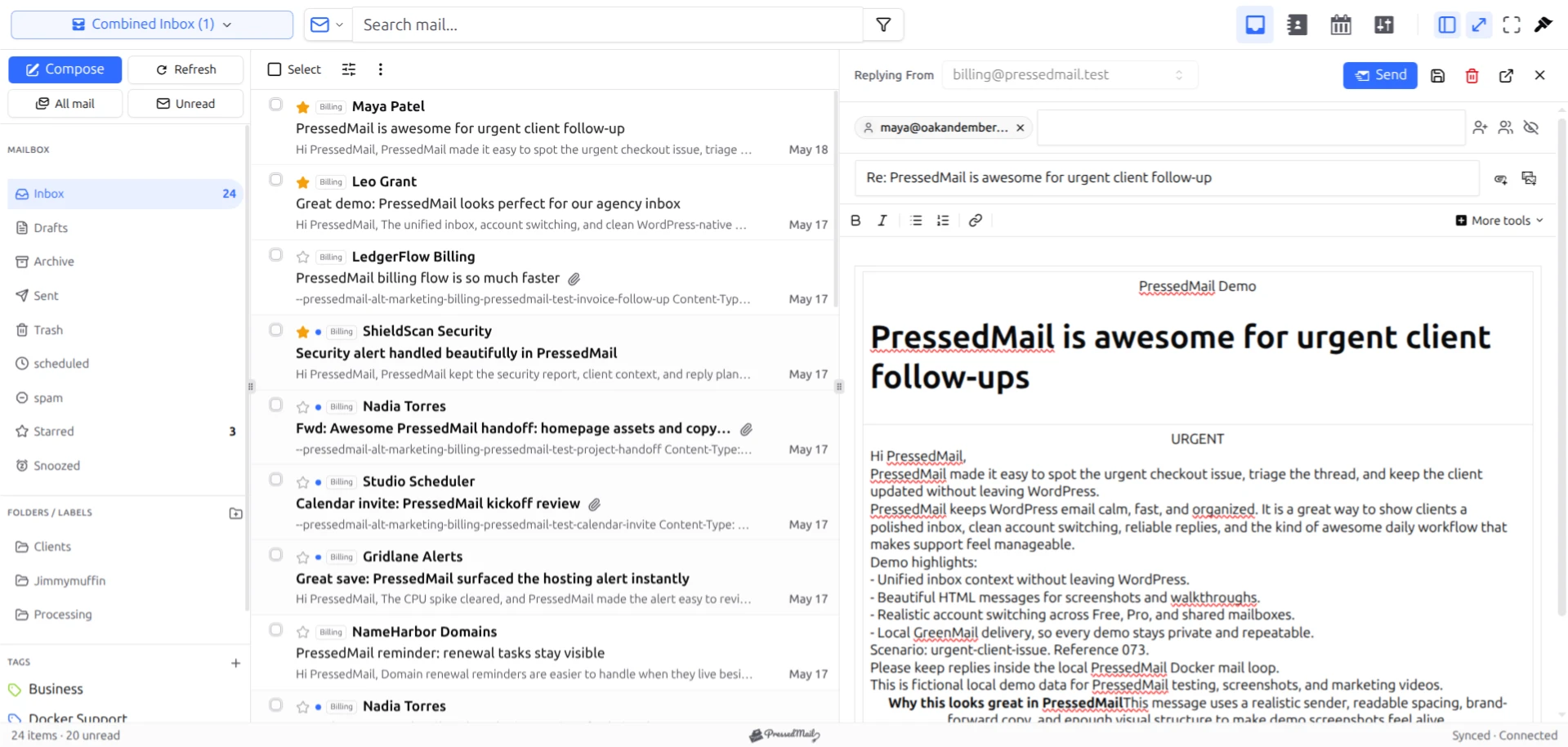
PressedMail inbox screenshot with fictional mail. It shows the reading interface, not proof that the pictured account is connected to Gmail.
Verify a reply
Open a known test message from a second address you control. Reply with a short plain-text body, check the recipient and send.
Then look at the external test mailbox. A successful application result and actual recipient receipt are separate pieces of evidence. Check Spam if the reply is absent from Inbox.
If receiving works but replying fails, review the outgoing configuration and the provider's response. Avoid replacing working IMAP settings while investigating an SMTP issue.
For a complete exercise, follow sending and receiving from the WordPress dashboard.
Keep Gmail available
You can continue using Gmail after adding PressedMail. The provider still hosts the mailbox, and the WordPress plugin provides another interface to it.
That is useful when you need a Gmail-specific feature or when WordPress is temporarily unavailable. Choose the interface that suits the task rather than assuming every Gmail capability appears in an IMAP client.
Connecting the mailbox does not automatically configure WordPress system notifications. PressedMail's site-wide outgoing server is a separate setup. It also does not automatically connect Google contacts, calendar or every service associated with the account.
If the choice of interface is still open, Gmail versus a WordPress email client compares the working arrangements.
Frequently asked questions
Where is Enable IMAP in Gmail?
Personal Gmail no longer offers that switch. Google's current policy keeps IMAP access on. Workspace administrator controls are a separate issue.
Can I use Sign in with Google in PressedMail?
Google sign-in is not available in the current Gmail connection flow. This connection uses an eligible app password.
What if App passwords is missing?
Check Google's eligibility requirements and, for a managed account, ask the administrator. Do not assume every account can enable the option.
Why does one message appear in several folders?
Gmail can expose multiple labels through IMAP. Several views of one message are different from several separate deliveries.
Does the WordPress interface replace Gmail?
No. Gmail continues hosting the mailbox. You can retain its web interface while using PressedMail for the tasks you prefer to handle in WordPress.
Manage your email inside WordPress
PressedMail Free adds an email client directly to your WordPress dashboard. Connect a compatible IMAP/SMTP mailbox, read and send mail, organize messages, and configure WordPress SMTP.




