

Keep Gmail's own interface when its features and account policies fit the way you work. Add a WordPress email client when you want a compatible mailbox beside the site you manage. You can often use both, subject to the provider's access rules.
Gmail is both a mail service and a user interface. PressedMail provides an interface inside WordPress; connecting a Gmail account does not move its hosting away from Google.
The decision therefore includes authentication, message organization, search, and maintenance, as well as where you prefer to read a reply.
Decide which Google account you have
A personal Gmail account and a managed Google Workspace account can have different administrative constraints. An organization's administrator may control which mail access methods are allowed.
Google recommends its sign-in flow for supported third-party clients. Its current other-client guidance also explains that personal Gmail's IMAP enable/disable option was removed in January 2025.
PressedMail's current public distribution does not offer the Google OAuth route. Its Gmail connection uses an eligible app password. That means the availability of IMAP at Google does not, on its own, establish that your account can connect through the authentication method available in PressedMail.
Google's app-password guidance requires two-step verification and lists reasons the option may be unavailable. If your organization or account does not permit the supported method, retain Gmail's interface or choose an approved client rather than weakening account protection.
The Gmail app-password guide covers those prerequisites. Check them before spending time reorganizing a workspace you cannot connect.
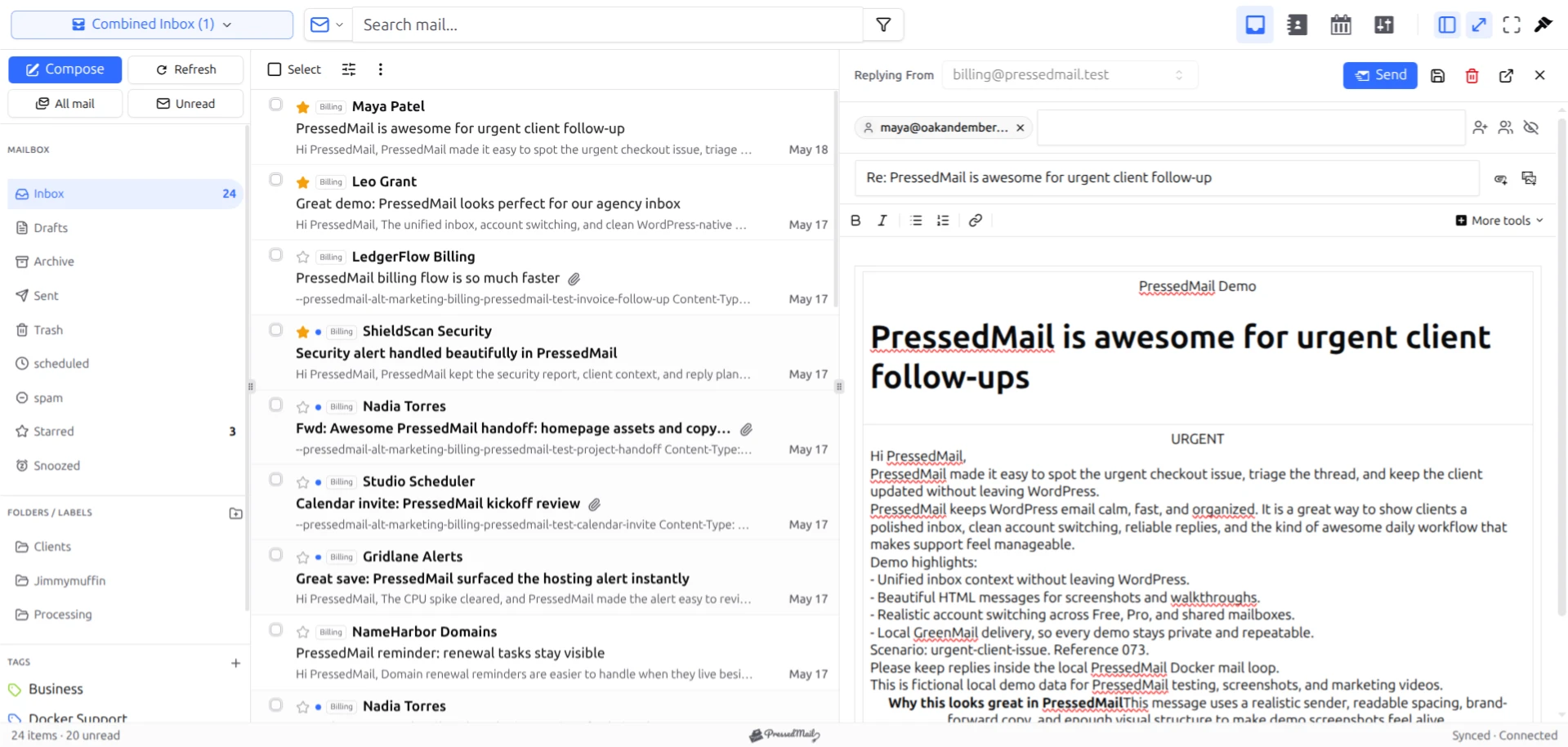
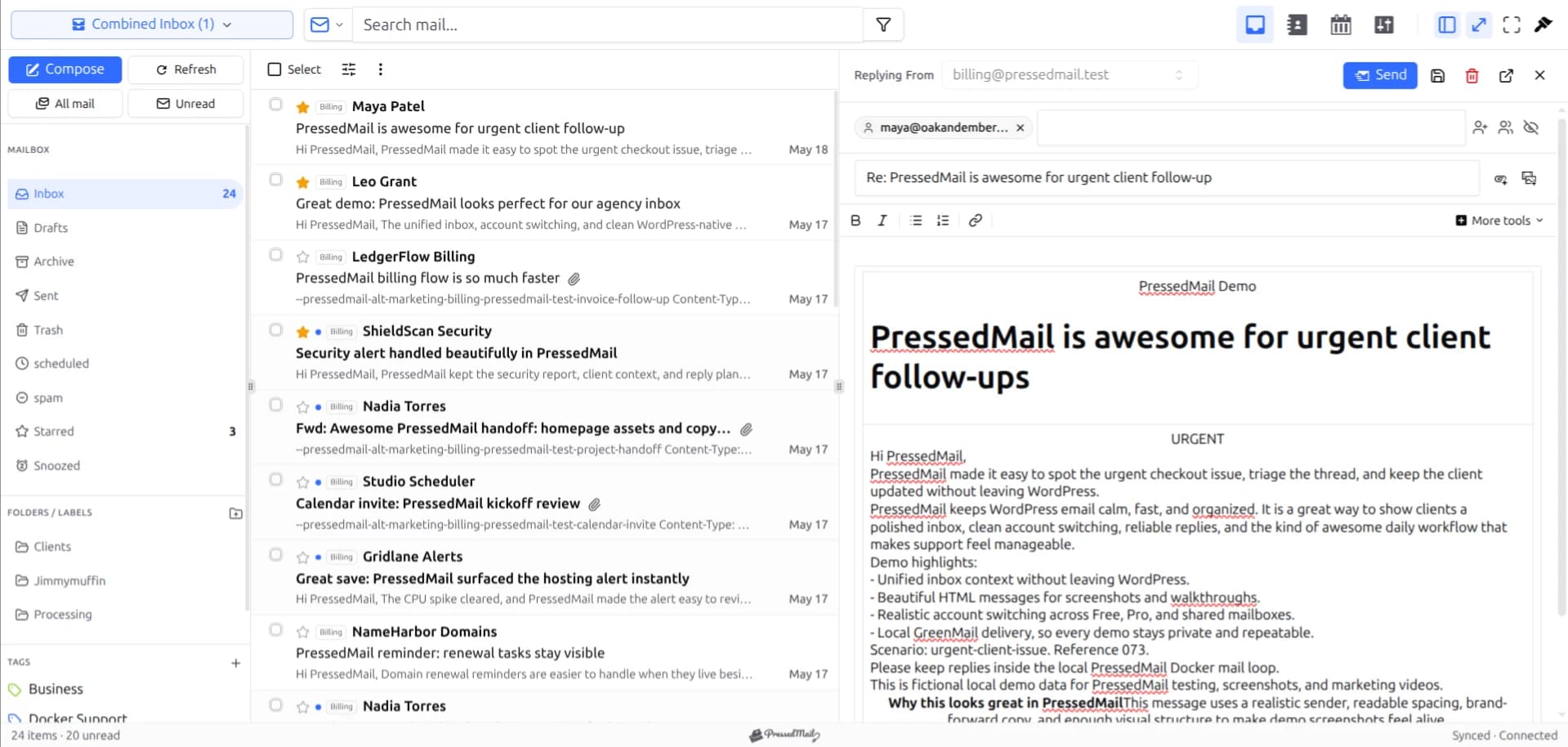
Screenshot of fictional messages in the PressedM layout. The layout does not identify which provider hosts the mailbox.
What stays with Google
The Gmail account, its provider-side settings, and its recovery process remain with Google. A client connection adds another way to access supported mail functions.
It does not automatically reproduce every Gmail or Workspace feature. A capability available in Google's browser interface may rely on provider-specific behavior beyond ordinary mailbox access.
For example, choosing a client is separate from choosing a business suite. Connecting Gmail to PressedMail does not replace Drive documents, account administration, or an organization's other Google services.
The Gmail access overview explains the client role. The deeper IMAP setup article covers the supported connection path.
Compare the tasks that matter
| Task or constraint | Gmail's interface | PressedMail in WordPress |
|---|---|---|
| Read the Google mailbox | Native service interface | Requires a compatible permitted connection |
| Work beside WordPress pages | Separate service context | Email workspace within WordPress |
| Use Gmail-specific behavior | Managed by Google's interface | Do not assume full parity |
| Maintain the application | Google operates its service | You maintain the WordPress environment |
| Route website notifications | Separate website configuration | Separate WordPress SMTP configuration is included |
| Access during a website outage | Available if Google and your access are healthy | Use another client until WordPress returns |
These are deployment and task distinctions. They do not establish comparative speed, security, or reliability.
If the broader choice is between a provider's webmail and a WordPress inbox, see WordPress email clients versus webmail.
Labels and folders need a deliberate test
Gmail labels do not behave exactly like a universal one-folder filing system. A message can have several labels. Google's label documentation explains its native model.
When another client accesses the account, the visible mapping and the consequences of archive, move, and delete should be checked with a harmless message. Avoid using an important conversation to learn how the client maps system folders.
PressedMail tags are a separate local organization layer. Giving a message a PressedMail tag does not mean Gmail receives an identical label. Use provider folders and the documented mapping when you need shared mailbox state.
A practical test is to send yourself a recognizable message, file it through one interface, and inspect it through the other after synchronization. Keep the original Gmail login available throughout the evaluation.
Search the right fields
A query copied from Gmail may rely on Gmail-specific operators or a broader set of indexed data. PressedMail's search behavior varies with the view and available message data.
In its summary search, PressedMail examines fields such as subject, sender, preview, snippet, and message ID rather than the full message body. A phrase buried in a long email may therefore be a poor starting query.
Use a distinctive subject or sender to compare retrieval, then inspect the supported filters in each interface. Do not label a client broken because it interpreted another product's query differently.
For missing-message checks, use searching email from WordPress. It separates a missing result from a missing message at the provider.
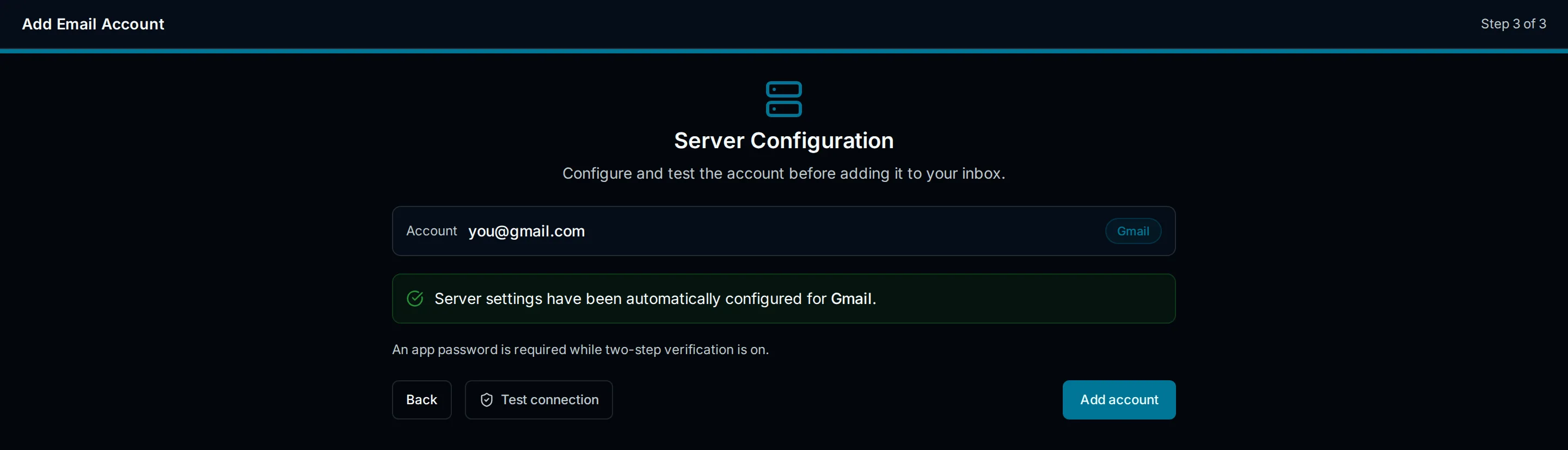
Illustration of a Gmail account setup screen. It is not a recording of OAuth consent or proof that a live account connected.
Image privacy depends on the reading interface
The application displaying mail decides how it handles outside content. Connecting a Gmail mailbox to another client does not mean that client's resource requests inherit every behavior of Gmail's web interface.
Google offers an option to ask before showing external images and describes protections applied to images in Gmail. See the current Gmail image settings.
PressedMail has its own remote-image controls and HTML display path. Review the setting in the interface you are using rather than assuming the provider's browser preference controls every client.
The guide to remote images explains the differences between withholding a request, using a proxy, and other protections. None of these choices makes an unexpected payment or credential request trustworthy.
Test incoming mail, replies, and site mail separately
Once the account's authentication prerequisites are satisfied, test receiving and replying with an address you control. Check the sender identity and the received message, not only whether the connection form saved.
Then consider whether you also want PressedMail to handle WordPress system email. That has a separate SMTP server configuration. Connecting the Gmail inbox does not automatically configure wp_mail.
If the site already has a working SMTP or provider API integration, keep its settings until you have decided whether a change meets the site's requirements. A successful Gmail reply is not proof that a password reset uses the intended route.
The comparison of SMTP plugins and email clients explains why these tasks should be evaluated separately.
When each choice makes sense
Gmail's interface is a good place to remain when you depend on its native behavior or when account policy does not permit the connection PressedMail currently supports.
PressedMail fits a compatible account whose owner wants email beside WordPress work. Free starts with one mailbox, basic composing, folders, and manual tags. Paid plans add multiple account views, contacts, calendar, and other capabilities.
You can retain Gmail for account administration and provider-specific tasks while using PressedMail for ordinary correspondence. Keep that arrangement explicit so you know which settings belong to which service.
Common questions
Can I keep using Gmail after connecting PressedMail?
Yes, when the account permits the connection. Both interfaces can act on shared mailbox state, so check filing and deletion behavior before doing bulk work.
Does PressedMail replace Google as the mailbox host?
No. Google continues to provide the account and mailbox service.
Will Gmail labels behave exactly like folders?
Do not assume that. Gmail's label model and a client's folder mapping need to be understood before moving important messages.
Can a Workspace administrator prevent the connection?
Yes. Organizational access policy can restrict the supported method. Use the administrator's approved path rather than changing security settings to force access.
Does PressedMail currently support Sign in with Google?
Its current public distribution keeps Google OAuth unavailable. An eligible app password is the Gmail route described here, subject to Google's account restrictions.
Manage your email inside WordPress
PressedMail Free adds an email client directly to your WordPress dashboard. Connect a compatible IMAP/SMTP mailbox, read and send mail, organize messages, and configure WordPress SMTP.




