

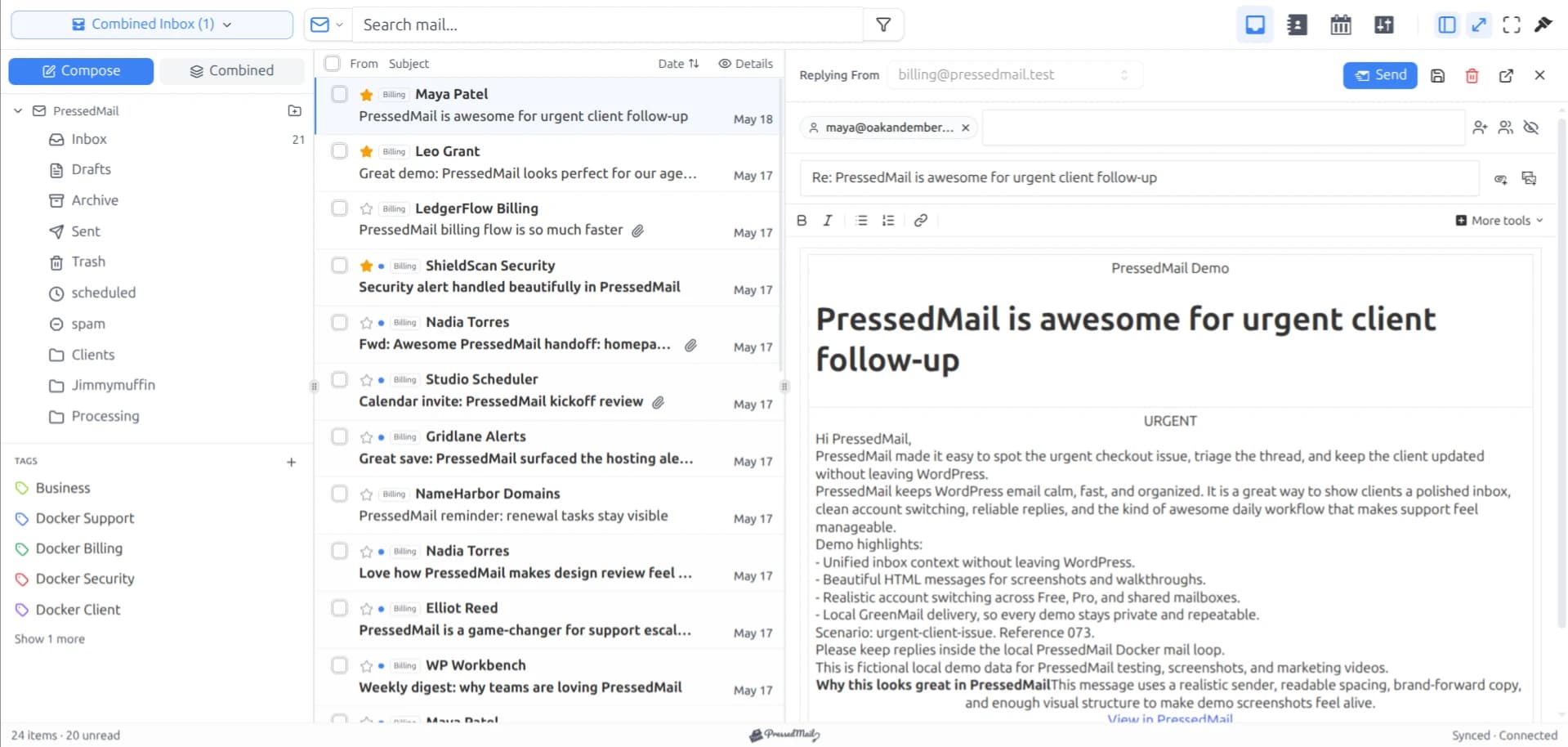
Gmail's incoming IMAP server is imap.gmail.com on port 993 with SSL/TLS. Use your full mailbox address as the username. In PressedMail, an eligible Google app password supplies the credential. Google sign-in is not available in this connection flow.
The server values identify the service. They do not make an account eligible for an authentication method its provider blocks.
Gmail incoming settings
| Field | Value |
|---|---|
| Protocol | IMAP |
| Incoming server | imap.gmail.com |
| Port | 993 |
| Encryption | SSL/TLS |
| Username | Full Gmail or Workspace mailbox address |
| PressedMail credential | Eligible Google app password |
Google's IMAP and SMTP reference documents the service endpoint and secure connection. These incoming values match the current PressedMail Gmail preset.
If you need the complete wizard sequence, follow connecting Gmail to WordPress using IMAP. For outgoing mail, use Gmail SMTP settings; an SMTP server belongs in a different field.
What each field controls
The server name identifies Google's incoming mail service. Enter the hostname without a web address prefix such as https://. A mail-client form expects the service name, not a URL for the Gmail website.
Port 993 selects the secure IMAP service. SSL/TLS in this context starts the encrypted connection immediately. A field labeled STARTTLS describes a different way to begin a secure protocol session; do not select it merely because both names mention TLS.
The username identifies the mailbox. Use the complete address, including its domain. A display name is the human-readable name associated with the account and does not replace the login identity.
The password field in the current PressedMail Gmail flow expects the allowed app credential. See Gmail app passwords for creation, replacement, and cases where the option is absent.
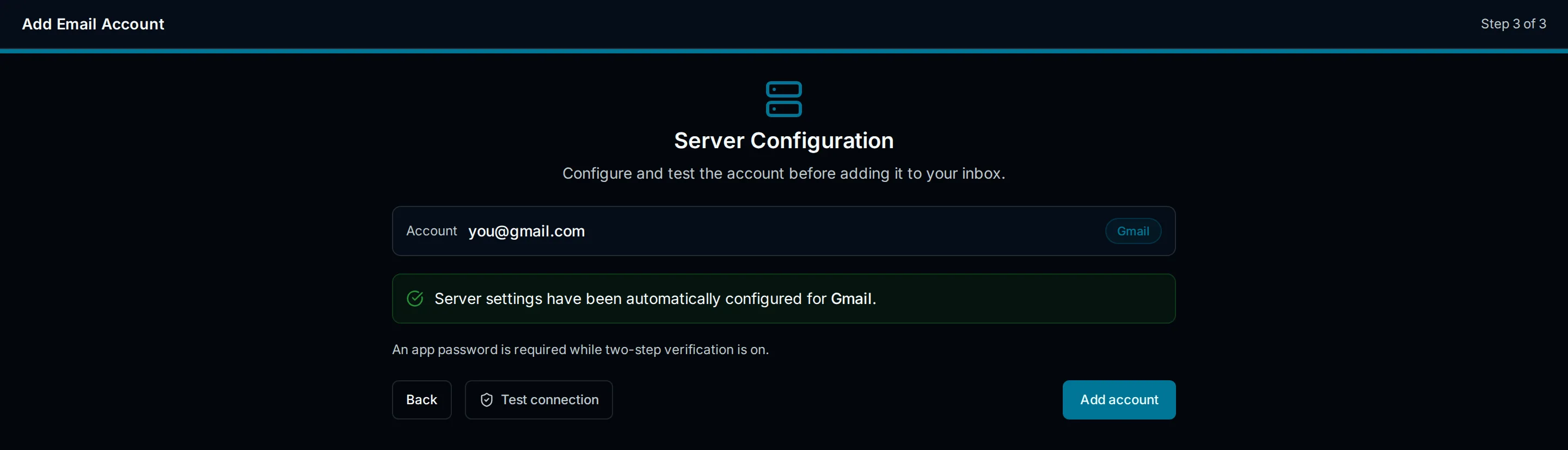
Drawn interface illustration of the Gmail preset. The image explains the setup screen and is not a connection-test result.
There is no personal Gmail Enable IMAP switch
Google removed the personal-account Enable IMAP and Disable IMAP choices in January 2025. Personal Gmail's IMAP availability no longer requires that switch. Google's client-access guide describes the change.
If an older WordPress tutorial tells you to keep searching for that checkbox, move on to credential eligibility.
Managed accounts remain a separate case. Your Workspace administrator may limit external-client access or the authentication methods your organization permits. The Workspace mailbox guide covers those checks. An available server does not override a managed-account restriction.
Use the preset in PressedMail
Open Settings, Email Connections, and Add Account, then choose Gmail. The preset supplies the normal incoming and outgoing settings. Enter the correct mailbox address and permitted credential, review the configuration, and run Test Connection.
You do not need to invent a custom hostname because your Workspace address uses a business domain. A mailbox hosted by Google uses Google's service configuration.
The PressedMail Gmail documentation explains the product flow and its current authentication limit. If your account does not permit app passwords, use an approved client with Google's sign-in flow instead.
Diagnose the stage that failed
An authentication error is different from a network failure. Changing ports at random makes those problems harder to separate.
| Observation | Check next |
|---|---|
| Username or password rejected | Full address, correct Google account, permitted app credential |
| Connection times out | WordPress-host access to the incoming mail service |
| TLS or certificate error | Hostname, encryption pairing, server trust and host configuration |
| Connection works but a folder is absent | Gmail label visibility and the selected mailbox/folder |
| Incoming mail works but replies fail | Outgoing SMTP configuration and authentication |
Avoid pasting passwords or authorization material into a support request. The service, port, time, sanitized error, and whether the failure is incoming or outgoing are enough to begin a useful investigation.
For a broader explanation of why the two services behave independently, read IMAP versus SMTP for WordPress.
Check one known message before organizing everything
After saving a successful connection, look for a recent message you can identify. Compare it with Gmail, then inspect one familiar label-derived folder.
Gmail can expose a message through more than one label. Seeing it in Inbox and another view is not enough to conclude that the client created duplicates. Likewise, a missing label can be a visibility or folder-selection issue even when authentication succeeds.
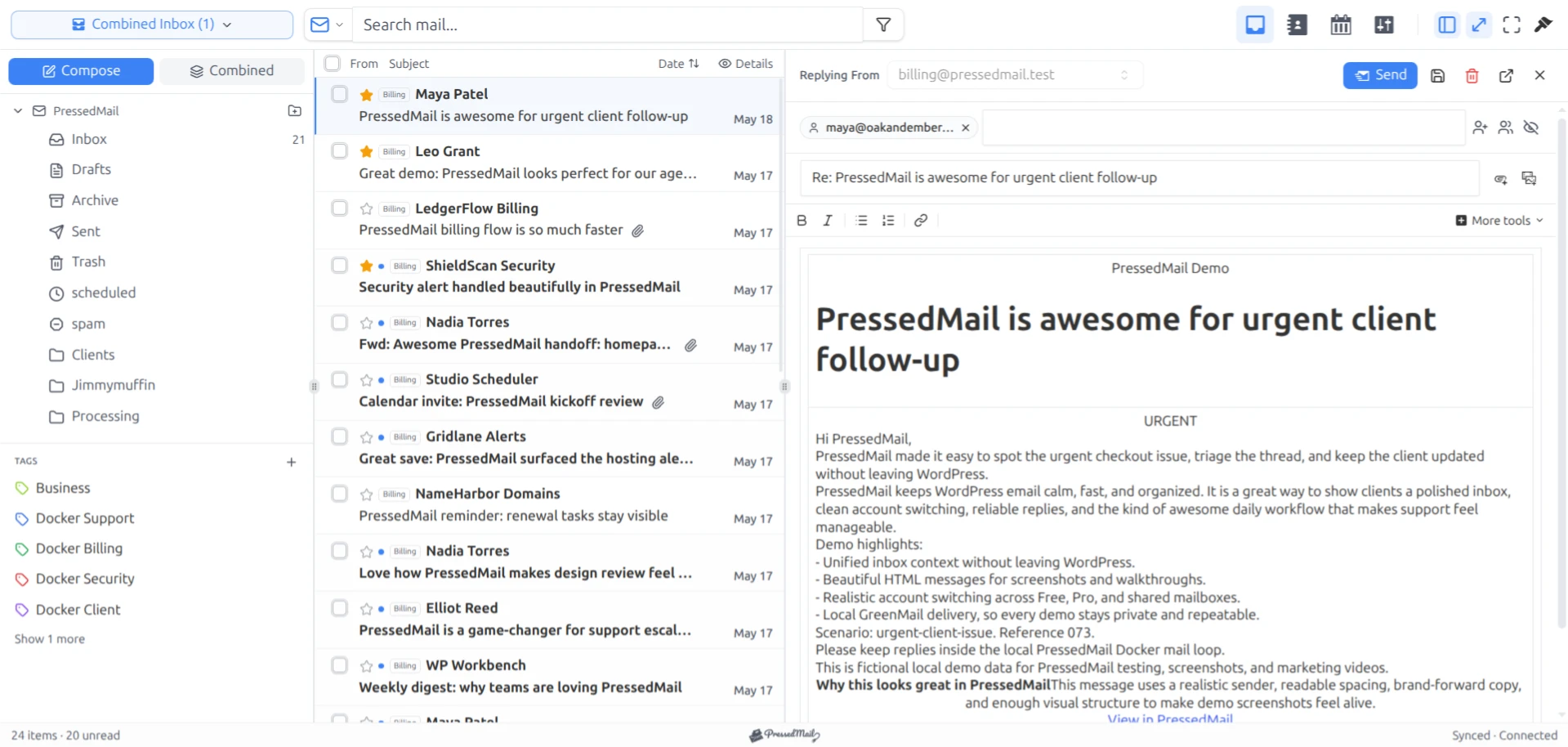
PressedMail screenshot containing fictional demo email. PressedOut is a layout choice and does not identify the connected provider.
Use a disposable message to learn how a move or delete appears across clients before applying bulk actions. The custom IMAP documentation explains the general client connection model.
FAQ
Does IMAP send my WordPress form notifications?
IMAP retrieves and manages mailbox data. Site notifications require an outgoing transport, such as a separately configured SMTP server. A working inbox is not proof that WordPress notifications are configured.
Should I use the Gmail website address as the server?
Use imap.gmail.com in the incoming server field. The browser URL for Gmail serves a different purpose.
Can I use port 587 for incoming mail?
Port 587 in the Gmail preset is for SMTP submission. Use the incoming values in the table for IMAP.
Why does my business address still use imap.gmail.com?
The domain in the address identifies your business; the mailbox provider determines the client service. A Workspace mailbox remains hosted by Google.
Can PressedMail Free connect this mailbox?
Free supports one compatible mailbox. The Google account must still permit the current credential path, and the WordPress host must be able to reach the service.
Manage your email inside WordPress
PressedMail Free adds an email client directly to your WordPress dashboard. Connect a compatible IMAP/SMTP mailbox, read and send mail, organize messages, and configure WordPress SMTP.




