

Google Workspace email can be used from WordPress when the organization's mailbox policy permits the connection. The business address alone does not answer that question. A mailbox that works in Gmail can still reject another client.
PressedMail's Gmail connection uses an eligible Google app password. Google sign-in is not available in this connection flow. An organization that requires Google's sign-in flow and does not permit app passwords therefore has no compatible PressedMail Gmail route today. See the PressedMail provider documentation.
Start with that decision before installing software, changing account settings, or asking an employee for credentials.
Identify the mailbox and the people responsible
A Workspace deployment involves more than the person who reads the mail. Someone administers Google Workspace, someone maintains WordPress, and someone owns the mailbox. Those may be the same person in a small business; in an agency they often are not.
Write down which mailbox is involved, which WordPress user will open it, and who can approve or remove access. Use the real mailbox identity in your private deployment record, while keeping credentials in the appropriate account configuration.
An alias, Google Group, delegated mailbox, and ordinary user mailbox are different objects. Do not assume that an address with a familiar domain has its own username and password. Google's alias documentation explains that an alias delivers to an existing user account rather than becoming a separate Google Account.
If you are unsure who hosts the address, use the custom-domain mailbox guide before continuing.
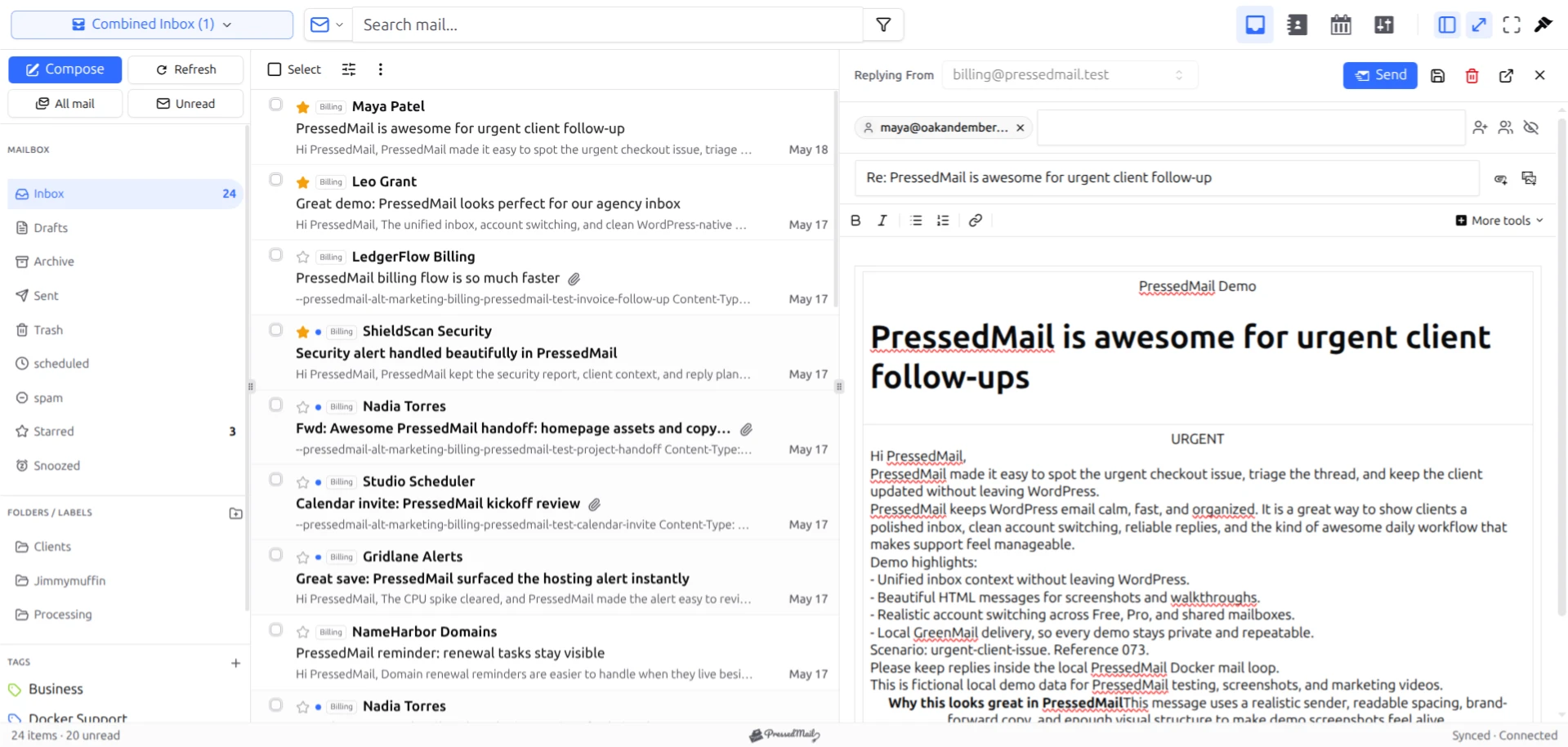
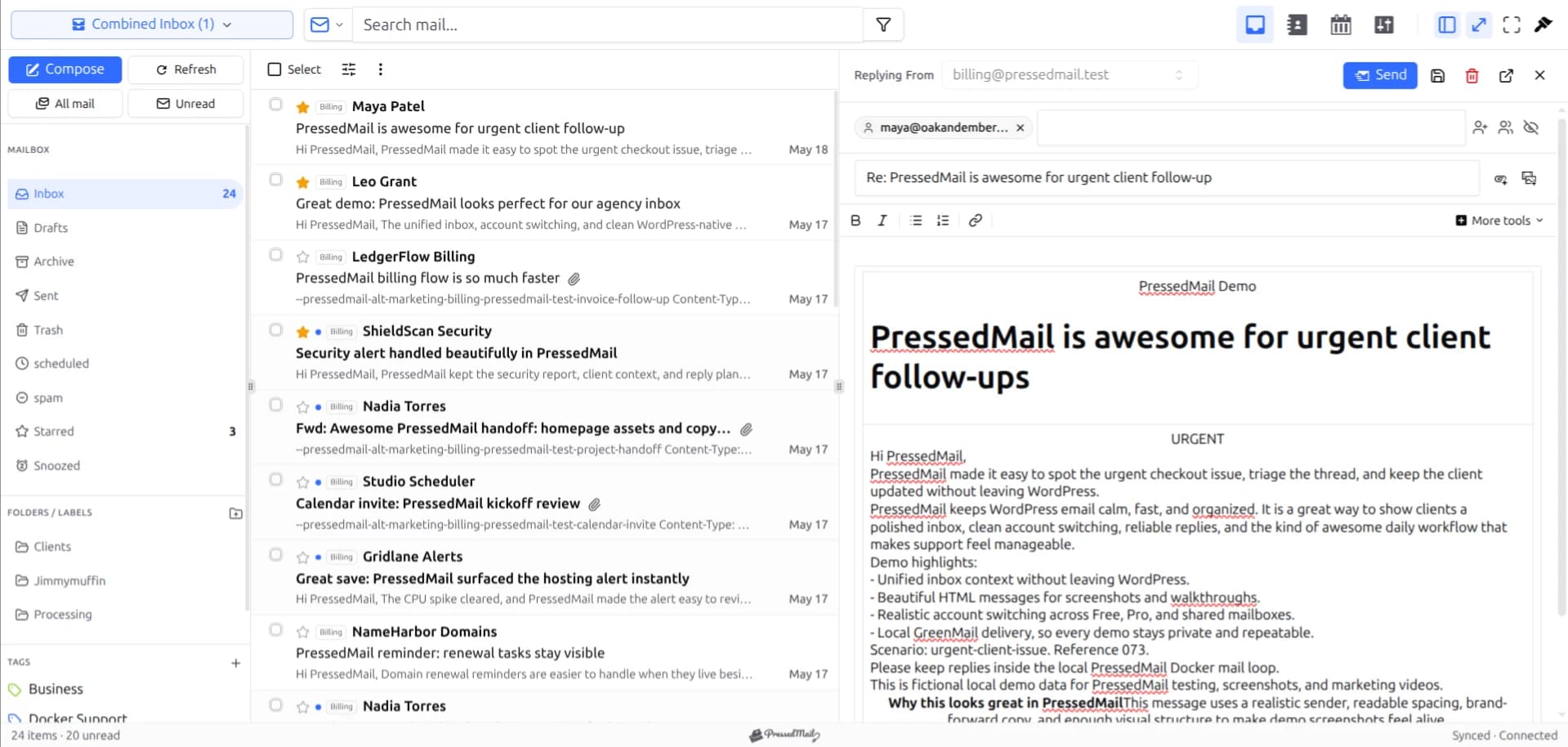
PressedMail screenshot with fictional demo mail. It illustrates the workspace, not an approved Google Workspace deployment.
Check account policy before connection details
Google Workspace administrators control external mail-client access. A user's ability to open Gmail in a browser does not prove that the same account can authenticate over IMAP and SMTP.
Ask the administrator three concrete questions:
- Is this mailbox allowed to use an external IMAP client?
- Is the current client's authentication method permitted?
- Is storing a mailbox connection on this WordPress installation approved?
The first two concern Google access; the third concerns the company's own handling of business mail. The answer can legitimately be no.
Personal Gmail and Workspace must also be kept separate. Google's removal of the personal Enable IMAP switch does not remove an organization's control over its managed accounts. Google's client-access guidance distinguishes personal Gmail from managed accounts.
The app-password guide explains eligibility and credential handling. A disabled or absent credential option is a reason to choose an approved alternative, not a reason to ask staff to work around their administrator.
Understand which job you want WordPress to perform
Reading the employee inbox is one job. Sending a website password reset is another.
An IMAP connection can retrieve mail and synchronize supported mailbox state. SMTP provides an outgoing submission path. WordPress-generated messages normally originate from application code through wp_mail(), which needs its own configured transport.
PressedMail separates its inbox accounts from its WordPress Email SMTP servers. Connecting a Workspace mailbox does not automatically route store receipts or form notifications through that mailbox.
For the technical connection sequence, follow the Gmail IMAP walkthrough. For outgoing website messages, use the Gmail SMTP settings guide. Keep those decisions separate even when the same organization pays for both services.
Connect an eligible user mailbox
1. Confirm access and choose the WordPress user
Open the mailbox in Gmail. Confirm that the intended user has permission to use it and that the WordPress account belongs to that person.
Avoid using a shared WordPress administrator login for several employees. A shared login makes ownership and offboarding harder even before email is involved.
2. Prepare the permitted credential
If an app password is available and approved, create one for this site connection. Give it a name that the account owner can recognize later.
Do not send the password to an agency in an ordinary email thread. The person configuring the connection should enter it through the approved workflow and keep it out of screenshots and logs.
3. Add the Gmail connection
In PressedMail, open Settings, Email Connections, and Add Account. Choose Gmail, enter the full Workspace mailbox address, and supply the permitted credential.
The preset handles the Gmail server values. Those values do not override account policy. The email accounts documentation describes PressedMail's account model.
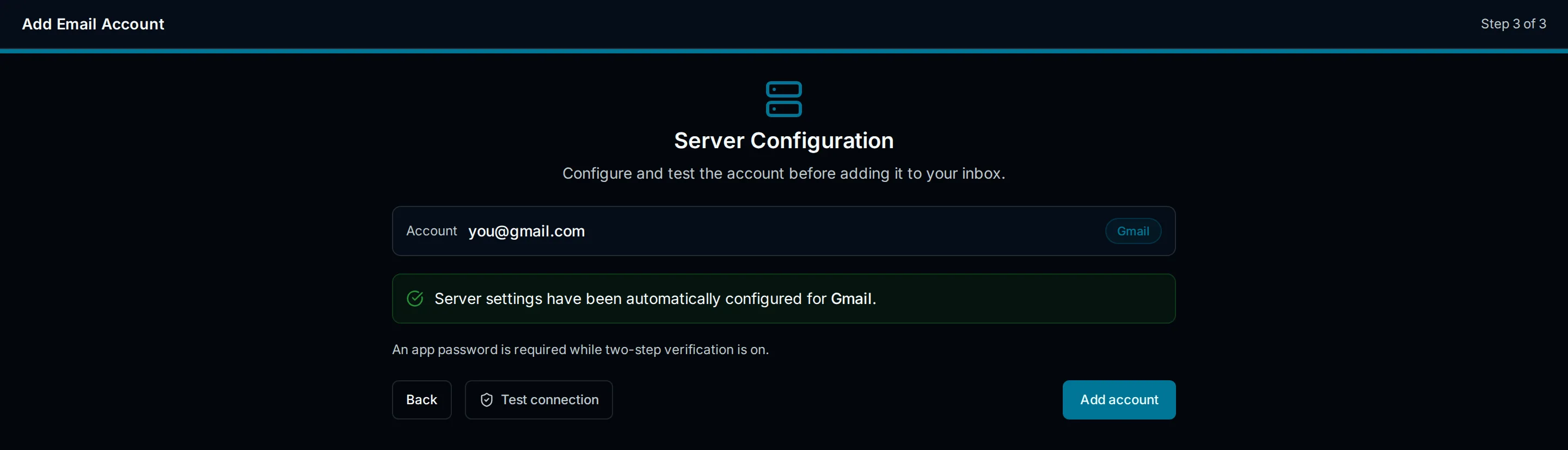
Interface illustration of the Gmail preset. Managed-account permission must still be established separately.
4. Check receiving and replying
Run Test Connection, then use a message between accounts you control to verify the task. Check incoming mail in both Gmail and PressedMail, send a reply, and confirm receipt at the other account.
Do not start with confidential client material. A short, identifiable test makes it easier to compare folders, timestamps, and the reply result without exposing business content.
5. Record the ongoing owner
Record the site, mailbox, credential label, responsible person, and removal procedure in the organization's private records. Keep the secret itself out of that checklist.
Decide who handles failures after a password change, a policy update, or an employee departure. A connection that works today still needs an owner next month.
Aliases, groups, and shared work
An alias can be useful for receiving role-based mail, but it does not automatically provide a separately connectable account. A group can distribute messages to members without supplying a conventional user mailbox.
Sending from another address also requires provider permission. The From field is not a grant of Send As authority.
For agency use, client-mailbox access planning should come before adding several unrelated client accounts to one site. WordPress access, client authorization, and provider credentials need an explicit ownership model. PressedMail Free supports one mailbox; images of a larger workspace do not change that limit.
Alternatives when policy rules out the connection
Gmail itself remains the natural choice when the organization keeps mail inside Google's interface. An approved OAuth-capable client can provide another interface without using the current PressedMail credential path.
For website notifications, an administrator-managed SMTP relay or another approved delivery service may suit the job. Google's application-email guidance distinguishes its outgoing options. A relay does not supply an employee inbox in WordPress.
Choose the option for the required task. Moving business mail to another provider solely because one client cannot meet policy is a much larger decision.
FAQ
Does connecting Workspace also connect Google Calendar?
An IMAP mailbox connection covers email. Calendar and contact integrations use separate services and permissions; they should not be assumed from a successful mail connection.
Can a WordPress administrator connect another employee's mailbox?
Only with the appropriate authorization and provider access. WordPress administration does not grant ownership of an employee's Google account.
What happens when an employee leaves?
Remove the WordPress access and connection according to the organization's process, and revoke the related Google credential. Review local storage and backups separately; credential revocation is not a data-erasure operation.
Can I keep Gmail open while using PressedMail?
Yes, the goal is another client for the same mailbox. Test the folder actions you rely on before bulk organization, because operations performed through a connected client can affect the provider mailbox.
Where should I start with WordPress-side privacy?
Review secure email display inside WordPress and the site's user-access practices. Mailbox authorization and safe display are separate parts of the setup.
Manage your email inside WordPress
PressedMail Free adds an email client directly to your WordPress dashboard. Connect a compatible IMAP/SMTP mailbox, read and send mail, organize messages, and configure WordPress SMTP.




