

HTML email brings formatting supplied by an external sender into your reading pane. That formatting can include tables, links, images, and styles. An email client needs to decide which parts it will display and which behaviors it will prevent.
Inside WordPress, the surrounding application may also give the reader access to site administration. Email content should not be treated as trusted page content merely because an authorized user opened it.
PressedMail uses several controls in its HTML display path, including sanitization and a sandboxed frame. Remote-resource loading is a separate decision. These controls address different risks; none is a reason to trust an unexpected link, attachment, or request for credentials.
What sanitization does
Sanitization examines HTML and removes or changes content that the application does not allow. It can preserve ordinary formatting while excluding elements and attributes that could introduce active behavior.
In the current PressedMail source, server-side email sanitization uses an allowed set of markup and removes dangerous blocks, event handlers, and unsupported link schemes. Preview rendering also uses DOMPurify. These are implementation controls, not a claim that every possible hostile message has been tested.
For the browser side of the principle, DOMPurify's official project documentation describes its sanitization role and cautions against changing sanitized markup in ways that invalidate its protection.
A formatted message surviving sanitization does not mean its words are true. An email can request a fraudulent payment using ordinary paragraphs and links. Technical rendering controls and the reader's judgment answer different questions.
Why the reading frame matters
PressedMail's email display uses a sandboxed iframe. The current sandbox omits permissions for scripts and same-origin access while allowing links to open through a separate browsing context. The message's layout is contained within its reading frame rather than inserted directly into the WordPress page.
Browser sandbox permissions are explicit. Adding a permission changes what framed content may do; the word “iframe” alone says little about the restrictions in effect. MDN's iframe reference explains those attributes.
The server-rendered message path also sends a Content Security Policy that limits resource types and execution. Preview rendering and received-message rendering have different implementation paths, so a successful preview is not proof of every received-message behavior.
For a site owner, the practical action is to keep the plugin and its dependencies maintained. Avoid adding snippets that bypass the reader and insert raw message HTML into a dashboard widget.
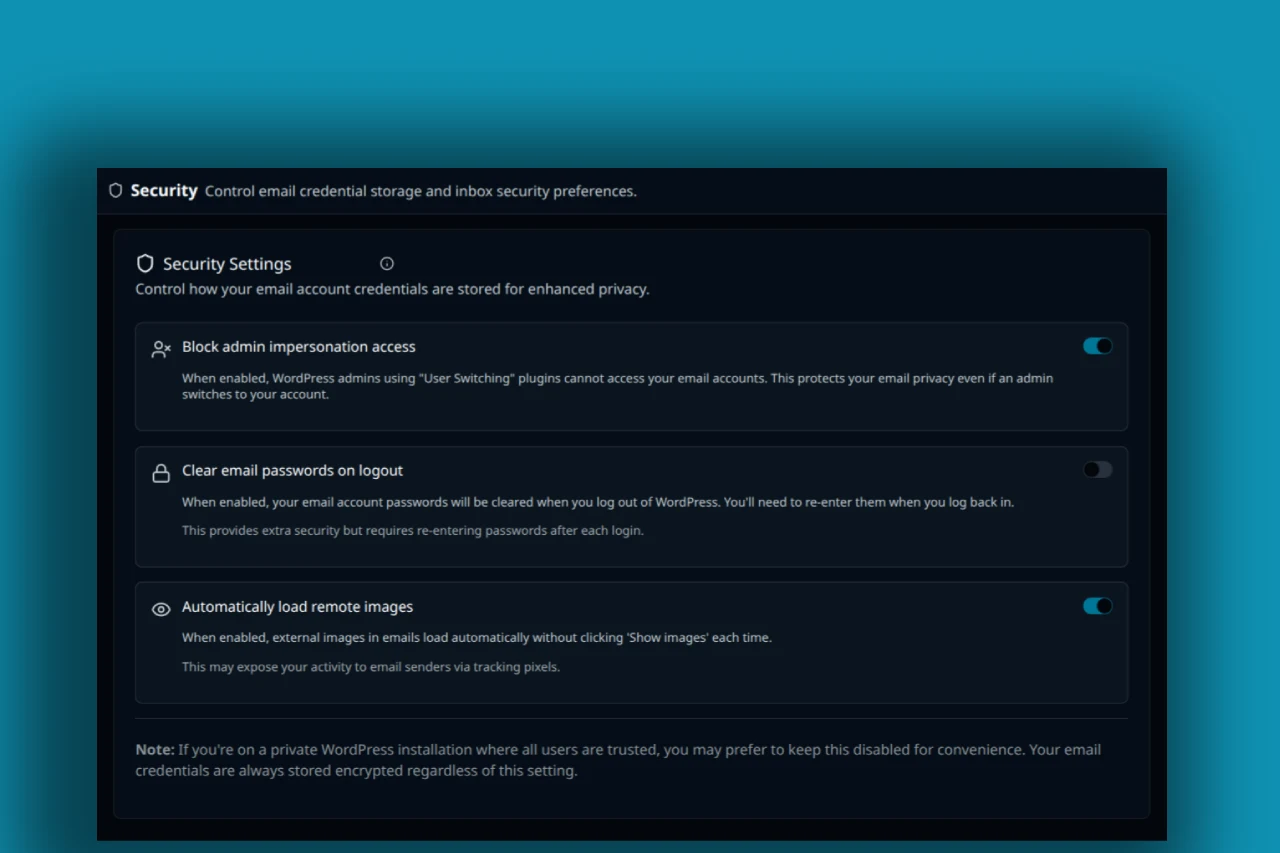
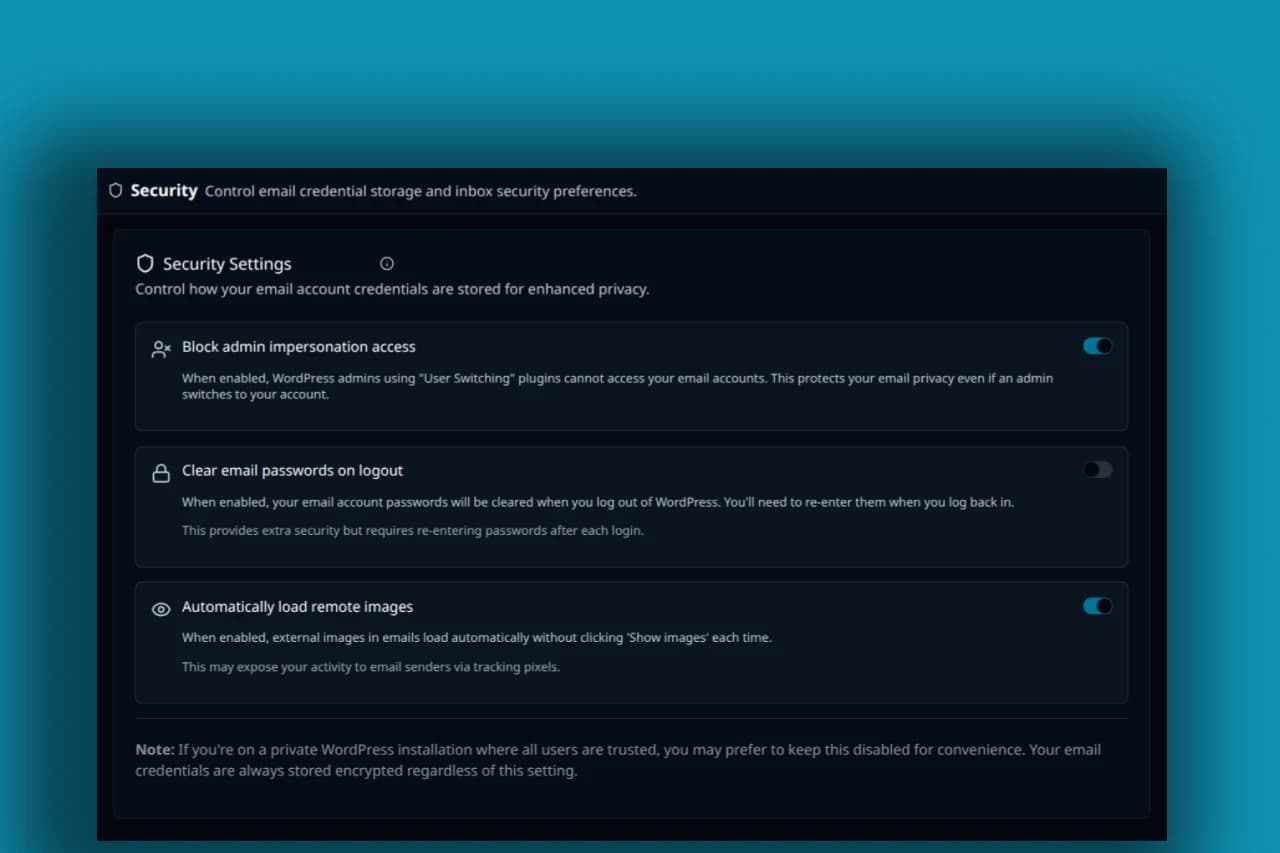
Screenshot of PressedMail security settings. Automatically load remote images is ON in this image; this is not a demonstration of blocked requests.
Remote resources need their own policy
An image can be harmless markup and still cause an external request. A sanitizer can allow an image element while another control decides whether its source should load.
Stylesheets, fonts, background images, and ordinary image sources deserve separate attention when evaluating network behavior. The current PressedMail frame policy permits some HTTPS styling and font resources. An image setting should therefore not be described as a universal switch that prevents all network contact.
The remote-image guide explains this choice from the reader's perspective. The tracking-pixel article explains why an image request can become a measurement event.
An attached inline image also differs from a remotely hosted image. Its presence does not necessarily mean the client fetched the same resource from the sender's website. Treat the source of the content separately from its appearance.
Use the controls without mistaking them for a trust signal
Open PressedMail's security settings and review the option for automatically loading remote images. Choose the behavior that suits your reading needs and the types of mail you receive. The security documentation describes the related controls.
When a message is unexpected, read the sender's full address and the request before loading extra content. If the message claims you need to sign into a service, open the service through an address you already know rather than relying on the email's link.
If an invoice suddenly changes payment details, verify that change through an established contact route. The HTML can be rendered correctly while the instruction remains fraudulent.
Keep downloads separate from display. Viewing a message in a restricted frame does not establish that a downloaded attachment is harmless when opened in another application.
This can fit into a normal daily mail routine. It does not require treating every message as an incident, but it does require recognizing when the message asks you to cross another boundary.
A practical review for site maintainers
If you maintain a WordPress installation, review the actual rendering path after significant changes rather than relying on a screenshot of a security setting.
- Record the installed WordPress and PressedMail versions and identify the reader being used.
- Use harmless test email containing ordinary text, a table, an inline image, and a remote image you control.
- Inspect the rendered result and the frame's sandbox attributes.
- Check the network requests with automatic remote images off and on.
- Confirm that links and downloaded files remain distinct actions.
- Review any custom code that receives or renders message content.
This is a bounded check, not an exhaustive security audit. A developer examining sanitization should use controlled fixtures and existing security tests, not send hostile experiments to customers.
If you report an issue, include the version, affected view, visible behavior, and a safe reproduction. Remove real correspondence, credentials, message tokens, and account identifiers from public reports.
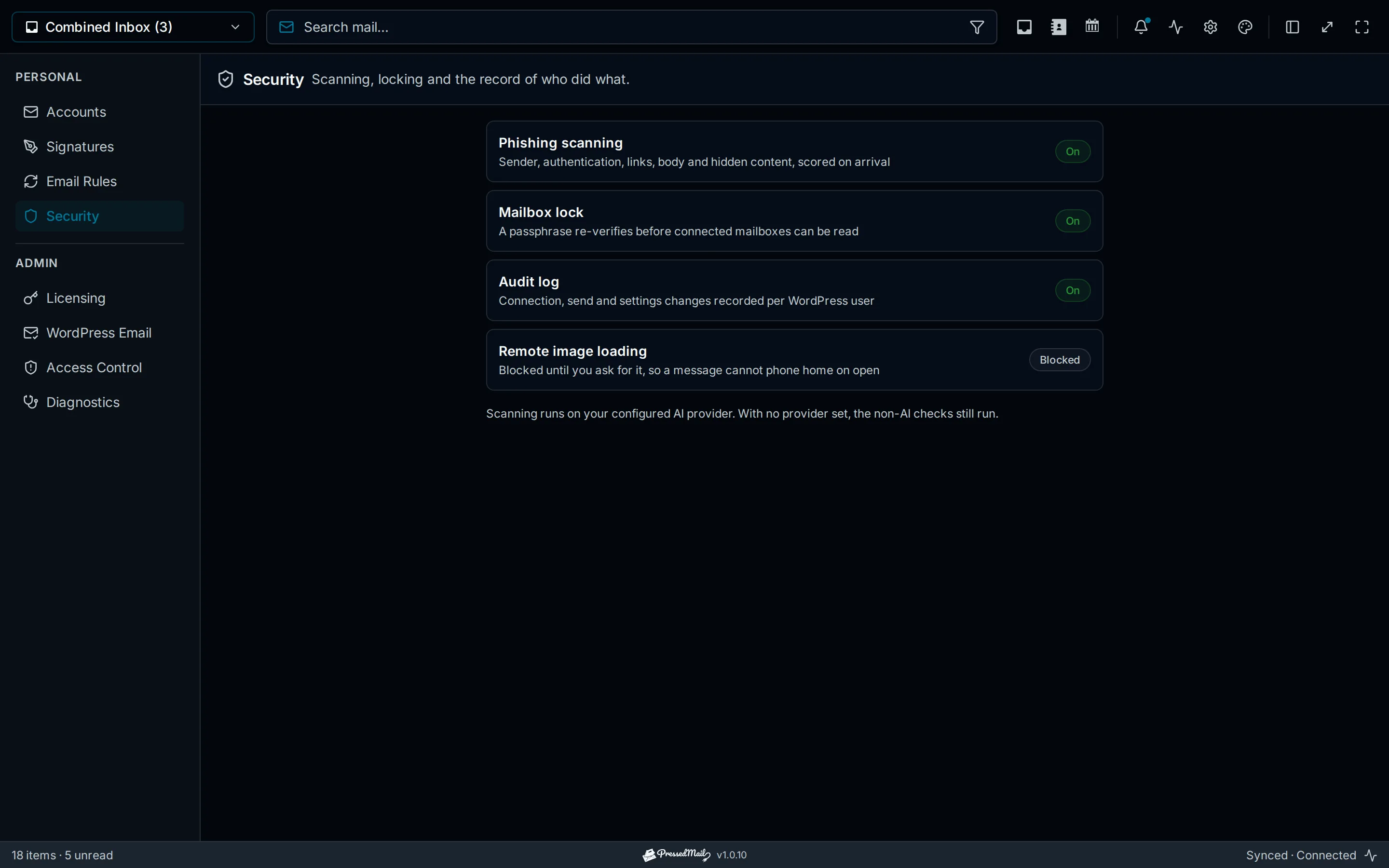
Illustration of PressedMail security controls. It explains the settings area and does not show the outcome of a security test.
Protect the WordPress environment around the inbox
Mail display sits within a larger application. An unmaintained plugin elsewhere on the site, a compromised administrator account, or an exposed backup can create problems that an email sanitizer does not solve.
Use individual accounts, appropriate permissions, trusted extensions, and a maintained recovery process. WordPress's hardening guidance covers this surrounding work.
Agency installations need another check: who is allowed to access each client's mailbox. A folder name or local tag cannot establish that boundary. Follow the agency mailbox guide when access spans client responsibilities.
If you cannot trust the current WordPress environment, use a maintained separate email interface while addressing the site problem. Moving the reading task elsewhere can be appropriate without making a blanket claim about one product's security.
Where PressedMail fits
PressedMail puts the email interface in WordPress and supplies display controls for that environment. Core HTML protections should be distinguished from paid phishing analysis and other plan-specific features.
Free can provide the single-mailbox reading workflow. The wider question of whether the setup suits your work is covered in using WordPress as an email client.
Do not use a score, an attractive message layout, or the absence of a warning as your sole reason to trust a message. Verify consequential requests through an appropriate channel.
Common questions
Does sanitizing HTML stop all remote requests?
No. Sanitization and resource loading are separate controls. Allowed images, styles, or fonts can have external sources subject to the active policy.
Does an iframe alone make email safe?
No. Its permissions, content policy, sanitization, and surrounding application behavior determine the restrictions. The frame tag by itself is not a security guarantee.
Can a safe-looking message still be phishing?
Yes. A fraudulent request can use ordinary text and a normal link. Rendering defenses do not establish the sender's intent.
Does a phishing score prove a message is harmless?
No. Treat analysis as supporting information. Check the sender, destination, and requested action, especially for credentials, payments, or access changes.
Manage your email inside WordPress
PressedMail Free adds an email client directly to your WordPress dashboard. Connect a compatible IMAP/SMTP mailbox, read and send mail, organize messages, and configure WordPress SMTP.




