
UI Customization
Personalize your PressedMail interface with themes, layouts, and fonts.
The workspace changes shape without losing the workflow: themes, layouts, typography, and density are all personal settings, applied live from the appearance panel.
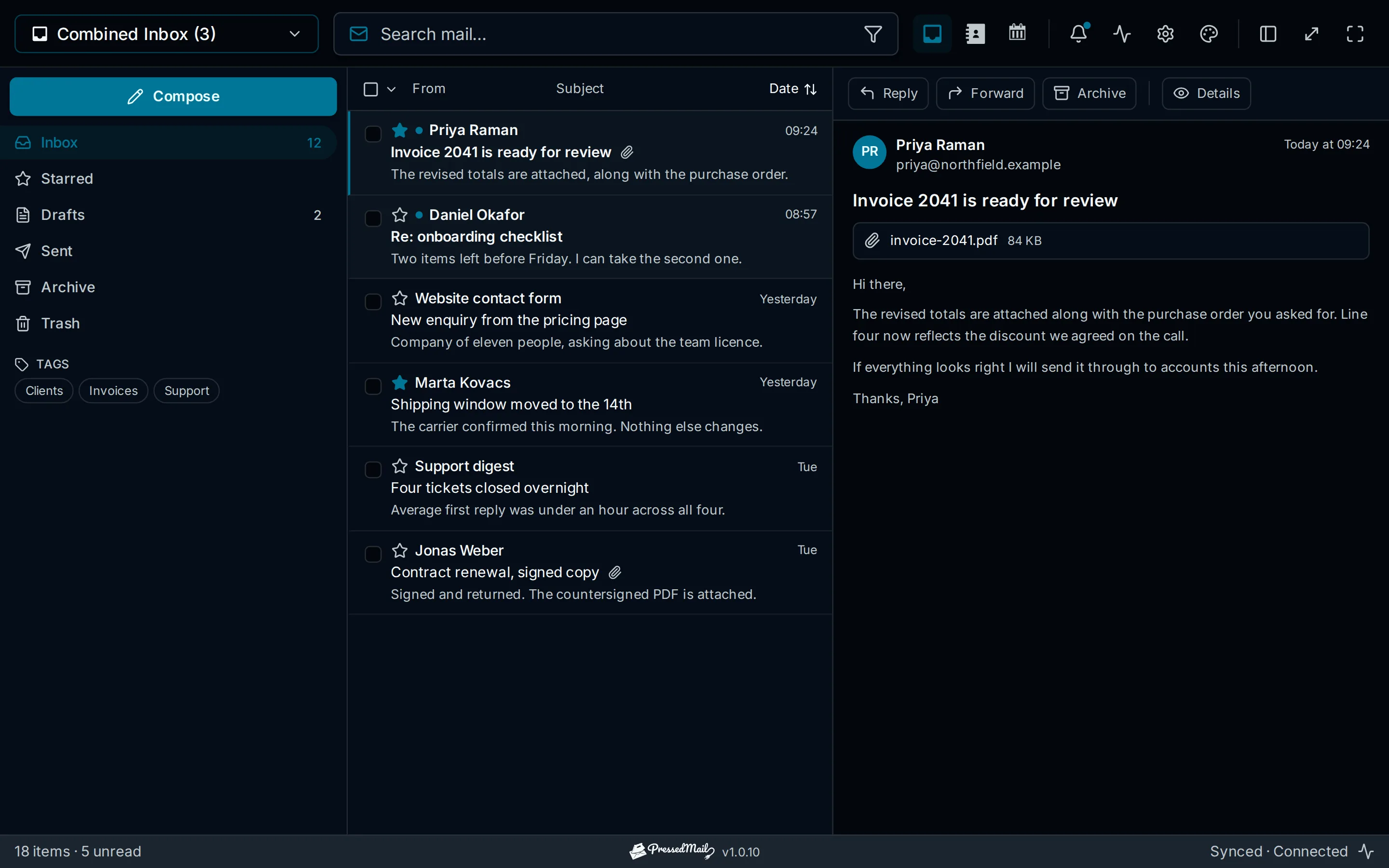
Themes
- Free includes two built-in themes. Every paid plan includes ten built-in themes: PressedM, CurbPress, Pretty, PressedG, PressedOut, PressedCube, Tokyo, Executive, Minimalist, and Contrast.
- System-aware mode follows the operating system's light or dark setting.
- Ultimate and Lifetime add the Brand Theme and white labelling.
Layouts
- PressedM: the three-pane workspace: folders, list, reading pane.
- PressedG: a conversation view in the Gmail shape.
- PressedOut: a ribbon layout in the Outlook shape.
- Panels are resizable in every layout, and the reading pane can be repositioned.
Typography and density
- Fifteen typefaces, from system and neo-grotesque through editorial serif, slab, and monospace, with one designed for dyslexic readers, plus size control.
- Comfortable or compact message-list density.
Per user, not per site
Every choice here is saved per WordPress user. Ultimate and Lifetime administrators can use white labelling and set install-wide appearance defaults. See Admin Settings.