
Security, Sessions, and Audit Protections
Manage sensitive mailbox access inside WordPress.
The security surface protects the mailbox from other people with access to the same WordPress install, and keeps a record of what happened without leaking what it records.
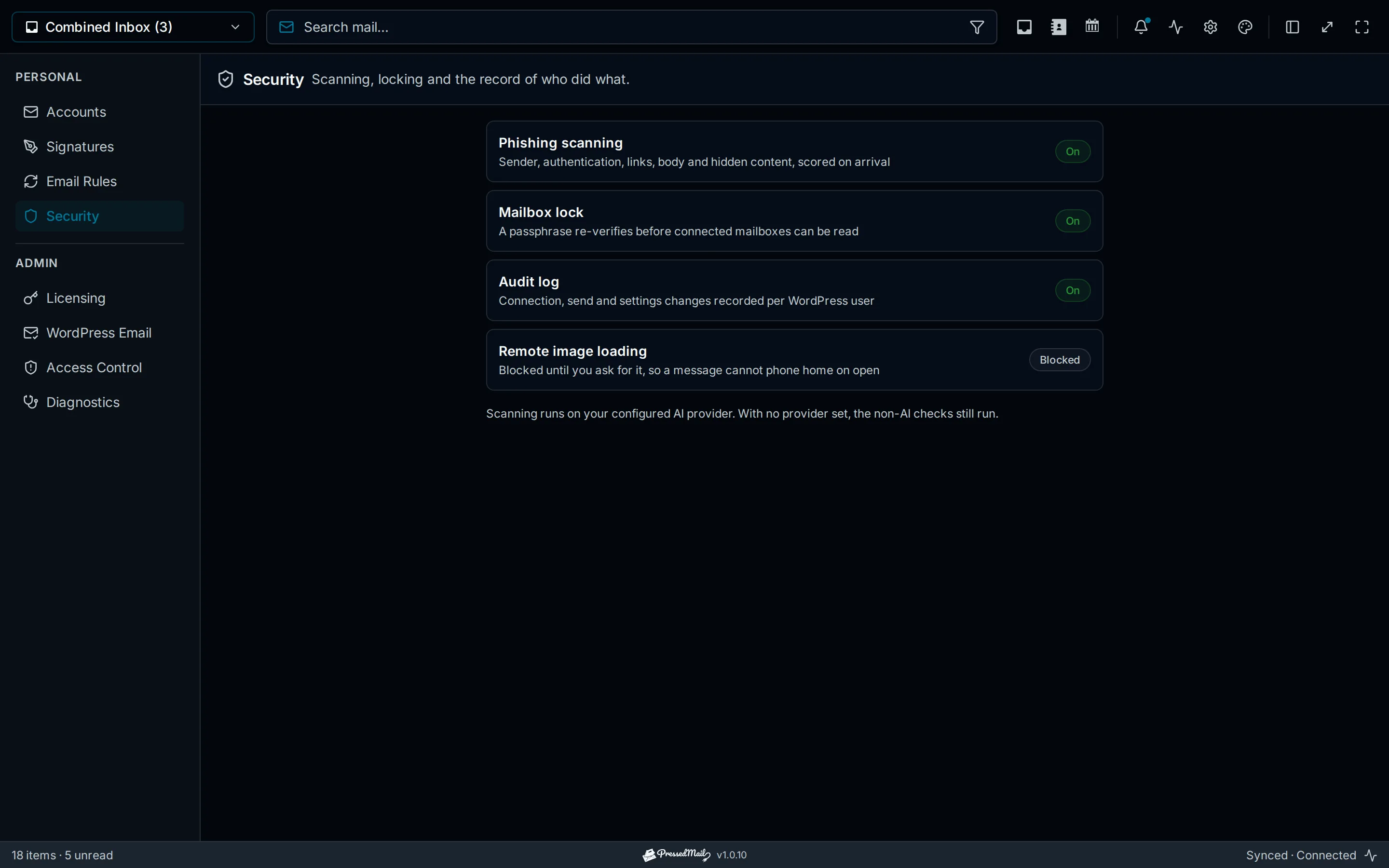
Sessions and the mailbox lock
- The mailbox lock puts a second passphrase in front of connected mail. Verification is granted per browser, so unlocking one machine does not unlock the rest.
- Every grant is revocable across all sessions at once.
- Logging out of WordPress clears mailbox access per account, and reconnecting verifies each account on its own.
Impersonation Blocking
User-switching plugins are detected, so an administrator who assumes another user's WordPress session still cannot open that user's mail. The boundary is per person, not per role.
The Audit Log
- Paid plans retain 365 days of connection, send, and settings activity, recorded per WordPress user.
- A pattern guard scans entries before they are written and refuses to record anything shaped like a secret: passwords, keys, and tokens cannot end up in the log.
Message Safety
- Remote images are blocked by default, revealed per message, per user, or disabled site-wide, and fetched through a signed proxy when shown.
- Rendering is sanitised server-side, with an allowlist of link schemes, inside a sandboxed iframe under a strict content-security policy.
- The phishing report shows the evidence behind every verdict. See Security and Privacy Overview.
Plan Availability
Sanitised rendering, blocked remote images, impersonation blocking, and the mailbox Lock are in every build. The 365-day audit log is a paid feature.