

Personal preferences and appearance
Adjust appearance and personal preferences without changing another user's workspace.
Your appearance and mailbox preferences belong to your WordPress user. Another user on the same site keeps their own choices. An administrator can restrict some appearance choices through site branding settings.
Change the workspace appearance
Open the appearance controls in the workspace header. Choose the theme, light/dark/system mode, typeface, text size, and message-list density that make the inbox readable for you.
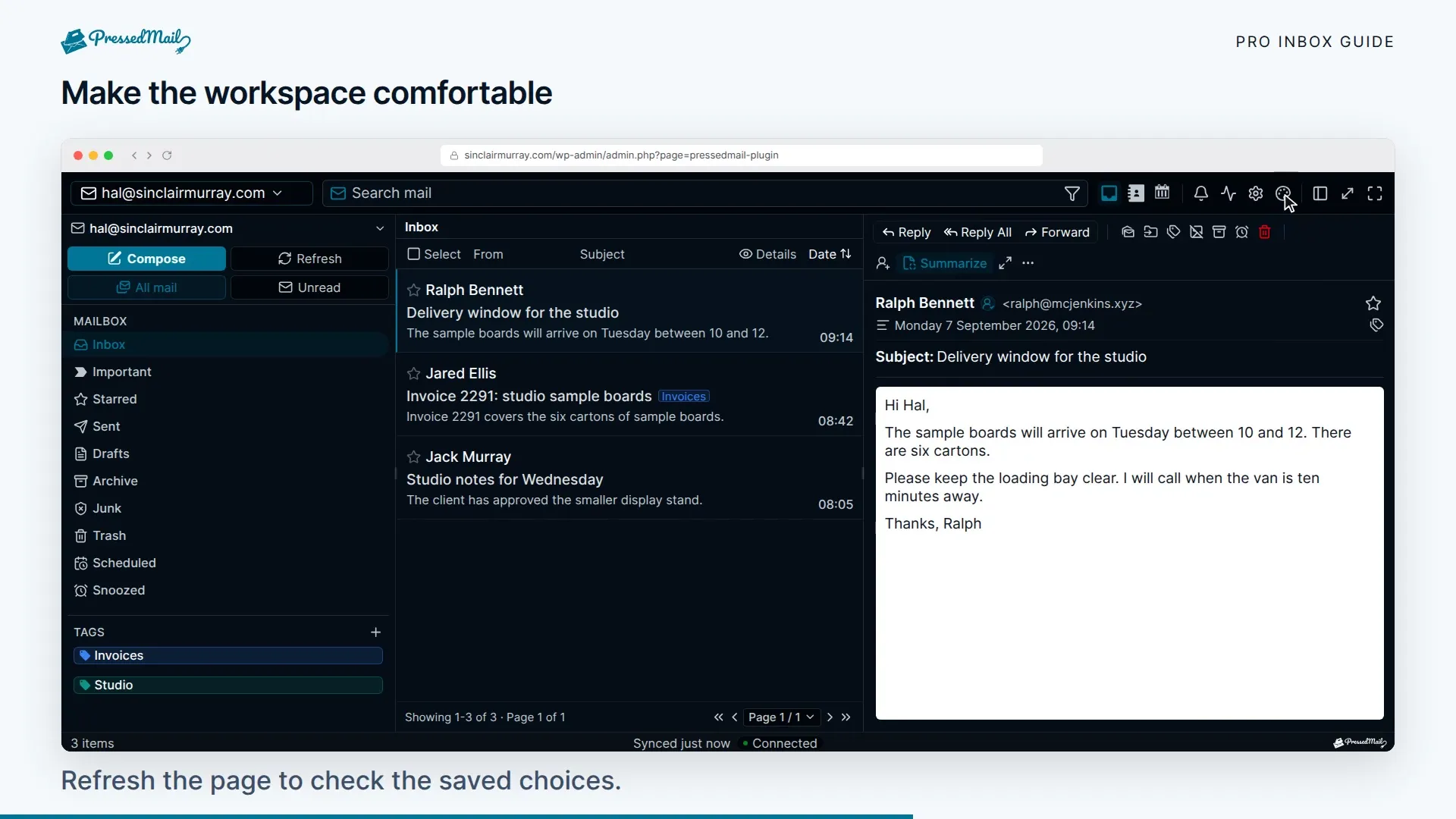
Free includes the default palette and Contrast. Paid plans add the remaining built-in themes and layout switching. Ultimate and Lifetime add the Brand Theme and site-wide branding controls.
Paid layouts include PressedM, PressedG, and PressedOut. Their pane arrangements differ, but they show the same accounts and messages. Changing a layout does not move mail or change which account sends a reply.
Text and density
Five text baselines are available: Extra Small 16px, Small 18px, Medium 20px, Large 22px, and Extra Large 24px. Small is the default. The four list densities are loose, comfortable, compact, and dense.
Use Contrast if subtle colors make controls hard to distinguish. The Wired typeface is available for readers who prefer its letter shapes. Try those choices with a real message rather than judging only the settings panel.
Reduced motion follows the operating system setting. There is no separate plugin toggle. The configured shortcut registry is not connected to the workspace, so there is no working “remap twenty shortcuts” setup. See Keyboard and accessibility for the keys that are implemented.
Other personal settings
Use Settings > Email Connections for your mailbox connection, Signatures for your sign-off, and Email rules for message automation.
Remote-image loading, content caching, and mailbox locking affect different things. Read Email safety and audit history, Where your mail and data live, and Mailbox lock before changing them.
A choice is missing or does not stick
Confirm the edition includes it. On a branded site, ask the administrator whether theme, mode, or layout changes are locked. Check that you are using the same WordPress account on both devices.
For the narrow-screen layout and browser installation, use PressedMail on a phone.