

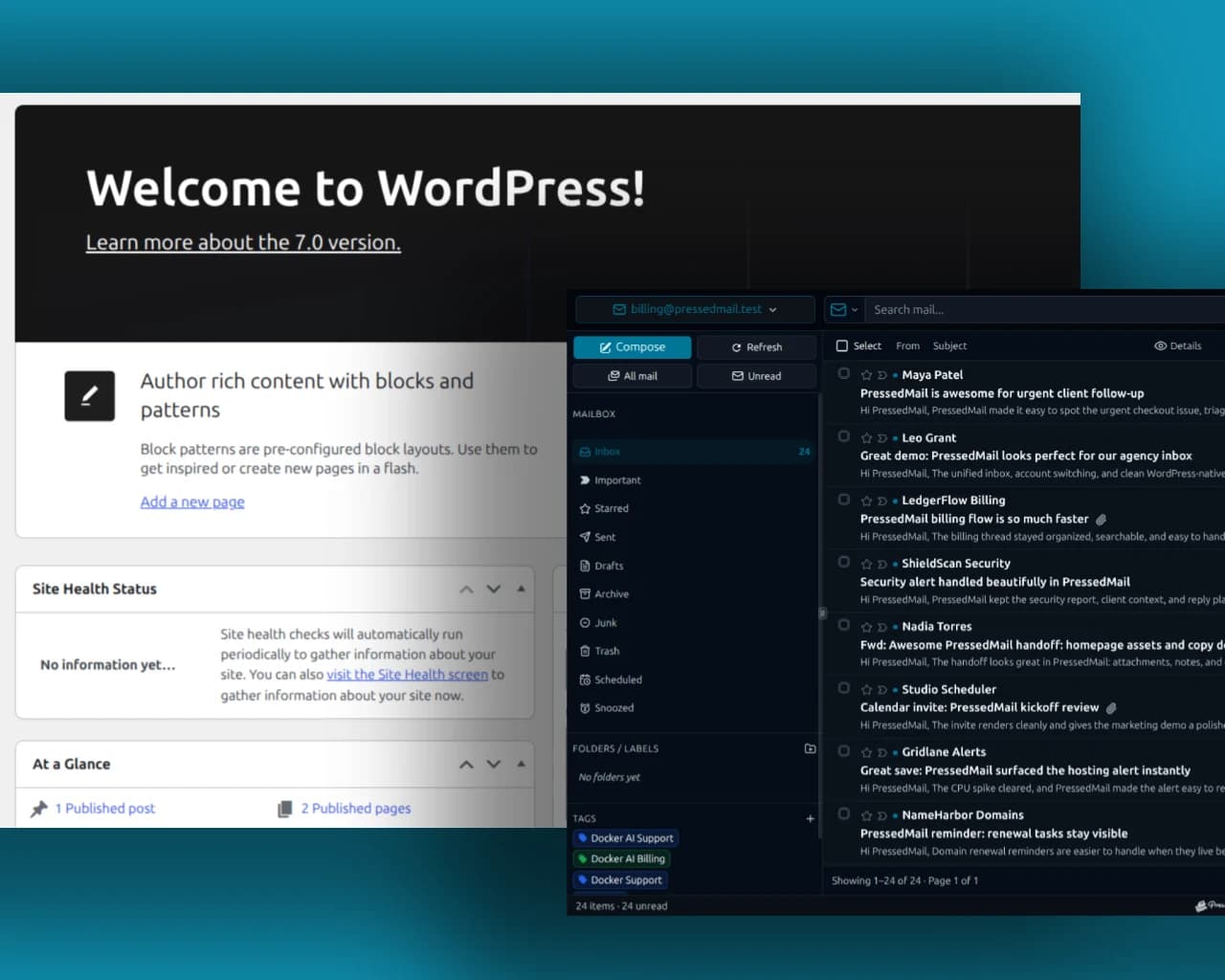
Yes. WordPress can provide the interface for an existing email mailbox when you add a suitable email-client plugin. You still need a mailbox provider, a supported authentication method and a WordPress host that can reach the mail service.
WordPress exposes a mail-sending function, wp_mail, for notifications and other outgoing messages. WordPress core does not include a general inbox. Its ability to send password resets does not create a place to read ordinary mail. An email-client plugin adds that missing interface and connects it to the provider that already holds your messages.
PressedMail is one option. Its Free edition supports one mailbox inside WordPress, with basic reading, composing and organization. Whether it suits your work depends on where your mailbox lives and who needs access.
Separate the three parts
Start with the website, the mailbox and the client.
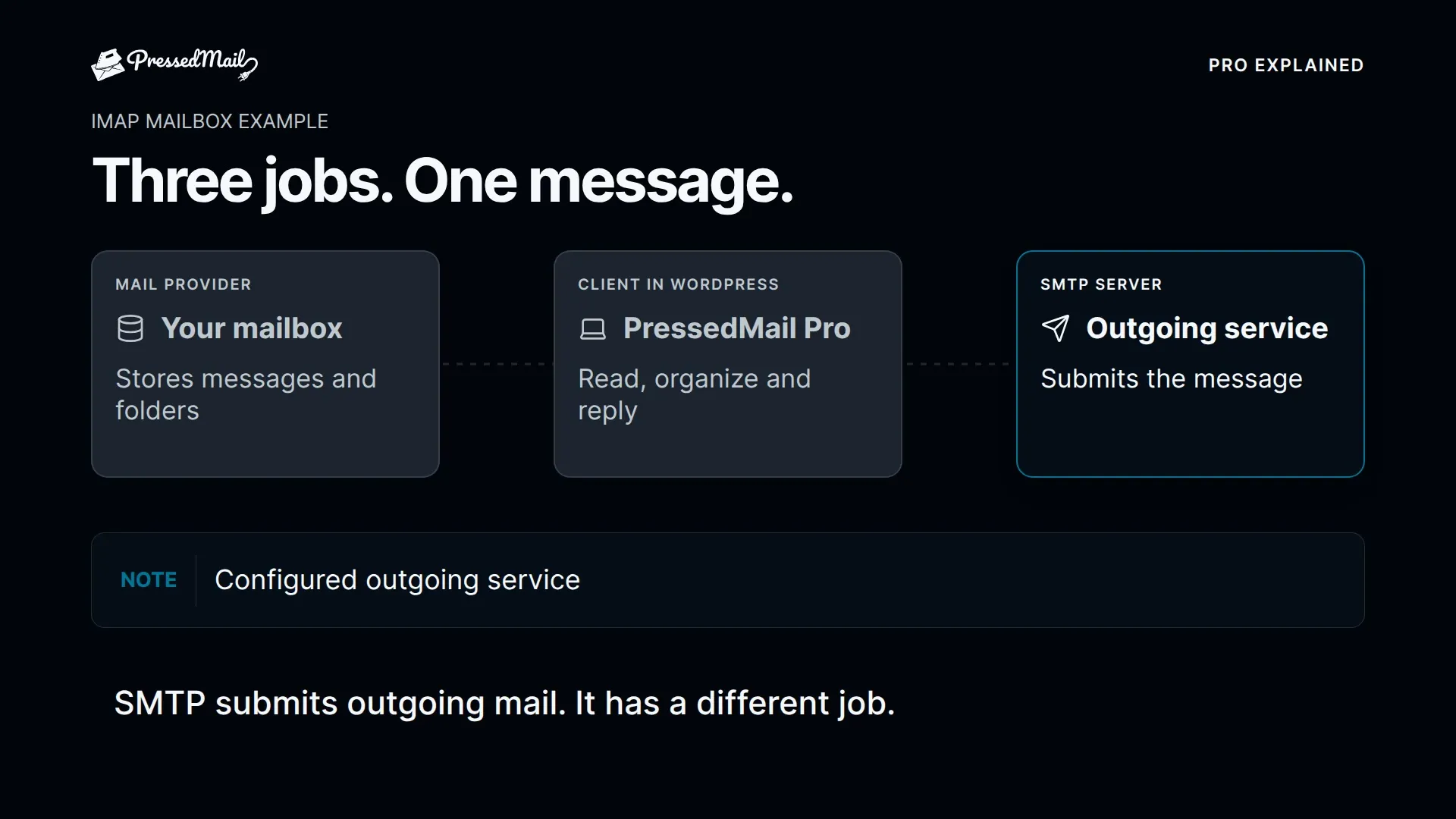
Your WordPress installation runs the site and its administration screens. Your mailbox provider operates the email account, receives incoming mail and supplies the access methods available on your plan. The client is the interface you use to read and send messages.
Those parts can come from different companies. A website on a managed WordPress host can use a mailbox sold by another provider. Buying a domain alone does not necessarily include mailbox hosting.
PressedMail runs as the client within WordPress. Your browser opens the WordPress interface, and the WordPress server connects to the mail service. This makes the website host part of the path to your mail interface, even though the provider remains responsible for the mailbox.
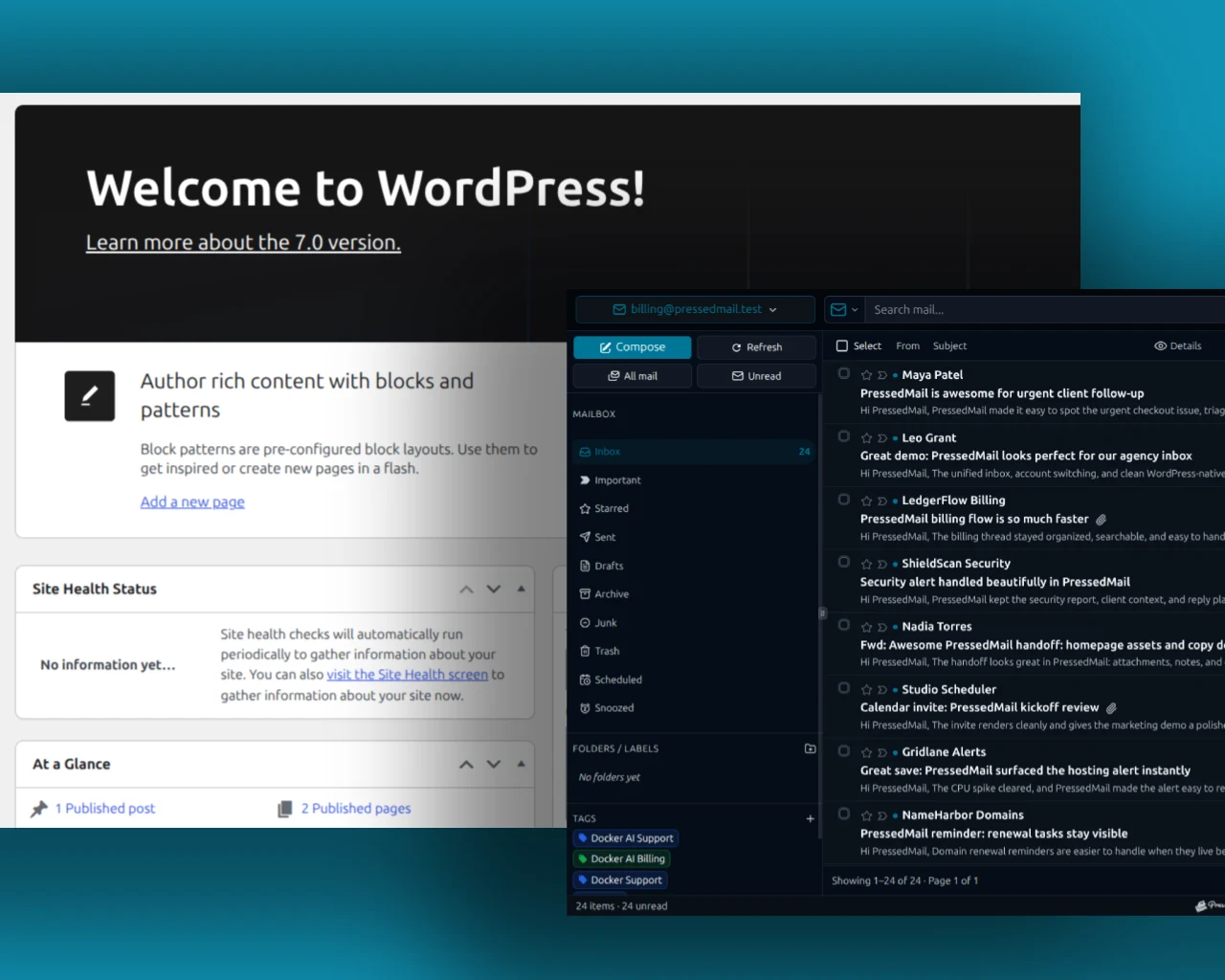
Composite showing WordPress administration and a PressedMail inbox together. It illustrates the relationship between the interfaces rather than a live connection test.
That division also explains why a mail problem may belong to different systems. A WordPress login failure, rejected mailbox credential and delayed incoming message are not the same incident.
What the plugin adds
A mailbox client lets you inspect existing messages, open them, compose replies and organize mail. An SMTP-only plugin typically concentrates on transporting messages generated by WordPress.
If you need to handle customer conversations from wp-admin, look for actual reading and replying capabilities. If you only need password resets to leave through an authenticated provider, a sending route may cover the requirement. The SMTP plugin versus full email-client comparison explains that choice.
PressedMail includes both a mailbox interface and separately configured WordPress SMTP functionality. Connecting a mailbox and configuring the website's outgoing server are distinct steps.
For a concrete view of the inbox task, follow reading an existing email inside WordPress. For outgoing notification setup, use WordPress SMTP configuration.
Check the mailbox requirements
The provider must allow the access method the client uses. For standards-based mailbox connections, IMAP exposes messages and SMTP submits outgoing mail. Knowing the webmail password is not always sufficient.
PressedMail currently uses eligible app passwords for Gmail; Google sign-in is not available in that connection flow. Microsoft mailbox connections use OAuth. Managed accounts may have organization policies that prohibit access even when the account works in provider webmail.
Read the provider-specific setup instructions before choosing the plugin. A restricted account is a compatibility question, not an invitation to weaken its security settings. The IMAP and SMTP guide explains which connection you need for each task.
Also check your hosting environment. Connections originate from the WordPress server, so a client working on your laptop does not prove the web host can reach the same endpoints. Your host can confirm outbound access when a connection test times out.
Decide who should have mailbox access
A single person reading one business mailbox is a straightforward starting point. Several staff members managing several addresses introduces questions about user access, mailbox ownership and responsibilities.
Do not infer a shared team inbox from the presence of an inbox screen. Decide who should see each account and which actions they may perform before connecting mail containing other people's information.
WordPress access also needs ordinary operational care: controlled administrator accounts, maintained plugins and an appropriate hosting setup. Adding a mailbox interface increases the value of the data reachable through that installation.
PressedMail's data-location documentation describes its local message metadata and credential storage. Metadata such as subjects and recipient information can be sensitive even when full message bodies are not stored in the same table.
Try one complete task
You do not need to migrate an entire routine to evaluate the idea.
- Confirm the mailbox works in provider webmail.
- Install PressedMail Free on an appropriate WordPress site.
- Connect one authorized mailbox using its supported provider route.
- Open a harmless message you can identify.
- Reply to a separate address you control and confirm receipt there.
It establishes whether the host can connect, whether the account permits access and whether working inside wp-admin feels useful.
The detailed send-and-receive walkthrough separates incoming visibility, outgoing success and recipient receipt. Keep provider webmail available while you evaluate.
Animated overview of PressedMail. The animation demonstrates the product concept and is not a recording of an account being connected.
Compare it with the interfaces you already have
Provider webmail has a low setup burden. You sign into the provider and use its interface. A desktop client can suit people who work across several websites or prefer a dedicated application.
A WordPress client is useful when the site dashboard is already where you manage work and you want the mailbox beside it. It also means that a website outage or inaccessible WordPress login can interrupt access through this particular interface.
You can retain more than one client. Connecting PressedMail does not require removing the mailbox from a phone or abandoning webmail. Message and folder changes may synchronize through the provider, so learn unfamiliar actions with test mail.
If a convenient link to the provider would solve your problem, webmail access options may be enough. An embedded mailbox interface should solve a real task you have.
Free and paid scope
PressedMail Free provides one mailbox, basic composing, folders, tags, limited rules and one signature. Paid editions add additional mailboxes, contacts, calendar and advanced workflows.
Start with the edition that covers the task you are evaluating. A multi-account promotional screenshot does not mean that all visible accounts are available in Free. Likewise, connecting an email address does not automatically connect every calendar or contact service associated with it.
Frequently asked questions
Does WordPress become an email server?
No. In this arrangement, WordPress runs the client interface. The mailbox provider still hosts the account and handles its mail service.
Can I use the website host's email account?
Often, if that mailbox plan permits compatible access and your WordPress server can connect. Use the host's client settings rather than guessing server names from the site URL.
Can I remove the plugin later?
You can stop using the WordPress interface while keeping provider access. Disconnecting a client is different from deleting the provider's mailbox. Review any message actions separately before removing configuration.
Is SMTP enough to read my messages?
No. SMTP covers outgoing submission. Reading an existing mailbox requires a supported mailbox access method and an interface that implements it.
Manage your email inside WordPress
PressedMail Free adds an email client directly to your WordPress dashboard. Connect a compatible IMAP/SMTP mailbox, read and send mail, organize messages, and configure WordPress SMTP.




