

An email tracking pixel records a request for an image. A reporting system can associate that request with a message and call it an open. The request is observable; a person reading the email is an inference.
That distinction explains several confusing reports. An email can be read without its images loading. A privacy service can fetch remote content before the recipient chooses to read it. A cached image can appear again without another request to its original server.
How an image becomes a measurement
HTML email can include the address of a remotely hosted image. When the client retrieves it, the image server receives a request. If the address contains a token associated with a particular message, the service can attach the event to that message's report.
For example, imagine an illustrative image address ending in image.gif?message=sample-123. The token has no special email-protocol meaning. It is a value the sender's system can recognize when a request arrives.
A tracker is often described as a one-pixel image because a tiny or transparent image can be difficult to notice. The size is not essential to the measurement. A visible banner or logo can have a unique address as well.
Measurement requires a resource that can be requested, a server that observes the request, and a way to associate it with the email. The server does not need the reader to click the image if the client loads it automatically.
For the broader reading choice, see why clients block remote images.
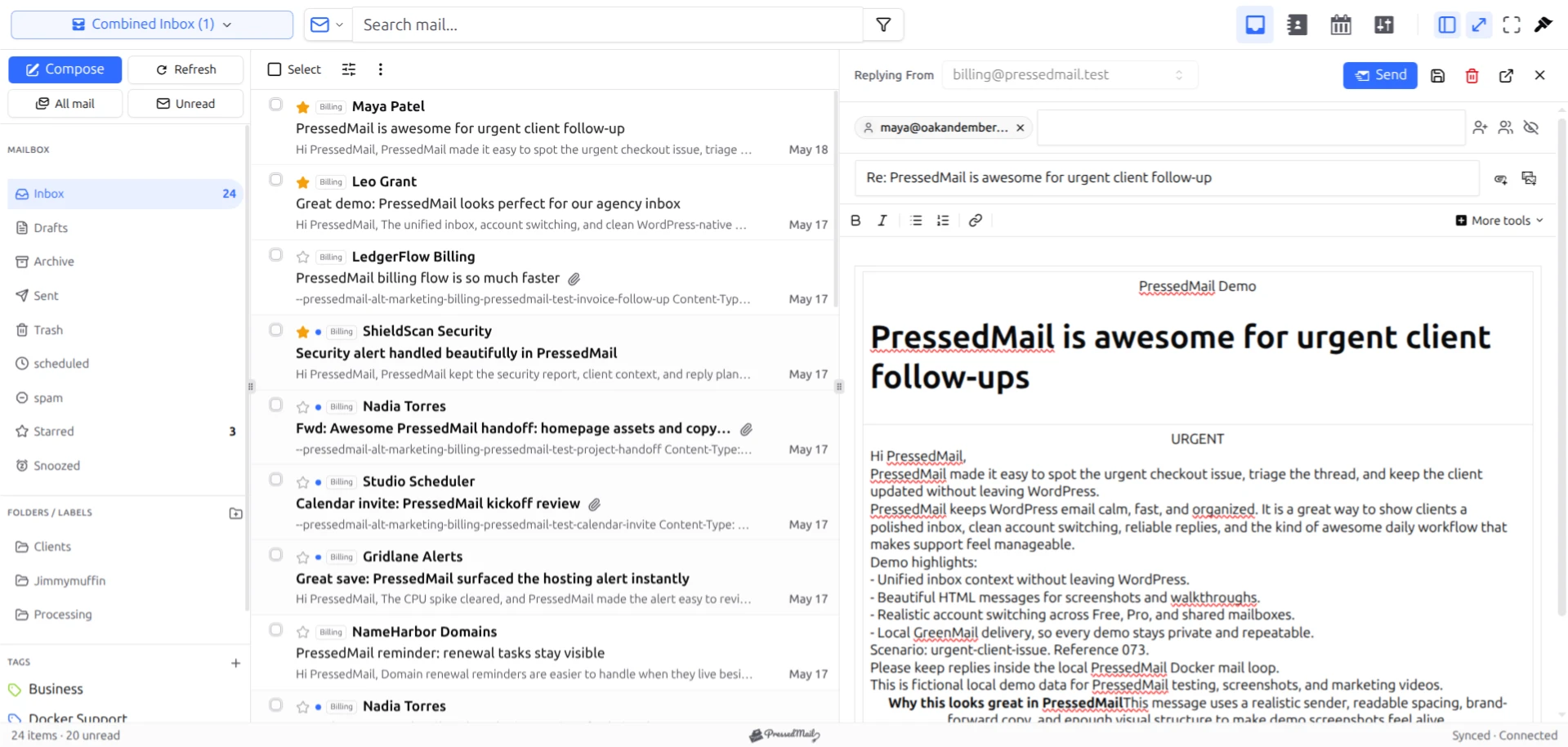
Screenshot of fictional correspondence in PressedMail. It illustrates the reading context, not a measured tracking experiment.
What an open report can reasonably mean
A request can show that something retrieved the resource at a particular time. Depending on the system, it may also provide network and client-related information.
It does not necessarily show that the intended recipient looked at the message, read its text, understood it, or took the requested action. Those are progressively stronger claims.
Consider a fictional service that records a request at 10:02. Its report can reasonably say it received the image request then. Calling that moment “the customer read the proposal” adds assumptions about which application retrieved it and what the person did.
A message can also be forwarded or viewed in another context. Whether the identifier remains attached and what the report does with the resulting request depend on that particular system. Avoid treating an event count as a count of distinct people.
Why privacy features change the result
Apple says that Mail Privacy Protection can download remote content in the background, independent of the reader's engagement, and route retrieval through separate relays. That means a request can occur without an intentional open at the moment shown in a sender's report. Apple's official explanation describes the behavior.
Caching introduces a different effect. A client or intermediary can reuse a stored response rather than ask the original server again. Reopening a message may therefore produce fewer origin requests than viewing events. MDN's HTTP caching guide explains how stored responses are reused.
A client that withholds remote images can create the opposite gap: a person reads the text, but the image server receives no request from that action.
These possibilities do not support one universal accuracy percentage. The result depends on the recipients' clients, settings, cache behavior, and the sender's measurement rules.
Read reports according to the decision you need
If you send a proposal and need approval, ask for approval. An image request cannot establish that the recipient accepted the price or agreed to the work.
If you need to know whether a password-reset message reached a test mailbox, inspect that mailbox during the test. A tracking event is an indirect observation and does not replace the message itself.
For business correspondence, a reply can provide clearer evidence of engagement than an image load. For a completed transaction, the system recording that transaction is the relevant source of truth.
That does not mean you should collect more data everywhere. Choose the evidence appropriate to the job and be clear about what it shows. “Image requested,” “reply received,” and “order completed” are different events.
The same discipline helps when evaluating software. The Gmail and WordPress client comparison separates the mailbox service from the reading interface rather than assuming both produce identical observations.
What PressedMail's image controls do
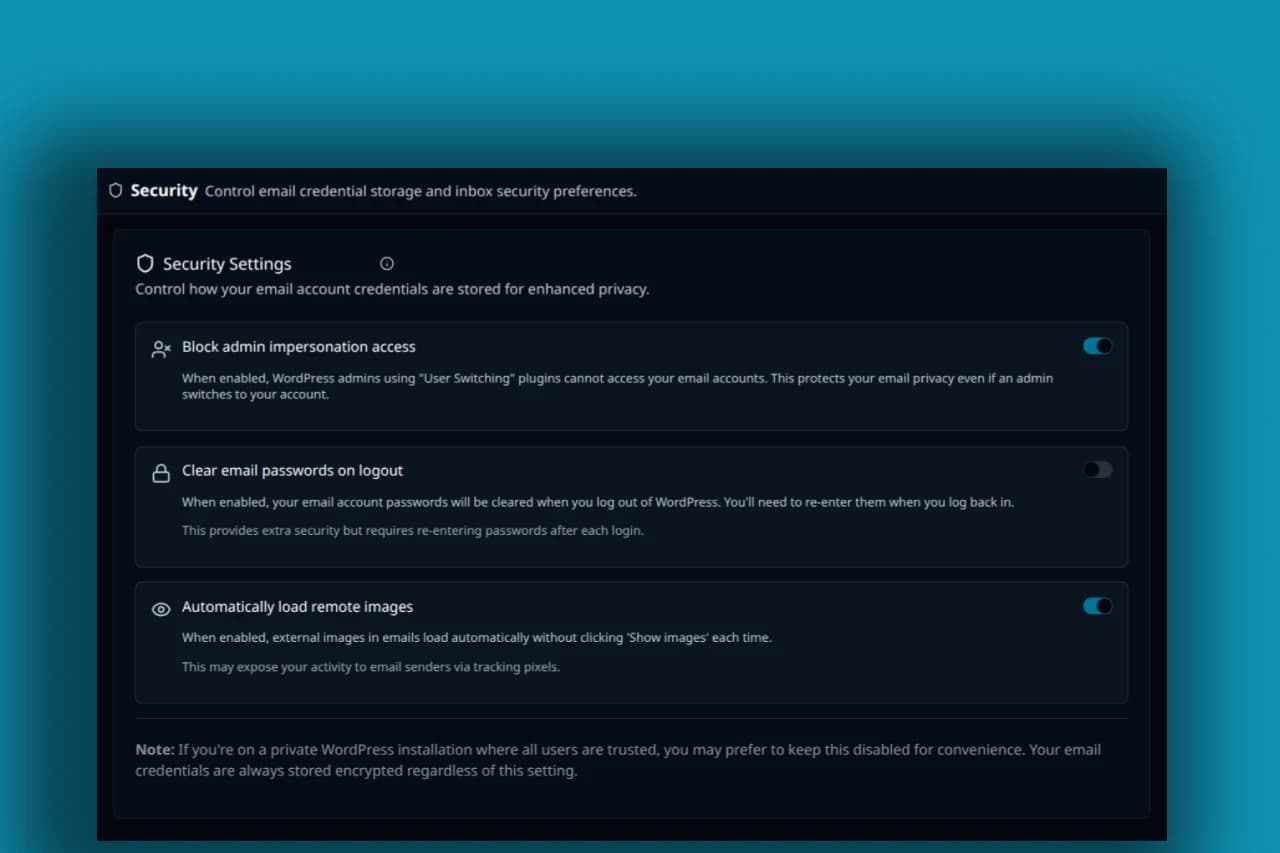
PressedMail includes a setting for automatically loading remote images. Review that setting when choosing how to read outside content. The security documentation covers the surrounding controls.
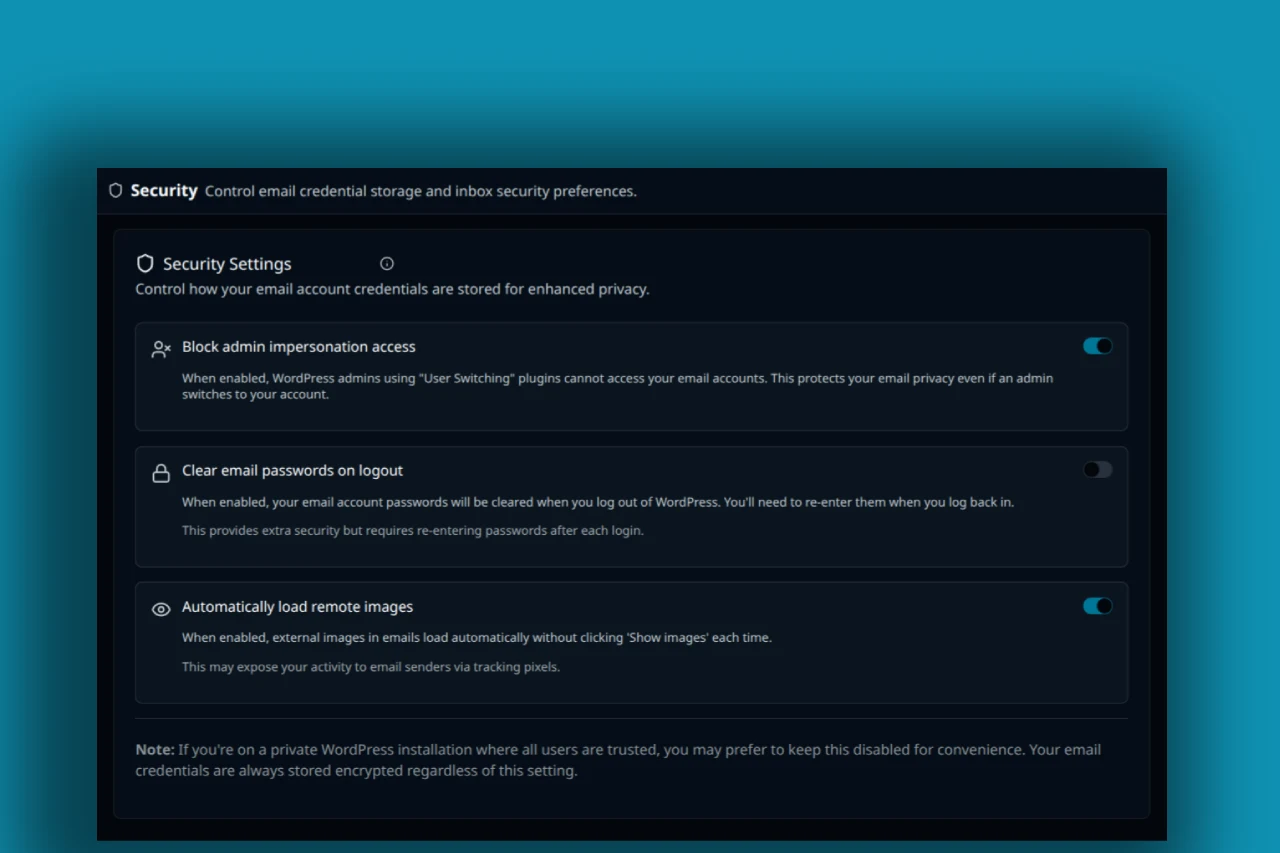
Screenshot of PressedMail security settings with Automatically load remote images ON. The pictured state is enabled and does not prove tracking prevention.
The current email renderer also contains handling for certain explicitly tiny images. That is a limited detection rule, not proof that every image capable of carrying a tracking identifier will be recognized. A larger visible picture or different resource can use its own identifier.
Remote-image behavior should also be kept separate from general HTML display protections. Sanitization and a sandboxed frame address other parts of rendering. The HTML security guide explains why those controls do not establish that all outside requests are impossible.
Google likewise distinguishes its image protections from a promise of no open information: its Gmail image guidance acknowledges that senders may sometimes know whether a message containing images was opened.
A harmless way to understand the mechanism
If you maintain a site and want to inspect image retrieval, use an owned test mailbox and an image endpoint you control. Keep the message fictional and the log limited to what the experiment needs.
- Send a test message containing a clearly identified remote image.
- Record the current image-loading setting in the reading client.
- Open the message and observe whether the owned endpoint receives a request.
- Change the loading choice through the supported control.
- Repeat with a fresh test identifier so an earlier cache entry does not confuse the result.
- Compare the observed requests with the action taken, then remove unneeded test data.
This exercise illustrates a mechanism. It does not establish how all recipients behave, and it should never involve secretly measuring customers or colleagues.
Keep click tracking separate
A link can contain its own identifier and send the browser through a reporting endpoint before reaching the destination. That event is separate from loading an image.
Turning automatic images off does not remove identifiers from every link or prevent the reader from opening one. Inspect destinations and use known service addresses for sensitive tasks.
Within a daily email routine, this means reading the request and checking the sender before crossing into another website. The purpose of the setting is specific, even when the overall privacy question is broader.
Common questions
Does a tracking pixel prove that I read the email?
No. It records resource retrieval. The application or service retrieving it may not correspond to an intentional human read at that time.
Can an ordinary logo be used for measurement?
Yes. A visible image can have a URL identifier. Tiny geometry is common in tracking examples, but it is not a requirement for associating a request with a message.
Why might a report show an open before I read anything?
Background retrieval by a client or privacy service can account for that. The report needs to be interpreted according to the client's behavior.
Does blocking images also stop click tracking?
No. Clicking an external link creates a separate request, and the link can contain its own identifier.
Does using WordPress as my email client change my mailbox provider?
No. PressedMail's client role is separate from the provider hosting the mailbox and from the remote server hosting an image.
Manage your email inside WordPress
PressedMail Free adds an email client directly to your WordPress dashboard. Connect a compatible IMAP/SMTP mailbox, read and send mail, organize messages, and configure WordPress SMTP.




