

PressedMail can connect supported Microsoft mailboxes through Microsoft's OAuth sign-in flow. Before choosing the Outlook option, identify who hosts the email address. Using the Outlook application does not necessarily mean Microsoft operates the mailbox.
An Outlook.com, Hotmail or Microsoft 365 account follows the Microsoft route. A hosting mailbox opened in the Outlook desktop app usually needs its hosting provider's connection settings instead.
This overview gets you to the right path and a first verified conversation. Use the full Outlook walkthrough for consumer setup and the Microsoft 365 mailbox guide for organizational deployment.
Identify the account behind the app
“Outlook” can refer to a desktop application, a browser interface or a Microsoft-hosted email service. Those meanings matter when you choose an authentication method.
Open the mailbox's usual web interface and confirm which provider operates it. A work or school mailbox may belong to an organization with policies you cannot change. A shared mailbox can also have permissions different from a user's primary account.
If a hosting company supplies the address and server settings, follow custom IMAP setup. Do not choose a Microsoft preset merely because the mailbox appears in the Outlook app on your laptop.
For Microsoft-hosted accounts, confirm you can sign in normally before starting WordPress setup. Resolve an expired or blocked account at the provider first.
What OAuth does here
OAuth lets you authorize the client through Microsoft rather than handing the WordPress form your Microsoft account password. The supported flow returns to PressedMail with the authorization needed for its mailbox connection.
Microsoft documents OAuth access for IMAP and SMTP in its protocol authentication guidance. Authorization and protocol access are still separate requirements.
An organization can require administrator consent, restrict IMAP or SMTP AUTH, or apply Conditional Access rules. A successful browser sign-in does not override those policies. If the connection is denied, the administrator needs the actual error and requested access context.
The OAuth versus app-password comparison explains why trying a different password is often the wrong response to an organizational restriction.
Begin the Microsoft connection
Install and activate PressedMail Free if needed, then open Email Connections and choose Add Account. Select the Outlook/Hotmail provider option.
Start the Microsoft sign-in flow. Choose the account you intend to connect, particularly if your browser already has several Microsoft sessions. Review the consent request and complete the return to WordPress.
Do not copy authorization codes or callback URLs into support messages. They belong to the sign-in transaction. If the browser returns an error, record a sanitized description rather than sharing the entire URL.
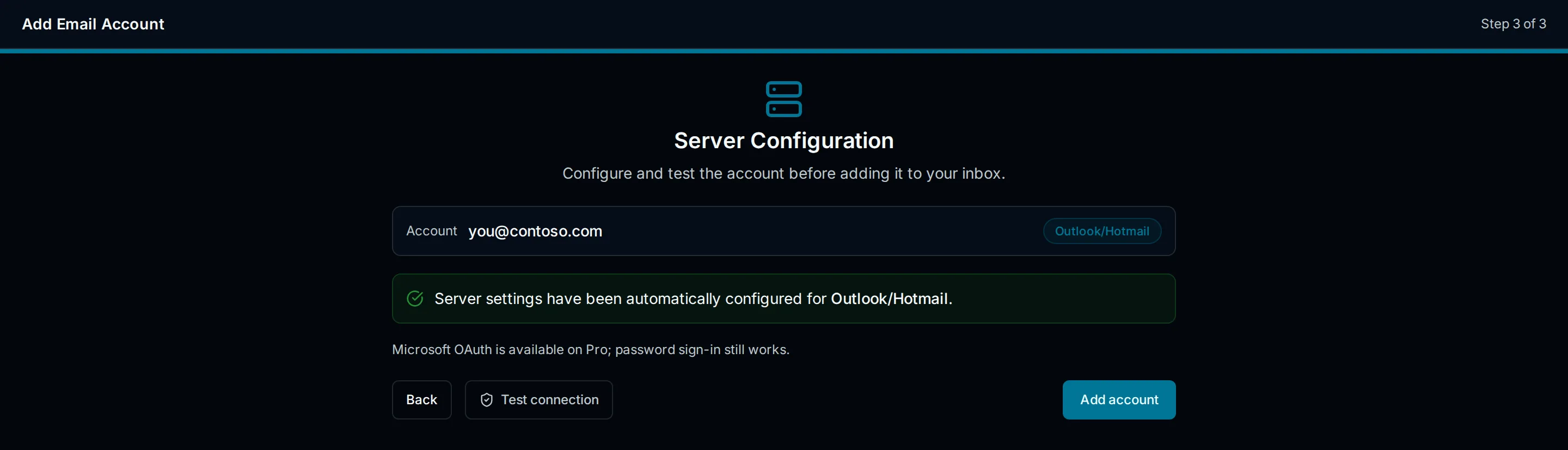
Illustration of Outlook account setup. It is explanatory UI, not a capture of Microsoft consent or a successful tenant connection.
Run the available connection tests after returning. Check incoming and outgoing results independently, then save the account once its checks succeed.
The current preset and Microsoft's business submission guidance are not interchangeable account contexts. The Outlook and Microsoft settings reference explains why you should verify the appropriate endpoint rather than silently substituting a hostname from another tutorial.
Open a known message
Allow synchronization, then open Inbox and find a harmless message you can identify in Microsoft webmail. Compare its date and subject.
If the message is in another folder, open that folder. An empty Inbox does not necessarily mean authentication failed. If Microsoft webmail has the message but PressedMail does not, investigate folder selection and synchronization.
Keep the first task small. Do not start by attaching a shared mailbox or expecting a calendar to appear. A mailbox connection establishes email access, not every Microsoft service associated with the account.
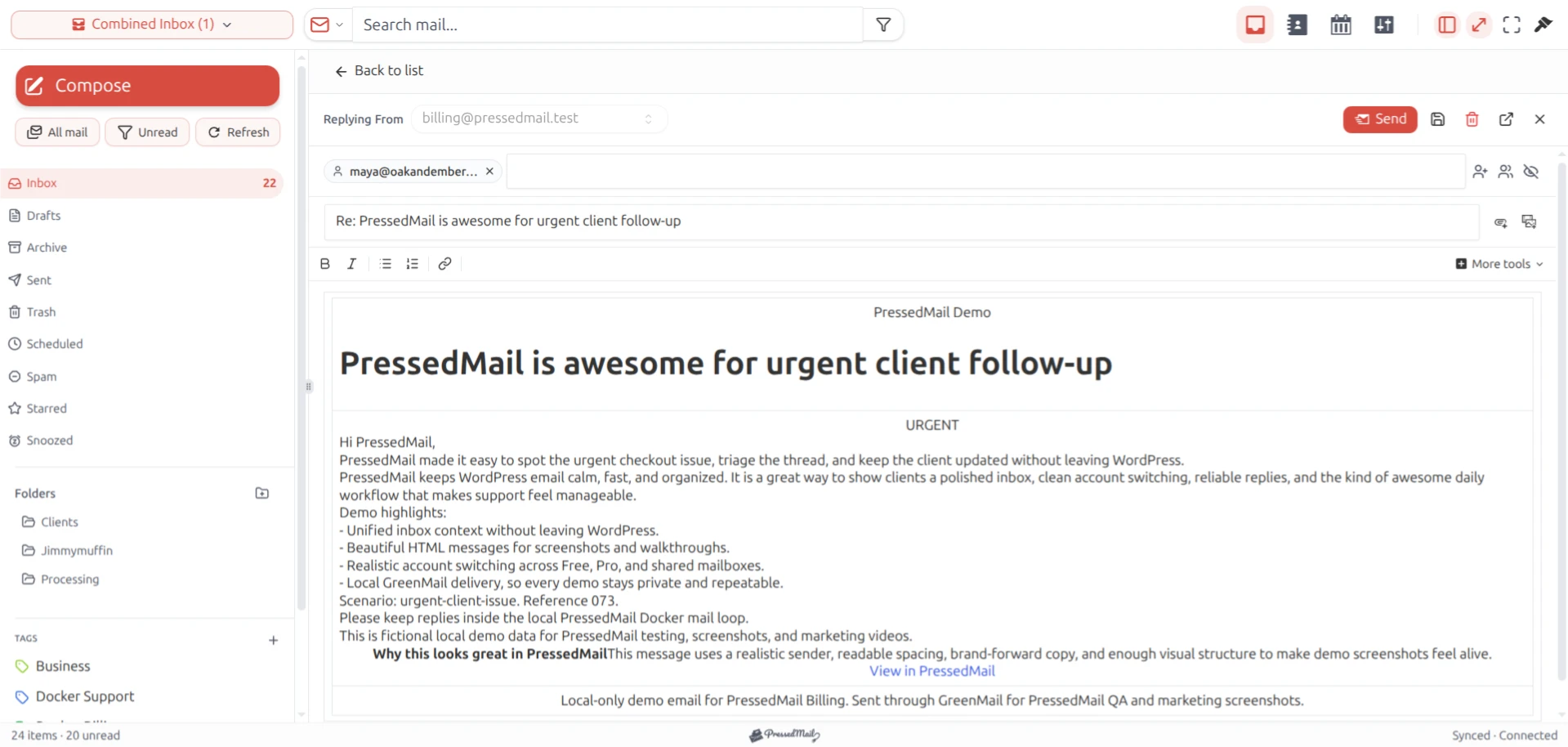
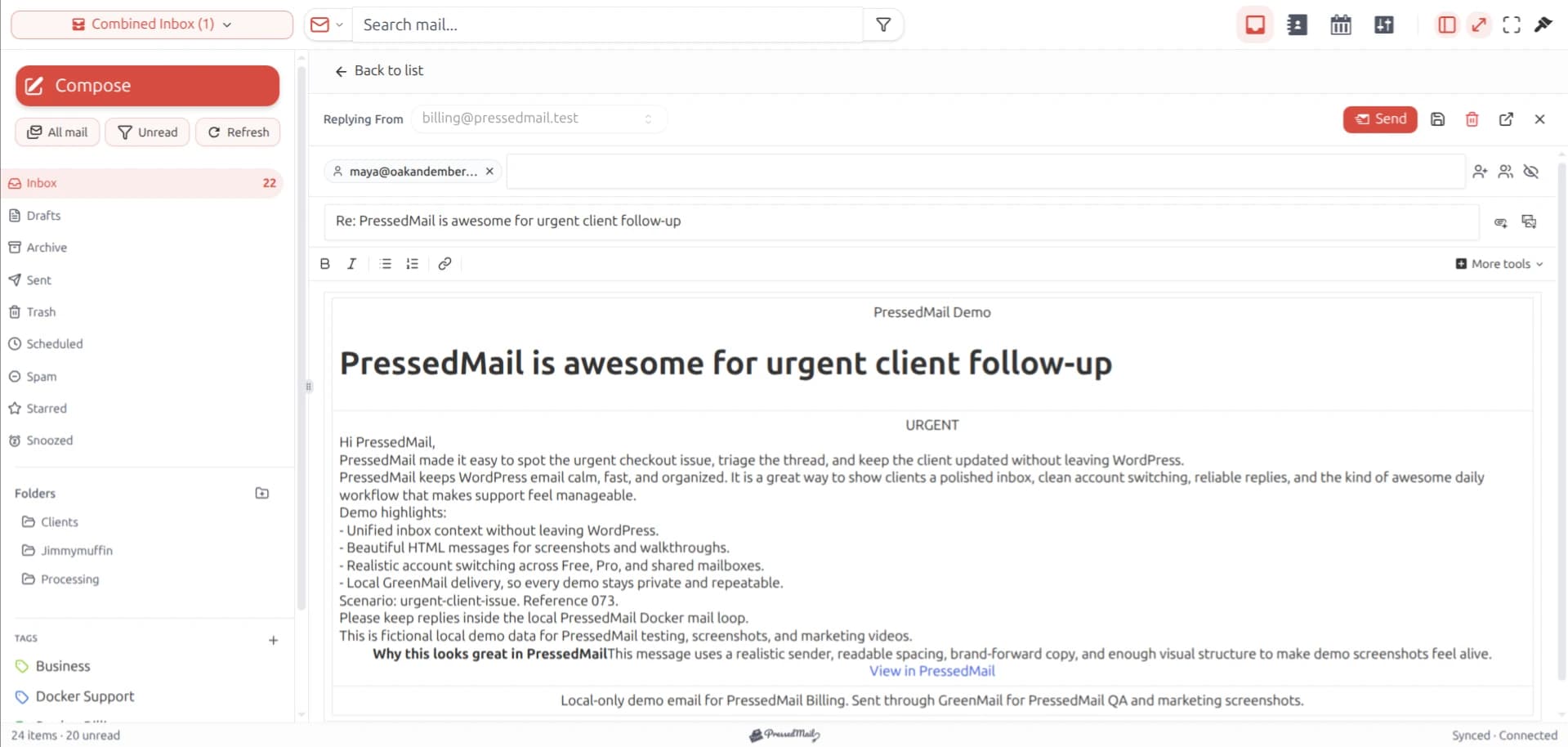
PressedMail screenshot of a reply composer with fictional email. The layout shown is a product interface example, not evidence of an Outlook connection.
Confirm outgoing mail
Reply to a message from another test address you control. Use plain text and check the selected sender and recipient.
Observe the application result, then verify the reply at the receiving mailbox. An outgoing protocol test and recipient receipt answer different questions. If the reply is absent, check Spam and retain the transport error if one was reported.
A working inbox with failed sending may reflect SMTP access or sender restrictions. Repeating browser login will not necessarily change those permissions.
For work accounts, the Microsoft 365 planning guide helps identify which questions belong to the mailbox administrator. Ask for review of the specific connection rather than requesting that security policies be disabled broadly.
Keep the setup within its scope
Free supports the one-mailbox workflow described here. Contacts, calendar and advanced workspace features require a paid edition and their own setup.
PressedMail also has a site-wide WordPress SMTP configuration. It is separate from the Microsoft mailbox OAuth connection. Do not assume that connecting Outlook makes the same authentication automatically available for password resets or store notifications.
If your only goal is to use the Outlook interface, Microsoft webmail remains a practical option. If an organization prohibits this third-party connection, use an approved interface while its administrator considers the request.
Frequently asked questions
I use Outlook with a hosting mailbox. Should I select Outlook/Hotmail?
Choose according to the mailbox provider, not the application on your computer. A hosting mailbox generally uses that host's supported IMAP and SMTP settings.
Why can Microsoft sign-in succeed while the test fails?
Sign-in can authorize an identity while mailbox protocol access remains restricted. Consent policy, IMAP availability, SMTP AUTH and other tenant controls can affect the connection.
Can I bypass administrator consent with an app password?
Do not treat an app password as a universal alternative. Follow the supported Microsoft OAuth route and have the administrator review a denied organizational connection.
Does connecting mail synchronize Outlook calendar?
No automatic calendar result follows from a mailbox connection. Calendar and contacts have separate product scope and setup.
Can I keep Outlook on the web open?
Yes. Microsoft continues hosting the account, and you can keep using its interface alongside an authorized WordPress client.
Manage your email inside WordPress
PressedMail Free adds an email client directly to your WordPress dashboard. Connect a compatible IMAP/SMTP mailbox, read and send mail, organize messages, and configure WordPress SMTP.




