
Rules, Automation, and Auto Tagging
Automate repetitive triage with rules and AI-assisted tags.
Two systems organise mail automatically: limited deterministic rules are available in Free, paid plans add the advanced rule controls, and AI tagging runs only where an administrator has turned it on.
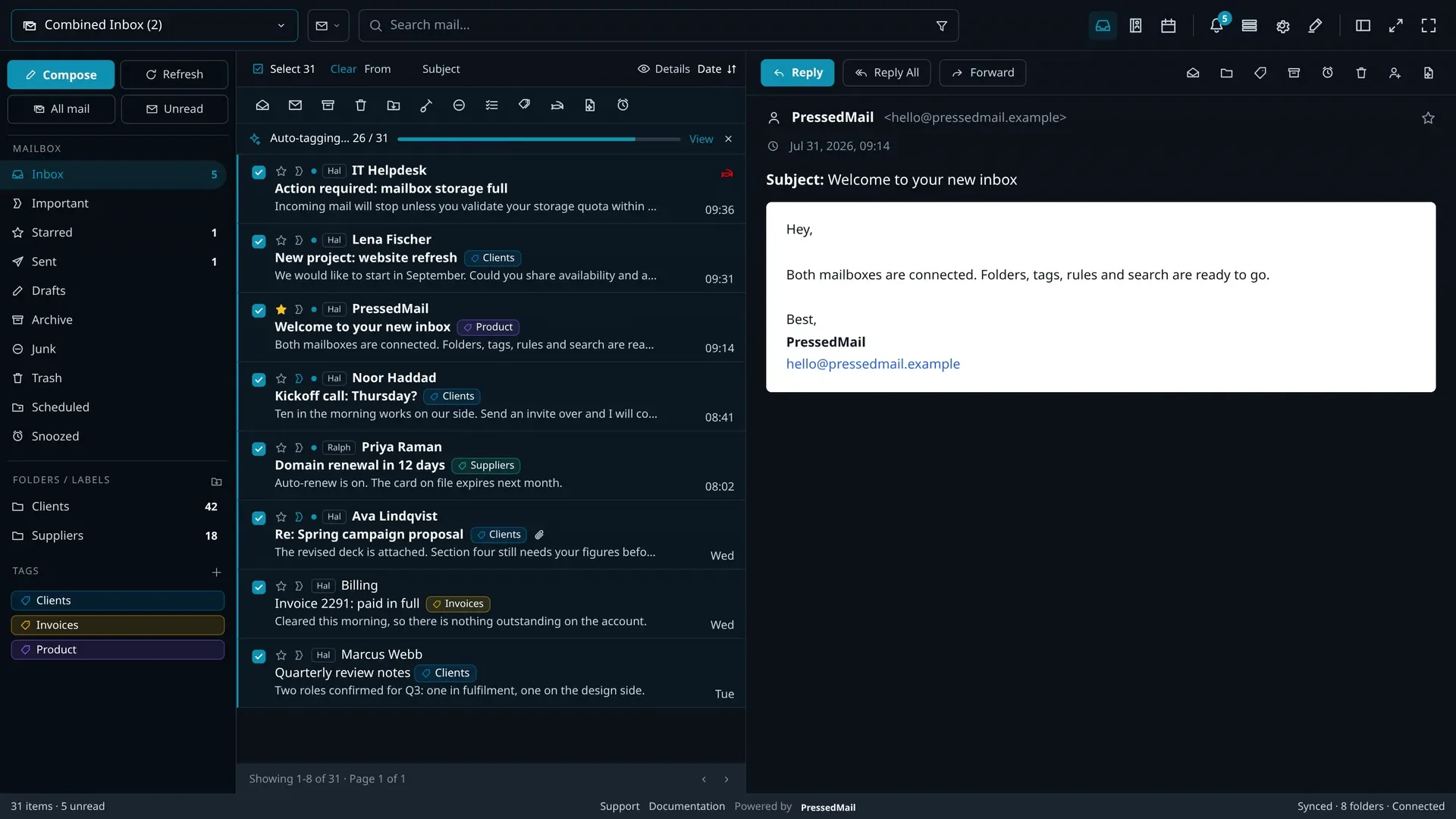
Deterministic Rules
The Free rule editor offers sender, recipient, subject, and body conditions, but automatic runs support only sender, recipient, and subject. Free rules use AND logic. Their automatic actions can move, trash, archive, delete, mark as read, or always mark as spam. Paid plans add Cc, Bcc, attachment, size, date, regular expressions, OR logic, stop processing, star, and mark important. The automatic matcher does not evaluate body or size conditions and does not execute add-label, forward, skip-inbox, or never-spam. Rules never call an AI provider. Full detail: Email Workflows.
AI Auto-Tagging
Auto-tagging reads incoming mail against your own instructions ("tag anything about invoicing as Billing") and applies tags a rule's string matching could not decide. It is a paid feature, off until an administrator configures a provider, and queued in batches of five rather than firing one API call per message.
The Boundaries
- Rules never send content anywhere; matching happens in your database.
- AI tagging sends only the message context needed for the tagging decision, to the provider your administrator chose.
- Every automated action (rule or AI) is visible after the fact: tags and moves appear in the mailbox, and AI activity is logged.
- Advanced rules, follow-up reminders, and AI features are paid. Free keeps the limited rule set.
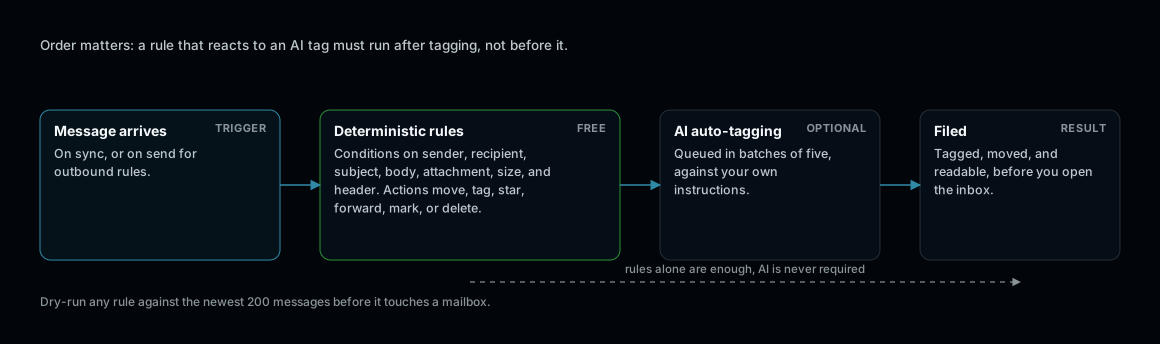
Rules are deterministic and always available. AI tagging is judgement, and optional.
When Order Matters
Deterministic rules run in the order you set. Paid rules can stop processing on match. If an AI tag should influence filing, let auto-tagging apply the tag and a scheduled rule act on it afterwards.