
AI Features Overview
Understand the BYOK AI model, current AI actions, and automation boundaries before enabling AI.
PressedMail AI is bring-your-own-key: an administrator supplies the provider and key, decides which features are on, and everything stays off until that happens. On-demand drafts, rewrites, summaries, tags, and enabled auto-tagging are assistance to review, not criteria-driven automatic replies.
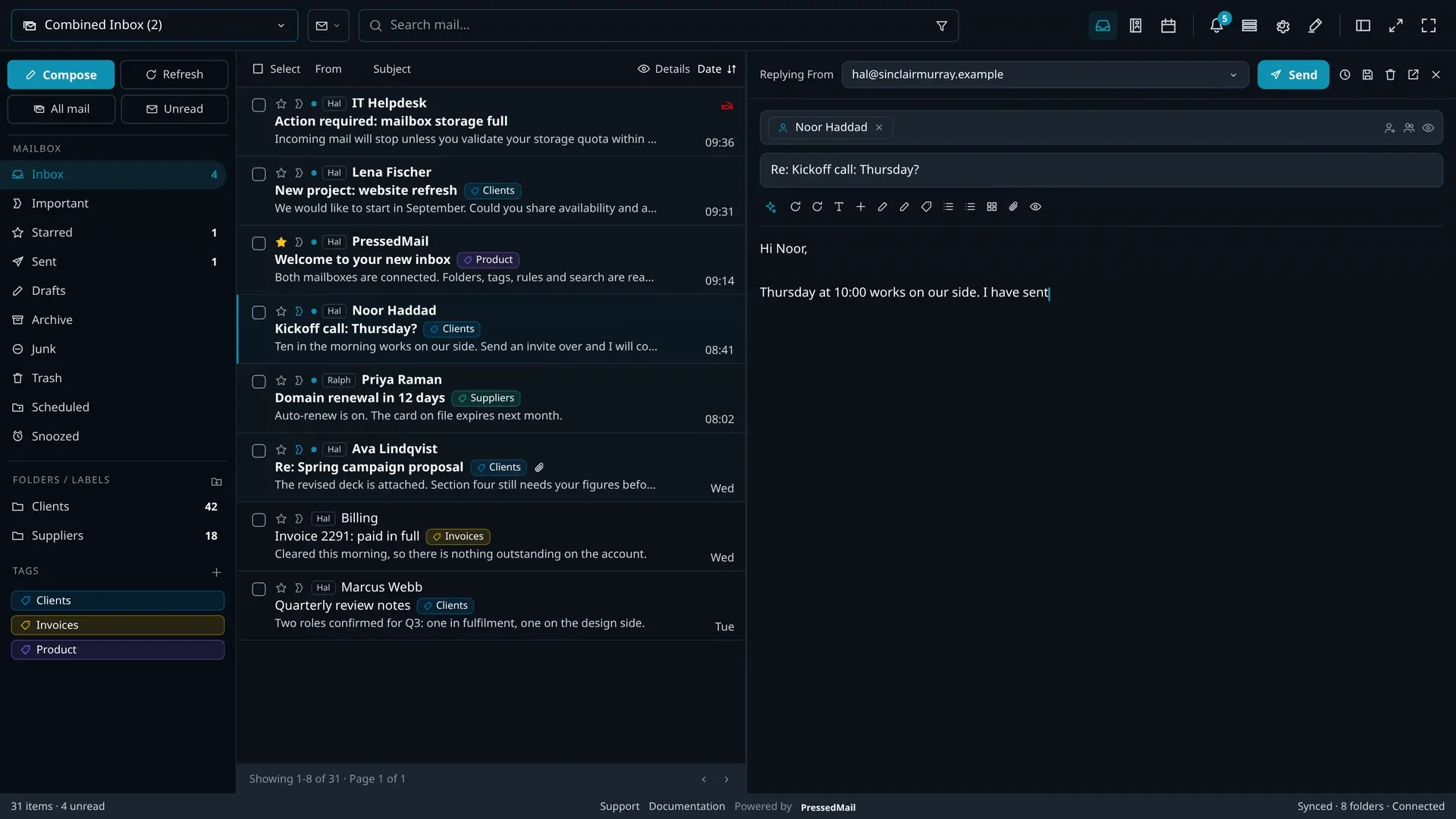
The BYOK Model
- Connect any OpenAI-compatible endpoint, with a configurable base URL and your own key, from a commercial provider or something self-hosted.
- A separate model slot exists for summarising, drafting, and phishing analysis, so each job can run on the model that suits it.
- Enabling AI records a versioned consent bound to the provider, including a no-training affirmation, and the decision is audit-logged.
What the tools do
- Summaries condense a long message or a whole thread before you answer it.
- Drafting produces a first draft from a prompt or the message you are answering, with inline next-sentence suggestions while you write.
- Rewriting adjusts tone, length, and clarity on a draft you have already written.
- Auto-tagging tags incoming mail against your own rules and prompts, queued in batches of five so a busy inbox does not become an API bill.
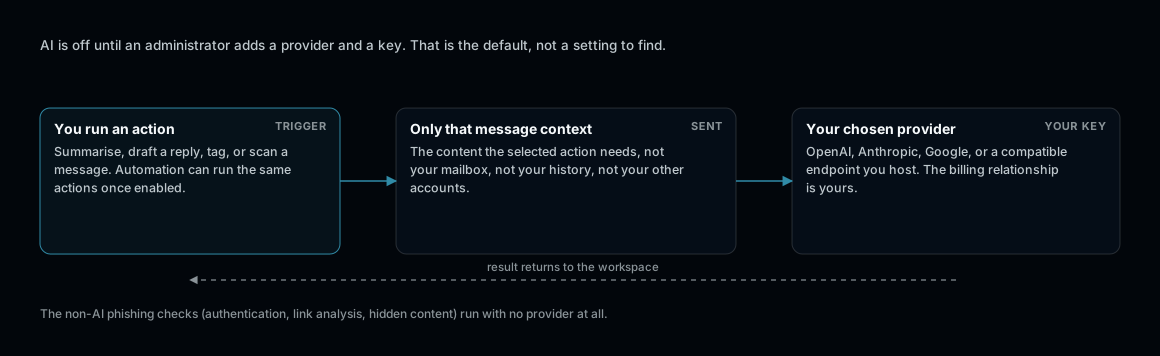
Bring your own key. No provider configured means no AI call is ever made.
What is sent, and what never is
AI actions send only the message context required for the selected action. Mailbox passwords, license keys, and unrelated mailbox content are outside the request payload. With no provider configured, every AI feature stays off. The non-AI parts of phishing scanning still run.
Costs
Calls run against your own provider account at your provider's rates. Batching, per-feature model slots, and the ability to switch any feature off individually are the cost controls.
Read Next
- AI, BYOK, Drafting, Summaries, and Tags for setup and details.
- Rules, Automation, and Auto Tagging for automation boundaries.
- AI Automation and Security Troubleshooting if something misbehaves.