

Contacts, lists, and imports
Create local contacts, organize lists, and transfer CSV or vCard files.
Contacts are a paid feature stored in your WordPress database. They do not synchronize with Google Contacts, Microsoft contacts, or another provider address book.
Open Contacts from the workspace header. On a phone, use the Contacts tab.
Add and organize a contact
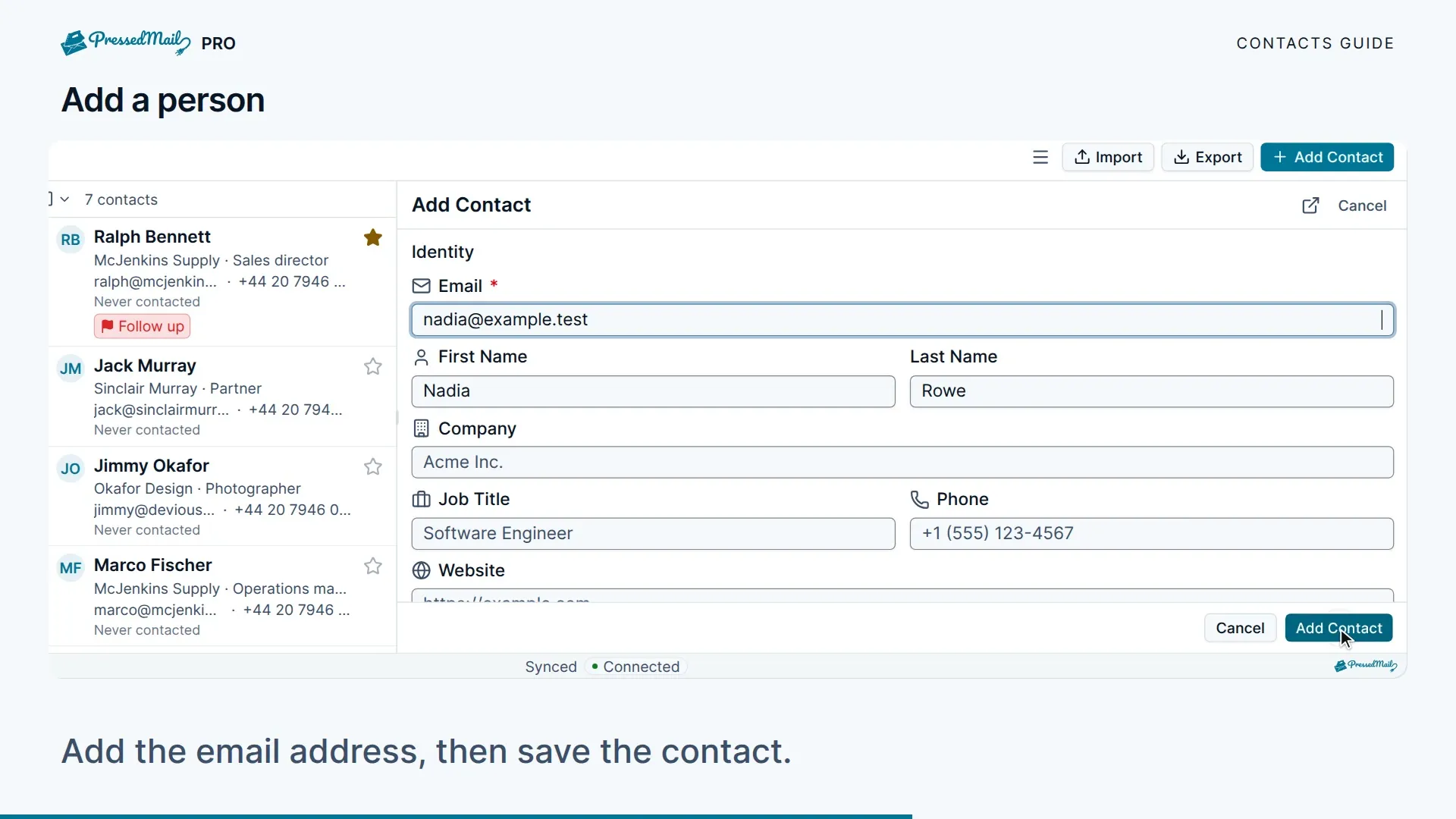
Use Add Contact to enter a person's name and email address, then add details such as company, phone, job title, birthday, tags, or notes. Save the record and check that it appears in the list.
You can also use the contact action on an open message to start from the sender's details. Review them before saving. Opening a message by itself does not promise automatic contact creation.
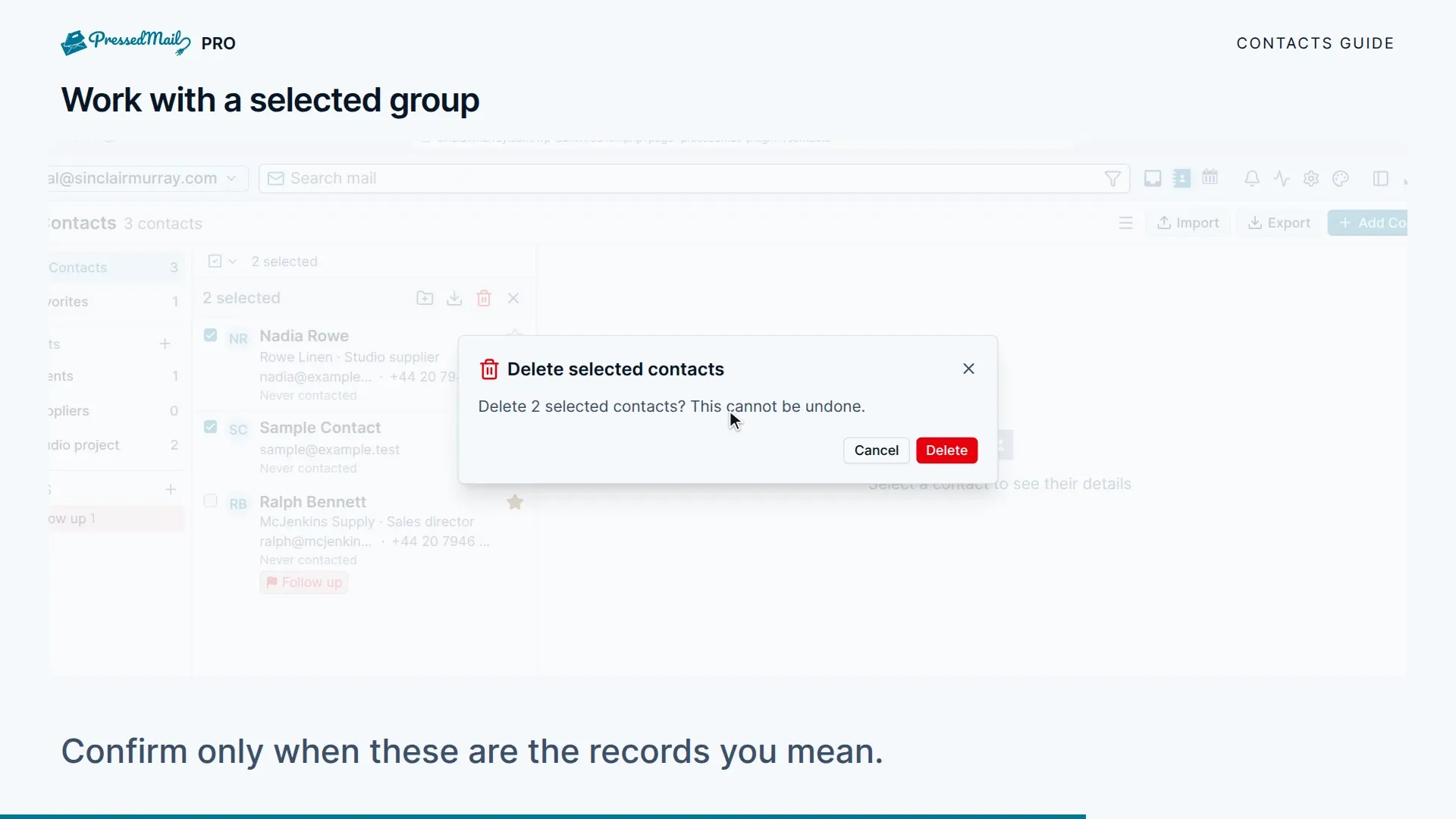
Favorites keep frequently used contacts easy to find. Lists group contacts by project, client, or team; a contact can belong to more than one list. The contact record also presents its activity history.
Import an address book
- Export the source address book as CSV or vCard.
- Keep a copy of that original file.
- Open the contact import action and choose the matching format.
- Select the file and import it.
- Review the imported names and addresses before using them as recipients.
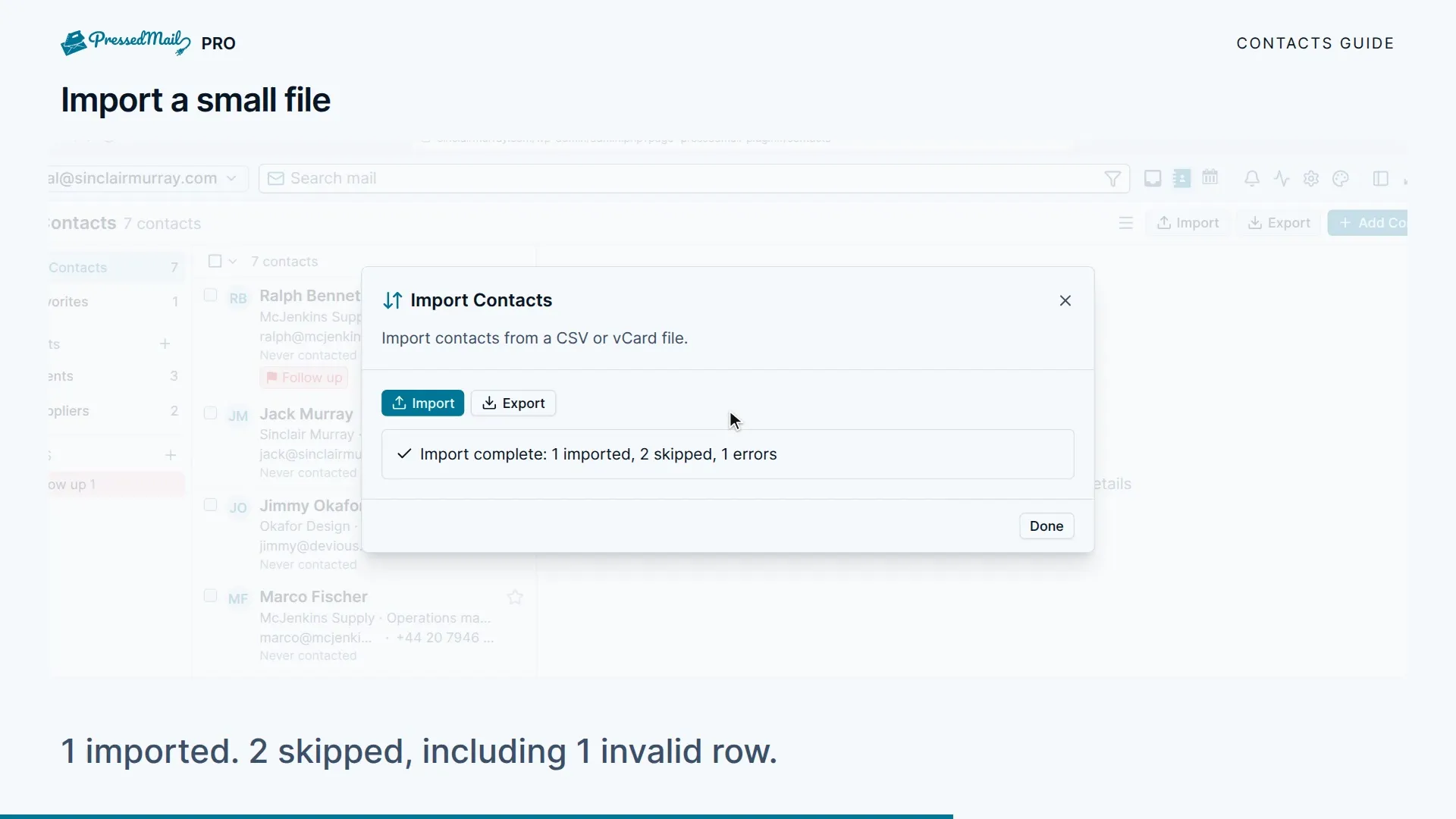
The contact importer does not provide the calendar importer's event preview. Check the file before importing. Start with a small sample if its columns are unfamiliar, rather than repeatedly importing the full address book.
Export contacts
Open the export action and choose CSV or vCard. The controls can export selected contacts or a list as well as a broader address-book selection. Confirm the scope before downloading the file.
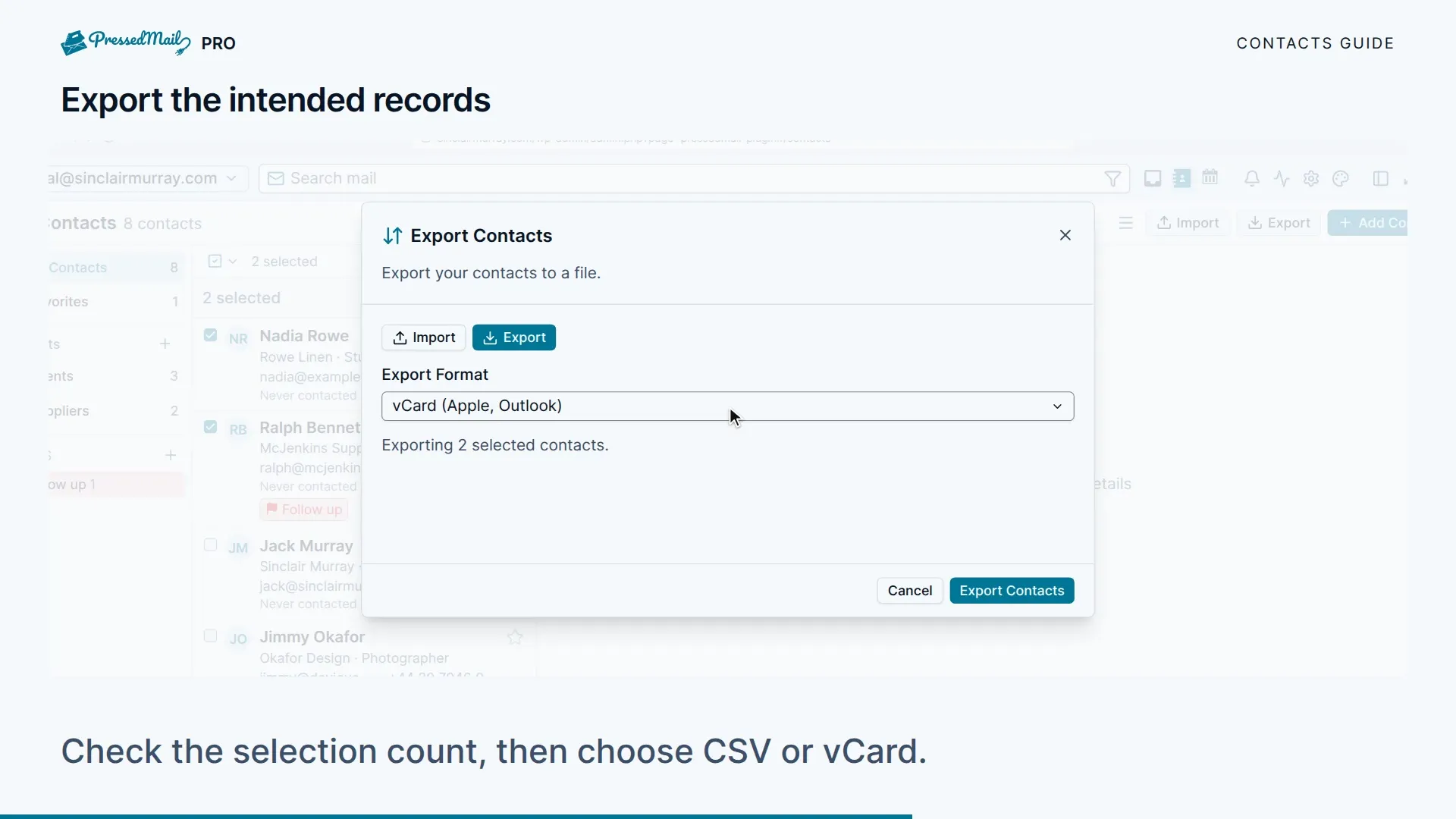
The exported file contains personal data. Store it where only the intended people can access it, especially when moving a client's contacts between sites.
Composer and calendar
Paid recipient suggestions can use your contacts while you write. Verify the address, not only the display name, before sending. See Compose, reply, and attach files.
Calendars and events are also local to WordPress. Connecting an IMAP mailbox does not connect either provider contacts or calendars.
Fill and share lists
A signup form on your site adds visitors to the lists you pick, with optional double opt-in. On Ultimate and Lifetime, you can also share a list with other people on the site.