

Calendars and events
Create local events, send invitations, and import calendar files without assuming provider sync.
The paid calendar keeps events in WordPress. Connecting a Gmail or Microsoft mailbox does not synchronize Google Calendar or Outlook Calendar.
Open Calendar from the workspace header or the phone's Calendar tab. Choose month, week, day, agenda, or list view. There is no year view.
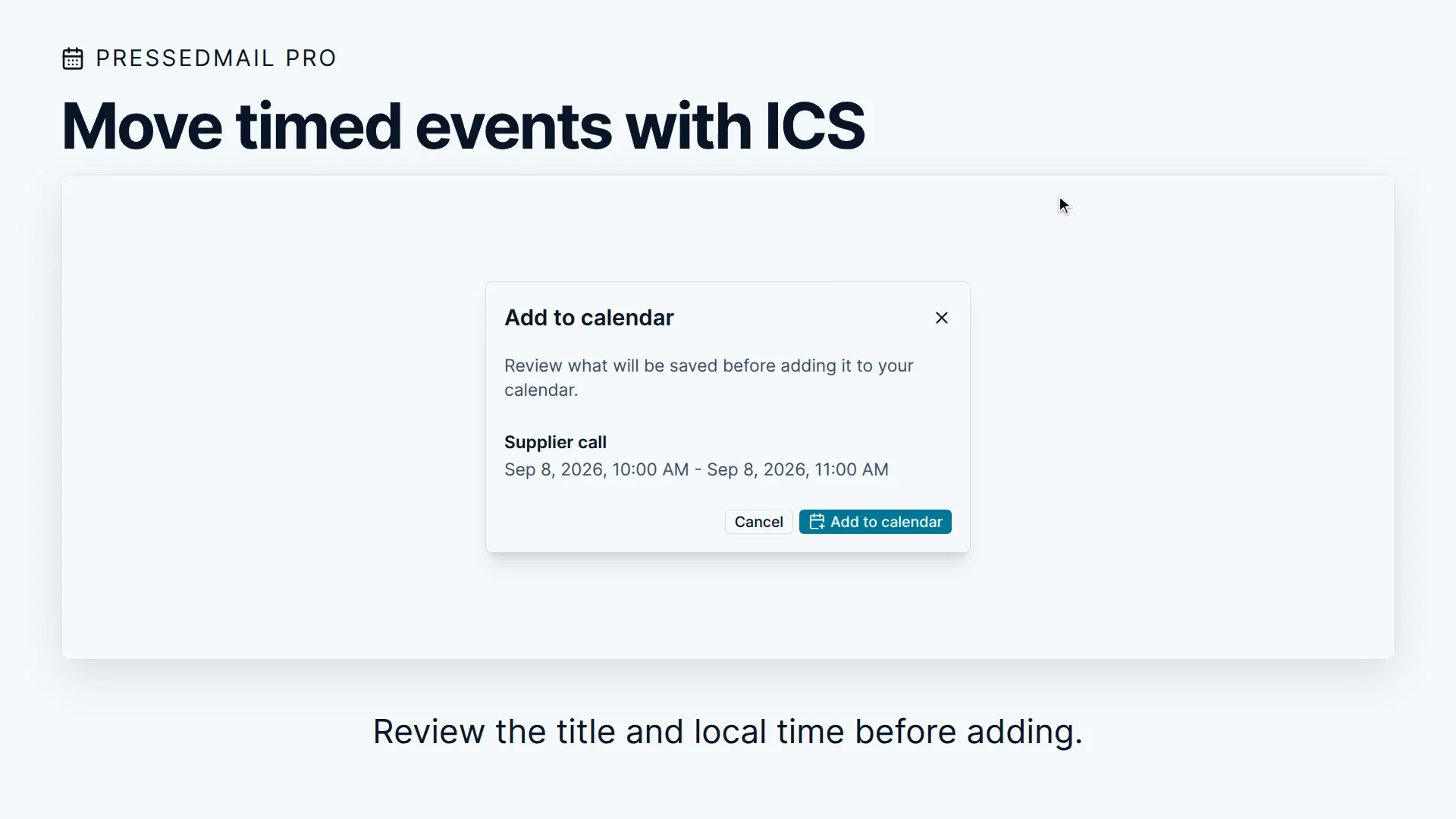
Create an event
- Choose a calendar and start a new event.
- Enter its title, date, time, and timezone, or mark it all-day.
- Add a location, notes, guests, and reminders as needed.
- Set recurrence if the event repeats.
- Review whether Send email invitations to guests is selected.
- Save, then open the event in the calendar to check its details.
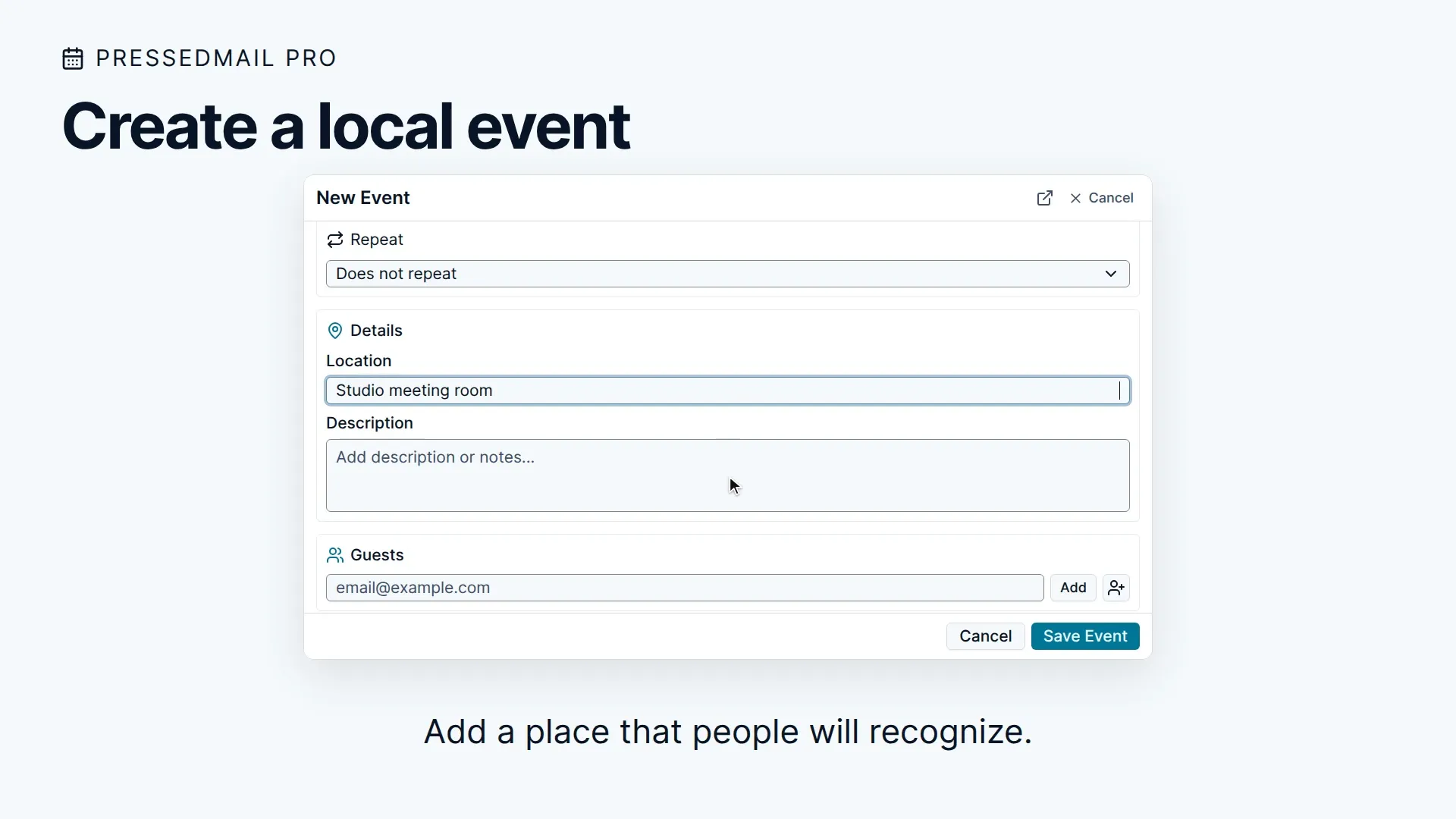
You can keep several calendars with separate colors and choose a default for new events. Creating an event from message details does not keep a backlink to the original conversation.
Recurring events support RRULE fields for frequency, interval, weekdays, month days, count, and end date. Check the next occurrence after importing a recurring series, especially around a daylight-saving change.
Invitations and replies
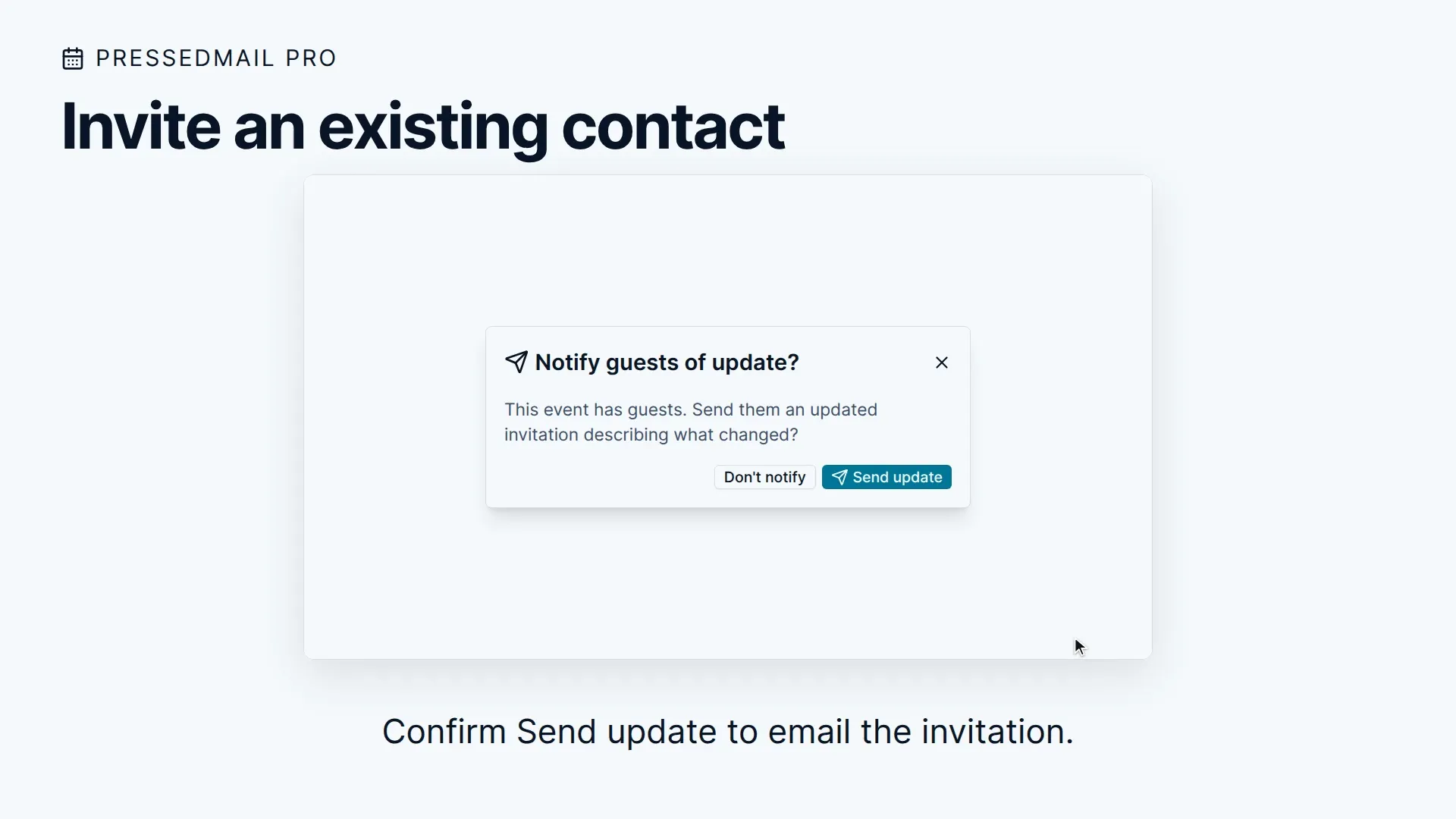
Selecting Send email invitations to guests sends calendar invitations by email. Relevant event changes can prompt you to notify guests. Sending an invitation requires a working outgoing mailbox connection.
Incoming invitation banners can offer Add to calendar. That saves the event locally; it is not an accept, decline, or tentative RSVP. The checked interface does not provide those RSVP controls, and attendee replies do not automatically update attendance on your local event.
An invitation or reminder is still email, so a successful send is not proof every guest received it.
Import an ICS file
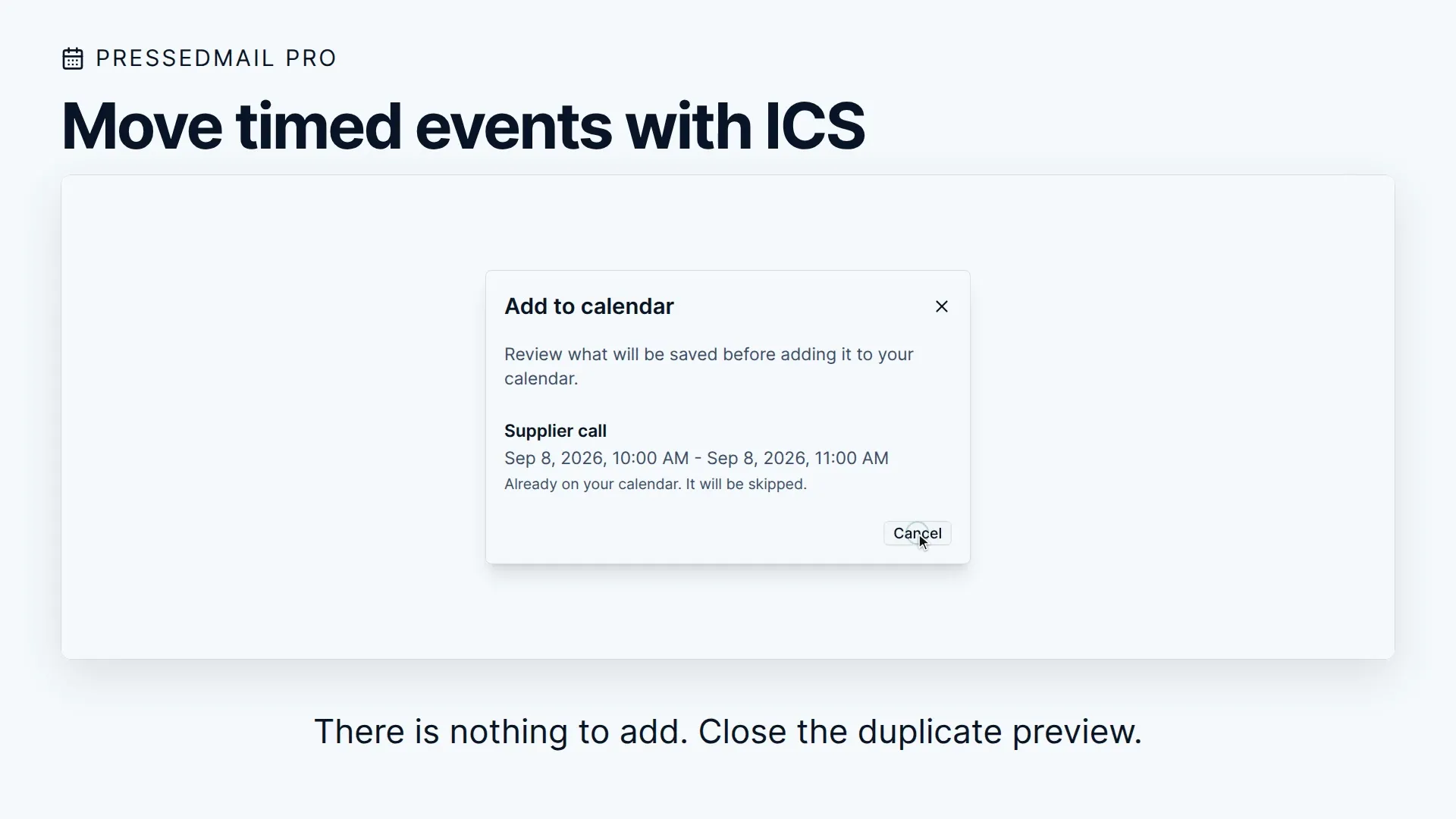
Use the calendar import action, select a destination calendar, and inspect the event preview before saving. The parser accepts standard ICS data, including supported Windows and Exchange timezone identifiers.
The checked parser limits uploaded calendar files to 10 MiB and message-attached calendar files to 1 MiB. A larger file needs to be reduced or imported through another tool.
Missing or unexpected events
Check the selected calendar, visible date range, timezone, and import result. Do not expect edits made in Google Calendar or Outlook to appear here: provider synchronization is disabled.
For contact details used when inviting someone, see Contacts, lists, and imports.