

Use code "LIGHTHOUSE20" to save 20% on all plans forever. Get it now!
Pas lettertype, contrast, beweging, sneltoetsen en focusgedrag aan voor een prettigere werkruimte.
Keyboard navigation
Every list, pane and dialog reachable without a pointer
Reduced motion
Follows the system setting; transitions resolve instantly
Contrast
Foreground and background pairs audited across all ten palettes
Type scale
Default or large, independent of the browser zoom level
Choices are stored per WordPress user, so one workspace can suit several people.
Leesbare thema’s
Een eigen thema met hoog contrast staat naast de lichte, donkere en het systeem volgende varianten van elk ander palet.
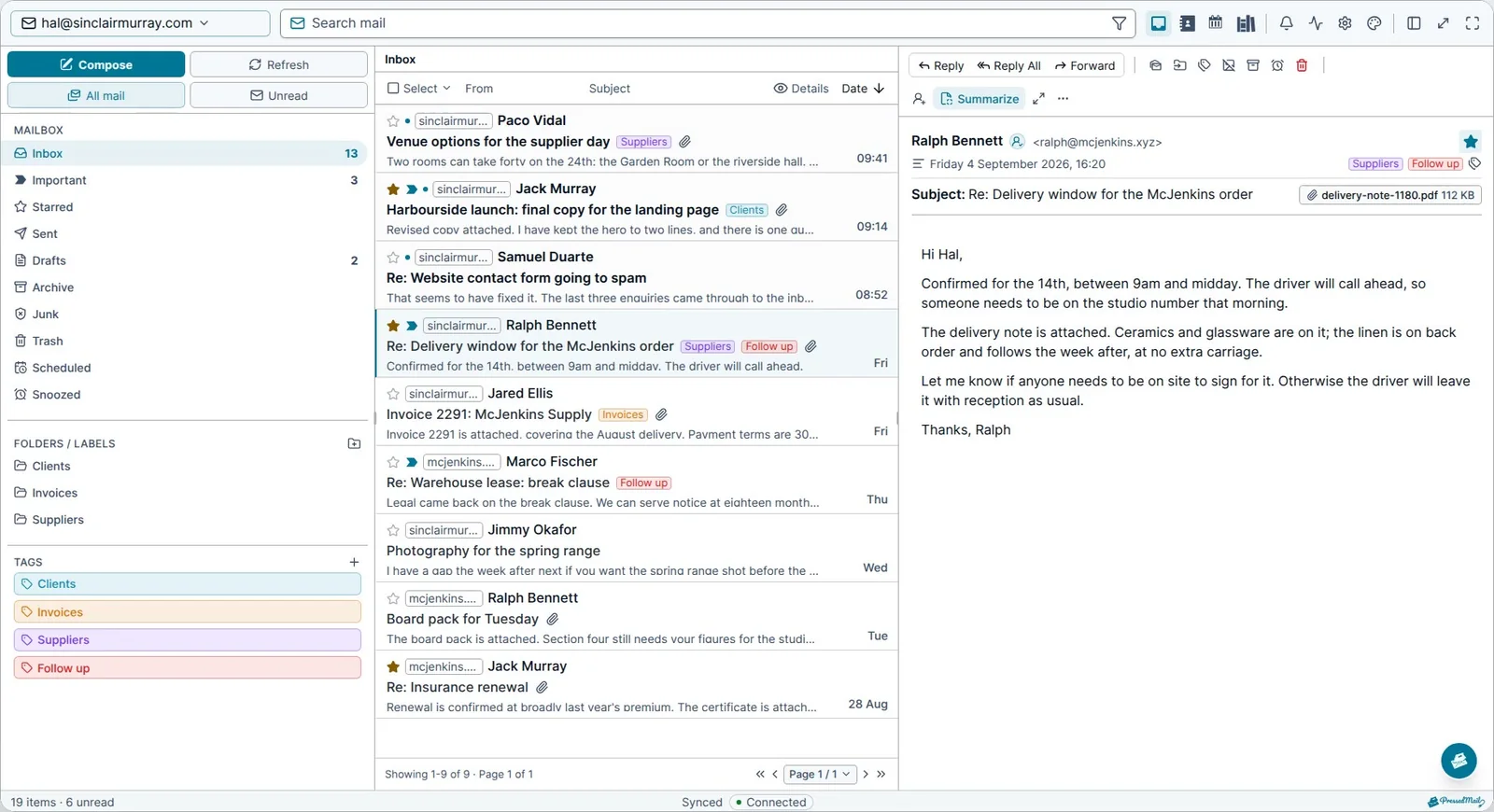
Lettertype-opties
Vijftien lettertypen, waaronder OpenDyslexic, met instelbare grootte voor lange teksten.
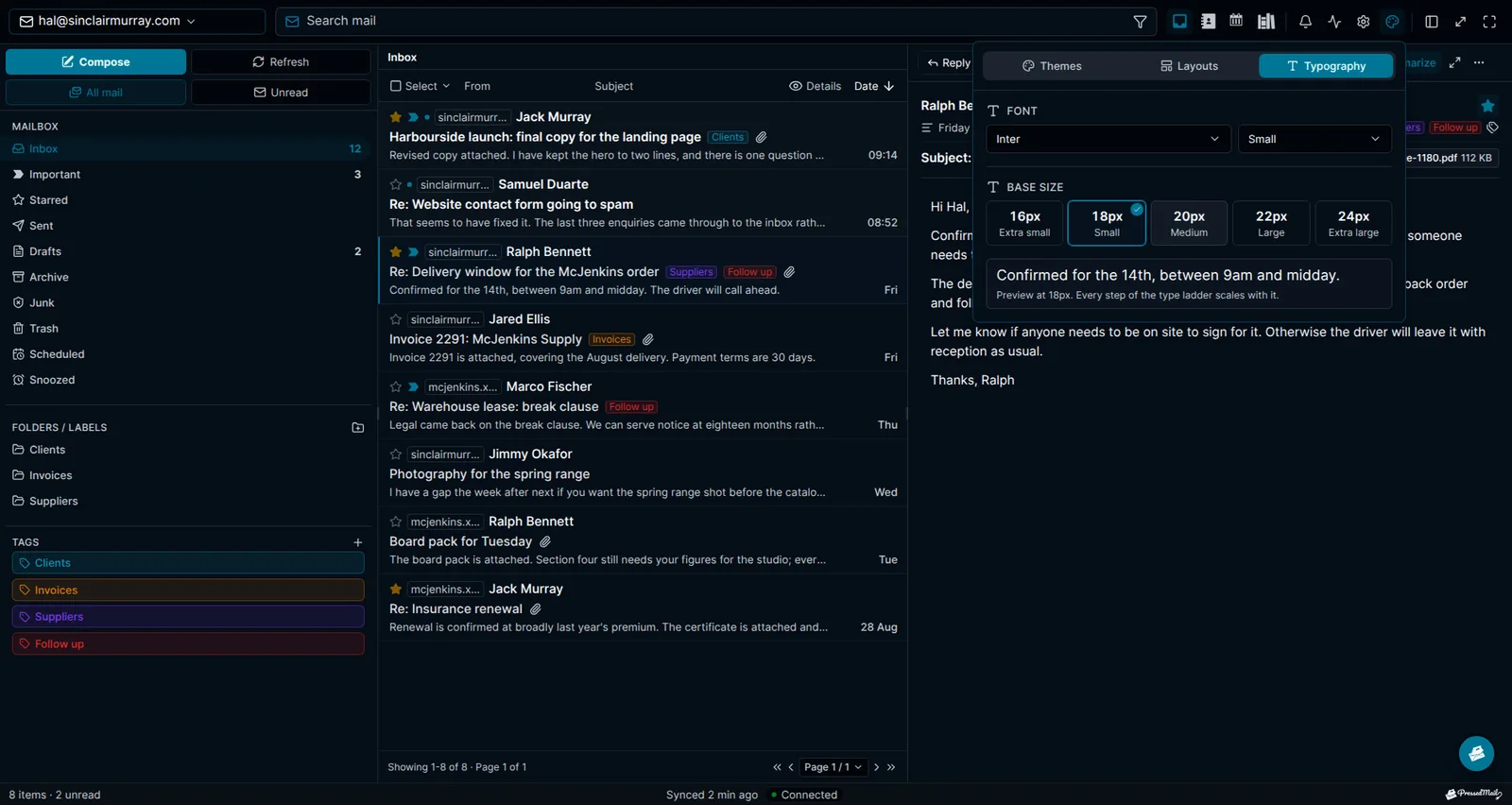
Toetsenbordnavigatie
De slash opent overal de zoekfunctie. Met de pijltjestoetsen loopt u door de mappenboom, pop-ups houden de focus vast en geven die terug waar ze hem vonden, en focusringen verschijnen voor toetsenbordgebruikers zonder een muisklik te volgen.
Minder beweging
De werkruimte respecteert de instelling voor minder beweging van het besturingssysteem, zodat overgangen niet animeren voor wie om minder beweging heeft gevraagd.
Duidelijke focusweergave
Bedieningselementen met focus hebben zichtbare omlijningen en ringen, zodat gebruikers van een toetsenbord of hulptechnologie altijd weten waar ze zijn.
Aanraking en schermlezers
Grotere aanraakdoelen, semantische labels en skip-to-content-patronen houden de werkruimte bruikbaar op alle apparaten en met hulptechnologie.
Blijf op de hoogte van PressedMail.
Ontvang productupdates, aankondigingen van nieuwe functies, tips voor e-mailworkflows en begeleiding voor WordPress-inboxen.
Geen spam. Alleen PressedMail-updates en nuttige WordPress e-mailtips.
Kies het abonnement dat bij je WordPress-sites past.
Elk abonnement bevat de volledige PressedMail-werkruimte. Kies op basis van het aantal sites dat je beheert.
Jaarlijkse plannen worden geprijsd op basis van het aantal sites. Levenslang is een eenmalige betaling voor maximaal 100 sites.
Starter
Voor één site
- Alle huidige en toekomstige Premium-functies
- Onbeperkt aantal e-mailaccounts
- Contacten, agenda en geplande e-mailregels
- Sjablonen, blokken en aanmeldformulieren
- AI-tools en phishingdetectie
- Lay-outs, thema's en workspace-instellingen
- Gelicentieerde updates en prioriteitssupport
- 10.000 PressedMail AI-credits per jaarTijdelijke actie
Premium
Voor meerdere sites
- Alle huidige en toekomstige Premium-functies
- Onbeperkt aantal e-mailaccounts
- Contacten, agenda en geplande e-mailregels
- Sjablonen, blokken en aanmeldformulieren
- AI-tools en phishingdetectie
- Lay-outs, thema's en workspace-instellingen
- Gelicentieerde updates en prioriteitssupport
- 25.000 PressedMail AI-credits per jaarTijdelijke actie
Ultimate
Voor bureaus
- Alles uit Premium, plus:
- Campagnes en gedeelde sjablonen
- Deel inboxen, agenda’s en contactlijsten
- White label met een merkthema
- 50.000 PressedMail AI-credits per jaarTijdelijke actie
Wat klanten zeggen sinds ze hun e-mail in WordPress doen.
Gebruik je PressedMail in je eigen werk? Verstuur een testimonial
I save hours & it’s easy to use
I have a lot of email accounts, and it’s annoying to manage them through different providers. I needed something better than what was out there, so I built it. I spent the better part of two years making PressedMail the plugin I wanted to use every day, and now I get to share it with everyone else. I added my accounts, automated the cleanup of over 3000 emails, and it’s saved me hours of work.
 Robert H. AlexanderOprichter - CurbSoftwareMaker van PressedMail
Helps get more clients
As a freelancer I need to manage several clients’ accounts. I installed PressedMail on WordPress on localhost and use it as my main email client. I manage everything for clients from PressedMail. And several clients use PressedMail now after I have set their WordPress instances up.
 Gene Piki
Email Swiss Army Knife
We use PressedMail as a value added service for clients and potential clients as a feature of our agency’s offering helping put us ahead of competition. We love the white-labelling feature, automation, and security controls. It also replaces several of the other plugins we used to use and it’s like a small CRM.
Cyrus M. (InCurb Digital)
Fast inbox organization with phishing detection
PressedMail helps us organize our inboxes fast. We especially like the phishing detection feature.
John & Andrea
One source of truth for every client
As a VA, I use PressedMail to keep each client’s inbox separate while managing everything from one app. It gives me a single source of truth without mixing client work together.
Amber, K
Teaching and client work stay organized
I balance teaching with social media marketing clients. PressedMail helps me keep both sides of my work organized in one place.
J.A. Payo
Veelgestelde vragen
Begin met één inbox. Gratis.
Eén mailbox voor één gebruiker, een editor met tekstopmaak, eigen mappen, onbeperkte e-mailregels, één handtekening, twee thema’s en één indeling. Contacten, agenda, gepland verzenden en AI vereisen een betaald abonnement.
1 account · 1 gebruiker · 2 thema’s · onbeperkte regelsBekijk wat er hierna komt.
Volg geplande projecten, de huidige voortgang en onlangs voltooide functies.
- Gepland
Calendar Sync with External Providers
Planned. Today calendars and events live in WordPress and do not sync with any outside provider. Two-way sync with Google Calendar, Outlook, iCloud and CalDAV-compatible services is on the roadmap.
- Gepland
Dedicated Support
A higher-touch support channel beyond the current paid Priority Email Support entitlement.
- Gepland
Activity Log
A searchable audit trail of key actions across PressedMail accounts, with per-user and admin views, retention controls, and export.
Breng de inbox waarin u werkt naar WordPress.
Vergelijk de functies van Premium en Ultimate en kies een betaald abonnement voor het aantal WordPress-sites dat u beheert.